In this guide
A noisy interview, a muffled field recording, or a clipped voiceover usually lands in the same place first, a browser tab and a simple question. Can one upload make this usable, or is the problem deeper than a quick clean-up?
Audio restoration online works best when the job is named correctly before anything gets processed. Some files need speech to be intelligible, some need one unwanted source removed, and some need a damaged recording rescued without making it sound synthetic. The workflow changes with the problem, because a hissy archive transfer, a barking dog in a podcast, and a distorted voiceover do not need the same treatment.
A good starting point is a practical one, not a flashy one. If the main issue is background noise in video, a focused workflow like removing background noise from video is more useful than a broad “fix audio” promise.
What Audio Restoration Online Actually Fixes
A file can arrive with several problems at once. It may carry steady hiss, clipped peaks, a buried voice, or a stray sound that sits on top of the part you want to keep. Online restoration helps when the issue matches the method, and that match matters more than the file label.
Start by naming the job, not the file type
A short interview with fan noise needs a different response from a podcast intro with a hard clipped peak. One job calls for reducing steady interference. The other asks for repair of a waveform that has already been pushed too far. A field recording with traffic in the background may call for source removal, while a tape transfer with hiss may call for broadband cleanup.
The preservation context explains why source quality matters. The Library of Congress Recorded Sound Collection contains more than 3 million items spanning the late 1880s to the present, occupies approximately 115,000 linear feet of vault space, and adds an average of 75,000 sound items each year through donations, acquisitions, and copyright deposits, with preservation transfers made into 96 kHz, 24-bit broadcast-WAV files (Library of Congress sound preservation). That workflow shows a simple truth. Restoration starts with a stable source; a compressed listening copy gives the tool far less to work with.
Practical rule: if the source recording is weak, the tool can improve intelligibility, but it can't reliably recover detail that was never captured.
What the reader should decide first
Before touching any settings, ask three questions. Is the main goal to make speech understandable? Is the goal to remove one distinct sound? Or is the goal to rescue a damaged recording without adding obvious artifacts?
If the answer is unclear, the file usually needs a listening pass before a processing pass.
For background noise in video, a focused workflow like removing background noise from video is more useful than a broad “fix audio” promise.
The Core Techniques Behind Online Restoration
The words used in restoration tools can sound technical, but the jobs themselves are plain enough. The useful terms are noise reduction, declicking, declipping, and source isolation. Each one points to a different kind of problem in the recording.
Four techniques, four recognizable sounds
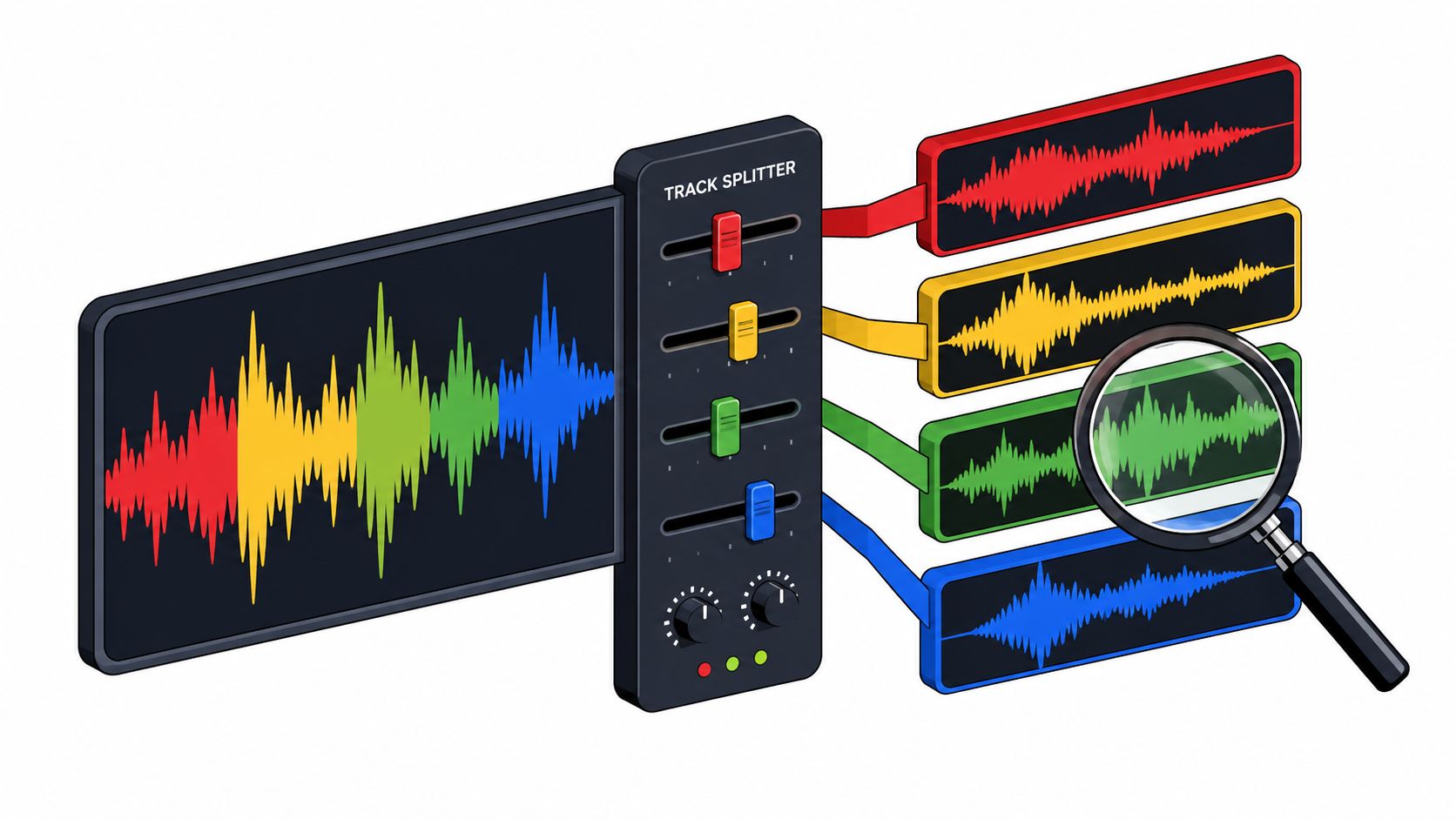
Noise reduction targets steady background noise, such as tape hiss or fan rumble. Declicking removes short sharp events, like vinyl pops or digital clicks. Declipping tries to recover flattened peaks after the signal has been pushed into distortion. Source isolation separates one named sound from the rest, such as a barking dog behind an interview or a vocal in a karaoke track.
The source format matters because the tool can only work with what survived the recording and encoding chain. The International Association of Sound and Audiovisual Archives recommends preserving two-track audio as linear PCM in WAV or Broadcast WAV, discourages lossy compression for archival masters, and recommends digitization at 48 kHz or higher with at least 24-bit depth (IASA guidance). That preference exists because preserving frequency response, dynamic range, and headroom gives later cleanup more to work with.
A simple vocabulary map
| Problem heard | Technique name | What it does |
|---|---|---|
| Hiss, fan rumble, constant air noise | Noise reduction | Lowers steady broadband noise |
| Pops, ticks, digital clicks | Declicking | Removes brief transient defects |
| Flattened peaks, harsh overload | Declipping | Rebuilds clipped waveform peaks as best it can |
| Dog bark, vocal, music bed, one clear source | Source isolation | Separates one named sound from the rest |
The editorial rule here is simple. Each later choice should map to what the ear hears, not to a feature name in a menu.
Choosing Between Noise Reduction and Source Isolation
The two methods most readers meet first are spectral noise reduction and text-guided source isolation. They solve different problems, and mixing them up is where many disappointing results begin.
When the unwanted sound is steady
A laptop fan, projector hum, or tape hiss is usually a noise reduction job. The unwanted sound is spread across time and often across a broad part of the spectrum, so a spectral process can attenuate it without trying to guess what the listener wants to keep. That's why noise reduction is a poor fit when the unwanted sound is a dog bark or a cough that comes and goes.
When the unwanted sound is a separate source
Source isolation works better when the unwanted element is a distinct source that can be named in plain language. If a speaker is interrupted by a barking dog, a passing siren, or backing music, the task is not “remove noise” in the abstract, it's to separate one sound from another. The rest of the recording then becomes the Background audio stream.
The practical difference is easiest to see in an interview. A quiet fan under the voice usually points toward noise reduction. A barking dog or nearby music points toward source isolation, because the unwanted sound is identifiable and intermittent.
| What you hear | Recommended method | Why it fits |
|---|---|---|
| Constant hiss or fan rumble | Noise reduction | The problem is steady and broadband |
| Barking dog under speech | Source isolation | The unwanted sound is a distinct source |
| Backing music behind dialogue | Source isolation | The target is separate from the rest |
| Short pops or clicks | Declicking | The defect is brief and sharp |
For a clearer side-by-side look at the trade-off, the comparison at audio isolation vs noise reduction helps match method to problem without overpromising what either one can do.
A Saturalabs Workflow for Cleaner Dialogue and Cleaner Tracks
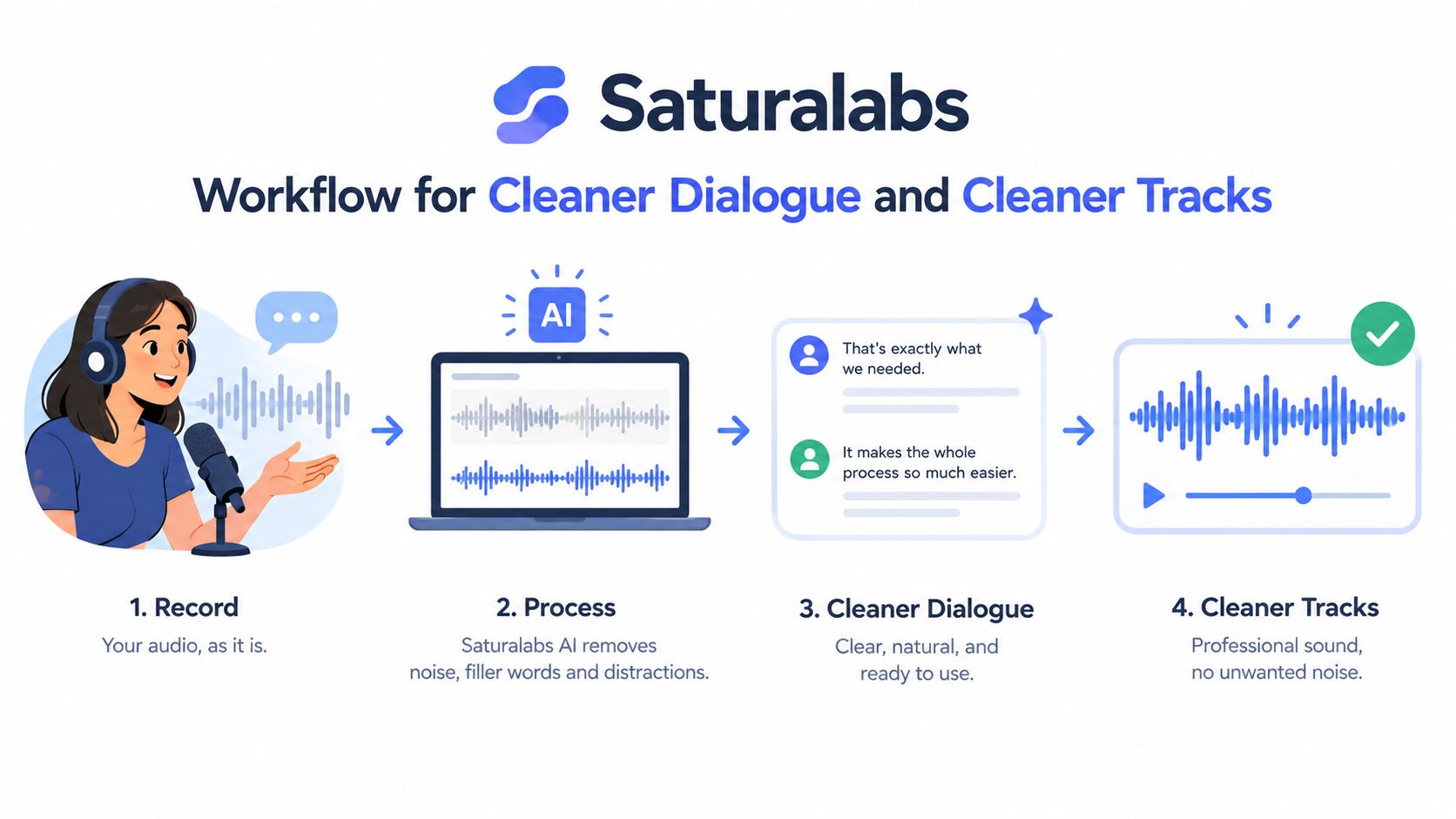
The cleanest workflow starts with a narrow prompt, not a clever one. Saturalabs accepts MP3, WAV, MP4, and MOV files up to 50 MiB (52.43 MB), and it uses text-guided isolation, so the first job is to name the source you can hear most clearly, then pick the output that serves the edit.
Upload, name one source, choose one output
A podcast editor can upload an interview, prompt “spoken voice”, and use Isolated sound to keep the dialogue. A karaoke maker can upload a song, prompt “vocals”, and use Background audio to keep the music bed. A sound designer can upload a short effect bed, prompt “door slam”, and use Isolated sound if the goal is to bring that one event forward.
The two outputs serve different jobs. Isolated sound keeps the named source. Background audio keeps the rest of the recording after that source is removed. That is why the prompt choice matters more than the button label.
Name the most audible source first; the impressive-sounding target is rarely the one the edit needs.
The upload path matters too. A converted file can be usable, but when both a converted file and the native source exist, work from the native source, the conversion has already cost you detail. If the source is already compromised, the output can still improve the mix, but it may only get you part of the way there. Compare the hardest passage before you spend credit on a download.
For files that arrive messy, how to prepare audio for AI isolation gives a practical pre-check before the upload.
Two things to check before downloading
Listen for two separate questions. Does the isolated result sound like the target, or does it sound like a guessed reconstruction? Does the background result lose the target cleanly enough for the intended edit?
If both outputs sound damaged, the prompt usually needs to name one source more clearly. The tool can separate a lot, but it still depends on the listener telling it which sound matters first.
Why Source Quality Sets the Ceiling
Start with the file you have. The upload is the ceiling, because a restoration tool can only work with the detail still present in the source. If that detail is gone, no prompt can put it back.
WAV and MP3 are not the same starting point
The Library of Congress lists WAV and MP3 as accepted mono and stereo sound formats, and it notes that MP3 trades file size and convenience for reduced resolution (Library of Congress sound formats). That matters because MP3 compression can shave away or blur detail around sibilants, transients, and dense musical passages.
If both versions exist, use the native WAV. Converting an MP3 back to WAV does not restore the information compression already removed. If only MP3 is available, keep the original untouched and judge any restored version against it, especially on “s,” “t,” cymbal hits, and other high-frequency material.
The Library's broader audio guidance treats sampling rate, bit depth, and encoding as fidelity factors, and it favors higher sampling rates and 24-bit words over lower values (Library of Congress audio resources). Upsampling a low-resolution file changes the container, not the lost detail.
Why earlier cleanup can also limit the result
A file that has already been re-encoded, clipped, or heavily processed can behave unpredictably in restoration. The result may still help, but the tool has less untouched material to separate from the damage.
That is why the first listening check belongs on the hardest passage. Test the hardest passage before spending any credits; that is the cheapest place to find a source problem.
If the file has already lost detail, treat every later choice as a trade-off. Stronger processing may make the noise smaller while making the voice thinner, and that ceiling is set long before the download starts.
When Stronger Processing Makes the Result Worse
More processing can make a file easier to hear and harder to trust at the same time. That's the trap. A quieter file is not automatically a better file if the words are thinning out or the voice starts to sound artificial.
Why heavy cleanup can break realism
Spectral suppression can leave behind musical noise, a tonal residue that makes the result sound watery, chirpy, or hollow. Research on restoration also shows that stronger systems can introduce reconstruction bias, especially when the original recording already has good signal quality. In other words, the tool can become too confident about what belongs in the missing space.
The practical risk is easy to spot. If consonants disappear, the restoration went too far. If breathing sounds unnatural or the voice starts to sound synthetic, the listener should back off and keep more of the original. A result that seems cleaner but erases meaning is the wrong result.
Two quick tests that expose over-processing
- Missing words test: if endings blur or syllables vanish at sentence boundaries, the processing is too strong.
- Synthetic consonant test: if “s,” “t,” or similar sounds turn watery, buzzy, or strangely rebuilt, the output needs less aggression.
A recent speech-restoration challenge also found that lighter discriminative systems can offer a better fidelity-efficiency balance than larger generative systems in some cases (CCF AATC challenge). That reinforces the simple editorial point here. The strongest restoration is not always the right one.
A Repeatable Listening Check Protocol
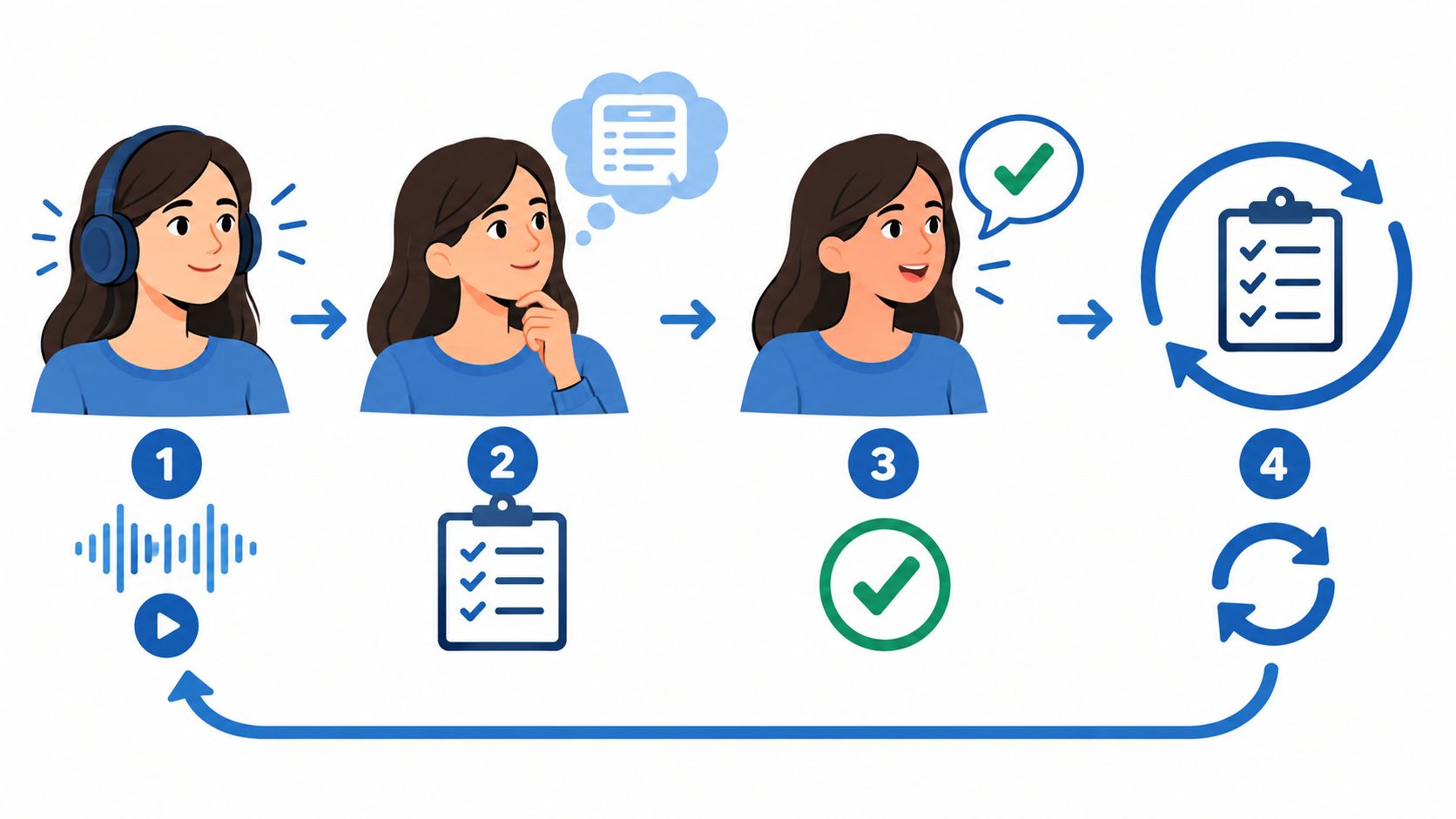
A first pass can sound promising and still fail at the exact point that matters. The fix is a repeatable listening check, run on the hardest passage before anything gets downloaded.
Run the checks in the same order every time
Start with consonants and sibilants. Listen for “s,” “t,” “f,” and similar sounds in the isolated speech or vocal track. If they smear or vanish, the processing is too strong.
Next, check sentence boundaries. Words at the ends of sentences often get swallowed when separation is pushed too far. If the last syllable drops off, the original probably needs to stay in the edit.
Then check breaths and tails. A natural breath, room tone, or guitar decay shouldn't turn into a hard cut or a strange pump. If the ambience ducks unnaturally, the tool has overreached.
After that, listen for artifacts. Watery textures, metallic fizz, and hollow tone are the giveaway signs. Those are not signs of success, they're signs that the processing has started to reshape the source.
Finally, check leakage. The unwanted sound should be reduced, not merely relabeled in a different form. A barking dog that turns into a ghostly residue is still a problem.
Keep the processed file when the meaning is intact, the artifacts are mild, and the target still sounds like itself.
A compact checklist to keep beside the editor
- Words stay complete: the ends of sentences still sound natural.
- Consonants stay clear: sibilants and attacks aren't smeared.
- Breaths sound human: no robotic gaps or sudden pumping.
- Artifacts stay low: no watery or metallic residue takes over.
- Leakage stays reduced: the unwanted source is noticeably quieter.
If any of those checks fail badly, the original should stay in play or the prompt should change to a single clearer target.
Putting the Workflow Together
The next restoration session only needs three decisions to be better than the last one. Choose the highest-quality upload available, name one audible source in plain language, and run the listening check on the hardest passage before downloading anything. Those three steps prevent most of the confusion that makes online cleanup feel random.
Rights still matter after the audio sounds better. Processing does not grant publishing permission, and the user still needs the right to reproduce or distribute the source and the intended edit, whether that's a restored clip, a karaoke backing track, or an edited video. Quality also varies with the source recording, so a successful process can still leave small artifacts or lost detail in place.
For dialogue, vocals, hum, and other isolated sources, Saturalabs fits into this workflow as a browser-based separation tool that lets the user compare Isolated sound and Background audio before downloading. Current pricing and credit costs are shown in the app, so the final check belongs before the click, not after it.
Use Saturalabs for text-guided audio isolation when the job is cleaner dialogue, cleaner vocals, or a clearer background track. Upload the best source you have, name one audible sound, and compare the output against the original on the hardest passage before you spend credits.