
In this guide
A singer has a rehearsal tomorrow, the band needs a dependable accompaniment, and the only available file is a mastered stereo song. There are no clean stems, no MIDI arrangement, and no session file to reopen. That situation is common, and it changes the answer to how to make backing tracks.
A finished mix can often become a useful practice or performance file, but it can't be treated like a multitrack session. The result depends on the recording, the arrangement, and the role the track needs to play. A rough karaoke file may be entirely adequate for rehearsal, while a professional stage setup may require rebuilt parts, aligned stems, a separate click, and confirmed usage rights.
Why making a backing track usually starts with a finished song
A music teacher may need a backing track for a student. A performer may want to sing over a familiar arrangement. A video editor may need the music without the lead vocal. In each case, the starting point is often a finished stereo file rather than the original project.
That file holds the vocal, drums, bass, guitars, effects, and room sound together. Audio isolation can estimate the requested source and produce either that source or the remaining background, but it cannot restore the original tracks with the same control as a session file. Shared reverb, doubled parts, stereo processing, and overlapping frequencies all make the result less certain.

A backing track is useful when the performer can follow the pulse, hear the harmony, and enter with confidence. A small amount of residue may stay acceptable. A clean-sounding file can still fail if the process strips out kick, bass, backing harmonies, or important guitar attacks.
Source separation has predictable weak points. Research points to rapid transients and non-structured percussive material as difficult areas, while vocal extraction can require more complex modeling than many non-vocal timbres. A recent analysis of source separation challenges helps explain why cymbal hits, vocal entrances, doubled singing, reverb tails, and bass-heavy sections deserve close listening.
Practical rule: Judge a backing track by whether the performer can use the remaining music without being distracted by the damage.
Keep the original available for comparison. The opening, first chorus, densest section, and any sparse breakdown often expose problems that stay hidden in a busy arrangement. Listening at matched loudness matters, because a quieter isolated version can seem better than it really is.
Backing track sources and what to choose first
The strongest source determines the amount of control available later. A quick source audit prevents a producer from applying isolation to a problem that should have been solved by finding the original session.
Start with the most editable source
Multitrack audio remains the preferred foundation. The history of multitrack recording shows why. Two-track tape systems in the early 1950s allowed signals from separate microphones to be captured independently, so voices and music could be balanced or edited as separate elements. In the mid-1950s, Ampex developed an eight-track system using Sel-Sync, and the first machine was sold to Les Paul. The history of multitrack recording documents how those developments expanded control over drums, bass, harmony instruments, lead parts, and vocals.
With a session, the unwanted lead can be muted rather than estimated. Individual drum microphones, bass, guitar takes, vocal doubles, and effects can be rearranged or replaced. That makes multitracks the right choice when the backing track must survive a demanding live mix or a commercial release.
MIDI and editable regions are the next useful option. MIDI stores notes, timing, velocity, and instrument assignments as editable performance instructions. The interface was proposed at a NAMM meeting in the summer of 1981, the MIDI name had been selected by September 1982, and MIDI Version 1.0 was published in 1983 after a Prophet-600 communicated with a Roland Jupiter-6 at the January 1983 NAMM show. The MIDI Association's history records these milestones.
MIDI lets a producer change tempo, transpose a progression, swap a piano sound for guitar, or shorten a section without rerecording the entire performance.
Use isolation when the mix is all that's available
A finished stereo master remains a valid starting point for karaoke, practice, teaching, remix preparation, or instrument study. It calls for stricter listening and a lower acceptance threshold. The guide to stems and audio isolation helps frame the choice, while the audio isolation prompt guide addresses prompt wording separately.
How to use Saturalabs to isolate vocals for backing tracks
For a karaoke or singing practice file, the desired result is the remaining music, not the extracted voice. The workflow is therefore easy to reverse by mistake: the prompt names the vocal, but the output to inspect is Background audio.
Saturalabs is a text-guided audio and video isolation service. It accepts MP3, WAV, MP4, and MOV uploads up to 50 MiB (52.43 MB), subject to the limits displayed in the service interface. A source should be authorized, clean, and as close to the original quality as possible. The voice isolation tool provides the relevant starting point.
Use one audible target
A prompt such as “vocals” gives the system one clear source to identify. Naming the lead singing voice is more useful than adding several quality requests or listing every unwanted element. A prompt that asks for vocals, guitar, backing harmonies, and room reverb at once gives the separation task too many targets.
The output choices have different purposes:
| Goal | Prompt target | Output to inspect |
|---|---|---|
| Karaoke or singer practice | vocals | Background audio |
| Extracted lead vocal | vocals | Isolated sound |
| Instrument practice | the named instrument, such as bass or guitar | Isolated sound |
| Music without a named instrument | the named instrument | Background audio |
| Spoken material from a video | spoken voice | Isolated sound |
For karaoke, the practical sequence is:
- Upload the cleanest authorized file that fits the displayed limit.
- Describe one audible source, using “vocals” for a singing lead.
- Select Background audio, which keeps the remainder after the named target is removed.
- Audition the opening, first chorus, and sparse breakdown against the original at matched loudness.
- Check the displayed credit cost before downloading.
Listen for the failure points
Vocal bleed may appear at entrances or in doubled phrases. Cymbals can become smeared, guitar transients can disappear, and the remaining ambience can pump around sustained notes. A reverberant ending often exposes the process more clearly than a dense verse.
If only a chorus is damaged, targeted repair or a rebuilt replacement for that passage is more sensible than processing the whole song again. The original file should be preserved, and a lossless master should be exported before smaller delivery versions are created.
Arranging backing tracks that stay usable in practice and performance
A backing track has one job in rehearsal and on stage, support the live part without crowding it.
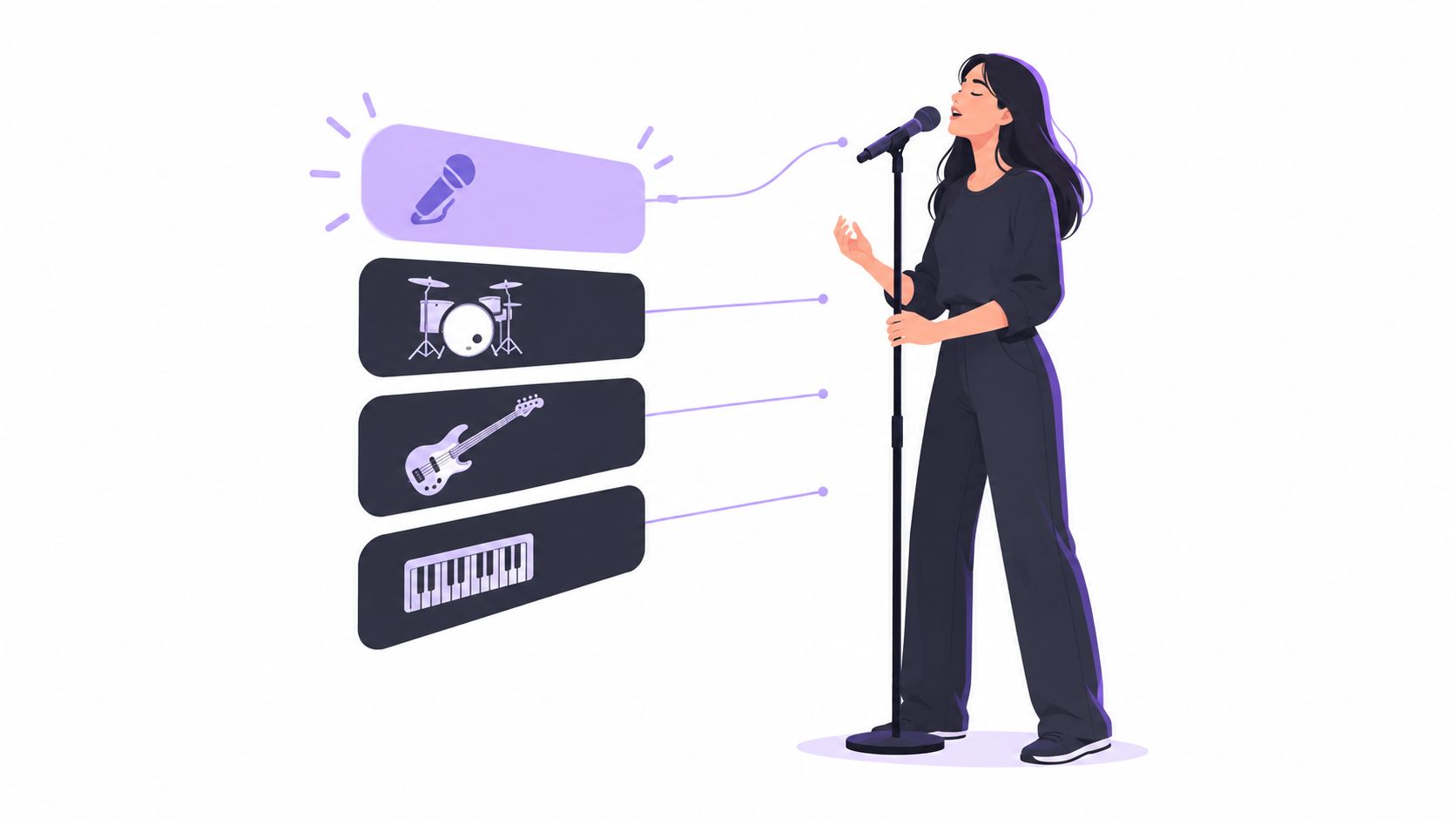
Drums set the pulse, bass anchors the harmonic floor, chords make the progression clear, and section cues tell the performer where the song turns. A doubled lead line may sound complete on its own, but in a room it can fight the singer or melodic lead.
Give every part a clear role
Once key and tempo are fixed, mark the intro, verse, pre-chorus, chorus, bridge, and outro in the DAW. A four- or eight-bar rhythmic bed with drums and bass gives the performer a stable reference before you add harmony and melodic detail.
Subtraction usually improves the result:
- Pulse: Keep the main groove easy to follow.
- Bass support: Let bass reinforce kick movement rather than mask the attack.
- Harmony: Place chords below the expected lead range where possible.
- Transitions: Use fills, pickups, or short cues at section boundaries.
- Density: Strip pads, fills, and countermelodies from verses, then bring back selected layers in choruses.
Midrange masking causes the most trouble, because that is where many vocals and lead instruments carry clarity. Turning a competing line down may still leave it in the same register and rhythm. Muting it or rewriting it usually gives a cleaner result.
Check the arrangement outside the studio sweet spot
Low-volume playback shows whether the groove and harmonic cues stay legible. Mono playback exposes phase cancellation that can hide in stereo. The loudest chorus shows whether the live part still has room when the arrangement reaches full density.
A stem splitter for instrument-focused preparation helps when the source is a mixed recording and you need to hear one named part or the remaining background. It still needs comparison with the original, especially around cymbal hits, bass attacks, reverberant tails, and dense vocal stacks.
Every trace doesn't need to vanish; the performer only needs the information required to stay in time and in tune.
Preparing backing tracks for stage readiness and reliable playback
A track that holds together in rehearsal can still expose problems at the venue. Stage readiness depends on the playback system, file format, arrangement, cues, and signal path working as one setup. Test the actual route from device to interface, monitor feed, and front of house before performance day.
For a stem-based setup, every file should begin at the same point. Keep the click separate from the audience mix, and add a count-in that gives the performer a dependable entrance. Uncompressed audio is generally safer for playback, while consistent sample-rate settings reduce avoidable session and device issues.
Build a delivery folder that answers stage questions
Include a stereo backing track, aligned stems where needed, a separate click, and a count-in version. File names should show the song, tempo, key, and version. Mark the performance order clearly so the playback operator can select the right file without guesswork.
Leave headroom for the live signal chain. Test the complete path, including the playback device, interface, cables, monitoring, and front-of-house connection. Run every transition from start to finish, since isolated checks will not reveal a late cue, abrupt tail, or awkward gap between sections.
A final level pass can use an audio normalizer. Normalization only changes level; vocal residue, missing attacks, and a damaged chorus still require targeted editing or a rebuilt passage. Check the result against the original at a practical monitoring level before exporting delivery files.
Accept useful imperfections, reject distracting ones
An isolated file can remain usable when its timing, harmony, and groove are intact. Leave artifacts alone if they stay behind the live performance, but replace or edit passages that draw attention away from the performer or remove accompaniment needed for cues.
Archive the source beside the lossless master and delivery versions. Clear version names make replacements safer than repeatedly downloading altered files with no record of what changed. A short rehearsal run with the intended playback setup should be the final check.
Copyright and licensing realities for backing tracks
Removing a vocal doesn't make a song free to use. A backing track made from a commercial recording can involve two separate copyrighted works: the musical work, which includes the composition and lyrics, and the sound recording, which is the particular recorded performance.
The U.S. Copyright Office explains that owners generally control reproduction, distribution, public performance, and derivative works. Its music copyright guidance also makes clear that there is no universal safe minimum duration for using material without permission.
That distinction matters because isolation changes the audio, not the ownership. A technically successful vocal removal remains a production step rather than proof that the resulting audio can be uploaded, livestreamed, sold, or distributed.
Check both layers of rights
The intended use determines the legal review. A private experiment, rehearsal file, public performance, livestream, video upload, and commercial release may involve different permissions and exceptions. The relevant routes can include:
- Public-domain material: The recording and underlying work must qualify under the applicable rules.
- Licensed material: The license must permit the intended adaptation and use.
- Explicit permission: The relevant copyright owners can authorize the activity.
- Statutory exceptions: A specific exception may apply, depending on the jurisdiction and use.
The Library of Congress advises checking both the sound recording and the underlying composition or lyrics. Its guide to evaluating music rights also describes public-domain and licensing routes, including a U.S. pathway for sound recordings published at least 100 years earlier beginning January 1, 2022.
Quick checklist before you download and use a backing track
The right workflow depends on the intended use. A rehearsal track can tolerate artifacts that would be unacceptable in a commercial release, while a live file needs dependable cues and playback behavior even if the source separation isn't pristine.
Make the decision before processing
- Name the use: Decide whether the file is for private practice, teaching, karaoke, rehearsal, performance, video, livestreaming, or release.
- Audit the source: Choose multitracks when available, MIDI when arrangement control matters, and isolation when only a finished mix exists.
- Name one target: Describe only the audible source that needs to be isolated or removed.
- Choose the right remainder: For a karaoke track, inspect Background audio after targeting vocals. For extracted speech or a vocal practice part, inspect Isolated sound.
- Keep the original: Preserve the source and export a lossless master before delivery formats.
Listen before accepting the file
The opening, first chorus, and sparse breakdown should be checked against the original at matched loudness. Vocal bleed, cymbal smearing, missing guitar transients, pumping ambience, and damaged bass attacks are reasons to repair a section or rebuild the arrangement.
The backing track should then be tested at low volume and in mono. If the performer loses the groove or harmonic cues, the file needs arrangement work even if the separation sounds clean in stereo headphones.
Prepare the performance version
A stage-ready folder should identify tempo and key, include a count-in where needed, keep click separate, align stems, leave headroom, and use reliable uncompressed playback files. The playback device, interface, cables, monitoring, and front-of-house route should all be tested before the show.
Finally, rights should be confirmed for the song and the recording whenever the track will leave private practice. Isolation can create a workable accompaniment, but it can't provide copyright clearance. When clean stems are essential, a rebuilt arrangement or properly licensed source is the more dependable route.
Saturalabs provides text-guided audio and video isolation for turning an authorized finished mix into an auditionable vocal remainder or extracted source. Creators can name one audible target, compare the result with the original, review the displayed credit cost, and start the workflow at Saturalabs.