
In this guide
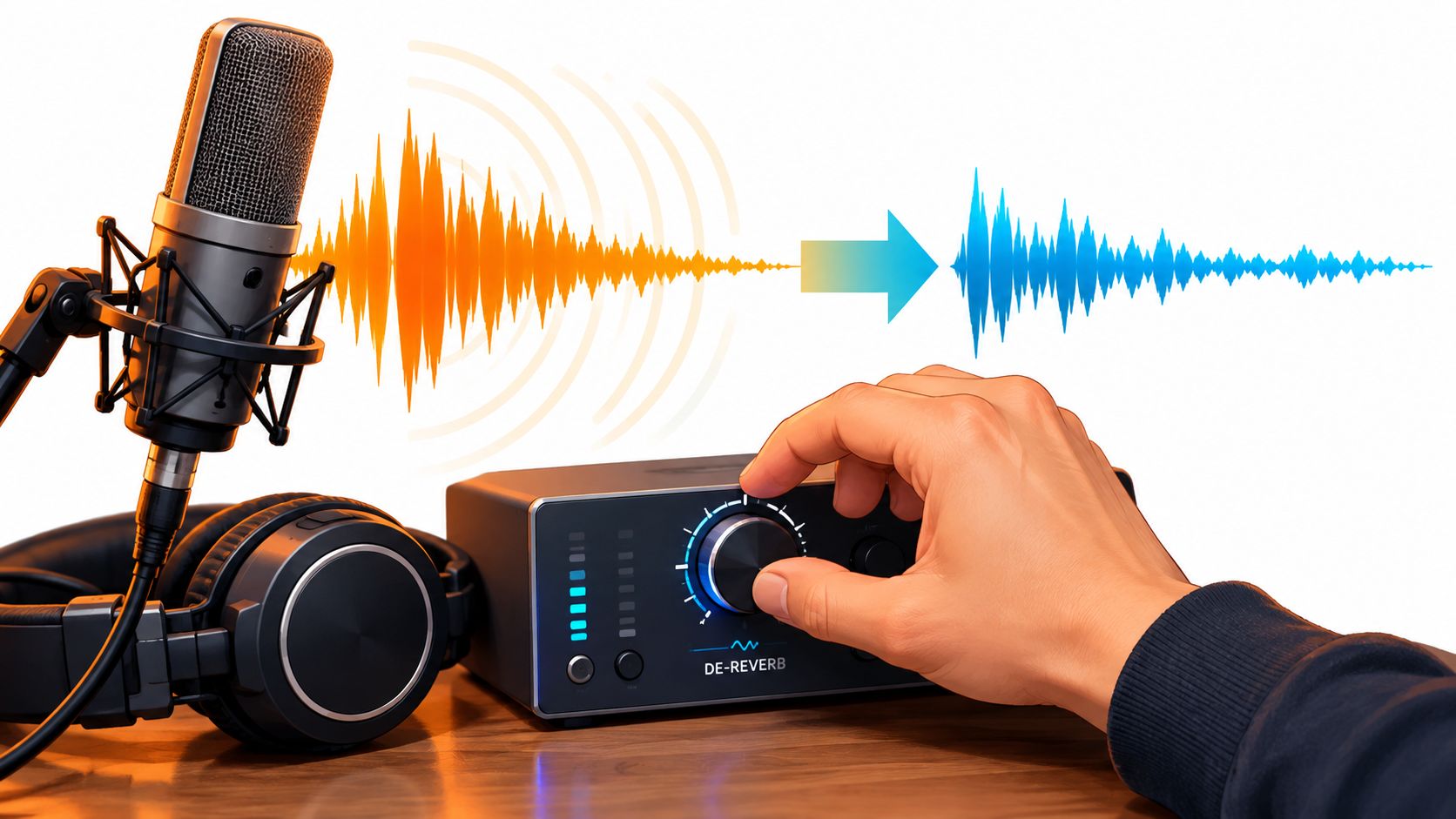
A voice recording can sound clear while the speaker is talking, then turn muddy as each word trails into the next. The instinct is often to reach for a noise remover or push a cleanup control harder. But reverb isn't ordinary background noise, and choosing the wrong kind of processing can strip away the voice along with the room.
A better workflow starts by identifying what's creating the tail and what needs to remain. From there, an editor can decide whether source separation or a dedicated de-reverb tool is the better fit, then check the result against the original.
Why Reverb Is Not Just Background Noise
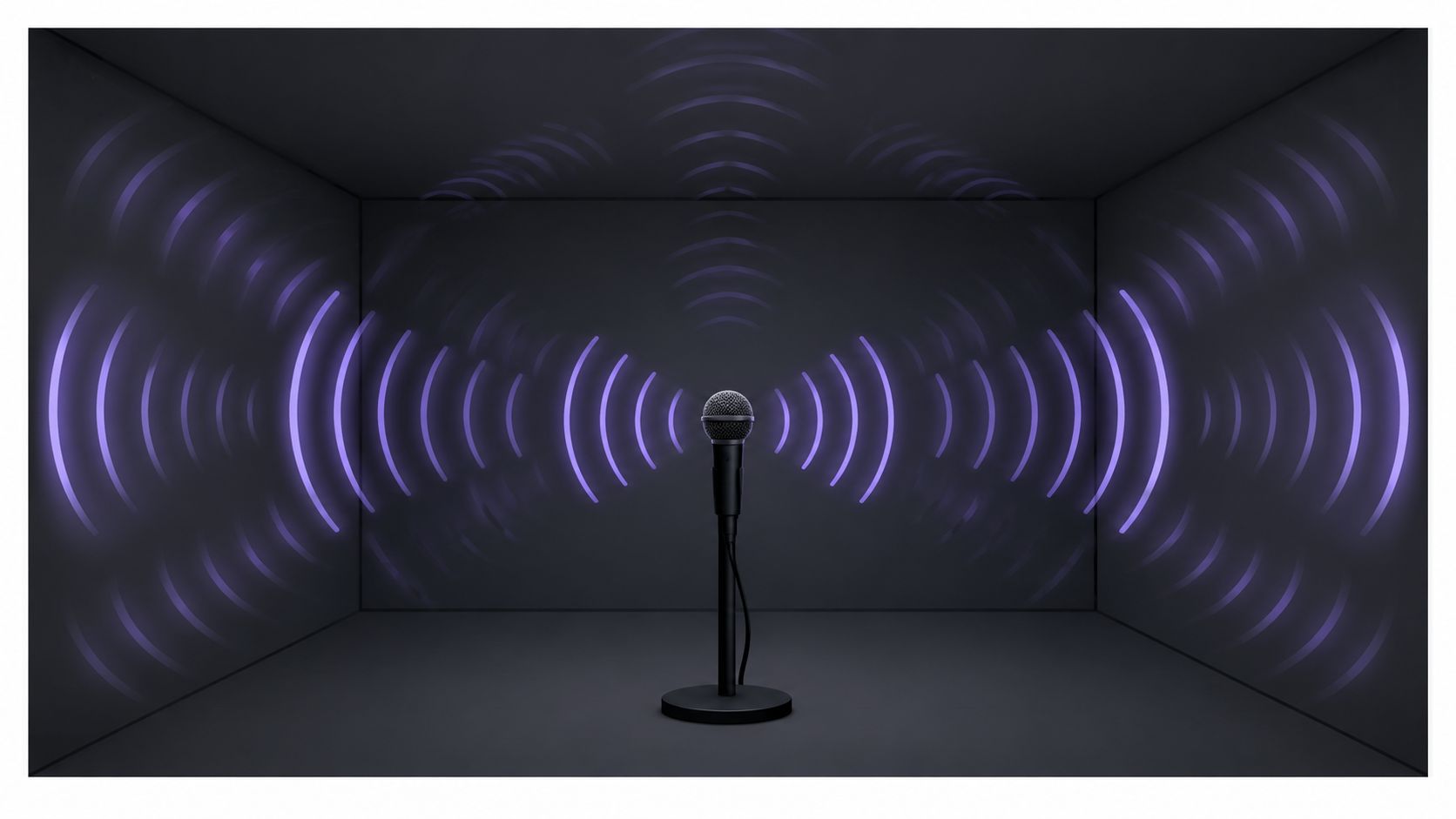
Reverb is the accumulation of delayed reflections from a room's surfaces. Its duration is commonly described as reverberation time, and it changes how clearly listeners can distinguish speech and other sounds. A relatively controlled 200 ms decay may leave words distinct, while a 1,200 ms decay can smear syllables together. These values come from research evaluating speech recordings with room impulse responses spanning approximately 200 to 1,200 milliseconds (research on single-channel speech dereverberation).
That behavior separates reverb from steady background noise. A hum or hiss sits beside the voice; a room tail carries pieces of it. The decaying energy can hold the speaker's vowels, the bright edge of a consonant, or the resonance of a sustained note. Push a broadband reducer too far and the tail shrinks while the voice thins out with it.
Diagnose the tail before processing
Reverb also changes across frequency. Walls, furniture, and air absorb different frequencies at different rates, so a recording may carry a lingering low-frequency bloom, bright reflections around consonants, or both at once. Broad reduction can strip useful vocal detail in one range while leaving an obvious tail in another.
Two quick checks tell you most of what you need. Listen to a pause right after speech: a dense, decaying wash points to late reverberation, while a distinct repeat suggests echo. Then listen to a sustained vowel or note: if the voice sounds consistently distant even during loud passages, early reflections are likely mixing with a longer decay. Neither check is a measurement, but together they narrow the problem before you touch a control.
Practical rule: Treat reverb removal as enhancement, not perfect restoration. Processing can reduce a tail, but it can't reliably recover sound that the tail has already masked.
Dereverberation methods estimate reflections and attenuate them; they cannot erase a distinct echo the way a gate mutes silence. The same body of spectral-subtraction research reported noise reduction with little signal distortion across room impulse responses of roughly 0.34 to 1.7 seconds, though results still depend on the recording and the accuracy of the estimate. Getting the diagnosis right first keeps that estimate honest.
Choosing Between Text-Guided Separation and De-Reverb Plugins
The choice depends on the job. Text-guided source separation identifies a sound by its description and separates that source from the rest of a recording. A de-reverb plugin works on the audio more directly, estimating reflections and reducing them while aiming to preserve the desired signal.
Weighted Prediction Error (WPE) is a widely studied dereverberation approach. It estimates late reverberation from earlier audio frames and subtracts that estimate, rather than acting like a noise gate or static equalizer. A speech-dereverberation paper formalized WPE in 2010, and later research describes it as widely used, with potential to improve automatic speech recognition while keeping speech distortion relatively low (WPE and reverberant-speech research). That doesn't make it a universal fix. Real-world outcomes depend on the room, noise, source overlap, and recording.
| Factor | Text-Guided Separation | De-Reverb Plugin |
|---|---|---|
| Main job | Keeps or removes a named source, such as a spoken voice. | Estimates and reduces reverberation in the signal. |
| Best fit | Reverb is tied to a source that needs to be isolated or removed. | Late reflections affect a mix or signal that needs direct reverb reduction. |
| Useful output | A target source or the remaining background audio. | A processed version of the audio with reduced reverberant tail. |
| Main risk | Desired sound may be lost or artifacts may appear during separation. | Aggressive reduction may make the source thin, watery, or unnatural. |
| First test | Try a short passage and audition both output types. | Process a difficult passage conservatively and compare it with the original. |
Match the method to the recording
Text-guided separation is a sensible first test when the reverberation belongs mainly to one identifiable source, such as dialogue in a video or a lead vocal in a mix. It can produce a cleaner target without requiring the entire mix to be processed as one signal. However, separation isn't the same as directly suppressing a room tail, and the output can contain artifacts or lose wanted sound.
A plugin is more appropriate when late reflections affect the signal as a whole and the aim is to reduce those reflections while retaining the mix. Artificial reverb adds another wrinkle: a vocal printed with plate or hall effects may behave differently from an interview recorded in a reflective room. Research on plugin-derived reverb highlights that models trained on artificial room responses can perform differently on artificial-reverb cases than models trained only on realistic room responses (research on reverb-plugin effects).
For editors weighing the difference between source cleanup and noise cleanup, the distinction is discussed in this guide to audio isolation versus noise reduction. A practical rule follows: choose separation when the task is source-focused, and choose a de-reverb plugin when the task is primarily about reducing reflections in the signal. A short comparison is safer than committing to either method across the entire recording.
Processing Speech with Saturalabs
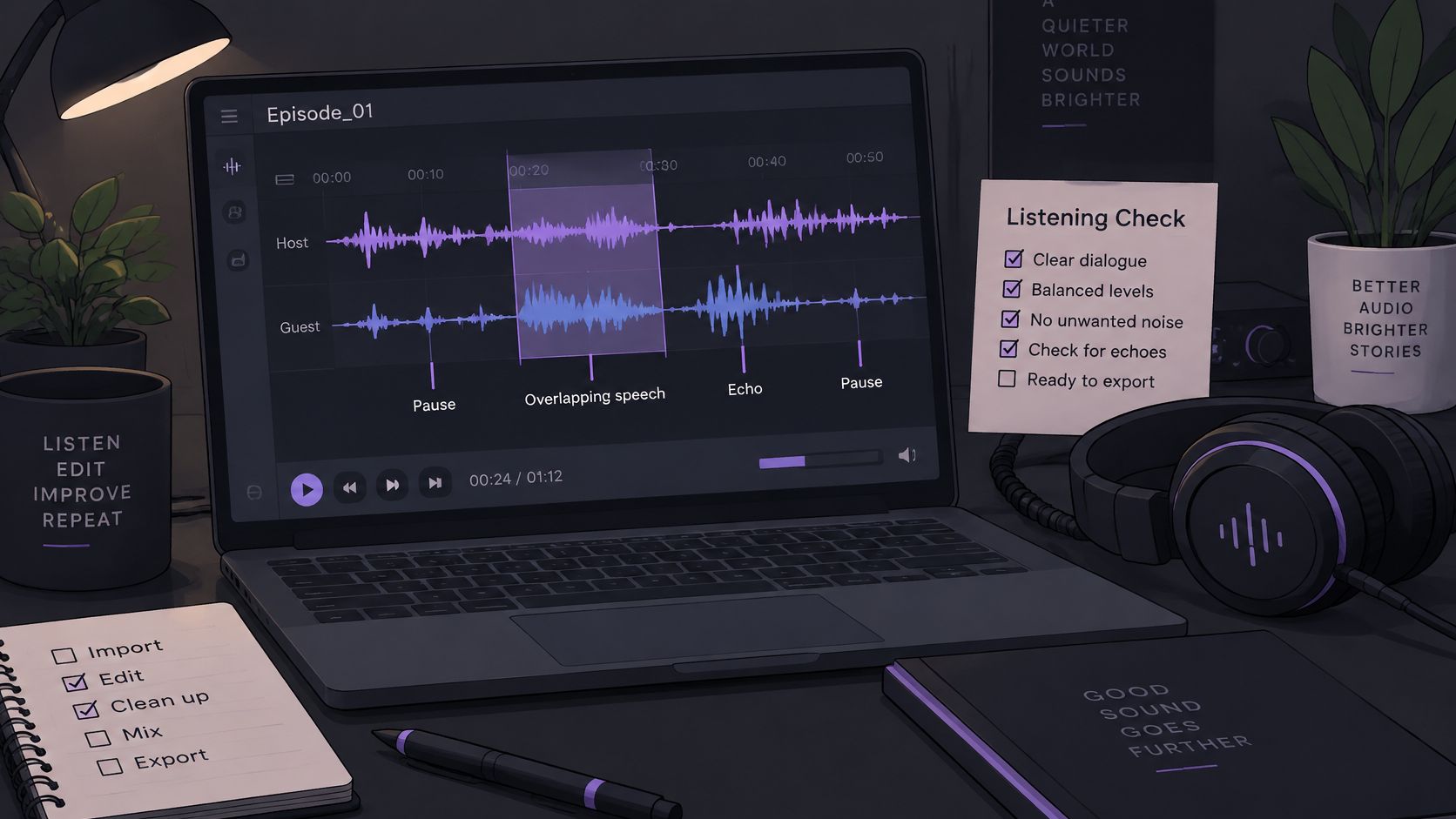
For dialogue, a text-guided workflow starts with a short excerpt, not the entire recording. The test passage should include a pause, overlapping speech if present, and the most troublesome room tail. That sample helps reveal whether the named voice stays clear when the reflection pattern changes.
Saturalabs is a browser-based text-guided audio and video isolation service. It isn't a general video editor or a music generator. Its workflow asks the user to name one audible source, then choose whether to keep that source or the remaining audio.
A repeatable dialogue workflow
Choose a representative excerpt. Include the most difficult section, not only the cleanest sentence. Pauses make room tails easier to hear; overlapping voices reveal whether the separation still preserves the intended speaker.
Name one source plainly. For dialogue, a prompt such as “spoken voice” identifies the target. Avoid adding quality terms such as “clean,” “dry,” or “professional.” Those words don't name an audible source, and the task here is to identify what should be separated.
Select the intended output. Isolated sound keeps the named target. Background audio is the remaining recording with that target removed. For spoken dialogue, select “spoken voice” and audition Isolated sound.
Check the upload before processing. The service accepts MP3, WAV, MP4, and MOV files up to 50 MiB (52.43 MB). File extensions don't guarantee that two recordings contain equivalent audio: MP3 and WAV can differ in compression, sample rate, bit depth, and channels (documented audio-file specifications).
Compare before downloading
Audition the processed excerpt against the original, especially at word endings, sibilants, and pauses. If a consonant becomes weak or the speaker's tone turns hollow, the separated output may not be suitable as-is. A longer excerpt can then be tested, but the difficult passage should remain part of the check.
Editors preparing source material can also review this guide to preparing audio for AI isolation. Before downloading a result, compare the difficult passages with the original and check the displayed credit cost. The process can help separate a target voice from a complex recording, but results depend on the source and may include artifacts or loss of wanted sound.
A Listening Test That Actually Verifies the Result
A processed file can seem clearer because it is quieter. Before judging the cleanup, compare the original and processed versions at matched loudness. Otherwise, the change in level can be mistaken for an improvement in clarity or tone.
Listen for the parts that reverb tends to blur and processing can accidentally damage: word endings, sibilants, breaths, and the tail after the voice stops. In music, sustained notes and decays reveal whether the tool has cut off useful resonance. A cleaner-looking waveform isn't proof that the audio sounds better.
Use the same passage for each check
Start with a short, difficult passage. Listen to the original, then the processed version, adjusting playback levels so neither is obviously louder. Repeat the comparison on headphones and small speakers. Different playback systems can reveal different weaknesses, including loss of bass body, harsh consonants, or a lingering room tail.
Ask two questions separately:
- Is the content easier to understand? Check whether consonants such as /t/, /k/, and /s/ are more distinct and whether word endings remain audible.
- Does the recording still sound natural? Listen for a hollow voice, watery consonants, or room tone and breath that seem to disappear.
These tests matter because intelligibility and naturalness aren't interchangeable. A score can show a measurable change without guaranteeing that the recording feels convincing. Research evaluates speech dereverberation with measures including PESQ, STOI, SDR, and SRMR. PESQ is commonly reported on a scale from −0.5 to 4.5, while STOI generally ranges from 0 to 1, with higher values better for both measures (evaluation methods for dereverberation). These are useful for laboratory comparisons, but they don't replace listening to the actual file.
Stop when room tone, breaths, or vocal body start disappearing. If the result is clearer but feels unnaturally thin, lighter processing is usually the better decision.
Troubleshooting Common Artifacts
A metallic, watery, or hollow sound usually signals that processing has damaged details along with the unwanted reflections. The problem can be especially noticeable around consonants and sustained notes. Over-reducing one frequency range may remove part of the voice or instrument rather than only the tail.
When that happens, return to the original and test a shorter, more difficult excerpt with less aggressive processing. If the method offers a strength control, back it off and compare again at matched loudness. The goal isn't to make every trace of the room vanish; it's to reduce the part that interferes with the intended sound.
Read the failure, not just the meter
Noise and overlapping sources make dereverberation harder. WPE's original formulation doesn't explicitly account for additive noise, and a published technical study identifies reduced performance when background noise and reflections occur together (technical study of dereverberation limitations). That limitation helps explain why a setting that behaves well on isolated speech may falter in a noisy interview or a crowded room.
A few common symptoms point toward specific adjustments:
- Metallic or hollow voice: Reduce processing strength and recheck vowels and breaths. A voice that loses its body is being stripped too far.
- Watery consonants: Back off and listen closely to sibilants and word endings. If those sounds become less intelligible, the cleanup has undermined its main purpose.
- Abrupt or unnatural room transitions: Try a shorter excerpt around the transition. A uniform treatment across a changing recording can call attention to the edit.
- Lost tonal detail: Check sustained notes, cymbals, and other bright transients. Reverb overlaps the target's frequency range, so a reducer may remove wanted sound as well as reflections.
Keep some room when it sounds right. For dialogue or vocals that feel unnaturally dry, lighter reduction combined with controlled room ambience may sound more convincing than chasing total dryness.
Reverb removal can't reconstruct information that the tail has already masked. When words or notes are buried, an editor may improve what remains, but a completely dry, fully restored source isn't a safe expectation.
Applying the Workflow to Music and Video
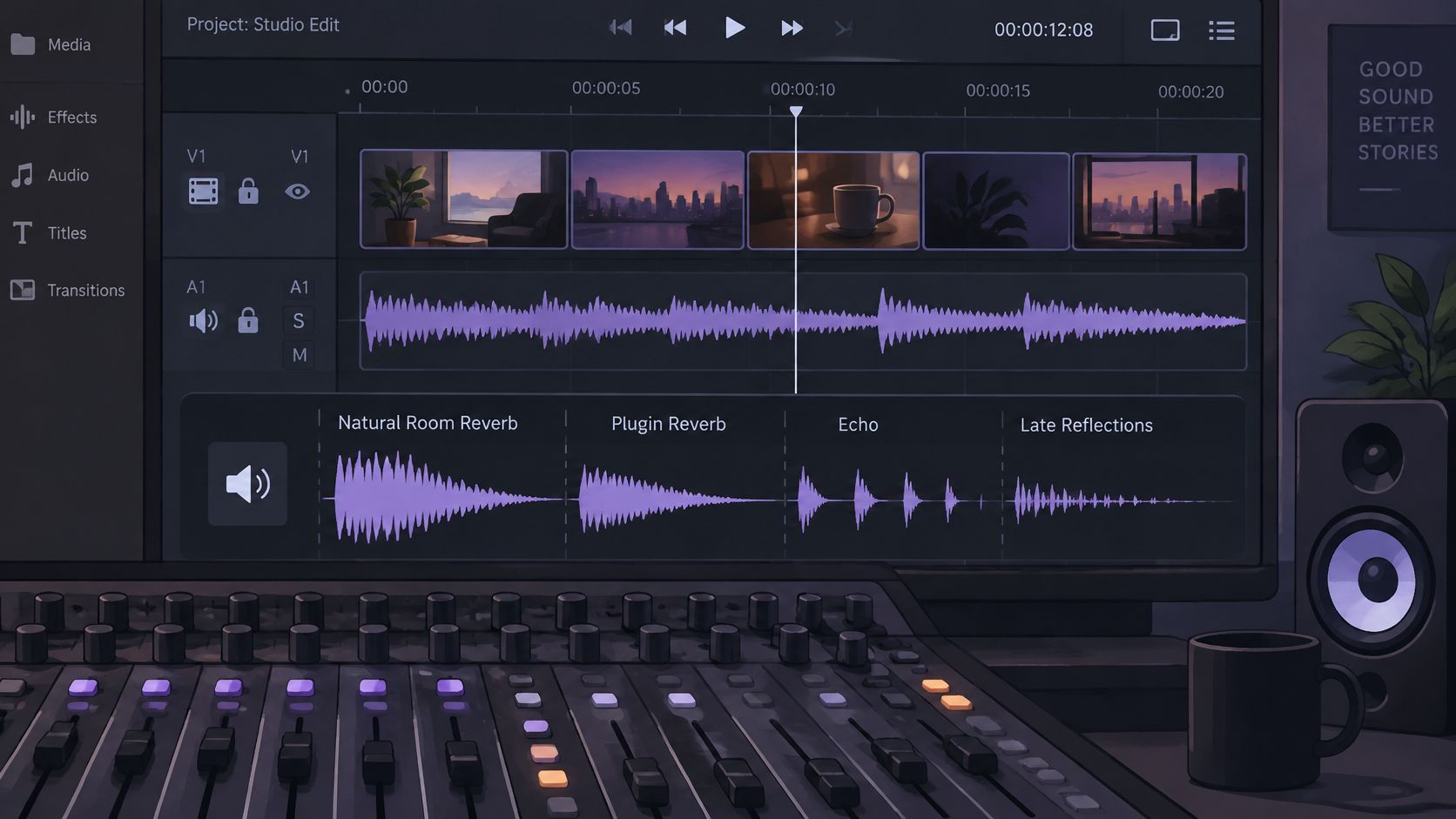
Music and video introduce different targets and different kinds of reverberation. Natural room reflections, artificial plugin reverb, echo, and late reflections don't behave identically. A vocal printed with a plate or hall effect, for example, can produce different artifacts from speech recorded in a reflective room. Diagnosis still comes first.
For karaoke or backing-track cleanup, the target is “vocals,” and the output to audition is Background audio. That output is the remaining recording with the named vocals removed. For instrument practice, name one source, such as “lead guitar,” and audition Isolated sound to check whether the instrument remains usable.
Adapt the check to the source
For vocals, listen to consonants, breaths, and sustained notes. For instruments, check whether transients and resonance survive. In either case, cymbals and stereo ambience can reveal processing damage that's easy to miss when attention stays on the main target.
Video editors can use the same decision process on dialogue recorded in a room or hall, but should compare the isolated output with the original before replacing the production audio. A workflow for isolating voice from video can suit a source-focused task, while a de-reverb plugin may be a better fit when the aim is to reduce reflections across the mix. Neither approach guarantees that wanted ambience will remain intact.
The sound source also affects what counts as a good result. A karaoke backing track may tolerate a different balance than a vocal meant to sit naturally in a finished mix. For video dialogue, clarity may matter most, but removing all room character can make a voice feel disconnected from the scene. The final check should reflect the intended use, not an abstract preference for a dry sound.
For audio and video that contain other people's work, technical processing doesn't grant permission to publish or distribute the result. A sound recording and the music, lyrics, words, or other material it contains can have separate copyright protection (U.S. Copyright Office guidance on musicians' rights). Editors should confirm they have the appropriate rights for the file and its intended use.
When reverb is tied to a specific voice or instrument, Saturalabs lets editors upload supported audio or video, name one audible source, and compare Isolated sound with Background audio. Visit Saturalabs to test a difficult passage, listen against the original, and check the displayed credit cost before downloading.