In this guide
You have a song on your laptop and a rehearsal in a few hours. The singer wants the track without the lead vocal, and the official backing track is not sitting in a catalog you can license tonight. An AI karaoke maker looks like the fast path. It is, if you treat the job as source separation plus a listening check, not a one-click conversion.
The stereo file you upload is already a finished mix. Vocals sit inside guitars, cymbals, synths, and room sound. What comes back is an estimate of the remaining music. Some bars will be clean. Others will keep a syllable, thin a hi-hat, or smear a pad. The steps below are how an editor decides which result is usable.
Why AI Karaoke Makers Are Source Separation Tools
A creator opens a browser, drops in a mixed recording, and expects a vocal-free master that never left the studio. That expectation is the first thing to drop. Vocal removal is music source separation: the system tries to pull named sources out of a completed mix.
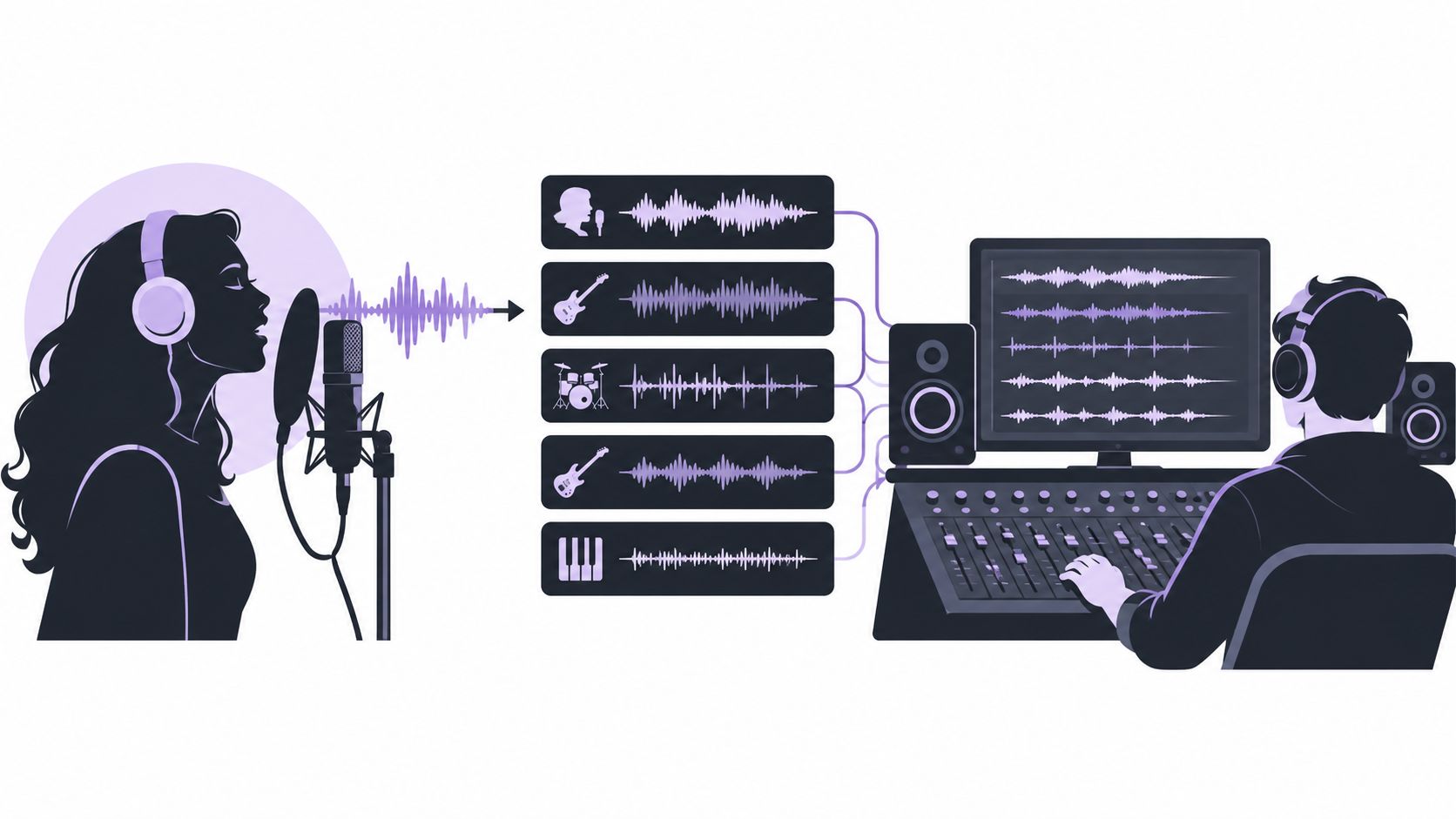
Researchers compare those systems on fixed material instead of taste alone. The MUSDB18 benchmark holds 150 professionally produced tracks, about 10 hours in all, split into 100 training tracks (6.5 hours) and 50 test tracks (3.5 hours). It covers four stems: vocals, drums, bass, and other. Scores use measures such as signal-to-distortion ratio (SDR). Deezer's Spleeter, released in 2019, reported 5.73 dB SDR on vocals and 4.02 dB on drums in that evaluation, with an emphasis on speed and GPU real-time use. Those numbers show vocal removal is measurable, and that drums and vocals do not score the same way.
Why a finished mix fights back
A University of Surrey introduction to musical source separation points out why a two-channel master is a hard start. Many voices and instruments already passed through filters, reverberation, nonlinear effects, moving pans, and changing settings. They overlap in time and frequency.
- Shared bands: lead vocal energy sits on the same frequencies as guitars, synths, cymbals, and sometimes bass.
- Spread effects: stereo widening, chorus, delay, and reverb push vocal energy off the apparent center, so old center-channel cancellation misses it.
- Bleed both ways: the accompaniment can keep vocal residue, or the separator can strip a wanted instrument along with the voice.
A karaoke file can therefore hold vocal bleed, music residue, or odd musical artifacts, especially where the lead stacks on cymbals or backing harmonies. Listening on the hard bars still matters before you publish or even keep the file.
Two outputs, one useful audition
Separation research draws a line between the named target and the rest of the mix. Isolated sound keeps the source you named. Background audio is the recording that remains after that target is removed. For karaoke, the target is the vocals and the file you audition is Background audio. Treat that file as an estimate of the remaining mix, not a recreation of the original backing track.
Preparing Your Source File and Writing the Vocals Prompt
The backing track is mostly decided before you press run. The file you upload and the words you type set the target. Adjectives about quality do not.
Start with the cleanest copy you are allowed to use. A lossless or high-bitrate file beats a re-encoded clip from a chat thread. Supported uploads are MP3, WAV, MP4, and MOV, within the 50 MiB (52.43 MB) limit shown on the page. If the only copy is clipped, heavily limited, or swimming in plate reverb, expect a harder separation. A short guide on how to prepare audio for AI isolation covers file choices in more detail.
Name one sound
Text-guided isolation works from a single audible source. For karaoke, the prompt is one word:
vocals
That noun tells the system what to extract. Background audio then becomes the rest of the song. Stacking targets makes the job ambiguous. "Vocals, drums, and reverb, but keep the guitar sparkle" asks for three decisions at once. A separator has to assign every moment to a source, and stacked language blurs that assignment.
Quality words fail for a different reason. "Perfect, professional, crystal-clear accompaniment" describes a wish. It does not name a sound in the file. Short noun phrases beat production slogans.
When the source will fight you
Blind separation research reports that results depend strongly on the mixture. Real recordings do not match the tidy assumptions in the math, and some outputs are a poor fit for professional or wide-audience remixing. A related finding is that generalizing across datasets stays hard because genre and instrumentation change a lot.
Treat these as warning signs, not automatic failures:
- Dense arrangements: many parts in the same band as the voice.
- Doubled or harmony vocals: extra voices the lead prompt may only partly catch.
- Heavy compression: less dynamic contrast between voice and band.
- Long, wet vocals: reverb tails that are half singer, half room.
Play a short chorus before you commit the full song. If that slice already loses the snare or keeps the hook lyric, a cleaner source will help more than a longer prompt.
Running the Separation and Choosing Background Audio
Upload the file you just checked. Type vocals. Run the separation. Then pick the output that matches the job. Most wasted credits happen on that last click.
Guided separation work defines the task as rebuilding individual sources from a mixture, and it notes ambiguity in filtering and in which sound belongs to which source. Typical music targets are vocals, drums, bass, and whatever remains. A single clear prompt cuts that ambiguity. Asking for several unrelated sounds in one pass does the opposite.
Map the output to the job
| Output | What it keeps | Use it when |
|---|---|---|
| Background audio | The mix after the named target is removed | Karaoke, practice beds, rough instrumental references |
| Isolated sound | The source named in the prompt | Dialogue cleanup, an acapella, a spoken-voice extract |
Karaoke wants the band, not the singer. Choose Background audio. Isolated sound is the vocal stem. It is the right audition when the prompt is spoken voice and you need the talk, not the room. Using it for a sing-along gives you the part you meant to remove.
Check credits before you commit
Compare the hard bars on the preview before you spend credits or download. A dense chorus, a harmony stack, and the last reverb tail tell you more than a sparse intro. If the vocal stem you can also preview is full of guitar or cymbal, the background will be missing those parts. Retry from a cleaner file rather than downloading a compromised bed.
There is no promised clock time and no promise the pass will be clean. You are buying an estimate. Listen, then decide whether that estimate is worth the credits shown on screen.
Auditioning the Backing Track for Artifacts
A believable backing track can still be a bad karaoke track. Backing vocals can survive, artifacts can hide lyric timing, and the singer's consonants can vanish from the accompaniment, making entries feel late. Scores do not settle that.
On MUSDB18, a hybrid Demucs system reported about 8.13 dB vocal SDR, and a later fine-tuned sparse-transformer variant about 9.37 dB, according to the paper hosted by HyperAI. Those are benchmark figures, not a guarantee for your song. A comparative study of separation metrics treats SDR, SAR (source-to-artifacts), and SIR (source-to-interference) as standard, and notes that scale-invariant SAR can track listener ratings better for some sources, especially drums and bass. Listener satisfaction is a different question from a single decibel score.
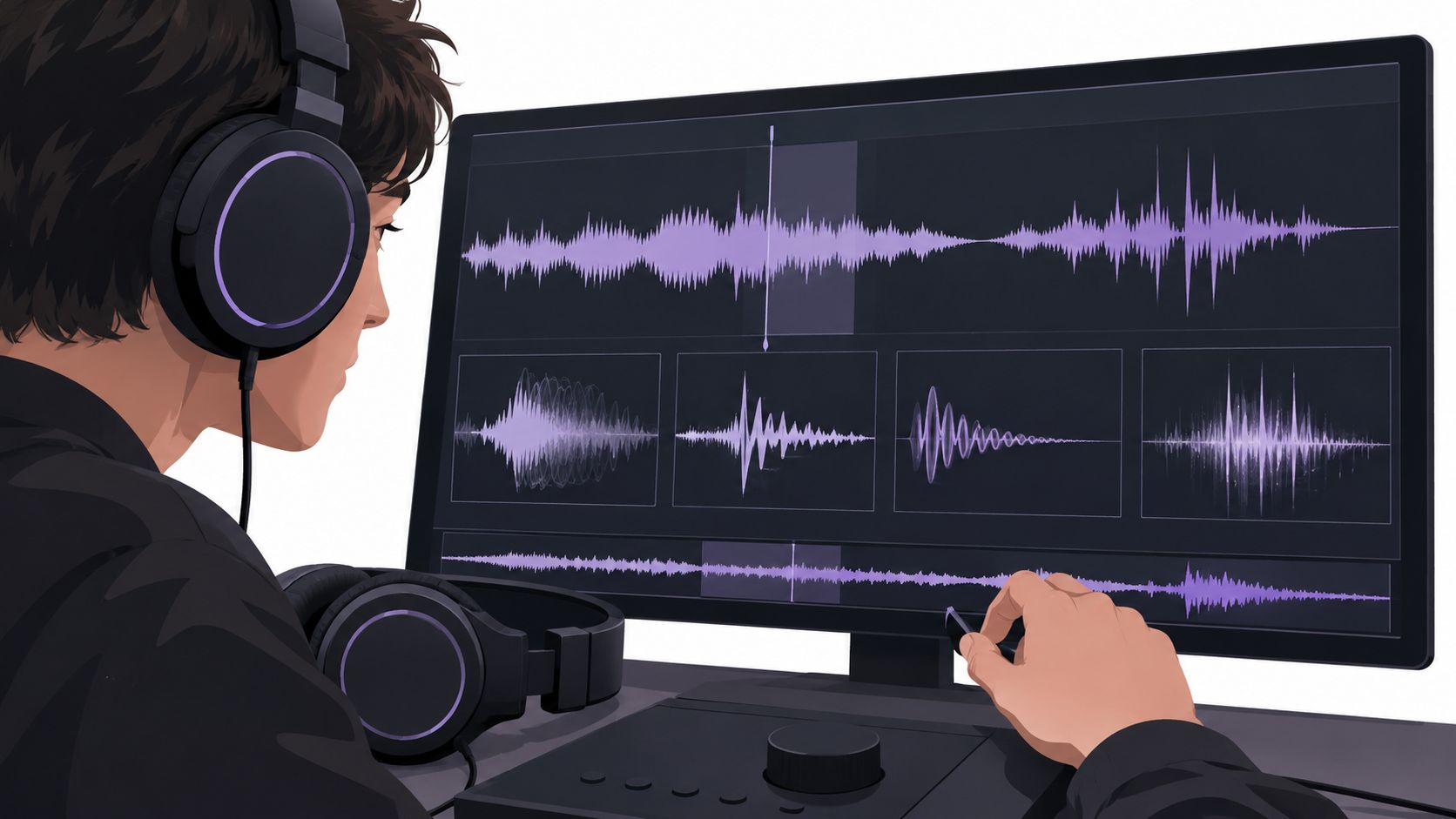
Recent separation work still reports high-frequency generation and decoding artifacts, including cases that can obscure particular words or sounds, as described in this artifacts paper. Newer generative methods can cut interference and still invent new synthetic textures. A higher score does not mean every song improved.
A four-point listening pass
Match loudness between the original and Background audio. A quieter file is not a better file. Then check four spots, on headphones and again on speakers. More symptom detail lives in this vocal removal artifacts guide.
- Exposed vocal entrance. The first consonant should not punch a hole in the guitar or the room.
- Dense chorus. Overlap fails here. Listen for leftover syllables and for hats that turn watery.
- Quiet verse. Pumping ambience and missing low-level detail show up when the band is thin.
- Final reverb tail. A tail that still speaks the last word is vocal energy that never left.
Three artifacts cover most rejects:
- Residual syllables or harmonies left in the bed.
- Watery or phasing texture on sustained instruments and cymbals.
- Missing attacks or high-frequency detail, so transients feel dull or late.
Practical rule: Keep the file when those problems stay unobtrusive for the room you will use. If timing, pitch, or transients distract, use a cleaner source or label the result a practice track, not a release master.
Comparing Ways to Get a Karaoke Backing Track
There are three realistic routes. None of them is a ranking, and none replaces a rights check.
Karaoke as a business is old. The first coin-operated machine is attributed to Daisuke Inoue in 1971, and the format later moved through boxes, mobile services, streaming, and phone apps, as Nippon.com's account of the Japanese industry describes. That history matters because most "official" backing tracks come from licensed catalogs, not from stripping a hit.
Three routes, three failure points
Licensed music catalogs are the cleanest path when the song is in the catalog and the license matches your use. Japan's pre-COVID 2019 figures in that same account show the scale behind the format: about ¥151.3 billion for singing-and-drinking venues, ¥379.8 billion for karaoke booths, and ¥45.6 billion for other karaoke venues, about ¥576.5 billion across those categories, with a broader estimate approaching ¥1 trillion once software, content distribution, and app fees are added. Catalogs still do not help with an unreleased demo, a live board tape, or a track you already own.
Manual DAW editing can mute a hard-center vocal on a simple mix. It breaks on the same overlap that hurts any separator: widened vocals, doubles, and shared frequencies. You also spend arrangement time rebuilding parts the mute removed.
Text-guided isolation fits when you already hold a finished recording and need an estimated bed for practice, rehearsal, or a rough reference. Saturalabs sits on that route. It is browser-based. You name one audible source, choose Background audio to lift the vocals, compare the outputs with the original, and download with credits. It does not generate a new song, edit a timeline, or clear a license.
Karaoke Backing Track Routes Compared
| Route | Best When | Main Limitation |
|---|---|---|
| Licensed catalog | The song exists and the license covers the use | No help for unreleased, live, or out-of-catalog audio |
| Manual DAW edit | A simple, center-panned vocal and time to rebuild | Overlap, doubles, and effects still punch holes |
| Text-guided isolation | You have a finished file and need an estimated bed | Artifacts and lost instruments; rights stay with you |
Pick the route from the file and the use, not from whichever demo loaded first.
Copyright and Permission Before You Publish
A clean backing track is still somebody's recording and somebody's composition. Removing the vocal changes the audio. It does not erase either right.
The U.S. Copyright Office guidance for musicians states that protection starts when an original work is fixed, including an audio recording. Using another artist's sound recording or musical work generally needs a public-domain work, permission, an appropriate license, or a valid statutory exception such as fair use or the Section 115 license for musical works. The Office also warns that uploading or downloading a copyrighted work without authorization can infringe the owner's exclusive reproduction or distribution rights.
Market research on the karaoke business treats music licensing and copyright compliance as a major obstacle to growth. That is the gap most "upload and remove" tutorials skip. Broad commercial-use claims on an AI product do not travel with a user-uploaded commercial record.
Questions creators actually ask
Can I publish a backing track made from a copyrighted song? Not from the separation alone. Public posting, commercial release, redistribution, and performance each need rights that match that use.
Does removing vocals remove copyright? No. You altered a copy. Rights in the composition and in the sound recording can both remain.
What about YouTube, TikTok, a live show, or a paid download? Each is a different use. Platform rules and current licenses decide, not the fact that a model produced a file. A practice bounce in a closed rehearsal is not the same decision as a monetized upload.
Easier separation can raise compliance risk. Unauthorized derivatives get faster to make, not safer to ship.
Run this check before anyone else hears the file:
- Source rights: you may process this recording.
- Use rights: the destination (platform, stage, sale, classroom) is covered.
- No clearance promise: a successful preview is not a license.
If either rights answer is no, keep the file offline or don't make it.
A Repeatable Karaoke Workflow and Your Next Step
The useful habit is a short list of stops, not another explanation of masks and metrics.
- Pick a clean source you are allowed to process, lossless or high-bitrate when you have it.
- Name one audible source. For this job the prompt is
vocals. - Choose Background audio, not the isolated vocal.
- Compare four hard spots at matched loudness: entrance, chorus, quiet verse, reverb tail.
- Read the credit cost before you download.
- Confirm rights before anyone outside the session hears it.
Stop when artifacts stay out of the way for that room. Retry from a cleaner file when syllables, watery cymbals, or missing attacks get in the singer's way. If the bed is only good enough for woodshedding, label it a practice track and leave it there.
Adjacent jobs live in other write-ups on the Saturalabs journal: prompt wording, noise in video, a dedicated vocal-removal walkthrough, and the difference between stems and isolation. This routine stays on one decision, whether the estimated bed is good enough for the use in front of you.
An AI karaoke maker earns its place when the catalog does not have the song and you will audition the result like an editor. It does not replace a license, and it does not rebuild the session multitrack.
Saturalabs isolates one sound you name from an uploaded MP3, WAV, MP4, or MOV, then lets you keep either that sound or the background with it removed. For a backing track, prompt vocals and audition Background audio before you spend credits. When you have a recording and need that estimated bed, start at Saturalabs.