
In this guide
The best vocal remover online depends on the job: a stem-focused service suits multi-part music separation, a simple browser tool suits one-off karaoke, and Saturalabs suits describing a specific audible source and comparing it with the remaining background audio. Even a benchmark built from 150 professionally mixed songs can't guarantee a clean result on a particular recording.
A singer needs a rehearsal backing track, but the chorus still contains ghostly harmonies. A video editor needs a clear spoken passage, not a collection of music stems. A producer wants the bass and drums separately, which calls for a different workflow again.
Choose by the job, not the feature count. The MUSDB18 benchmark description explains the standardized material behind many separation comparisons, but a practical decision still requires listening to the actual recording.
A short, representative sample is a useful starting point when the service permits it. Include an exposed voice, a dense passage, and the transition between them. Listen for residual vocals, missing instruments, and unnatural processing before committing to a longer export. The tools below serve different outcomes, rather than occupying a universal quality ranking.
1. Saturalabs
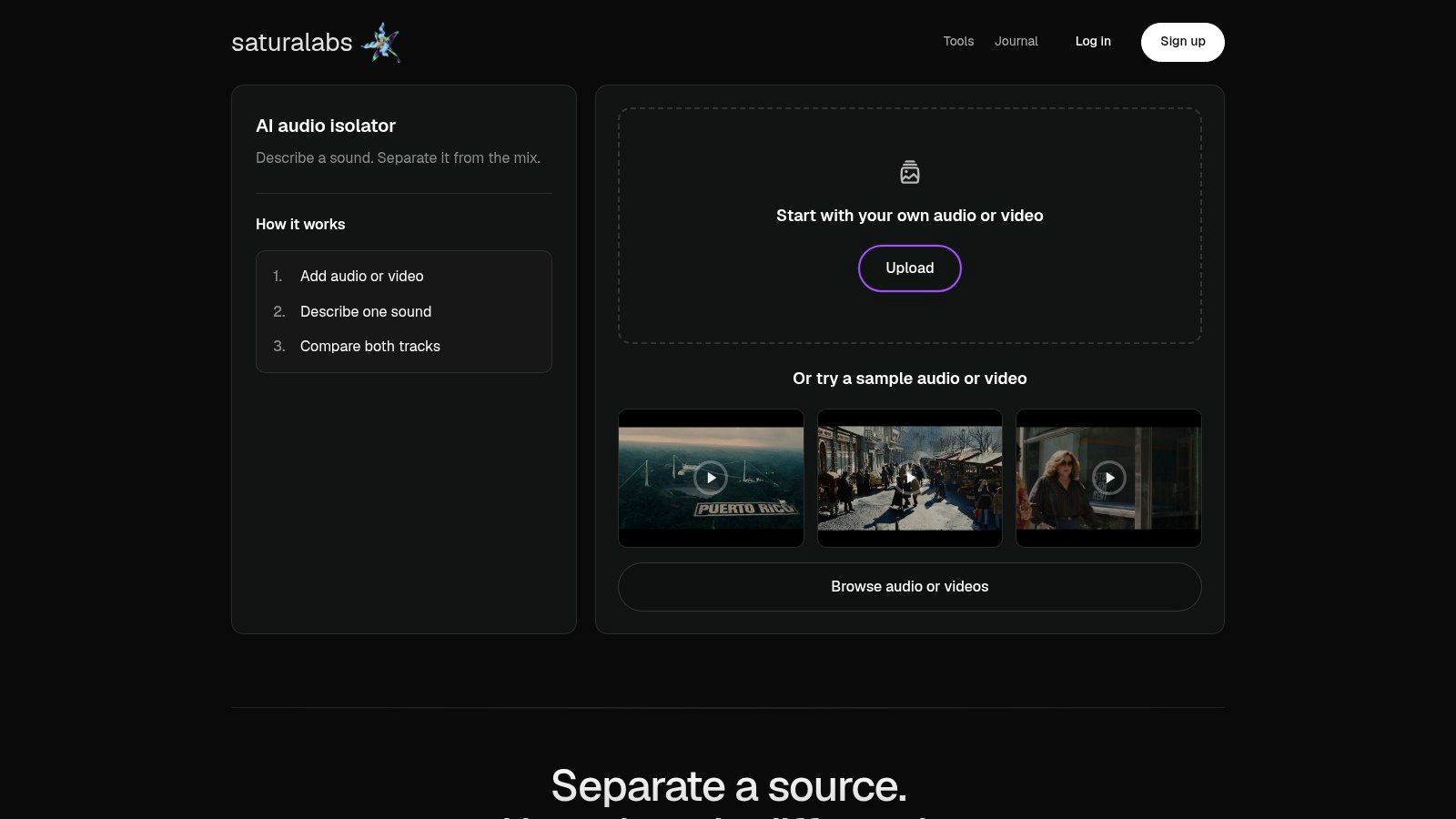
A video editor can upload an MP4, enter “spoken voice,” then inspect Isolated sound for clipped consonants before downloading. Saturalabs handles source-specific audio and video isolation through text prompts, rather than a fixed stem menu. The browser accepts MP3, WAV, MP4, and MOV files up to 50 MiB (52.43 MB), according to Saturalabs. It isolates audio sources; it does not generate music or complete a video edit.
Each prompt names one audible source. Enter “vocals,” “bass,” or “keyboard clicks,” for example. Isolated sound contains the requested target, while Background audio contains the rest of the recording with that target removed. For karaoke, request “vocals” and audition Background audio. For dialogue editing, request “spoken voice” and check Isolated sound. Video uploads yield audio tracks that can be taken into an editor.
Which Output Deserves the Download
Compare the original with both outputs. A voice may sound clear at first, yet lose breaths or consonants. The background track can also reveal missing instruments.
- Karaoke: Check Background audio for vocal remnants, pumping, missing cymbals, and thin accompaniment.
- Acapella or vocal practice: Check Isolated sound for backing-track bleed, clipped breaths, harmonies, and unnatural reverb tails.
- Dialogue: Listen for intelligibility and changes in vocal tone, especially when speech overlaps music or distracting sounds.
Practical rule: Prompt for the audible source, not the finished product. “Vocals” names a target; “perfect karaoke track” does not.
The one-source-at-a-time workflow offers flexibility across voices, instruments, and sound effects, but it takes separate passes to extract multiple sources. Overlapping, clipped, windy, or reverberant audio may leave unwanted sound or introduce artifacts. Downloads require an account and credits. Check the displayed credit cost and current pricing on the site before downloading.
2. LALAL.AI
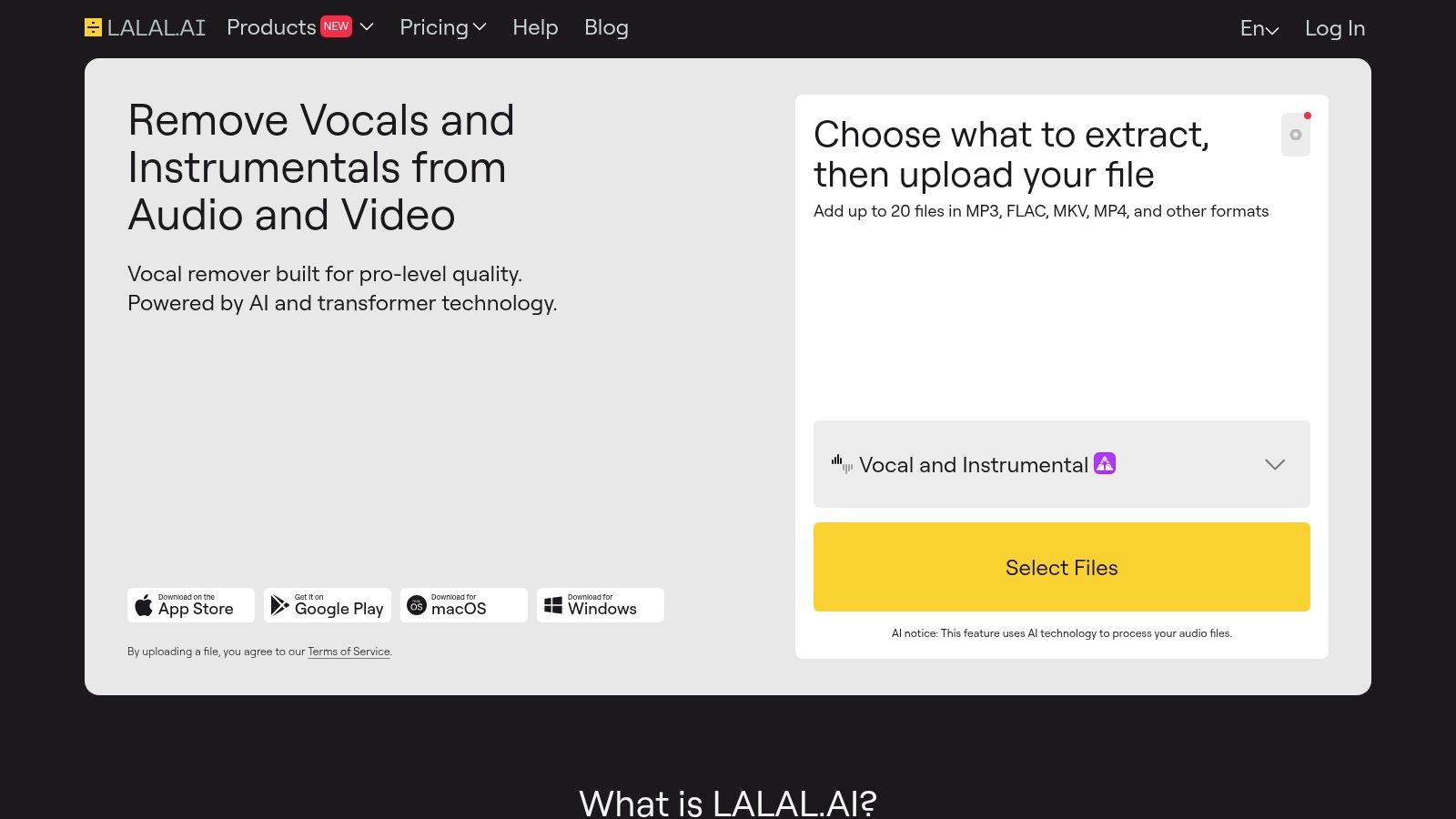
A producer seeking guitar, piano, or backing vocals needs more than a basic karaoke split. LALAL.AI offers a browser-based stem-separation workflow with vocal and backing-track options alongside drums, bass, guitars, piano, strings, winds, and other source types.
Its lead-versus-backing-vocal options are relevant when a singer wants to study harmonies rather than remove every voice. Browser previews also provide a useful stopping point before a download decision. Those options make it a candidate for targeted music extraction, but they don't establish superior sound quality on every track.
Audition the Stem That Matters
For harmony practice, the important test is whether the backing-vocal result preserves the part being learned without carrying too much lead vocal. For guitar extraction, the listener should inspect passages where guitar and voice share a melody or similar tone.
Research on perceptual separation errors identifies unwanted source bleed and difficulties when sources occur in unison. More stem choices don't remove that underlying challenge.
- Useful advantage: A wider source menu supports instrument-specific work beyond karaoke.
- Main limitation: Dense mixes and long vocal reverberation still require careful preview listening.
- Purchase check: Confirm current processing-minute allowances, subscription terms, top-up options, and download eligibility before paying.
LALAL.AI also offers a separate Voice Cleaner for noise reduction and de-echoing. Speech-focused users should distinguish that task from music-stem extraction; a text-guided alternative is the Saturalabs voice isolator, where “spoken voice” identifies the requested target.
3. Moises
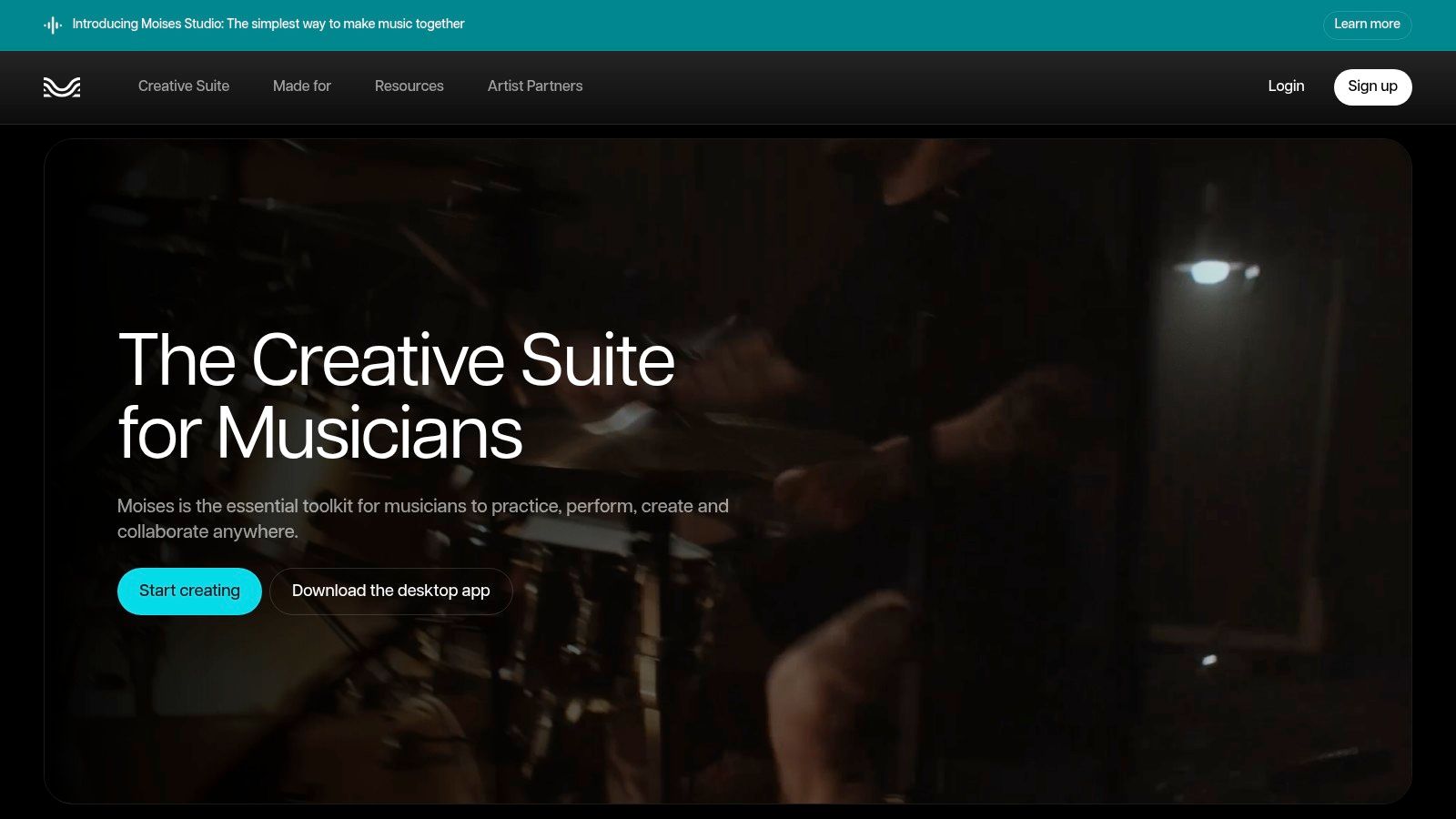
Moises is a practice-oriented choice, rather than merely a place to export a track. Moises combines cloud-based stem separation with chord detection, lyric transcription, tempo and pitch tools, and rehearsal features such as section looping, count-in, and a metronome.
Its web, mobile, and desktop availability suits musicians who move between a rehearsal room and a computer. The useful distinction is what happens after separation: a singer can rehearse a difficult section, while a musician can focus on a part without building a separate editing workflow.
A practical evaluation should separate extraction quality from practice convenience. Helpful looping doesn't prove that the vocal stem is clean, and an imperfect stem may still be useful for learning a phrase.
A rehearsal track can be useful despite audible artifacts. A released remix requires a different judgment.
Test Before Changing Pitch or Tempo
Start with the separated audio at its original settings. Listen to exposed phrases, doubled vocals, and dense accompaniment before applying practice adjustments, so the listener can distinguish separation problems from later changes.
Singing-voice separation research identifies karaoke, remixing, and soloing as common applications while emphasizing that high-quality extraction remains difficult. Moises' practice features address the workflow around that difficulty, not a guarantee of flawless reconstruction.
A free tier provides a starting point, while advanced features and higher processing allowances require paid access. Users should confirm the current plan within the relevant web or app storefront, since pricing and availability can depend on the purchasing channel or region.
4. BandLab Splitter

The strongest reason to consider BandLab Splitter is the editing environment around it. A musician already arranging material in BandLab can separate a recording and continue working in the same browser or mobile music-creation platform.
Core Splitter access provides a free starting point for basic splitting. Memberships expand the available source options, including instrument-specific choices such as guitar, strings, and piano. Users should check the current membership details before assuming a particular stem type or processing priority is included.
Judge the Stem Inside the Arrangement
A soloed stem and a usable arrangement aren't the same thing. For a remix sketch, the listener should first inspect the extracted part on its own, then place it against the intended accompaniment and check whether unwanted material remains distracting.
- Vocal inspection: Listen for drums or chord instruments beneath quiet syllables.
- Instrument inspection: Check whether the attack and decay still resemble the original part.
- Arrangement inspection: Check exposed gaps where residual sound becomes easier to hear.
The BSS-Eval framework's distinction between interference and artifacts is useful here. Residual accompaniment is one problem; artificial processing noise is another, and reducing one doesn't necessarily eliminate the other.
BandLab's integrated Studio, Voice Cleaner, and mastering tools can keep subsequent work in the same environment. That convenience matters most for existing BandLab users. Someone who only needs a rehearsal track may prefer a narrower interface, while someone rebuilding a track should inspect membership-gated options before starting.
5. AudioStrip
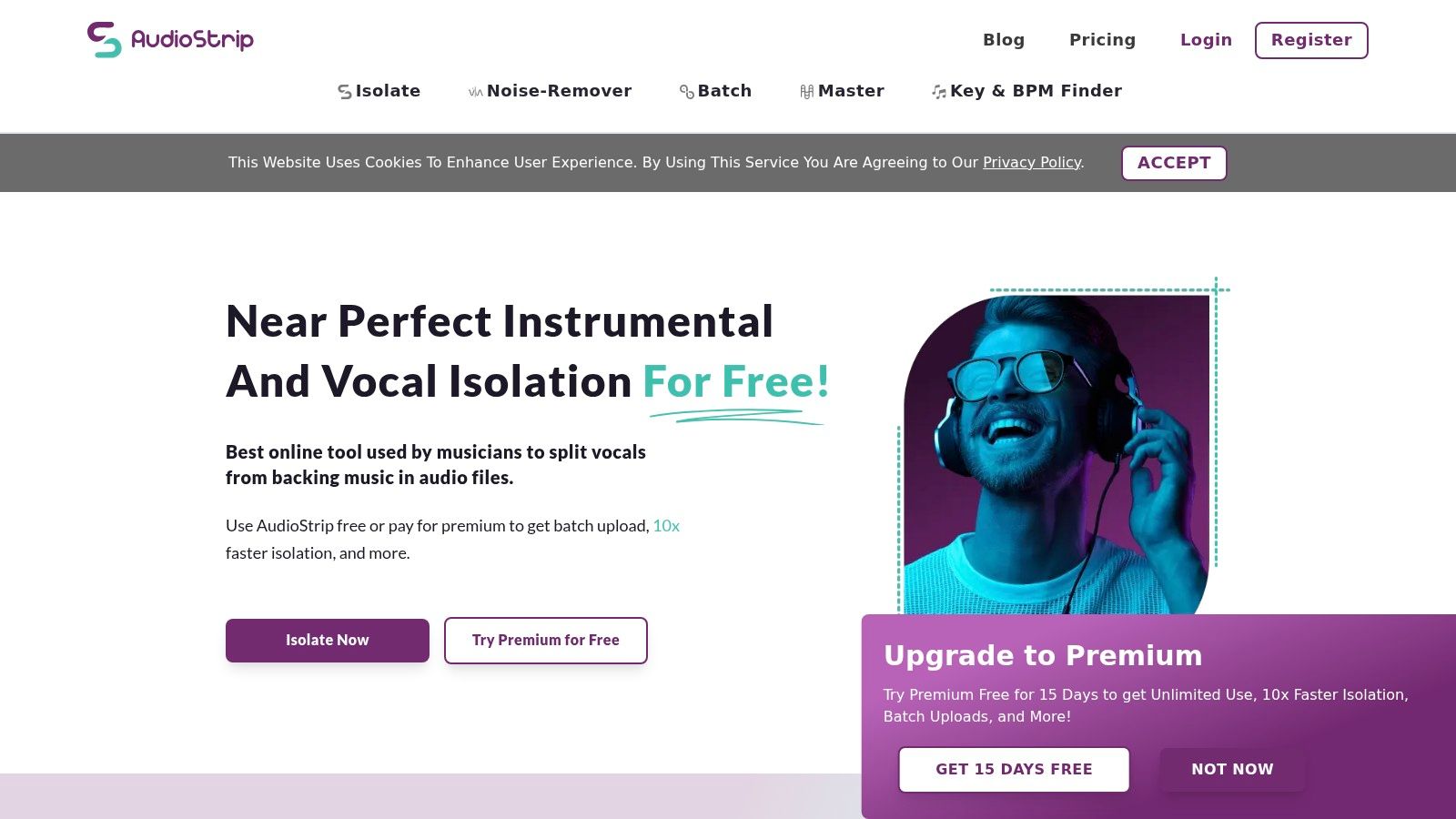
AudioStrip suits a focused separation task without the surrounding rehearsal or arrangement tools of a larger platform. AudioStrip offers a limited free plan and a Premium option, making it a candidate for users who want to evaluate vocal or track extraction before choosing a broader service.
The practical starting point is a representative recording, not a large upload queue. A sparse verse may sound convincing while a chorus exposes residual harmonies or damaged percussion. Premium batch-upload features are more useful after the listener has established that the output meets the intended need.
Evaluate Before Processing a Collection
For a rehearsal library, check whether the backing track keeps its rhythm and tonal balance throughout the song. For isolated vocals, focus on quiet words, breaths, and the ends of phrases rather than judging only the loudest section.
An introduction to musical source separation explains why mixed recordings are challenging: voices and instruments overlap after filtering, reverberation, and other processing. A simpler website doesn't make those recordings simpler to separate.
- Useful advantage: A focused interface avoids unrelated music-production features.
- Export consideration: WAV and FLAC options are relevant when the result will undergo further editing.
- Plan consideration: Check current isolation allowances, batch access, file-size limits, track-length limits, and queue expectations.
AudioStrip offers fewer surrounding creative tools than musician-focused platforms. That's a reasonable trade-off when separation is the only requirement. Premium allowances and processing priorities should be checked on the current service, rather than treating advertised capacity as a promise of immediate completion.
6. VocalRemover.org
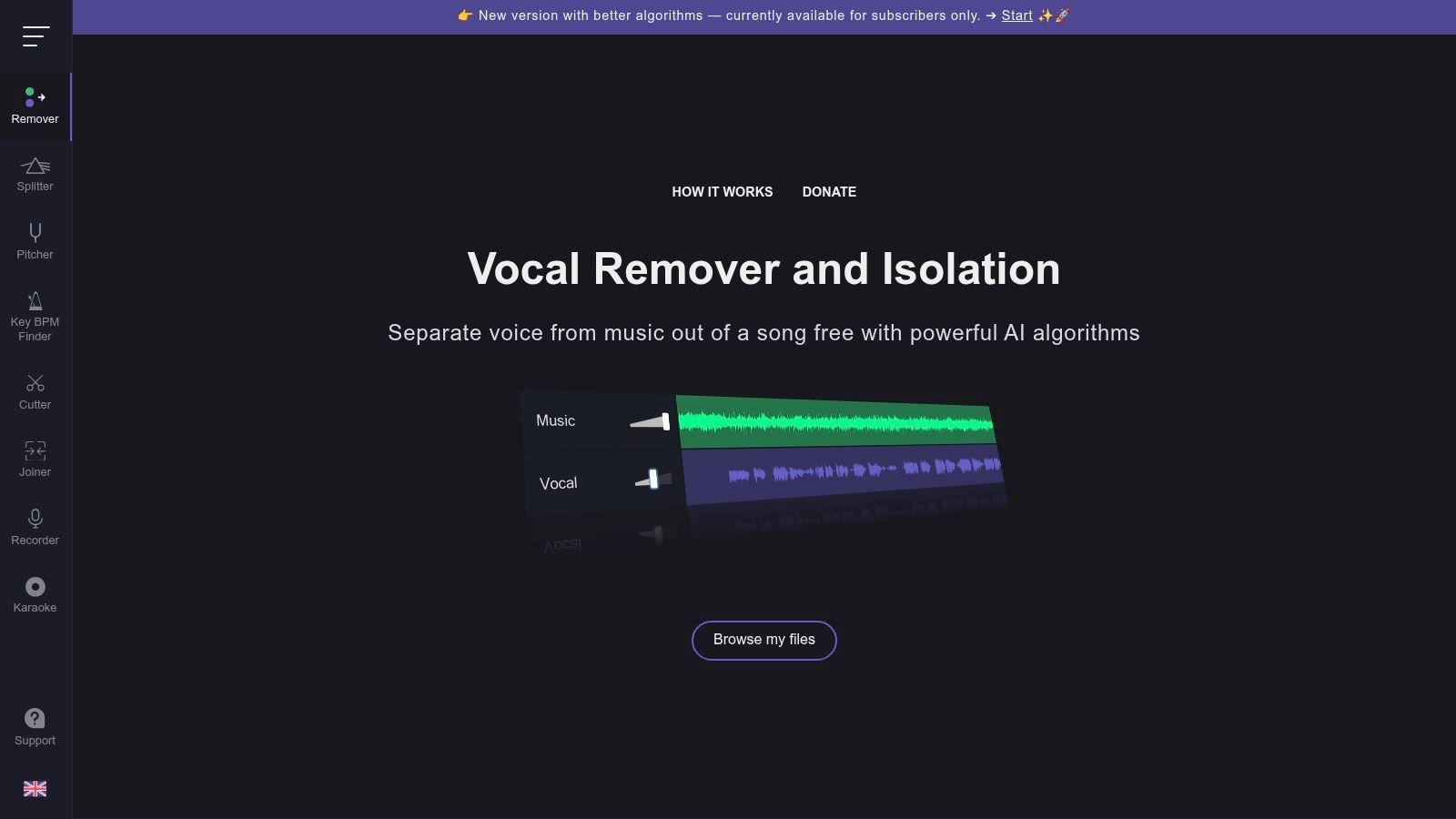
A one-off sing-along usually doesn't need a production suite. VocalRemover.org offers a straightforward browser workflow for creating vocal-free and music-only versions, with related pitch, tempo, and trimming utilities.
Its main appeal is a narrow task with little setup. A user uploads a track, previews the split, and assesses the backing without installing software. Free access is a starting point, but current usage caps or daily limits should be checked rather than assuming unrestricted processing.
Karaoke judgment: The better backing track isn't necessarily the one with the least audible voice. It's the one whose remaining music still sounds usable.
That trade-off matters when removing the final traces of a singer also damages cymbals, guitars, or ambience. Large-scale listening research shows that objective separation measures don't consistently represent perceived quality, supporting a listening-based decision rather than reliance on technical labels.
Inspect the Background, Not Just the Vocal
For karaoke, start with the music-only version. Compare the original chorus with the processed version, then inspect quieter passages and reverb tails where faint vocals may remain audible.
The advantage is simplicity; the limitation is less emphasis on broader instrument-stem work and integrated production. There's no basis for assuming that a minimal interface will outperform or underperform a paid suite on a particular upload.
A source-description workflow offers another approach. The Saturalabs karaoke maker uses “vocals” as the target and Background audio as the backing-track candidate, with both results available for comparison.
7. Media.io AI Vocal Remover
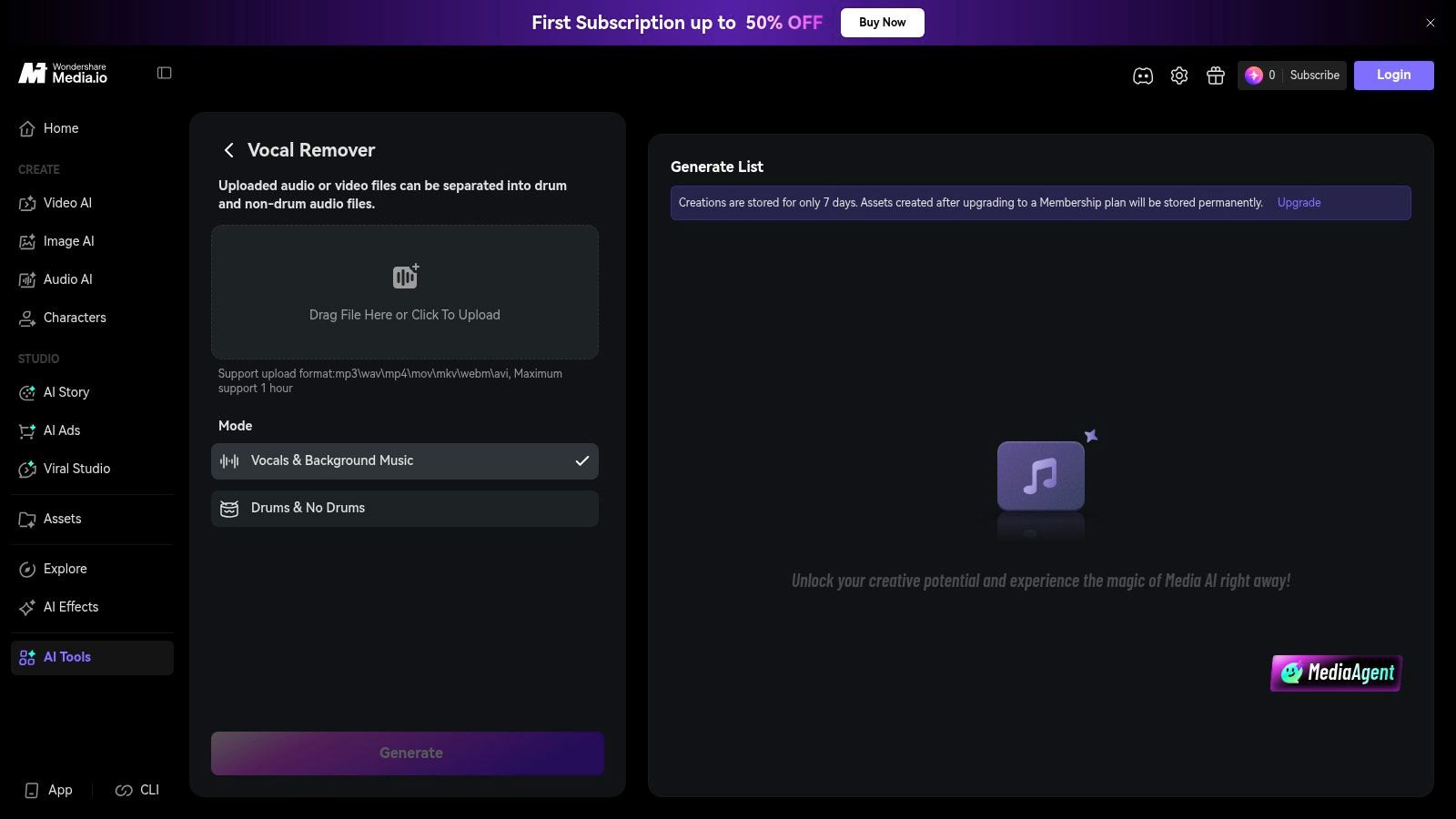
Media.io fits projects that extend beyond separation. Its AI Vocal Remover sits within Wondershare's wider online suite, alongside conversion, noise-reduction, and subtitle tools.
The vocal-removal workflow supports vocal, acapella, and audio-track outcomes, with common audio/video inputs and previews. That makes it relevant when a creator needs an extracted audio track and also expects to perform other media tasks.
The surrounding tools are a convenience, not evidence of cleaner separation. A creator should evaluate the vocal-removal result before moving on to conversion or other processing, especially when the original has dense accompaniment or substantial reverberation.
Keep Separation and Cleanup Decisions Distinct
A music-backed spoken clip may call for voice isolation, while a song intended for karaoke calls for the remaining backing track. Choosing an acapella output for the latter task would preserve the wrong material, regardless of how clear it sounds.
- Preview decision: Inspect the actual output needed for the project, not merely whichever preview sounds most impressive.
- Account decision: Confirm whether introductory credits cover the intended processing and download.
- Plan decision: Review current quotas, upload limits, concurrent-processing allowances, and any paid-tier processing priorities.
New-user credits offer a way to try the service, but they aren't a promise of unrestricted exports. Its broader suite can also make the relationship between plans, credits, and individual tools less obvious.
For the backing-track workflow, the Saturalabs guide to removing vocals for karaoke explains the target/output distinction. Media.io users should apply the same underlying judgment: preserve the accompaniment needed for singing, then assess residual voice and accompanimant damage separately.
Top 7 Online Vocal Removers Compared
| Tool | Implementation Complexity | Resource Requirements | Expected Outcomes | Ideal Use Cases | Key Advantages |
|---|---|---|---|---|---|
| Saturalabs | Low; describe one source per pass | Browser, file up to 50 MiB; account and credits to download | Isolated source plus remaining mix; possible bleed or artifacts | Targeting dialogue, instruments, or specific background sounds | Plain-language prompts; supports audio and video uploads |
| LALAL.AI | Low; choose stem types and preview | Browser; plans include processing minutes, with top-ups available | Multiple separated stems; artifacts may occur in dense or reverberant mixes | Vocal and instrument extraction across varied stem types | Broad stem options and preview before download |
| Moises | Low; cloud-based workflow | Web, mobile, or desktop; free tier, paid limits for some features | Stem separation plus music analysis and practice tools | Musicians practicing, editing, or analyzing tracks | Combines separation with chords, tempo, pitch, and looping tools |
| BandLab Splitter | Low; integrated into BandLab | Web or mobile; basic splitting is free, expanded options require membership | Two- or four-stem splits, with more options for members | Users arranging, mixing, or sharing music in BandLab | Free basic access and integrated music-creation workflow |
| AudioStrip | Low; upload and select separation | Browser; free plan limited to three isolations monthly, Premium adds capacity | Vocal or instrumental separation; queues may be slow on free plan | Occasional splitting or batch processing on Premium | Free trial tier, batch uploads, WAV and FLAC output |
| VocalRemover.org | Very low; simple upload, preview, and download | Modern browser; free usage caps may apply | Vocal and instrumental versions for basic use | Quick karaoke, backing tracks, or practice | Minimal learning curve and no installation |
| Media.io AI Vocal Remover | Low; browser-based tool within a wider suite | Browser; free credits, paid quotas and upload limits vary | Vocal, instrumental, and acapella outputs; artifacts may occur | Vocal removal alongside editing, conversion, or noise cleanup | Part of a broader suite with previews and related tools |
Make the Final Call by Listening
Treat every result as a starting point, not a perfect reconstruction. The best vocal remover online is the one that produces a usable result for the specific recording and intended task, with acceptable cost and workflow friction.
A karaoke user needs natural accompaniment. A singer studying phrasing needs intelligible consonants, breaths, and harmonies. A dialogue editor needs understandable speech with acceptable tone, while a producer needs extracted parts that remain workable in an arrangement.
Compare each candidate with the original at a similar listening volume. Include a quiet introduction, a dense chorus, exposed consonants, stereo effects, and reverb tails. A louder preview can seem more convincing without preserving more of the wanted sound.
A faint residual vocal may be less disruptive than damaged drums or metallic ambience. The intended use determines which compromise is acceptable.
Match the Tool to the Next Step
Moises emphasizes rehearsal, and BandLab keeps separation close to arrangement work. LALAL.AI provides a broader source menu, while AudioStrip and VocalRemover.org suit more focused separation tasks. Media.io is relevant when other online media tools are also needed.
Saturalabs offers a different kind of flexibility: a user describes one audible target and compares what was kept with what remains. For karaoke, that means “vocals” and Background audio; for dialogue, it means “spoken voice” and Isolated sound. Difficult passages deserve comparison before the displayed credit cost becomes a download decision.
Technical benchmark scores provide context, but they aren't percentages of vocals removed or universal ratings for a commercial service. A review of music source separation describes the field's long development and the continuing difficulty of disentangling overlapping, processed sources.
Finally, users need appropriate rights to the source recording and intended use. Separation doesn't itself provide permission to publish, remix, or distribute copyrighted material. When artifacts remain, a cleaner source or a shorter representative test is a more useful next step than repeatedly paying for an unsuitable result.
Saturalabs offers text-guided audio and video isolation for vocals, spoken voice, instruments, and specific audible sounds. Creators can visit Saturalabs, name one target, compare Isolated sound and Background audio with the original, and review the credit cost before downloading the result that fits their project.