In this guide
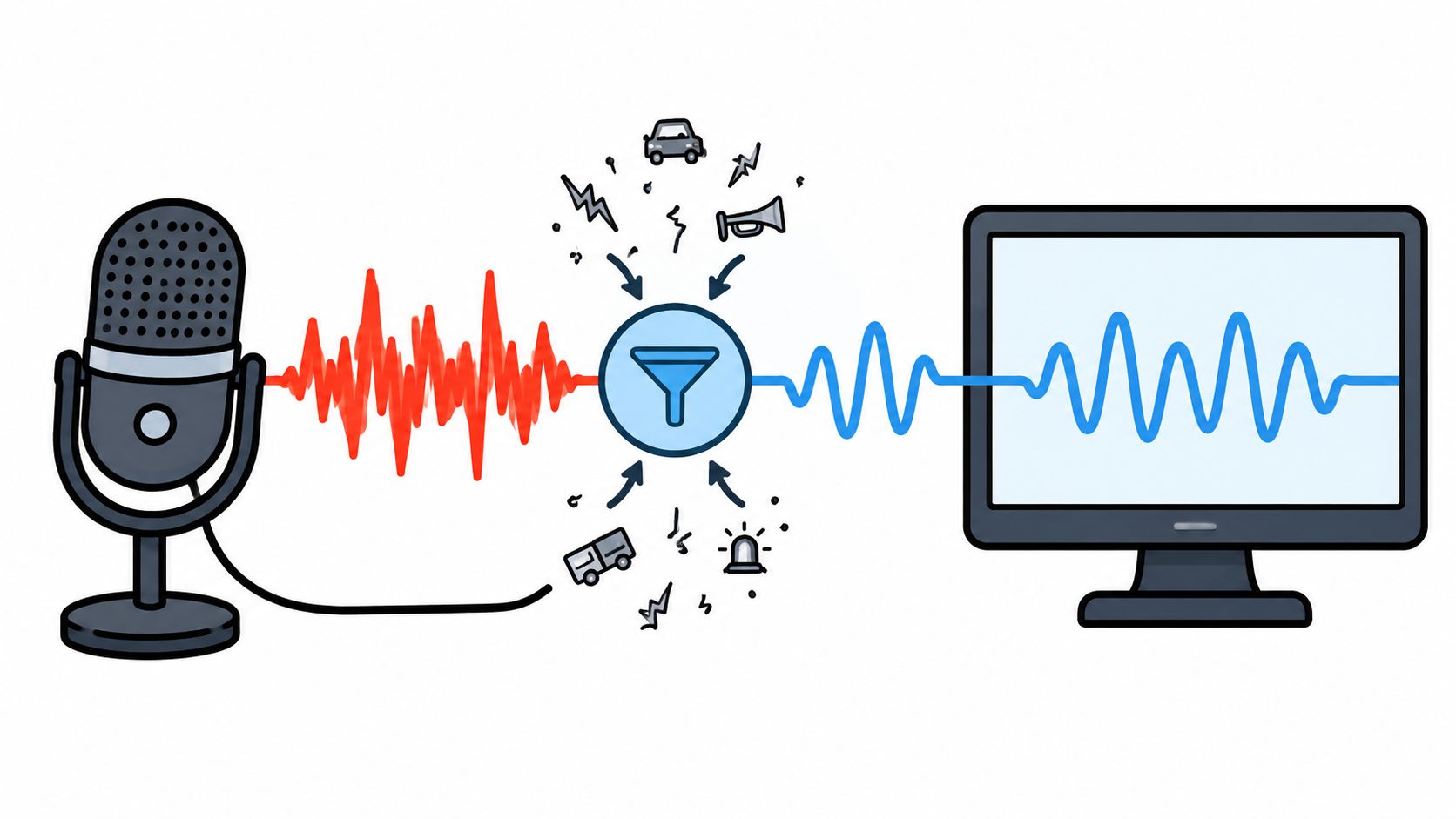
A fan hums under a recorded interview. A laptop mic caught too much room tone. The speaking voice is usable, but the file still feels rough enough that every sentence needs a second listen. That is the problem a voice cleaner online is meant to solve, not making audio silent, but making the voice easier to understand without damaging the words people need to hear.
What Cleaning a Voice Online Means
A cleaned file is not automatically a better file. In browser-based audio workflows, the point is usually to recover intelligibility while reducing a distracting source, and those are not the same thing. A cleaner result can still lose consonants, soften breaths, or shave off the edge of a name that matters in an interview.
The practical trade-off shows up fast in spoken-word work. A creator may want the room fan gone, but if the cleanup also removes the breath before a quiet sentence, the file can sound polished and still be harder to follow. Online voice cleaning is an editing judgment about what stays understandable after processing.
What the browser is doing
Modern browser audio processing became possible because web standards added ways to read, route, and process sound in the browser, including the AudioNode graph model and later real-time input support, WebAssembly, and AudioWorklet execution on the audio thread. Web Audio API 1.0 became a W3C Recommendation on June 17, 2021, as described in the W3C history of browser audio processing. That is why browser tools can handle real workflows without a separate desktop DAW, even though the standard itself does not promise a particular noise-removal quality or speed. W3C Audio processing history
Practical rule: if the voice is easier to follow after cleanup, the file is moving in the right direction. If it only sounds quieter, that's not enough.
A voice cleaner online can reduce unwanted sound, but the test is whether the speech remains intact in the hard parts, the quiet words, the overlaps, and the ends of sentences. The rest of the workflow should focus on listening, not on chasing the cleanest-looking waveform.
Isolated Sound Versus Background Audio
Text-guided isolation gives two outputs, and mixing them up is where many cleanup sessions go wrong. Isolated sound keeps the source named in the prompt, while Background audio is the rest of the recording with that target removed. If the goal is spoken dialogue, the target is the voice and the output to check is Isolated sound. If the goal is karaoke, the target is vocals and the output to check is Background audio.
| Match Your Goal to the Right Output | ||
|---|---|---|
| Your Goal | Example Prompt Target | Output to Audition |
| Keep the interview speaker | spoken voice | Isolated sound |
| Make a karaoke backing track | vocals | Background audio |
| Practice guitar from a mixed track | guitar | Isolated sound |
| Remove barking from a clip | barking | Background audio |
The table matters because “more removal” is not always the right mental model. For karaoke, the correct aim is to remove the vocal and keep the rest. For an interview, the correct aim is to keep the spoken voice and let the other material fall away. The user's job is to choose the output that matches the deliverable before any processing starts.
That distinction lines up with the tool's workflow on audio isolation versus noise reduction. Noise reduction is often about lowering a general floor. Text-guided isolation is about naming one audible source and keeping or removing that source depending on the output chosen.
The wrong output can sound impressive for a few seconds and still be unusable for the actual task.
A Repeatable Workflow in Saturalabs
A good cleanup session starts with a short excerpt, not the full file. Pick a section with speech, a pause, and the loudest background moment, because that gives a realistic sense of how the tool behaves when the recording gets ugly. Upload MP3, WAV, MP4, or MOV files up to 50 MiB (52.43 MB), then describe one audible source at a time, such as spoken voice for dialogue or vocals for karaoke. How to prepare audio for AI isolation
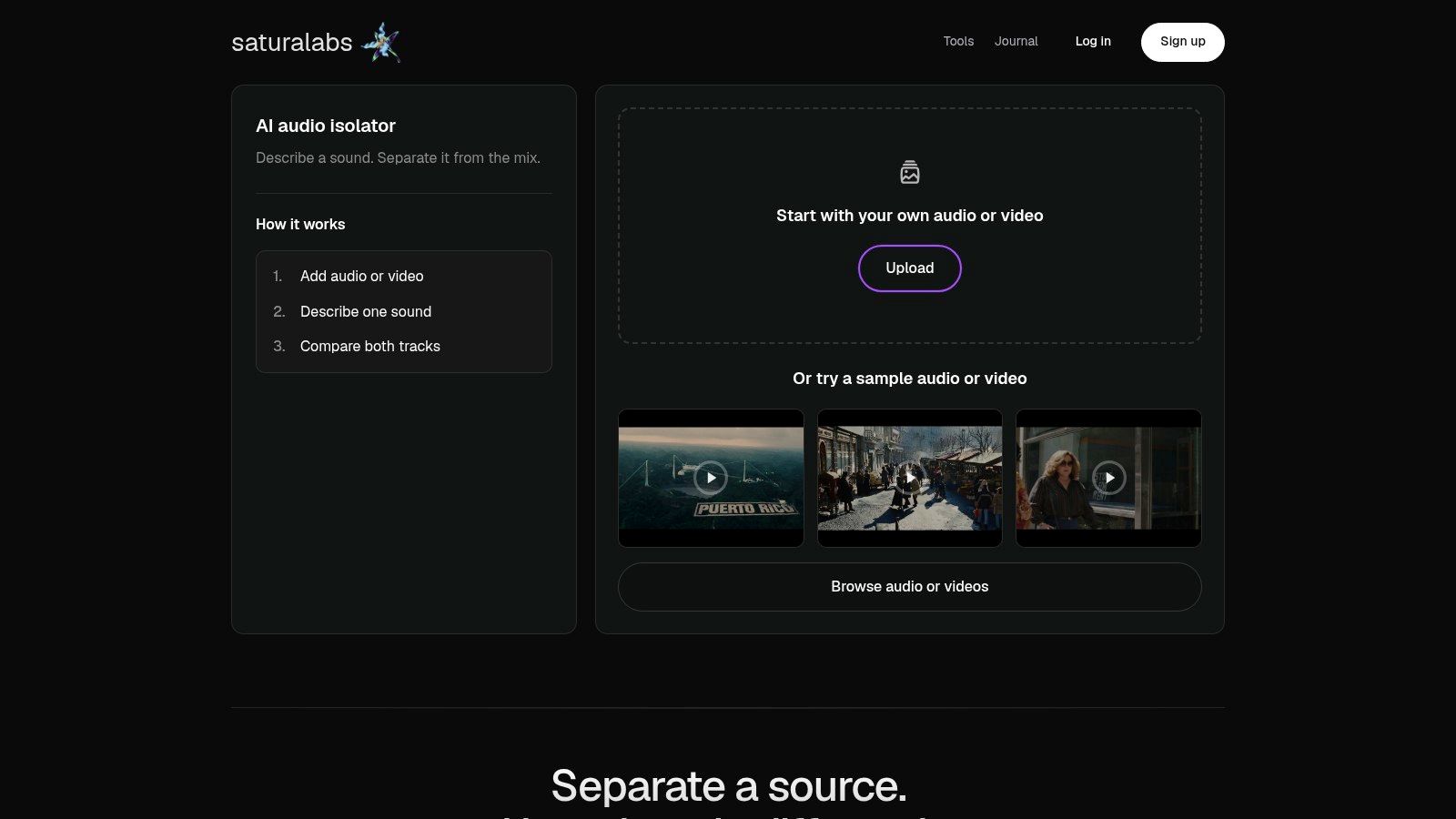
The workflow should stay narrow. A prompt like "spoken voice" is easier for the system to follow than a crowded instruction that asks for voice cleanup, hum removal, echo control, and traffic suppression all at once. For dialogue, audition Isolated sound. For karaoke, audition Background audio. The displayed credit cost should be checked before downloading, because that cost controls the file you commit to keeping.
Two prompt examples are enough to show the pattern:
- Noisy interview: “spoken voice”
- Practice backing track: “vocals”
Those prompts are short on purpose. They name one source, one target, and one desired output. Any extra wording should make the source more precise, not more ambitious. “Female voice in a conference room” is narrower than “clean this up and remove everything noisy,” but “female voice, conference room” is still better than a shopping list of unwanted sounds.
A few prompt habits keep sessions from getting messy:
- Name one audible source: Ask for one thing per prompt, not two or three.
- Skip quality adjectives: “Better,” “clearer,” and “studio-like” don't define the source.
- Use the output intentionally: Check the track that matches the job, not both by habit.
- Compare before downloading: A brief preview is not enough if the file has names, quiet syllables, or overlapping speech later.
Listening Checks That Catch Real Problems
A clean preview can fool the ear. Loudness alone does not tell the story, and a flatter waveform does not mean the speech is more usable. The stronger habit is to compare the cleaned result with the original at matched loudness and listen for three separate failure modes, target distortion, interference leakage, and artificial artifacts. Research on evaluation methods treats those as distinct problems, and that separation maps well to real editing sessions.
What to replay first
Replay the quietest sentence, a few proper nouns, and any section with overlapping speech. Then check sibilants, breaths, and sentence endings, because those are the spots where aggressive cleanup often bites hardest. A file that starts clean can still turn muddy once a second speaker enters or the room gets noisier.
Useful check: if a name is still clear in a difficult passage, the result is more trustworthy than a clip that only sounds polished in the first ten seconds.
A second listener helps here, especially for interviews, captions, and transcripts. Ask that person to transcribe the difficult passage before looking at the original. If both listeners miss the same word, the cleanup probably left too much noise or removed too much speech. If the cleaned file sounds metallic, watery, clipped, or like it pumps during pauses, that's a warning sign that the processing was pushed too hard.
Headphones and speakers should both be used at least once. Headphones reveal artifacts and faint leakage. Speakers make it easier to hear whether the voice still feels natural in a room. When both checks pass, the result is more likely to survive real use outside the editor.
When to Choose Text-Guided Isolation Instead of a Denoiser
Different problems call for different tools. A steady fan hum is a different job from a barking dog, and both are different from a half-overlapped conversation in a reflective room. Text-guided isolation works best when the unwanted sound is a distinct source that can be named. A denoiser or gate can be enough when the problem is a constant tone or broadband noise floor. A manual edit still matters when only one syllable needs repair.
Simple decision rule
If the unwanted sound can be named in a short phrase, try isolation first. If the problem is a constant hum, hiss, or HVAC tone, a profile-based denoiser may be the more direct fix. If the issue is one bad word or one clipped breath, a local edit in a DAW is often the safer path.
That choice also depends on overlap. Source-separation research treats mixed audio as difficult precisely because sounds can overlap in time and frequency, and newer methods still have limits when speech shares space with music, reverberation, or another talker. A sound that masks the same frequency range as speech may not disappear cleanly, no matter how strong the promise sounds on the marketing page. Source separation review
For a browser-based option, Saturalabs fits the narrow case well. It's built around text-guided separation, where the prompt names one audible source and the outputs are checked before download. That makes it more useful for single-source isolation tasks than for vague “fix the whole recording” jobs. Audio isolation prompts
Honest Limitations and Rights Responsibilities
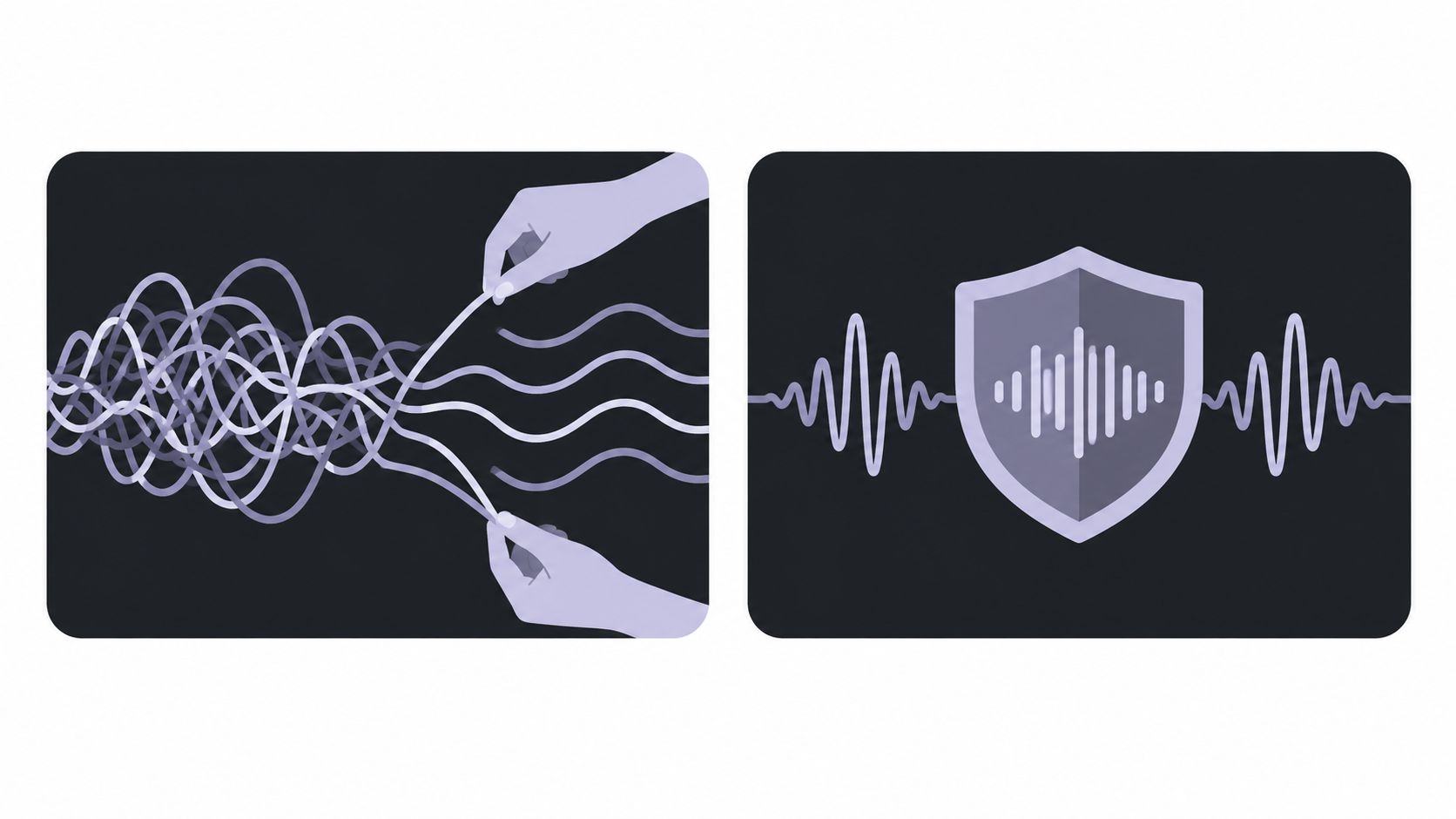
No online tool can recover everything. When the unwanted sound overlaps the voice in time or frequency, or when reverberation has already mixed the speech with the room response, the result is an estimate, not a perfect unmixing. Lossy encoding can narrow the ceiling too, especially if the file has already been exported through compressed formats more than once. The better habit is to keep the original master, test a short excerpt first, and avoid repeated encode-decode cycles.
A louder result is not automatically a better result. Aggressive cleanup can damage speech while making the background seem quieter, and a file that sounds cleaner for five seconds can still hide a lost word in the full recording. That is why the earlier listening checks matter more than a quick preview. The file should be judged on the hardest passage, not the easiest one.
The copyright question also matters. The U.S. Copyright Office states that uploading or downloading copyrighted works without authorization can infringe the copyright owner's exclusive reproduction or distribution rights, and that copyright protection can arise when an original work is fixed in an audio file or other digital file. Cleaning a vocal, dialogue stem, or track does not grant permission to publish, distribute, remix, or monetize it. U.S. Copyright Office digital FAQ
A Cleanup Checklist for Your Next Recording
Use this sequence every time. Choose the output that matches the job, write a one-source prompt, audition both tracks, and judge the file by intelligibility rather than silence. Recheck consonants, breaths, names, quiet syllables, and overlapping speech, then keep the original untouched and confirm the credit cost before downloading.
The most reliable cleanup sessions are the ones that stay boring and methodical. That habit catches the problems a polished preview tends to hide.
Try the workflow on a short excerpt first, then move to the full file only after the difficult sections still make sense.
Saturalabs handles text-guided audio and video isolation in the browser, so creators can separate a voice, remove a competing sound, or compare the isolated result with the remaining background before they download. If a recording needs clearer speech without turning into a damaged file, the next step is to test it on a short excerpt and listen for the hard passages first. Visit Saturalabs to try the workflow on your own audio or video.