

In this guide
The verse sounds ready for singing practice, but the chorus still carries a choir of backing vocals. A spoken intro remains, and the last word of each phrase hangs in the reverb. The lead singer may be quieter, yet the recording still doesn't sound like a vocal-free version.
Learning how to remove lyrics starts with choosing which vocal layer should disappear. The practical method is source separation: describe an audible voice, audition the remaining music, and decide whether the reduction is worth any damage to the accompaniment. It's an estimate of the sources in a finished mix, not access to the original recording session.
Decide Which Vocal Layer to Remove First
A singer's chorus can remain recognizable after the main melody has been reduced because harmonies, doubles, and ad-libs carry the same words. Removing the lead doesn't necessarily remove those layers. Conversely, removing every vocal element may erase a backing texture that the arrangement needs.
Lyrics are language; vocals are sound. Breaths, humming, wordless harmonies, and processed vocal tails can remain even when no intelligible sentence survives. An automatic lyric transcription study found that Whisper omitted more than half of the annotated non-lexical vocables and backing vocals in both evaluated datasets, illustrating how much vocal content extends beyond the main transcribed words.
Match the Prompt to the Intended Result
For a broadly vocal-free karaoke track, start with vocals. For a narrower edit, such as retaining the backing choir while removing the soloist, describe lead singing voice instead. A prompt identifies the target; it doesn't guarantee that closely overlapping layers can be separated cleanly.
Lyric elements, prompts and outputs to audition
| Lyric element | Prompt to describe | Output to audition | Watch for |
|---|---|---|---|
| Lead vocal | lead singing voice | Background audio | Verse words and sibilants left in the mix |
| Backing vocals and harmonies | backing vocals | Background audio | Stacked harmonies in choruses |
| Ad-libs and vocal effects | vocal ad-libs | Background audio | Reverb tails after the phrase ends |
| Spoken intro or sample | spoken voice | Background audio | Speech bleeding into quiet pads |
| Dialogue in a video | spoken voice | Isolated sound | Clipped word endings or room tone changes |
The dialogue row reverses the objective: it keeps speech rather than removes it. That distinction matters when a video contains both a song and a person talking.
Keep Each Attempt Specific
Each prompt should name one audible source, not a shopping list of unwanted sounds. A focused backing-vocal attempt is easier to evaluate than a request combining singers, drums, hiss, and room noise. A second pass can be cheaper than repeated unfocused attempts, but the displayed cost determines the actual credit spend.
Target rule: Decide whether the task is removing words, removing a particular singer, or removing all vocal sound before uploading.
A stereo channel isn't a vocal layer. The audio channels versus stems guide explains that distinction, which helps prevent left-right placement from being mistaken for an independently editable voice.
Before processing, identify the unwanted layer and a passage where it's unmistakable. That passage becomes the reference for judging the result.
Rights Checks Before You Export or Publish
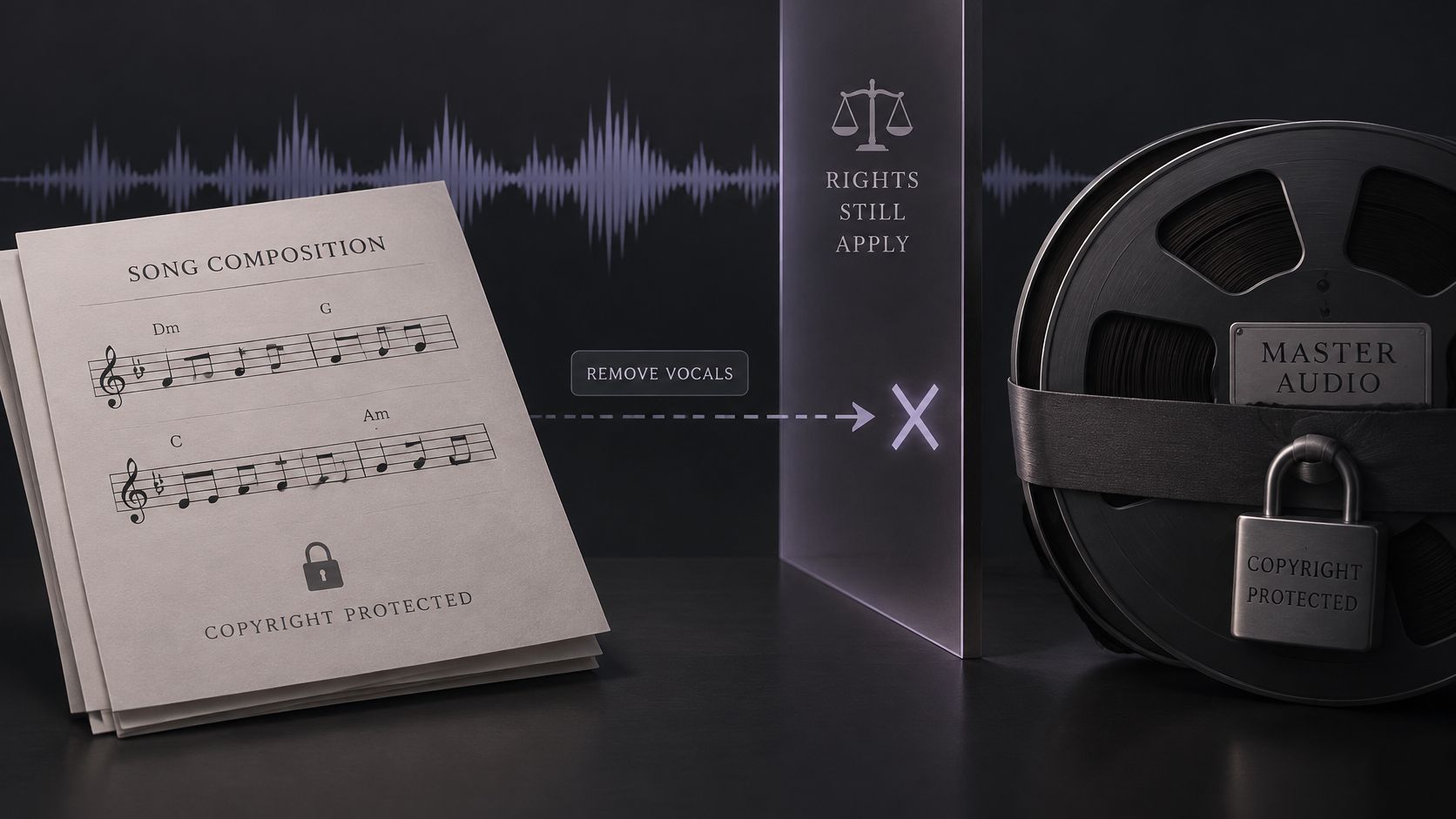
A vocal-free file isn't automatically cleared for publishing. Removing the singer doesn't remove protection from the underlying composition or the original master recording. The AudioUtils vocal-removal guide distinguishes the technical edit from permissions needed to redistribute or monetize the result.
A backing track for private rehearsal and a downloadable version offered for sale raise different questions. Educational, editorial, and commercial labels also aren't automatic permissions. The applicable rules depend on the jurisdiction, the source material, and the intended use.
Run a Rights Checkpoint
- Source permission: Confirm that the recording may lawfully be uploaded and processed for the intended purpose; possessing a file doesn't settle every use.
- Intended audience: Identify whether the output stays in private practice or enters a classroom, public remix, commercial release, or monetized video.
- Destination policy: Check the publishing platform's current music rules before preparing the final export.
- Output permission: Treat the separated version as a derivative of the source unless permission or a clearly applicable legal basis supports its use.
Automated recognition isn't limited to the singer's voice. YouTube's copyrighted-music guidance explains that protected music can trigger a Content ID claim, muting, or unavailability, and that rights-holder policies can change. Vocal removal isn't a dependable workaround for recognition.
Prefer Authorized Starting Material
When the rights holder supplies official stems, those files may offer a cleaner starting point than estimating sources from a finished mix. Their availability still doesn't establish unrestricted permission. The music stems for remixing guide helps distinguish that workflow from separating a stereo recording.
An edit can be technically successful and still be unsuitable for publication.
Run the checkpoint before processing, then repeat it before export if the intended use changes. A file prepared for personal practice shouldn't move into a public release merely because the background sounds usable.
Step-by-Step Removal and Chorus Test
Saturalabs is text-guided audio/video isolation, not a music generator or general video editor. Its core workflow has three steps: add audio or video, describe one sound, then compare both tracks. The detailed checks below turn that sequence into a repeatable vocal-layer test.
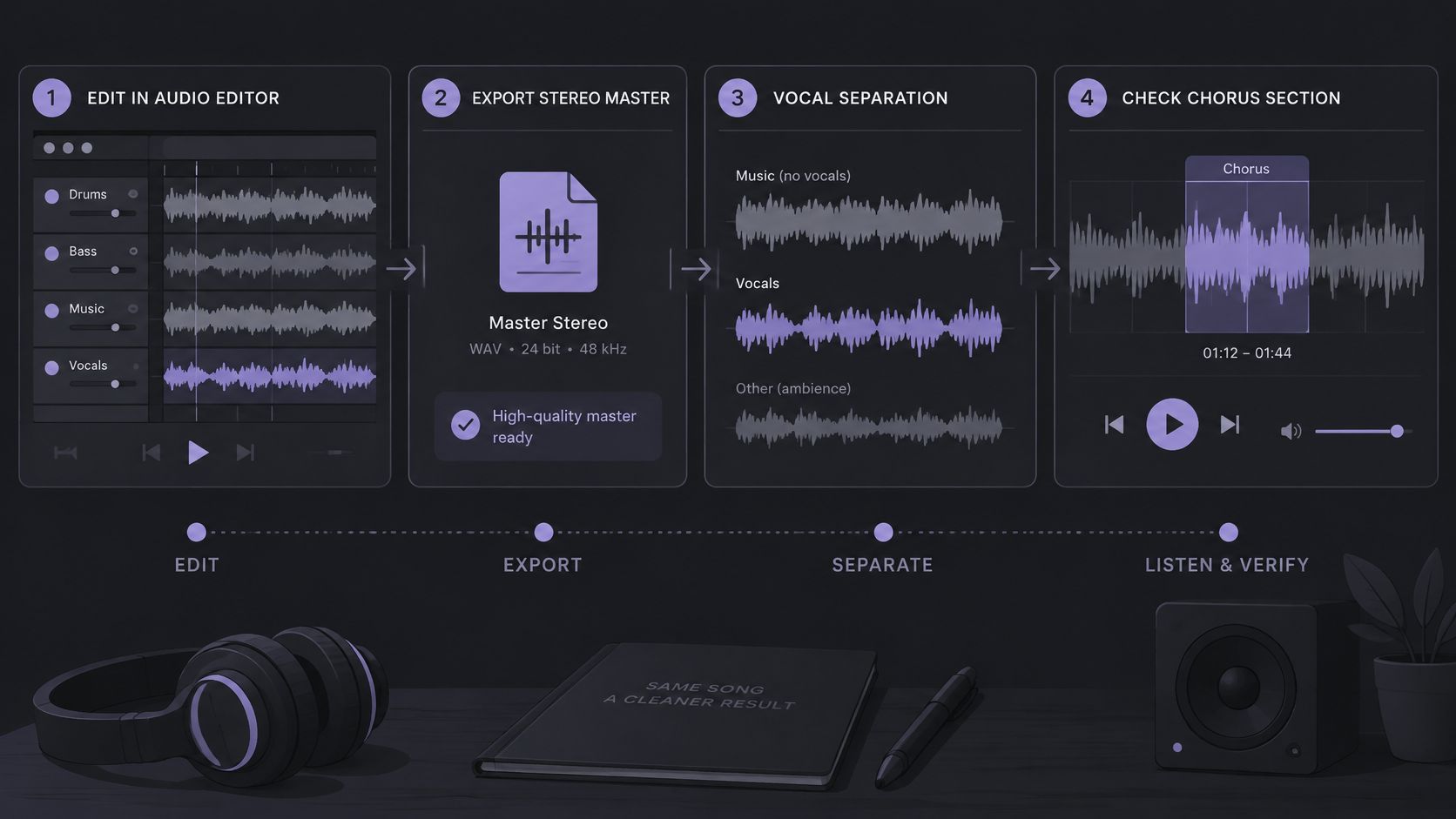
Choose a chorus that includes the problem material, not just the loudest moment. A useful test contains the lead, any backing stack, and the end of a phrase where reverb remains audible.
Prepare and Describe the Source
Choose the best available stereo master. Prefer an original-quality file over a repeatedly compressed upload. A review of musical source-separation methods describes residual vocals, watery textures, and missing musical transients as practical failure modes, with cleaner source mixes generally offering a better starting point. Converting a compressed file to WAV won't restore information already lost.
Check compatibility before uploading. Supported files are MP3, WAV, MP4, and MOV, up to 50 MiB (52.43 MB). For a long recording that exceeds the limit, prepare the relevant passage rather than degrading the entire file merely to make it smaller. Keep an untouched original for comparison.
Add the audio or video file. An MP4 or MOV can be uploaded directly for audio isolation. The result is separated audio tracks, not a finished video with its soundtrack replaced. Reattaching the chosen audio belongs in a separate video-editing workflow.
Describe one source in plain language. Use vocals for a broad karaoke attempt or lead singing voice for the narrower lead-removal task. Keep drums, music, and noise out of the same prompt. The description should identify the sound, not explain the whole project.
Compare Before Committing
Choose Background audio for removal. This is the recording with the named target removed or reduced. The other output, Isolated sound, contains the estimated target and provides a useful diagnostic reference.
Run the separation and compare the chorus against the original. Follow the same phrase in both recordings. First determine whether the intended singer is reduced; then check whether the chord changes, bass line, and drum attacks still support the arrangement. A quieter voice isn't enough if the music becomes unusable.
Address surviving harmonies separately. If the lead is sufficiently reduced but the backing choir remains distracting, test backing vocals on a separate pass. Preserve the earlier result so the additional processing can be judged against it. Don't assume another pass must be better.
Check the displayed credit cost before downloading. Downloads require an account and sufficient credits. Review the current pricing and the actual job's displayed cost rather than assuming that every attempt or download has the same charge.
Download the accepted track as WAV. Keep the source file and identify which prompt produced the chosen result. If the chorus fails, change either the source file or the prompt, not both at once. That makes the next comparison informative rather than guesswork.
Go or retry: Keep the result when the target is sufficiently reduced and the accompaniment remains fit for its intended use; otherwise, change one variable and test the chorus again.
Mixing can wait until the separation passes this check. Before starting the isolation workflow, confirm the rights to the source and intended output.
Listening Checks for Leftover Lyrics
A waveform can look tidy while a word remains perfectly recognizable. Audible content, not the shape of the waveform, determines whether the lyrics are sufficiently reduced. Start by comparing the original and Background audio at matched loudness so a level difference doesn't masquerade as cleaner separation.
Listen to the Isolated sound output as well. It reveals what the system treated as the target: a snare hit or guitar attack clearly audible there may explain what's missing from the accompaniment. Keep Isolated sound when the named source is wanted, and Background audio when the rest of the recording is wanted.
Separate Leakage From Musical Damage
A useful evaluation distinguishes residual interference, processing artifacts, and lost musical content. The vocal-extraction evaluation paper discusses BSS Eval measures including SDR for overall separation fidelity, SIR for interference suppression, and SAR for introduced artifacts. Those engineering measures don't guarantee that a particular karaoke result will sound acceptable.
An output can pass one dimension and fail another. A wordless mix with no recognizable words may still have metallic cymbals, while a natural-sounding accompaniment may retain a distracting backing phrase.
- Center image: Check playback in mono as well as stereo, because centered vocal fragments may become easier to notice when the sides no longer distract.
- Consonants and breaths: Use headphones to catch surviving t, k, and s endings, along with inhalations between phrases.
- Phrase tails: Listen beyond the last sung syllable, because reverberation can retain the contour or intelligibility of a word.
- Percussion integrity: Compare cymbal decay and kick-drum attacks for smearing, flutter, or pumping that wasn't present in the source.
- Vocal doubles: Follow the chorus melody closely, because a quieter doubled performance can remain after the dominant lead is reduced.
Copy This Passage Checklist
- Chorus: Check the fullest vocal stack, where harmonies and doubles are easiest to miss in a verse-only preview.
- Bridge: Check a changed arrangement or vocal treatment that may separate differently from the chorus.
- Quietest verse: Listen for exposed consonants and breaths that louder accompaniment would mask.
- Ad-libs: Follow responses between lead phrases, because they may not resemble the main singer's delivery.
- Final bar: Let the audio finish completely so the last vocal tail isn't overlooked.
Judge the track in the setting where it will be used. A faint fragment may be acceptable beneath a rehearsal performance but distracting during a sparse musical introduction. That's a practical acceptance decision, not proof that the voice has been completely removed.
Fixing Leftover Vocals, Thin Sound and Bleed
Words still audible in the chorus are a common reason to retry. The lead and backing singers may occupy the same center image, but position alone doesn't identify them as the same source. Similar tone, overlapping notes, and shared effects can make a narrow vocal target difficult to separate.
Modern separation estimates components from a finished recording rather than retrieving an original session. The musical source-separation introduction explains how reverberation, filtering, nonlinear processing, and changing production conditions complicate that estimate. A useful fix changes one variable and makes the compromise explicit.
Match the Fix to the Symptom
Symptoms, likely causes and fixes
| Symptom | Likely cause | Fix to try first |
|---|---|---|
| Lead words audible in the chorus | Lead and backing vocals share the center image | Narrow the prompt to lead singing voice and recheck the chorus; backing layers may remain |
| Watery or metallic texture | Heavy processing on a dense mix | Use a cleaner, uncompressed source file if available; converting the same compressed upload won't repair it |
| Smeared cymbals or weak transients | Accompaniment damaged by removal | Accept less complete removal or keep the instrumental for rehearsal only; some voice may remain |
| Dull or hollow instrumental | Wanted center-panned material removed with the vocal | Favor a less destructive result and compare at matched loudness; fuller music may mean more vocal residue |
| Speech bleed in quiet passages | Spoken material near the target | Describe the speaker alone with spoken voice and compare Isolated sound; this prioritizes speech rather than the instrumental |
| Reverb tail after each phrase | Vocal reverb left in Background audio | Test ad-libs and effects with a separate prompt; further processing may reduce wanted ambience |
“Less complete removal” is an acceptance choice, not a claim that Saturalabs provides a removal-depth slider. A narrower target or an earlier, less-damaged result may offer the better compromise.
Know When Another Pass Won't Help
For surviving backing harmonies, a focused backing-vocal pass is more informative than repeating the unchanged lead prompt. If each attempt makes the instruments thinner without making the words less intelligible, stop stacking processing. The vocal-removal artifacts guide addresses those audible compromises in more detail.
Saturalabs doesn't automatically export a four-stem pack or a separate file for every instrument. Separating drums and bass for independent mixing requires a different workflow from removing a named vocal source.
Separation can leave bleed, change tone, or introduce artifacts, and it doesn't guarantee recovery of missing words or notes. Dense, heavily processed mixes can resist useful separation, which is why the first listening test should be a short chorus rather than an assumption that the entire track succeeded.
Saturalabs offers text-guided isolation for targeting a lead singer, backing vocals, or spoken voice in an audio or video recording. Visit Saturalabs to describe one vocal source, compare the separated tracks against the original chorus, and check the credit cost before downloading an accepted result.