
In this guide
A singer needs a backing track for rehearsal, a video editor needs the music without dialogue, or a guitarist wants one part clear enough to study. The only available file is the finished stereo mix. A vocal remover online can help, but the useful result isn't defined by whether vocals disappeared. It's defined by whether the remaining music survives the difficult moments.
The practical workflow is simple: describe one audible source, audition both the retained sound and the remainder, then check the chorus, bass drop, sibilants, and transients before downloading. Saturalabs supports this text-guided approach for audio and video, but no browser tool can recreate a pristine multitrack recording from every finished mix.
What an Instrumental Extractor Online Actually Does
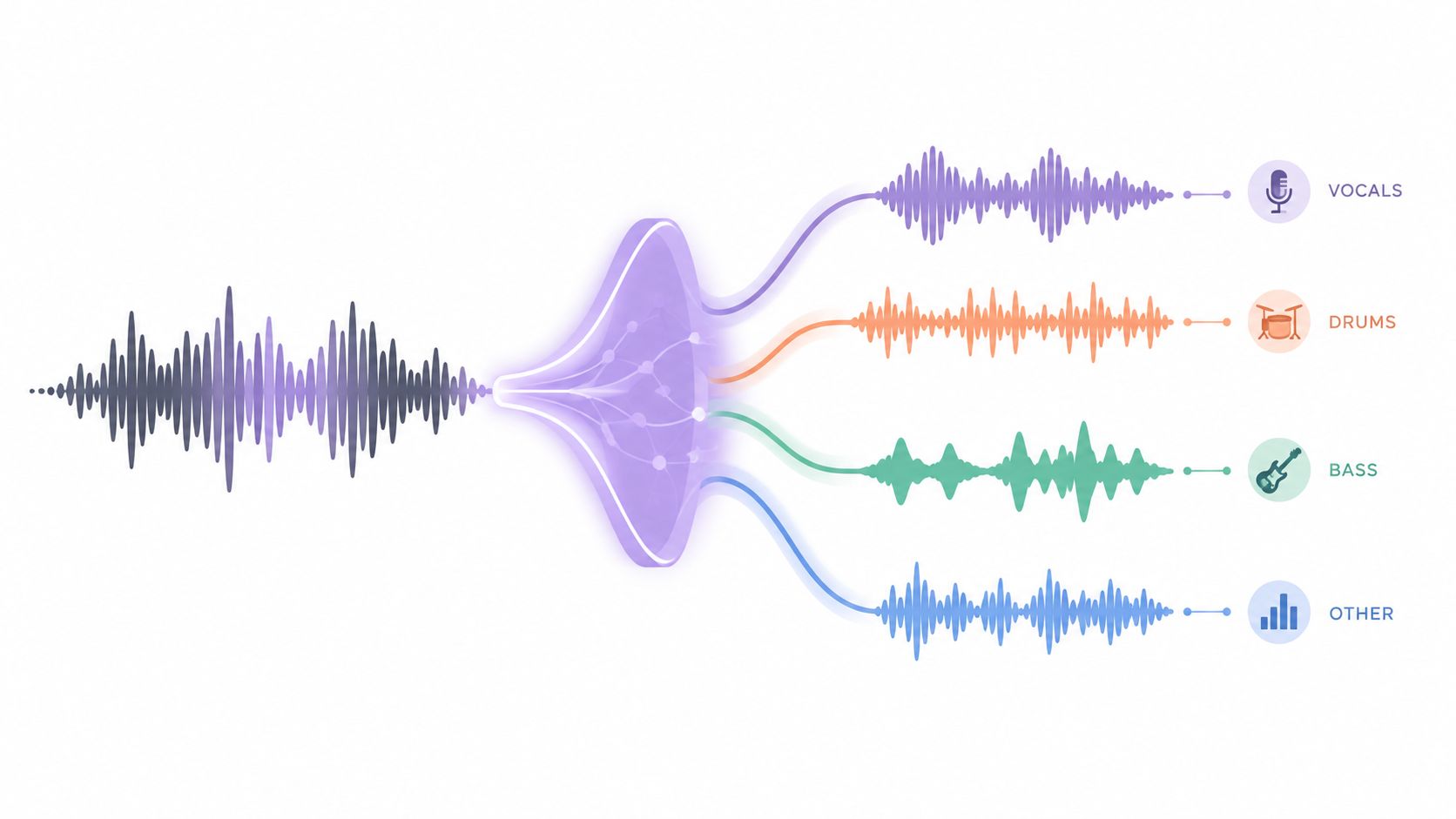
Music source separation estimates individual sources from a mixed recording, such as vocals, drums, bass, or other instruments. It doesn't recover the original isolated microphone tracks. The result is an estimate built from the information present in the final mix, as described in this technical overview of music source separation.
A text-guided extractor presents two useful ways to interpret that estimate:
- Isolated sound keeps the source named in the prompt. A prompt such as
vocalsproduces the vocal-focused output. A prompt such asacoustic guitarasks for the guitar-focused output. - Background audio keeps the rest of the recording after the named target has been removed. For karaoke, the target is
vocals, and the useful output is therefore Background audio.
That distinction prevents a common mistake. Selecting vocals doesn't automatically mean the downloaded file should contain vocals. The correct output depends on whether the goal is to preserve the named source or remove it.

What the tool cannot know
A finished mix may place vocals, guitars, synths, and cymbals in overlapping frequency ranges. Reverb spreads sounds across the stereo field, compression changes their dynamics, and distortion can merge harmonics that were easier to distinguish during recording. Instruments may also be grouped together rather than represented as separate recoverable sources.
A requested instrument can therefore lose some of its wanted sound, while the remaining track can contain faint vocal bleed or processing artifacts. Readers who need a detailed explanation of the difference between a mixed recording and separated components can review audio channels versus stems.
Practical rule: Treat the output as an editable estimate, not as a hidden multitrack export.
How Source Separation Estimates a Backing Track
A dedicated extractor sits inside the broader field of music source separation. The system examines patterns in the finished waveform and estimates which parts are likely to belong to vocals, drums, bass, or accompaniment. It then creates a target estimate and a complementary remainder.
Researchers compare these systems against reference material. MUSDB18, introduced in 2017, contains 150 full-length songs, with 100 training tracks and 50 test tracks. Each song includes a stereo mixture and synchronized stems for vocals, drums, bass, and “other,” which covers the remaining instruments. The audio is sampled at 44.1 kHz, and the corpus contains approximately 10 hours of audio. It was also used as the professionally produced music-recordings task in the SiSEC 2018 evaluation campaign, according to the MUSDB18 reference record.
This benchmark helps explain why a vocal-removed backing track often feels more successful than a solo guitar extraction. A vocal part can have recognizable patterns across a mix, while a guitar may overlap with piano, synths, cymbals, and room reverb.
Reported MUSDB18 results make that difference concrete. In one set of experiments, accompaniment reached 15.18 dB SDR, while drums, bass, and “other” reached 5.85, 5.01, and 4.67 dB, respectively, as reported in the published separation results. SDR, or source distortion ratio, is expressed in decibels, and higher values generally indicate a closer estimate of the intended source with less interference.
Those figures belong to particular models, data, and evaluation procedures. They aren't promises for a browser upload. A mastered song can contain doubled vocals, heavy limiting, stereo widening, or instruments absent from the benchmark. The practical conclusion is narrower and more useful: backing-track creation and single-instrument isolation are different difficulty levels.
Running an Online Instrumental Extraction Step by Step
The source file determines how much usable information reaches the extractor. A clean WAV is preferable when available, and a high-quality MP3 is usually more useful than a file that has been repeatedly converted, clipped, or heavily limited. The Library of Congress format guidance identifies WAVE as a standard uncompressed format and recommends uncompressed or lossless files for preservation-quality audio. Reformatting a compressed file won't restore information already discarded during encoding.
Prepare the request
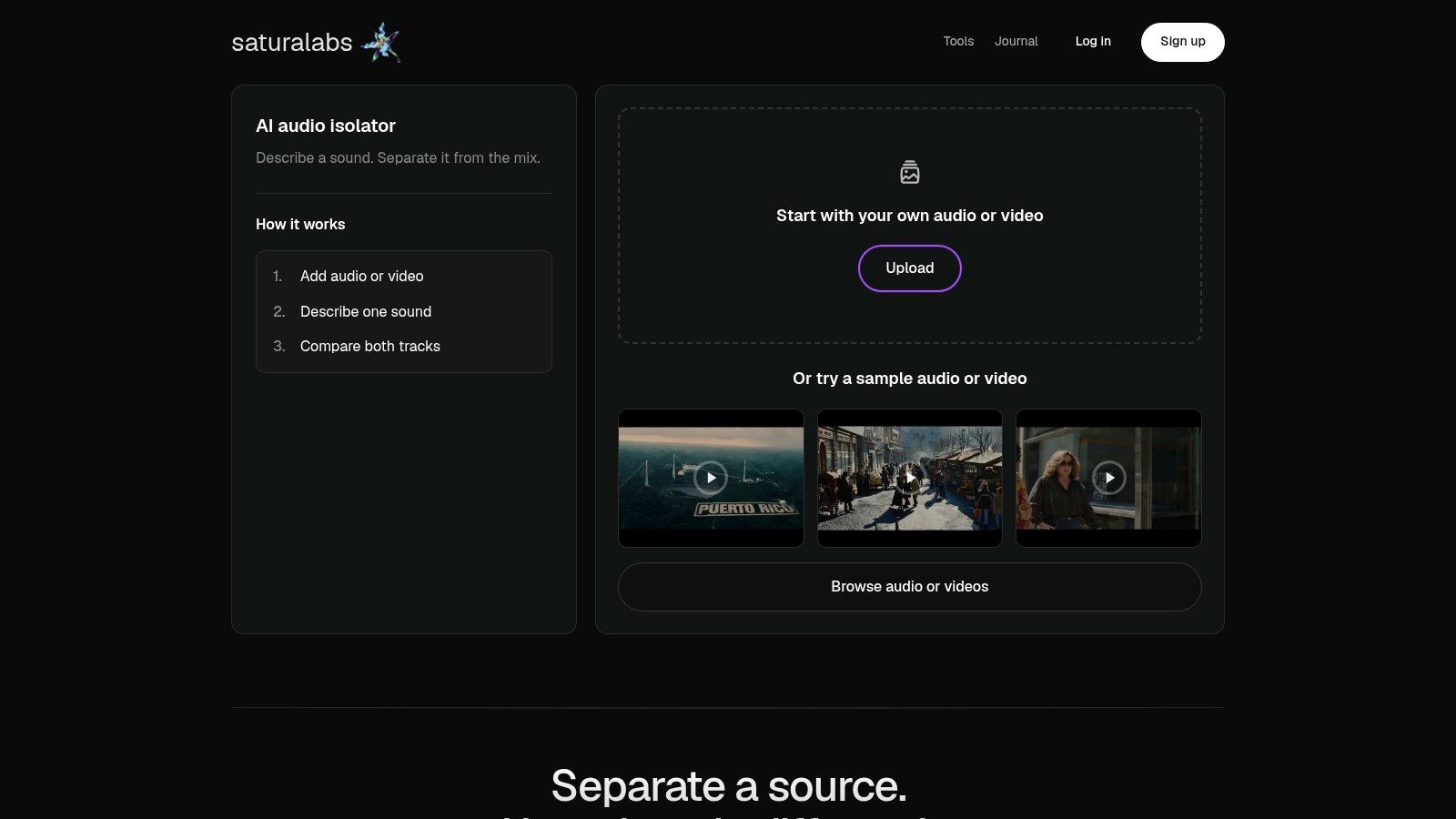
Upload an MP3, WAV, MP4, or MOV file up to 50 MiB (52.43 MB). A video file can be useful when the desired source is dialogue or music embedded in a clip, while an audio file keeps the task more focused.
Describe one audible source per prompt. Use vocals, spoken voice, acoustic guitar, or electric bass. Avoid a long instruction such as “remove vocals, drums, guitar, and room noise,” because several targets can overlap and make the intended result ambiguous. The focused guidance in this audio preparation guide helps identify a suitable source before upload.
Choose the output deliberately
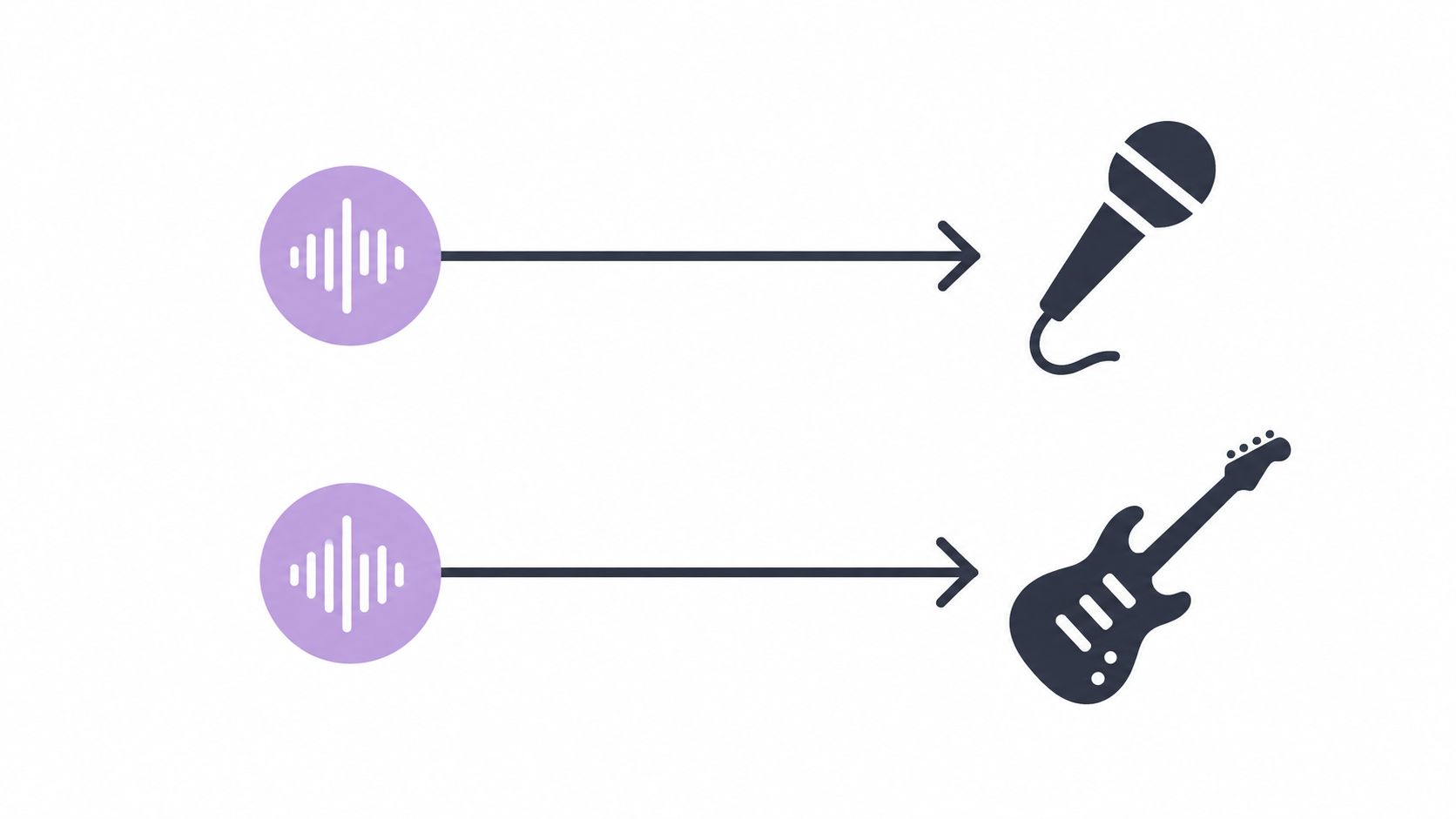
The same prompt can support opposite goals. For a karaoke version, describe vocals and audition Background audio. For an acapella, describe vocals and keep Isolated sound. For guitar practice, describe electric guitar and inspect Isolated sound.
Keep the original file open in a separate player. Once processing finishes, compare the result with the source before downloading. The credit cost for the current job should also be checked in the interface before download, since the displayed cost and service details can change.
A repeatable session looks like this:
- Upload the cleanest supported source.
- Name one audible target in plain language.
- Select the output that matches the intended use.
- Preview both the target and the background remainder.
- Test the hardest passage.
- Download only after the result remains usable there.
Matching Your Goal to the Right Prompt and Output
The word “functional” can describe several different jobs. A karaoke backing track is not the same deliverable as an isolated vocal, and a guitar practice part isn't the same as a full accompaniment.
| Your Goal | Prompt to Describe | Output to Download |
|---|---|---|
| Karaoke backing track | vocals |
Background audio |
| Instrumental-only version of a song | vocals |
Background audio |
| Vocal or acapella extraction | vocals |
Isolated sound |
| Guitar practice part | electric guitar or acoustic guitar |
Isolated sound |
| Bass practice part | bass or electric bass |
Isolated sound |
| Drum practice part | drums |
Isolated sound |
| Clean spoken voice from a podcast clip | spoken voice |
Isolated sound |
Read “instrumental” as a remainder
A track made by removing vocals is usually a residual accompaniment, not a collection of pristine stems. If the vocal and a guitar share the same range, the algorithm may suppress part of the guitar while reducing the vocal. The result may still work for singing practice, but it may not work for a guitar lesson or a commercial remix.
For an ambiguous source, the prompt should become more specific rather than longer. lead vocals can be more useful than a general request when backing vocals are part of the arrangement. spoken voice is appropriate for speech, not a sung lead. If a target has several layers, separate requests can be auditioned independently, but every result still needs a listening check.
Auditioning the Result Before You Download
A waveform can look clean while the audio sounds broken. Source-separation research uses SDR, SIR, and SAR to distinguish distortion, residual interference, and artifacts, but those measures don't tell the whole listening story. Recent evaluation research finds that SDR can correlate poorly with human judgments, while scale-invariant signal-to-artifacts ratio can better predict perceived quality for drums and bass, as discussed in this evaluation report on perceived separation quality.
The reliable test is a short audition sequence:
- Play the original first, so the arrangement remains familiar.
- Play the Isolated sound and check whether the target stays musically complete.
- Play Background audio and listen for remnants of the removed source.
- Return to the original and compare timing, pitch, and stereo placement.
Test the sections that expose damage
An intro with one instrument can sound excellent and tell very little. Cue the vocal entrance, phrase endings, sibilants, cymbal hits, bass drops, vocal doubles, and the densest chorus. These moments reveal whether the extractor has removed wanted harmonics or left behind a watery copy of the target.
Listen at normal headphone volume first, then briefly at low volume. Low-level playback can expose pumping, chirping, unstable stereo movement, and musical modulation that becomes less obvious when the track is loud. Check mono compatibility as well. A wide stereo effect may sound impressive in headphones but weaken or change when summed.
A usable backing track keeps the musical event that matters at the exact moment the arrangement becomes crowded.
The remaining music can lose a bass note, guitar transient, or synth harmonic when it overlaps the vocal band. That isn't necessarily a processing failure. It reflects the limits of estimating sources from a finished mix. The download decision should therefore depend on the hardest passage, not the attractive waveform or a single quality number.
Troubleshooting Weak or Distorted Extractions
When vocals remain, the first response shouldn't be a longer prompt. The source may be dense, reverberant, or heavily compressed. A cleaner available file can help, and a more precise description such as lead vocals can give the request a narrower target. For a spoken recording, spoken voice is more appropriate than vocals.
Watery modulation and phasing often become obvious around sustained notes, cymbals, and stereo effects. These artifacts can arise when the wanted and unwanted sounds share frequencies or when the source has already lost detail through compression. A cleaner source is worth testing before repeated downloads of the same damaged mix.
When the wanted part disappears
A guitar can vanish during a chorus because it occupies the same range as the vocal. A bass transient can soften when the model treats part of it as interference. In that situation, try a more specific description, such as electric guitar instead of guitar, and compare the target during a less crowded passage.
Uneven results across a song are common enough that a short intro shouldn't decide the job. The chorus, bridge, vocal doubles, and final refrain deserve separate checks. Research on inference overlap found improvements of up to 0.37 dB SDR in systematic tests, but that result depends on implementation and evaluation conditions, as reported in the inference-overlap study. It doesn't turn every recording into a reliable stem source.
A reusable troubleshooting checklist is short:
- Residual vocals: Try a cleaner source or a more specific target.
- Watery sound: Inspect compression, limiting, reverb, and dense mastering.
- Missing instrument: Describe the source more precisely and test a less crowded section.
- Uneven separation: Compare the chorus and bridge, not only the intro.
- Unclear result: Keep the original beside the output and audition both again.
For broader cleanup after isolation, online audio repair guidance can help separate source problems from subsequent restoration work.
Rights, Credits, and Smart Use of the Output
Technical access isn't the same as permission to reuse a recording. The U.S. Copyright Office explains that a sound recording is protected and that owners hold exclusive rights including reproduction and distribution. Uploading a song for isolation doesn't establish permission to publish, distribute, monetize, or perform the separated result, as explained in the Copyright Office circular on sound recordings.
Before an extracted track enters a release, video, karaoke set, or lesson, the user should confirm rights to both the source and intended use. The original file should remain archived, and the current credit cost should be checked before downloading. Re-encoding a compressed file won't restore audio information that was already discarded.
A good final check is therefore practical: listen to the difficult passage, confirm the target remains usable, compare the background remainder, verify the credit cost, and confirm the planned use is authorized.
Saturalabs lets creators upload MP3, WAV, MP4, or MOV files up to 50 MiB (52.43 MB) and describe one audible source in plain language. Visit Saturalabs to isolate vocals for a backing track, extract a specific instrument for practice, or keep spoken voice while checking the result against the original.