
In this guide
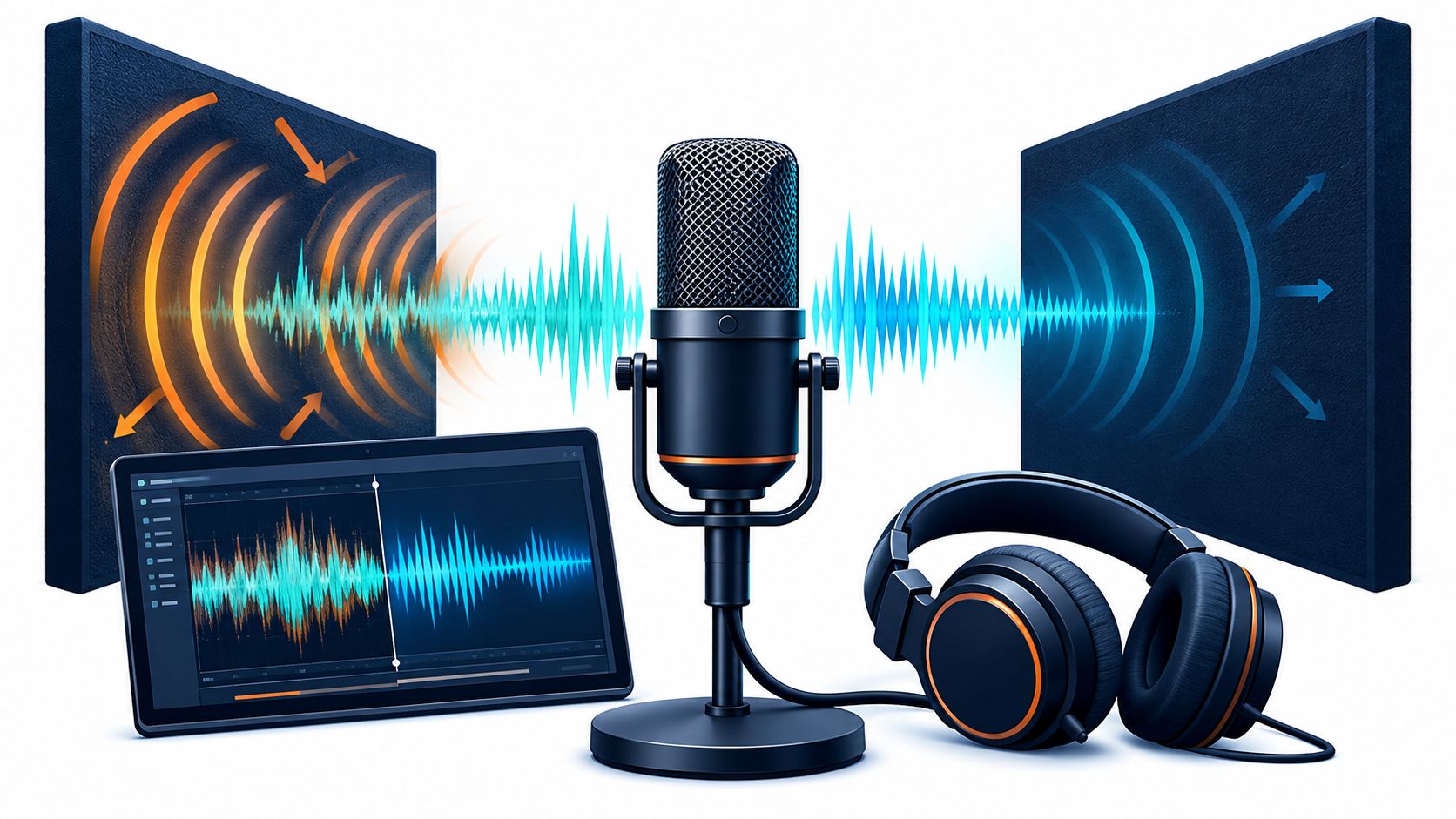
The edit looks clean. The cuts sit in the right places, the levels look steady, and the picture is ready to publish. Then playback starts on ordinary speakers, and the voice sounds boxy, distant, and smeared at the end of every sentence.
That moment sends many editors searching for a single echo slider. The safer route is slower. Removing echo from audio starts with finding out whether the problem is a discrete repeat, a room tail, or a duplicated signal. Each one needs a different fix, and each fix can damage speech if it's pushed too far. Diagnose first. Process one target. Check the result against the original before anything gets downloaded or published.
Why Echo Removal Is Not the Same as Lowering Volume
A voice recorded in a reflective room may sound smeared even when its level is low. Turning down the file lowers the direct voice and the room reflections together. The timing and overlap between syllables remain, so the recording sounds quieter, not clearer.
Echo cancellation has a long history in telecommunications. ITU-T Recommendation G.168 defines performance requirements and laboratory tests for digital network echo cancellers. A network canceller can estimate an unwanted returned signal and suppress it while preserving the near-end speaker. A finished podcast or interview recording presents a different problem.
The Missing Reference Signal
A telephone echo canceller can compare a known playback signal with the sound returning through the microphone path. In a typical podcast, interview, or video clip, that reference is missing. The microphone has captured the voice and room reflections together, and the original room response is not available.
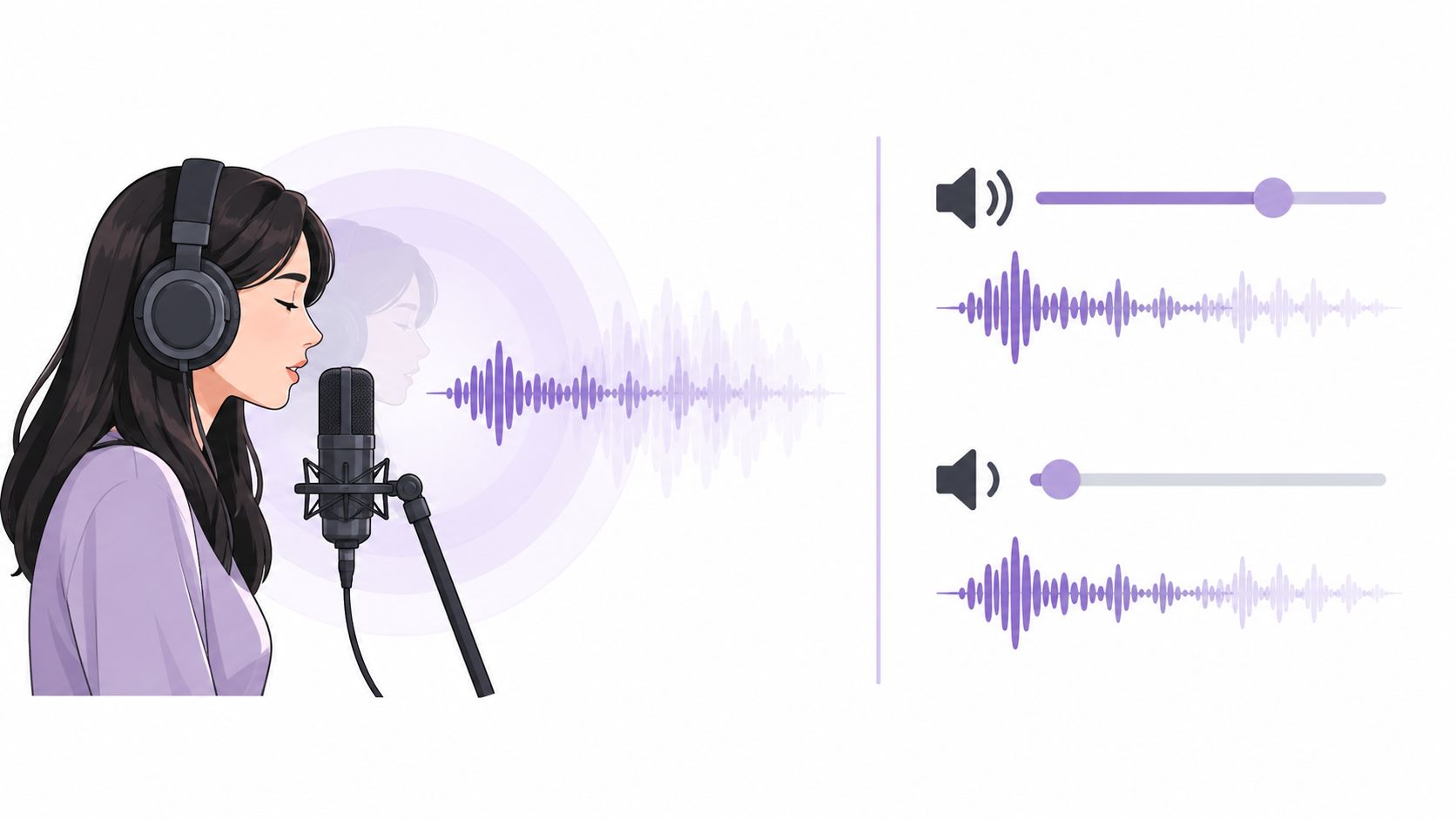
Cleanup therefore relies on an estimate. The processor has to distinguish the speaker from the room, even when both occupy the same frequencies at the same time. Listen to consonants and word endings after each pass. If they sound hollow or smeared, the estimate is taking speech along with the reflections. Wanted room tone may disappear too.
Practical rule: A quieter file is not necessarily a cleaner one. Judge the result by whether consonants and word endings remain clear, not by how flat the waveform looks.
What Aggressive Processing Costs
Listen to sustained vowels and the ends of words before increasing suppression. Strong processing can introduce musical noise, metallic artifacts, transient smearing, or a thin, underwater quality. If the room disappears but the voice sounds unnatural, reduce the processing and compare again with the original.
Set a realistic target: reduce distracting echo without expecting a studio sound from a recording made in a reflective room. First identify whether the problem is a repeat, a room tail, or a duplicated signal. Then choose a method that fits, apply it gently, and check the difficult passages by ear. Each step has a cost: less room sound can mean less natural ambience, and stronger suppression can damage speech. A clean-looking waveform cannot confirm that the voice still sounds convincing.
Diagnose Repeats, Tails, and Duplicate Tracks First
Before any tool is opened, the recording needs a label. A distinct repeat, a diffuse tail, and a duplicated track can all sound like "echo" on a quick listen, but they point to different fixes. Spending two minutes on diagnosis prevents an hour of processing the wrong problem.
Rule Out Duplication First
Start with the checks that cost nothing. Mute every track except the one with the problem, then listen again. Disable input monitoring in the editor or recording app, because a monitored signal can feed back into the mix as a delayed copy. Check whether speaker playback or headphone bleed reached the microphone during recording, since that bleed behaves like a second, quieter performance of the same words.
- Mute other tracks: A repeat that disappears when a track is muted is duplication, not room sound.
- Disable monitoring: A repeat tied to playback usually stops when monitoring is off.
- Solo the source: A problem that survives soloing lives inside the recording itself.
If the repeat vanishes during these checks, removing echo from audio becomes an editing fix rather than a processing job. Delete the duplicate, correct the routing, and keep the clean original untouched.
Listen for a Repeat or a Tail
With duplication ruled out, isolate a short phrase of a few seconds and listen closely at the end of sentences. A discrete repeat arrives as a separate copy of the voice after a clear gap. A diffuse tail fills the gaps between words and decays smoothly, which is the sound of room reverberation rather than a true echo.
Delay explains the boundary between them. Reflections arriving within roughly 50 milliseconds of the direct sound are generally perceived as part of the sound's reverberation rather than as a distinct echo, a distinction covered in Stanford CCRMA material on echo perception and delay. Longer delays are more likely to be heard as separate repeats.
Loop one sentence. If the room hangs on after the last word and fades, it's a tail. If a word seems to answer itself, it's a repeat.
Compare a dry passage with a roomy one if the recording has both. Movement toward or away from the microphone often explains why one answer sounds close and the next sounds distant. That comparison also sets a realistic target. The roomy passage can move closer to the dry one, but matching it exactly is rarely possible when the direct voice was captured weakly.
Once the problem has a name, method selection gets simpler. Duplication needs routing fixes. Discrete repeats need the delayed source found and removed. Diffuse tails are the case where de-reverb, EQ, gating, or isolation can help.
Comparing De-Reverb, EQ, Gating, and Isolation
Four approaches handle room sound in different ways, and none of them fits every recording. The right choice depends on the diagnosis from the listening test. Picking a method before naming the problem usually leads to stacking tools until the voice suffers.
Matching Echo Fixes to the Problem
| Method | Works best on | Main risk |
|---|---|---|
| De-reverb | Steady room tails behind clear speech | Hollow timbre, musical noise |
| EQ | Muddy low-mid buildup, harsh reflections | Thinned vocals, no real tail removal |
| Gate or expander | Audible tails in pauses between phrases | Clipped word endings, choppy speech |
| Text-guided isolation | One clearly named source, such as spoken voice | Lost room tone, artifacts where sounds overlap |
How the Four Methods Differ
A de-reverb tool estimates the room component and lowers it, including the reflections that overlap the words themselves. It's the direct option for a diffuse tail, but it can't always reconstruct the original voice perfectly when direct sound and reflection overlap heavily. Heavily reverberant, far-microphone recordings remain the hardest cases.
EQ doesn't remove a tail. Cutting boxy low-mid buildup or harsh high-frequency reflections makes a roomy voice feel tighter, and that can be enough when the problem is mild. It's best used after the main reduction, in small cuts, rather than as the primary fix.
A gate or expander lowers level between phrases, which shortens the audible tail in pauses. The room inside the words stays untouched. Settings that chase every gap will clip soft word endings and breaths, so slow, gentle expansion suits speech better than a hard gate.
Text-guided isolation works from a named target instead of a room estimate. Saturalabs accepts one audible source per prompt, so a description like spoken voice tells the system what to keep while the surrounding room sound is treated as part of the remaining audio. Prompt wording matters here, and the guide to writing audio isolation prompts covers how to name a single source clearly. How that differs from conventional processing is explained in the comparison of audio isolation and noise reduction.
Start Mild, Then Layer
Working order: Reduce the room first, shape with EQ second, and only then decide whether anything else is needed.
Stronger settings aren't automatically better. Room character also isn't uniform, since measurements for typical 50 to 60 m³ living rooms report reverberation times of about 0.63 seconds at 125 Hz and 0.38 seconds at 4 kHz in research on typical living room reverberation. A single aggressive control can therefore strip one frequency range while leaving another boxy. Mild processing, checked by ear, protects the voice while the method proves itself on the actual recording.
Isolating Speech with Text-Guided Prompts
Isolation suits dialogue where the wanted sound can be named in a few words. The workflow is short, but preparation and auditioning matter more than the processing step itself. A rushed upload and an unchecked download waste credits and trust in equal measure.
Prepare the File and the Prompt
Keep the highest-quality original available and work from a copy. For preservation-quality audio, Library of Congress format recommendations favor uncompressed or losslessly compressed files over lossy versions, and repeated lossy encoding makes artifacts harder to distinguish from the wanted signal. Uploads accept MP3, WAV, MP4, and MOV files up to 50 MB.

Name one audible source per prompt. For dialogue, spoken voice is the reliable starting description. Choose Isolated sound to keep that speech. Background audio is the remaining recording with the target removed, which makes it useful as a check. If recognizable words sit clearly in the background output, part of the wanted voice was taken out with the room.
The reverse choice applies to karaoke-style jobs. Isolating vocals and choosing Background audio leaves the backing track, while speech cleanup keeps the isolated side. Cases dominated by steady noise rather than room reflections belong with the workflow for removing background noise from video, and broader dialogue cleanup options are covered in the overview of online voice cleaner workflows.
Process a Short Clip First
Run a short, difficult section before committing a long file. Pick a passage with consonant-heavy phrases, a pause where the tail is obvious, and any background music that overlaps the voice. Compare that passage against the original at matched loudness, then check the displayed credit cost before downloading anything.
- Voice sounds thin: Try a narrower prompt that names the speech more precisely, such as a specific speaker description.
- Room tone disappears: Back off to a milder approach, because total dryness can sound unnatural against surrounding clips.
- Artifacts on sibilants: Compare breaths and word endings with the original before accepting the result.
Results depend on the recording, not on the prompt alone. Close, loud speech separates more cleanly than distant speech buried in reflections, and no prompt repairs a passage where the microphone captured mostly room.
Listening Checks Before You Download or Publish
A quieter waveform proves very little. Processing can flatten the visible tails between words while smearing the words themselves, and the damage only appears on playback. Verification is part of the workflow for removing echo from audio, not an optional final glance.
Run a Matched A/B Comparison
Match the loudness of the original and processed versions first. Louder usually sounds better in a quick comparison, and that bias hides artifacts. Then listen on headphones for detail and on ordinary speakers for the experience most listeners will get. Problems that hide on one often show up on the other.

Focus the check on specific sounds rather than general impressions. Consonants reveal smearing first, especially at the starts of words. Word endings and breaths show whether processing cut natural detail, while sustained vowels expose hollow or metallic timbre. Names and numbers deserve their own pass because listeners can't reconstruct them from context when they blur.
- Pauses: Does the room tail fade naturally, or does it cut off and leave dead silence?
- Transitions: Does the voice change character when the speaker moves or the scene changes?
- Overlapping music: Did cleanup thin the music or pull part of it away with the reflections?
Why Intelligibility Is the Real Target
Reverberation is commonly quantified with RT60, the time required for sound energy to decay by 60 decibels after the source stops, and a university acoustics intervention reported consonant blurring and increased listening effort in untreated rooms alongside a useful RT60 range of approximately 0.4 to 0.6 seconds for small rooms in an Armstrong acoustical case study. Longer decay lets successive syllables overlap, and speech becomes less distinct even at comfortable volume.
Processing can measurably help without being perfect. In a 2025 study using 260 matrix sentences at RT60 = 1 second, mean STOI scores rose from 0.52 for reverberated speech to 0.65 with DNN-WPE and 0.68 with DNN-WPEPF, relative gains of about 25% and 31%, as reported in recent dereverberation research on speech intelligibility. Those figures aren't guarantees for any single recording, since microphone distance, room size, noise, and speaker movement all shift the outcome.
Accept the processed file only when difficult passages sound natural, not merely drier, against the original.
Honest limits remain. Acoustic echo cancellation performance can decline with background noise, nonlinear distortion, or simultaneous speakers, as noted in research on joint neural echo cancellation and beamforming. Keep the original file untouched, because restoration decisions can't be reversed once the source is overwritten, a principle that runs through any careful approach to online audio restoration.
Deciding When Processed Audio Is Good Enough
Cleanup needs a stopping point. Without one, each pass promises a slightly drier result while costing naturalness, and the recording drifts further from the voice that was captured. A few decision rules close that loop.
Four Rules for the Final Call
Diagnose before processing. A repeat, a tail, and a duplicate track each earned a different fix earlier in the workflow, and a file that never received a label rarely receives the right treatment.
Prefer mild settings. Aggressive suppression can improve some objective measures while compromising naturalness, and listeners have preferred milder processing in perceptual evaluation. A small amount of believable room usually serves speech better than a sterile, artifact-heavy result.
Process one named target at a time. A single description such as spoken voice keeps the task clear. Stacking several targets or several tools at once makes it impossible to tell which step helped and which step hurt.
Accept only on difficult passages. Easy, close-miked sentences survive almost any processing. The passages with overlapping speech, music, movement, and long pauses decide whether the file is ready.
When to Re-Record Instead
Some recordings sit beyond what processing can rescue. A microphone placed far from the speaker in a large, hard-surfaced room captures more reflection than direct voice, and estimation can't invent detail that was never recorded. If consonants stay blurred after mild processing, or artifacts appear before the room drops meaningfully, re-recording closer to the microphone in a softer space will beat another processing pass.
That judgment also applies to repeated attempts on the same clip. Two careful passes with listening checks give a fair answer. A fifth pass rarely changes the verdict, and it often trades remaining natural detail for marginal dryness.
Rights and the Practical Next Step
Isolating or removing part of a recording doesn't grant permission to reuse it. The U.S. Copyright Office guidance for musicians explains that a recording can contain two separately protected works, the musical work and the sound recording, which may require separate permissions. That check matters for karaoke tracks, remixes, backing tracks, and public uploads.
Projects that need original multitrack material rather than an isolated estimate should start from the distinction between stems and audio isolation. For a speech recording with a diagnosed room tail, the practical next step is small. Upload a short clip, prompt spoken voice, audition Isolated sound against the original on the hardest passage available, and check the displayed credit cost before downloading.
Good enough has a plain definition. The words are clear, the voice still sounds like the person who spoke them, and nothing in the file draws attention to the processing itself.
Saturalabs offers text-guided audio and video isolation that keeps one named sound, such as spoken voice, separate from the rest of a recording, which fits the diagnose, isolate, and verify workflow for echo-heavy speech. Upload a short, difficult clip, compare the isolated result with the original before downloading, and start at Saturalabs.