
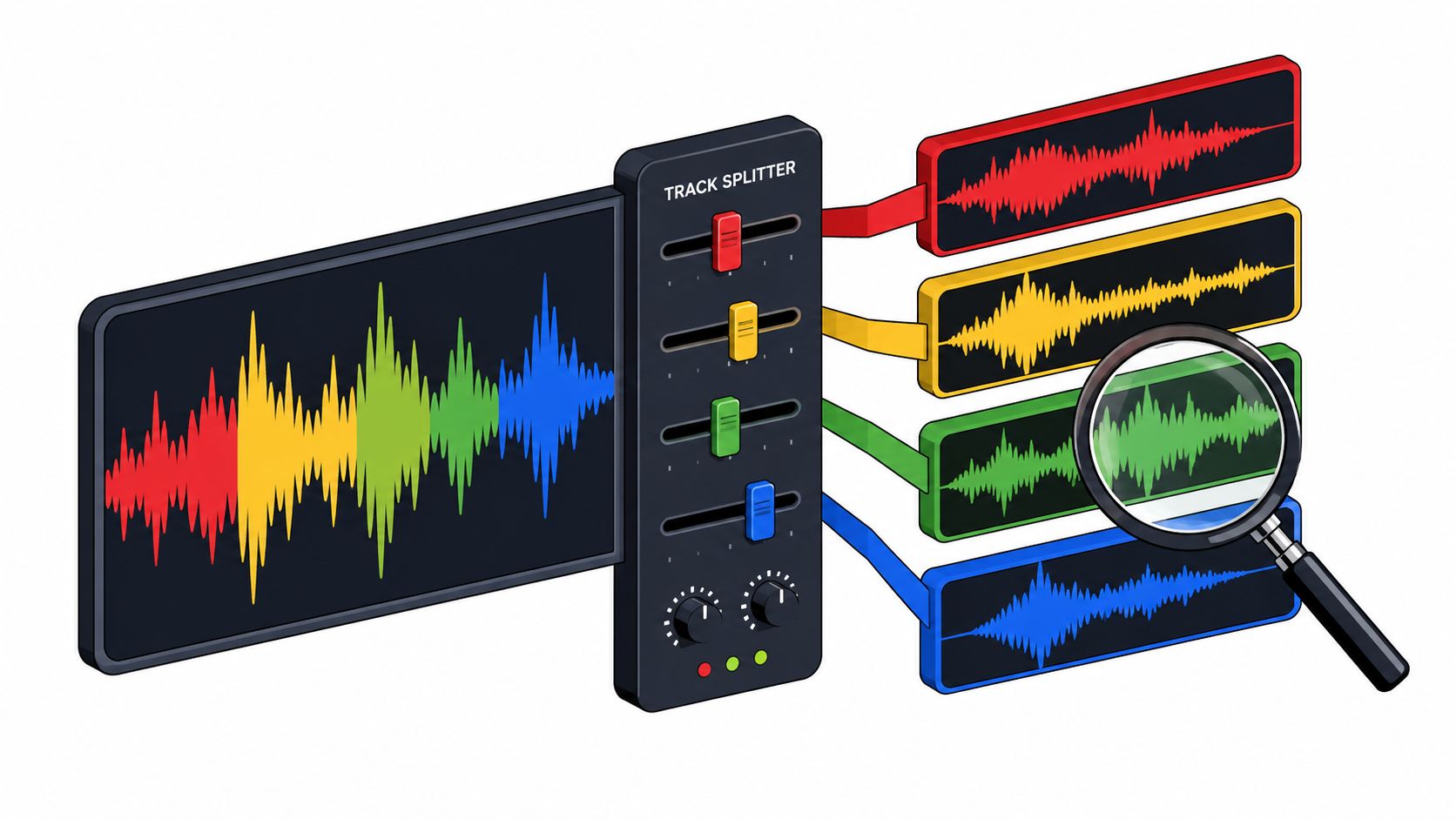
audio isolation software
Audio Isolation Software: A Practical Comparison Guide
Compare text-guided and preset-stem audio isolation software. Learn what to look for, common limits, and how Saturalabs fits real creator workflows.
Learn to describe one audible source, choose between the isolated sound and remaining mix, and compare results without losing wanted words or notes.
Explore the audio toolsCompare text-guided and preset-stem audio isolation software. Learn what to look for, common limits, and how Saturalabs fits real creator workflows.

Learn how a music stem splitter works and use text-guided separation to isolate vocals, drums, and other stems from your audio files.
Isolate singing from a song with a focused source description. Choose the vocal output, compare difficult passages, and understand free desktop alternatives.
Choose peak or loudness normalization for a quiet recording. Learn dBFS, LUFS, linked stereo gain, noise limits, and how to preview a normalized WAV.
Read a WAV file’s sample rate, bit depth, channels, and duration. Understand PCM, float, valid bits, and why header settings cannot prove recording quality.
Understand left and right channels, mono mixes, and separated stems. Choose a channel for one-sided speech or dual microphones without losing wanted audio.
Choose between audio isolation, noise-profile reduction, gates, and local repairs. Learn which output to keep and how to check for damaged speech or music.
Write clearer prompts for AI audio isolation, choose the right output, and compare results with a repeatable listening checklist.
Choose a useful test section, trim without losing context, check your audio file size, and keep separated tracks aligned with the original recording.
Describe a distinct effect and review its attack, tail, and background bleed. AI downloads use the separate account and credit flow.