In this guide
A recording can sound almost acceptable until the speaker reaches a sentence that overlaps with a fan, another conversation, traffic, or a music track. At that point, a broad denoise filter may lower the distraction while also thinning consonants, breaths, room tone, and the natural character of the voice. The practical answer to how to reduce background noise isn't always “remove everything behind the speaker.” It starts with identifying what is competing with the voice.
The safest workflow treats cleanup as a comparison task. A useful result should make the intended speech easier to follow without replacing it with hollow, watery, or over-processed audio.
Identify What Is Competing with the Voice
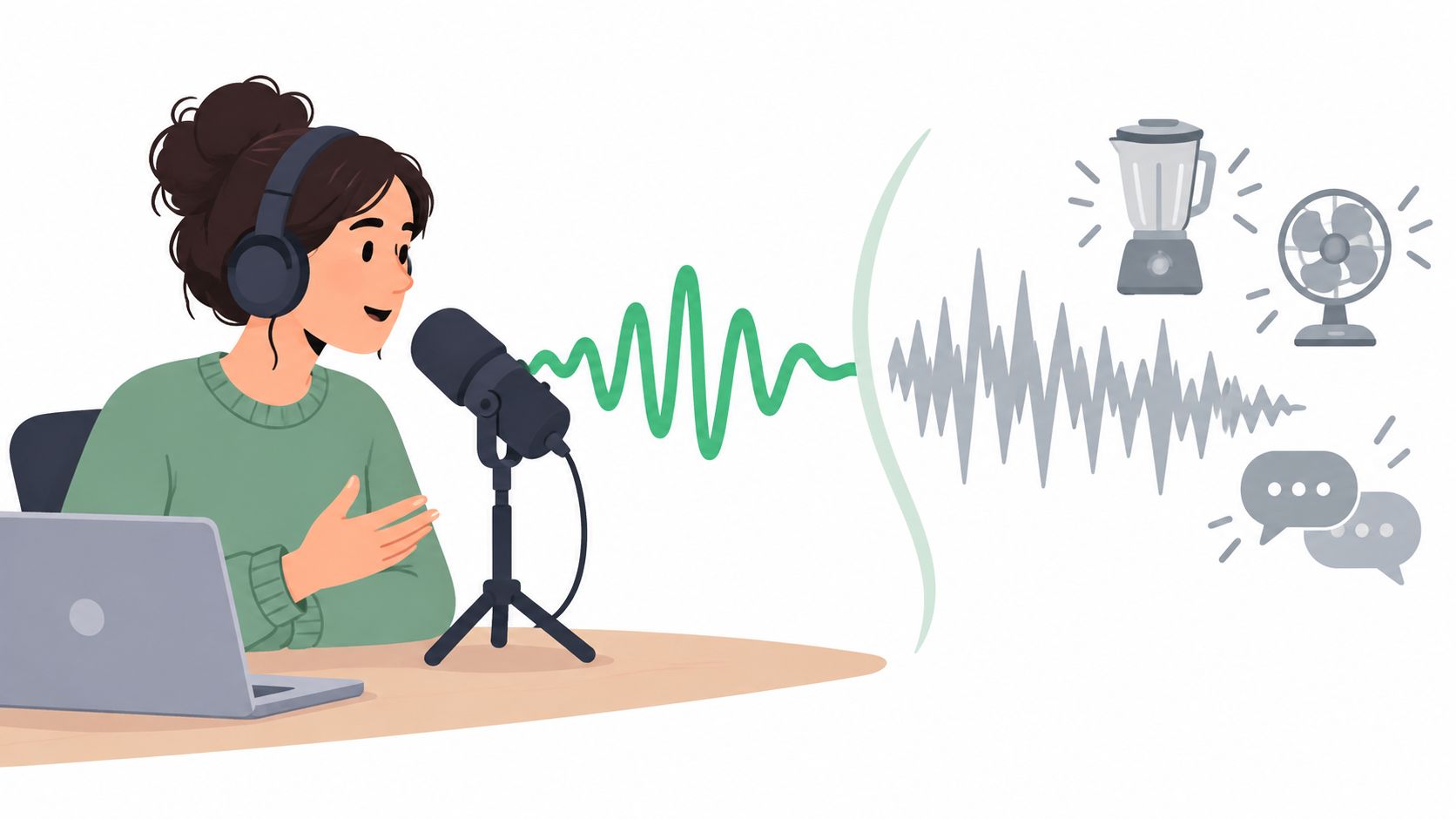
The first question is whether the unwanted sound is steady or distinct. Steady noise includes air-conditioner rumble, tape hiss, electrical hum, computer fans, and a consistent room bed. Distinct interference has an identifiable source, such as a second speaker, barking dog, keyboard clicks, nearby music, traffic, or a crowd.
That distinction matters because a general noise-reduction filter estimates a noise profile and attenuates parts of the signal that resemble it. Spectral subtraction, one of the earliest enhancement methods, estimates the noise spectrum during gaps in speech and subtracts that estimate from the recording, as described in this review of spectral-subtraction methods. The approach can work well against stable noise, but it has less certainty when the unwanted sound changes shape or overlaps the same frequencies as speech.
Separate noise from a competing source
A fan may occupy a broad, predictable band. Another voice can share the target speaker's vocal range, while music may overlap both speech and pauses. Treating all three problems with the same blanket suppression can remove useful speech cues or create musical noise, especially when the noise estimate is wrong. The RWTH Aachen explanation of speech-noise reduction describes over-subtraction as a source of hollow speech and artificial musical artifacts.
A named source often calls for isolation, not only reduction. Text-guided isolation asks the system to retain or remove a particular audible source, which is a different task from lowering a general noise floor. Audio background-noise reduction targets unwanted noise in a degraded signal, while source separation isolates individual sources from a mixture, as explained in this technical distinction between enhancement and separation.
Practical rule: If the distraction has a name, isolation is worth testing first.
That rule doesn't mean isolation will produce a perfect result. It means the editor starts with a clearer target. A broad filter may be suitable for constant hiss or hum. A named-source workflow is safer to audition when the problem is another person, a musical bed, street noise, or a specific mechanical sound.
Write a Prompt That Names One Audible Source
A useful prompt describes what the recording contains, not merely the desired outcome. “Make this sound cleaner” describes an intention, but it doesn't identify the sound that should remain or disappear. “Spoken voice from a video interview” gives the system a concrete audible target.
Saturalabs accepts a plain-language prompt and works best when the prompt names one audible source at a time. A focused description also makes the output easier to judge. If a prompt names spoken voice, the result can be checked for intelligibility. If it names distant crowd noise, the remaining recording can be auditioned to see whether the crowd has been reduced without damaging the foreground performance.
Build the prompt around one source
The following examples keep the target specific:
- Spoken voice: “spoken voice from the person answering the interview questions”
- Dialogue: “single spoken female voice in a room with light traffic outside”
- Crowd: “distant crowd noise behind the foreground recording”
- Mechanical noise: “air-conditioner hum in the background”
- Music: “background music beneath the spoken narration”
- Vocals: “lead singing voice in the music recording”
The distinguishing detail should support identification, not turn into a list of competing targets. “Remove the voice, keyboard, traffic, music, and room echo” asks for several separations at once and can make the result less predictable. One prompt should describe one audible source.

Choose the output that matches the job
For interviews, podcasts, lectures, and dialogue, the usual starting point is Isolated sound with a prompt such as “spoken voice.” That output keeps the named voice while reducing the rest of the recording.
Karaoke uses the opposite perspective. The useful target is often the vocal itself, but the desired result is the remaining instrumental recording. In that case, the workflow is to isolate “vocals” and choose Background audio, then audition the result as a backing track. The same source can therefore support different outcomes depending on which output is downloaded.
The prompt should remain narrow even when the final goal sounds broad. “Spoken voice” is more actionable than “clean podcast,” and “background music” is more actionable than “remove everything distracting.” Editors should compare both available perspectives where the source is difficult, because the retained voice and the remaining background can reveal different artifacts.
Run a Focused Listening Check Before Downloading
A waveform can look clean while a voice sounds damaged. The most reliable check uses a short passage where speech overlaps the distraction, rather than a quiet pause where almost any process appears successful. A difficult passage exposes whether the system has removed a word, blurred a consonant, or left an unnatural reverb tail.
Start with the original recording. Select a representative moment containing the target voice and the competing sound at the same time. Process that passage, then compare the original, the isolated output, and the remaining background at closely matched loudness.
Compare the right evidence
Loudness matching matters because the louder version often sounds clearer even when it contains more noise. If the processed file is quieter, listeners may mistake lower level for lower quality. The comparison should therefore focus on speech cues, naturalness, and continuity rather than silence alone.
Research has repeatedly found that stronger suppression doesn't automatically improve understanding. In a controlled 2017 study, a single-microphone noise-reduction condition produced only a 0.68% intelligibility advantage, while an ideal binary mask reached 99.8% intelligibility, compared with 99.1% for both MMSE-processed and unprocessed audio, according to the summary of noise-reduction findings. The narrow difference is a useful warning. A lower noise floor isn't the same as clearer speech.
A separate 2012 listening study found that several common algorithms reduced intelligibility in car and babble noise despite lowering the noise level, as reported in the study PDF on speech intelligibility and noise reduction. Editors should listen for missing consonants and sibilants, not just ask whether the background has become quieter.
| Symptom | Likely Cause |
|---|---|
| Words sound blurred or incomplete | The process removed speech cues that overlapped the competing source |
| Voice sounds hollow or underwater-like | Over-subtraction or excessive separation has removed part of the voice and room response |
| Breaths and “s” sounds disappear | High-frequency speech detail was treated as unwanted material |
| Reverb tails stop abruptly | The cleanup removed room tone or the natural decay around the voice |
| Background pulses or warbles | The noise estimate changed during processing, creating musical artifacts |
| The result is quieter but not clearer | Loudness changed, or suppression reduced useful detail along with noise |
Test the hardest moment twice
A practical check should include the passage with the most overlap, not only the easiest sentence. For dialogue, that may be a word spoken as a car passes or another person starts talking. For music, it may be a vocal held over cymbals, bass, or a dense chord.
The 2025 evidence is especially relevant to this judgment. In one low-latency deep-learning system, the median speech-reception threshold for normal-hearing listeners worsened by 0.9 dB, from -7.2 dB SNR without processing to -5.8 dB SNR with processing. Hearing-impaired listeners improved by 0.8 dB, while cochlear-implant users improved by 5.7 dB, according to the reported clinical and listening findings. The result supports a cautious workflow: processing can help some listeners and tasks while harming others.
If the isolated voice loses a word, the remaining background sounds unnaturally empty, or the original feels more believable at matched level, the result shouldn't be downloaded automatically. A modest amount of residual noise is often preferable to damaged speech.
Prepare Files and Credits Correctly
A clean workflow can still fail before listening begins if the source file doesn't fit the upload requirements. Saturalabs accepts MP3, WAV, MP4, and MOV files up to 50 MB. When a project is larger, the editor should create a suitable short working extract, export a compatible file, or divide the material into meaningful passages rather than uploading an arbitrary fragment that removes important context.
The test file should contain enough of the problem to judge separation. A silent room tone sample won't reveal whether the process handles overlapping speech, music, traffic, or a barking dog. A short passage with the target and distraction together provides more useful evidence before a longer project is processed.
Use a pre-flight checklist
- Confirm the format: Use MP3 or WAV for audio, and MP4 or MOV for video.
- Check the file size: Keep the upload at or below the stated 50 MB limit. For larger projects, prepare a representative segment first.
- Name one source: Use a prompt such as “spoken voice” or “background music,” not a list of unrelated sounds.
- Check the displayed credit cost: Review the current cost before downloading, because a processed result may still contain artifacts or fail the listening check.
- Keep the original: Compare every candidate output with the unprocessed recording at matched loudness.
- Confirm usage rights: Isolation doesn't provide copyright clearance, and the uploader remains responsible for having appropriate rights to the file and intended use.
The guide to preparing audio for AI isolation covers the source-file side of this process in more detail. Preparation won't overcome a badly masked recording, but it prevents avoidable upload and download decisions.
A credit check belongs at the beginning, not after a result has already been accepted mentally. Editors should treat the first pass as an audition. If the difficult passage fails, changing the prompt or testing another excerpt is more sensible than committing to a full download.
Choose Between Isolation and General Restoration
General restoration and text-guided isolation solve related but different problems. A restoration effect is a good candidate when the unwanted sound is constant, predictable, and present throughout the recording, such as tape hiss, power-line hum, or a steady fan. Adobe's Audition documentation describes its Noise Reduction effect as suitable for constant background sounds and states that a 5 to 20 dB signal-to-noise improvement is generally possible, depending on the recording and acceptable quality loss, as documented in Adobe's noise-reduction reference.
Isolation becomes more appropriate when the competing sound has a recognizable identity and overlaps the target. A second speaker, background song, traffic, or a particular instrument may change from moment to moment. A fixed global reduction setting has no reliable way to distinguish every occurrence of that source from wanted voice detail.
Match the method to the recording
| Situation | General restoration | Text-guided isolation |
|---|---|---|
| Constant hiss or hum | Often a sensible first choice | May be unnecessary |
| Fan or air-conditioner rumble | Useful when the sound is stable | Worth testing if the rumble changes or overlaps speech |
| Another person talking | Usually limited because voices overlap | A named-source workflow is more relevant |
| Background music under dialogue | Can reduce broad energy but may damage speech | Useful to test when music is the identifiable competitor |
| Vocal removal for karaoke | Not the right task | Choose the vocal target and audition Background audio |
| Preserving room tone or ambience | Usually allows more control over texture | Requires careful comparison because separation may remove ambience |
Neither method wins universally. General restoration can preserve the recording's overall texture when the noise is simple. Isolation can offer a more direct target when the problem is a competing source, but it may also produce artifacts or remove wanted ambience.
Saturalabs provides text-guided isolation for uploaded MP3, WAV, MP4, and MOV files, with Isolated sound retaining the named source and Background audio containing the remainder after that target is removed. A dialogue editor can use “spoken voice” and inspect Isolated sound. A karaoke workflow can use “vocals” and inspect Background audio.
The distinction between audio isolation and noise reduction is useful when the recording seems to need both. A restoration pass may address steady hum, while isolation may address a named competing voice or music bed. Either way, the final decision should come from a matched-loudness listening check, not from the number shown in a reduction control.
Troubleshoot Common Cleanup Problems
A hollow or underwater voice usually means the process removed too much of the target along with the distraction. The first recovery step is to test a shorter passage containing clearer speech, then use a simpler prompt that names only the primary source. If the workflow offers both perspectives, the other output may preserve the wanted voice more naturally.
Missing breaths, “s” sounds, or word endings point to damage in the high-frequency detail that makes speech intelligible. A less aggressive pass may help, but an editor should also compare the original against the isolated result and accept some remaining background if the alternative removes consonants. The audio repair guide offers broader context for handling damaged recordings.
Residual background doesn't automatically mean failure. If the remaining noise is steady and unobtrusive, removing more may create worse artifacts than leaving it in place. If the distraction is still clearly identifiable, the prompt may be too broad, the clip may be too complex, or the source may be too heavily masked for clean separation.
Listening decision: Natural speech with modest residual noise is usually more usable than silent gaps, missing breaths, and synthetic consonants.
A sensible troubleshooting sequence is short and repeatable:
- Return to the original: Find the exact moment where the output fails.
- Shorten the test: Use a passage with one dominant target and one competing source.
- Simplify the wording: Replace a multi-source prompt with “spoken voice,” “background music,” or another single audible source.
- Audition both outputs: For speech, start with Isolated sound. For karaoke, check Background audio after targeting vocals.
- Stop when naturalness wins: Don't spend additional credits chasing complete silence if the voice becomes less intelligible.
Isolation is a judgment task, not a magic button. A short test file gives the editor evidence about artifacts, lost detail, and the usefulness of the remaining background before a full project is committed.
Saturalabs lets creators upload compatible audio or video, name one audible source in plain language, and compare the isolated result with the remaining background before downloading. Start with a short passage where speech overlaps the distraction, review the displayed credit cost, and visit Saturalabs to test the workflow against the original recording.