In this guide
You recorded forty minutes of an interview at a kitchen table. The fridge hums under every answer, a bus rolls past at minute twelve, and your guest's sharpest line lands directly beneath the espresso machine. Back at the laptop, you open the file, drag the noise-reduction slider to maximum, and the room goes quiet. Your guest goes quiet with it.
Quieter isn't the same as better. Removing background noise from audio is an estimation problem, not a delete button. The software guesses which energy belongs to the room and which belongs to the voice, then subtracts the guess. When that guess lands on a consonant, a breath, or the decay of a guitar chord, it takes the wanted sound with it and leaves a hollow, metallic, or warbling take.
Two habits separate a usable cleanup from a ruined file. Diagnose what the unwanted sound is before choosing a method, then stop the moment the words or notes become harder to follow, even if the background has gone silent. A steady fan responds well to a learned noise profile. A second voice needs separation. Room echo and clipping aren't noise at all, and no slider restores them.
Name the Unwanted Sound Before You Process
Three recordings land on the same desk in one week. A podcast taped in a busy cafe, with conversation and cup clatter behind the host. A voice memo recorded beside a desk fan that nobody switched off. A phone interview where the guest held the handset too close and the loudest syllables flattened into a buzz. All three owners describe the file the same way: it has background noise. Only one of those problems is background noise.
Find a pause and listen to what fills it. That one habit does more for the result than any slider position, because the character of the unwanted sound tells you which method can work at all.
The pause test
Hiss, air, and electrical hum hold a steady shape. They sound identical at minute two and minute twenty, which is exactly what makes them removable: a tool can learn that spectrum from a pause where nobody speaks and subtract the shape from the rest of the file. Traffic, chatter, birdsong, and doors don't hold still, so no learned profile fits them, and a subtraction pass tends to chew into the voice while the noise survives.
Music or a second speaker sitting underneath the target is a different job again. That's separation rather than cleaning, and only one audible source should be named per pass.
A 2025 evaluation mixed speech with real-world noise from trains, cars, restaurants, airports, and stations at signal-to-noise ratios from 0 to 15 dB and measured both intelligibility and perceived quality (Scientific Reports). Scores moved with the noise type and the difficulty of the mix, so a setting that rescued one file proves nothing about the next one.
What the subtraction is actually doing
The idea underneath every cleanup tool is older than the plugins suggest. A KU Leuven review traces the research to two Manfred Schroeder patents describing an analog spectral-magnitude subtraction, and to Steven Boll's 1979 frequency-domain method, which estimates noise during speech-absent intervals and subtracts that estimate frame by frame. Later milestones added minimum mean-square-error estimators in 1990 and log-spectral-amplitude estimation in 2003 (Engineering Proceedings review).
Every one of those methods guesses. When the guess is wrong, the artifacts have names you can hear: musical noise, muffling, clipped consonants, swallowed vowels, a voice that sounds like it's coming through a phone.
Diagnosis first: if you can't describe the unwanted sound in four plain words, you're not ready to process the file.
What you hear and what to do first
| What you hear | First action | Do not expect |
|---|---|---|
| Steady fan, hiss, or hum | Learn a noise profile from a noise-only pause in an editor | Total silence or a noise-free room |
| Music, traffic, or a second voice overlapping the target | Isolate one named source and audition both outputs | A perfect split with no bleed |
| Keyboard clicks only in pauses | Small edits, fades, or a gate on those gaps | Clicks that sit on top of words to vanish cleanly |
| Room echo or bathroom reverb | Treat it as part of the voice, not as removable noise | Reliable removal of reverberation |
| Wind blasts or a distorted, overloaded take | Look for a cleaner original recording | Reconstruction of clipped or destroyed peaks |
Two rows deserve a warning. Room echo is your own voice arriving late off the walls, mixed inseparably into the recording, so treat it as part of the voice rather than a layer to lift out. Clipping is worse: the peaks were flattened when the signal hit the converter, and the missing waveform information can't be rebuilt by any later pass.
If the picture has to stay in sync, keep the audio cleanup as its own step rather than treating this page as a video editor, and follow the separate workflow in removing background noise from video.
Before choosing a method, put the unwanted sound into words. A prompt that names one audible source is worth ten that describe a mood, and the prompt engineering best practices guide covers how to phrase that description. Pick one row from the table and one target, then move on.
How to Isolate the Sound You Want to Keep
Once the unwanted sound has a name, the pass itself takes minutes. Five decisions carry the result, and every one of them happens before the export button.
Keep the original and make a working copy. Upload an MP3 or WAV up to 50 MB. If the source is already MP3, don't save it as MP3 at each stage, because opening and resaving an MP3 recompresses it and makes existing compression artifacts more pronounced (Adobe format guidance). Move to WAV once the next step involves editing or mixing.
Describe one audible source in plain words. Use "spoken voice" for dialogue. Describe the music itself when a bed is what you want reduced. A voice description doesn't identify a person by name, so a second speaker in the same recording can survive into the output. That's a limit to check rather than a fault to retry ten times.
Pick the output that matches the job. Isolated sound keeps the source named in the prompt. Background audio is the rest of the recording with that source reduced. For speech, review Isolated sound first. For a music bed you'd rather hear less of, name the music and review Background audio.
Test on the worst twenty seconds. Choose the section with the loudest overlap, not the clean intro. A pass that holds up there will usually hold up elsewhere.
Hold the download. Nothing leaves the results screen until the hardest passage has been compared against the original file.
Two outputs, two different jobs
- Podcast or interview dialogue: prompt "spoken voice," review Isolated sound, and keep the pauses natural rather than dead.
- A voiceover buried under a music bed: name "background music," then review Background audio, which is the voice and everything else with that music reduced.
- Karaoke or a music bed: name "vocals" and review Background audio for the version without the lead line.
- One instrument for practice: name the instrument, for example "guitar," and review Isolated sound.
That last example comes with a ceiling. Each separation pass targets one described source, and the tool doesn't split every instrument at once, so a full mix won't come apart into five stems in a single run. Plan the passes one at a time.
One target per pass: a prompt that asks for "clean audio" gives the tool nothing to find. Name a sound you could point to in the waveform.
Compare Both Tracks at Matched Loudness
A processed take that sits lower than the original will win a casual listen almost every time. The drop in level masquerades as cleanup. Bring both files to a similar integrated loudness first, reading LUFS on each with a LUFS loudness meter. Matching level works like setting two photos to the same brightness. You judge detail, not exposure.
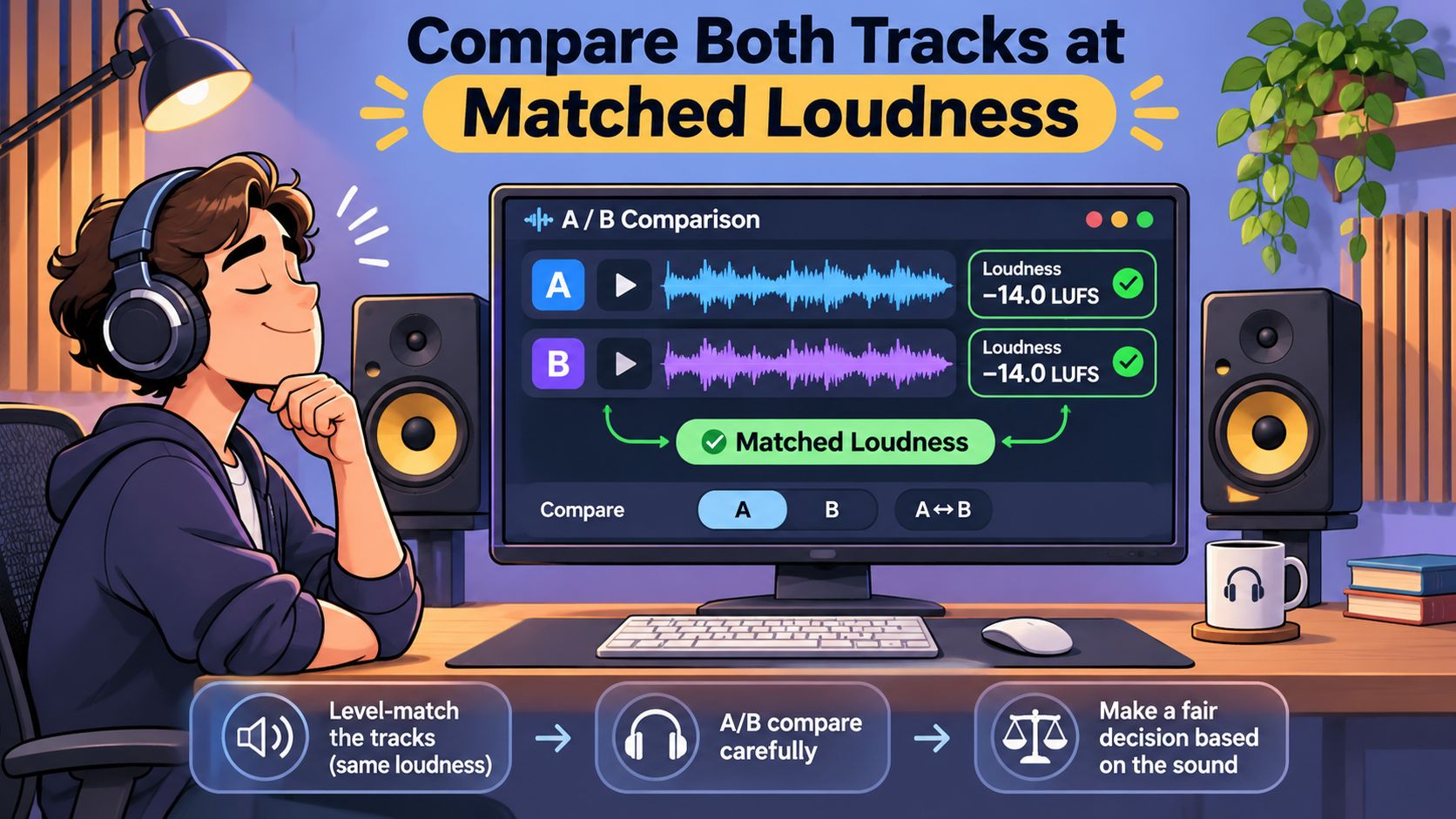
Once the meters agree, stay on the hardest passage. Run the same five checks, in the same order, every time.
- Consonants and word endings. The s, t, k, and sh sounds, plus the final consonant of a surname.
- Names and numbers. Details a listener cannot rebuild from context when a syllable goes missing.
- Breaths and the half-second before a sentence. Strip all of them out and speech starts to sound synthetic.
- The gaps. A low, even room tone is fine. Tone that swells and drops with every phrase is pumping.
- Quiet musical detail. Cymbal decay, string noise, the tail of a reverb.
Splitting speech-active regions from pauses follows the same logic a benchmark uses. Published evaluations report segmental SNR, which averages only over frames where speech is present, alongside intelligibility measures such as STOI, because a whole-file average hides damage that lands on three consonants in a row (noisy speech benchmark design).
Artifacts have signatures worth memorizing. Scattered tones that ring at random pitches are musical residual noise. A hollow, flanged, or out-of-phase tone means the reduction went too far. On a spectral noise-reduction effect, decay is a trade-off with no universal setting: weaker reduction tends to leave a bubbly, watery residue, while stronger reduction leaves more of the original noise behind. Listen for that residue. A percentage on someone else's slider will not tell you whether this file still has its consonants.
One more check catches a swapped target. Open Background audio and confirm the speech you wanted is not sitting there intact. If it is, the pass treated the voice as the sound to remove. A clean intro says nothing about a loud overlap ninety seconds later. The result also cannot put back a consonant the reduction already removed.
Pass rule: keep the pass only if the target is easier to follow and all five checks still hold. If either half fails, redo the description instead of accepting the quieter file.
Stop Before Cleaner Audio Gets Harder to Follow
A voice can sound cleaner in the pauses and harder to understand in the words. Stronger noise reduction may remove parts of speech along with the noise, so stop when clarity starts to fall.
Listening evaluations and noise-reduction standards reflect this trade-off: aggressive processing can introduce artifacts or make speech harder to recognize in some conditions. A quieter track is not automatically a better one.
A stop rule for speech
Compare the processed version with the original at matched loudness. Listen for consonants that sound metallic, syllables that vanish, names that become harder to catch, or a voice that warbles. If any appear, return to the milder version. Keep some room tone too, so the spaces between words do not sound like abrupt cuts.
A looser rule for music
An isolated instrument or sound-design element may tolerate some grain if it remains useful in the mix. Listen for the part's attack and notes. If they start to disappear, choose the less processed version, even if it leaves more background sound.
Stop rule: If the background gets quieter while words, notes, or continuity become harder to follow, the processing has gone too far. Keep the version that preserves the sound's meaning and shape.
Fix Bleed Missing Words and Baked-In Damage
A separated file that still fails almost always falls into one of four buckets. Name yours before running another pass, because the wrong retry makes each problem worse.
| What you hear | Likely cause | Next action |
|---|---|---|
| Music or noise still sits in the voice | Overlap, or the prompt named the wrong source | Rename one audible source and compare both outputs on a short excerpt |
| Wanted words or notes are gone | Target and noise share time and frequency | Restore that phrase from the original |
| Random tones, pumping, or a hollow voice | Reduction or separation went too far | Prefer the milder pass or the original |
| Another speaker remains with the voice | A voice prompt is not a person identifier | Accept the limit or edit that line separately |
Bleed is normal, not a bug
Bleed means unwanted sound remains in Isolated sound, or wanted sound remains in Background audio. It happens when both sources occupy the same time and frequency range, and no setting removes that overlap without touching the target. Rename the source more precisely and compare both outputs on a short excerpt. Overlapping sources, clipping, strong microphone wind, and heavy reverberation all limit what separation can do.
Missing syllables are a different problem. When a phrase disappears, don't stack a second aggressive pass on top, because the words are already gone from that render. Pull the phrase from the original file and edit it in, or export a milder version and use that instead. Separation can leave bleed, change tone, or introduce artifacts, and it doesn't guarantee recovery of missing words or notes.
If another speaker remains beside the voice you wanted, treat that as a boundary of the method rather than a failed attempt. A voice description isn't a person identifier, so the tool can't pick your guest out of a room by name. Edit that line separately or accept the second voice.
Retry once, then stop
One retry with a clearer source name is reasonable. Two retries that lose the same words are a signal to stop and keep the original or a gentler pass. Wind, heavy reverberation, and clipping belong to the recording, not to the retry list. When the damage was there before you processed anything, the repair side is covered in how to fix distorted audio.
Download Only After the Hard Passages Pass
The download is a yes-or-no decision, not a formality at the end of a long session. Replay the hardest 10 to 20 seconds against the original one final time. If those words, notes, or effects are still intelligible and the artifacts are acceptable for where the file is going, take it. If not, take the milder version or the untouched original.
Three practical checks sit between the results screen and a clean handoff. The results screen shows the credit cost before the chosen WAV is downloaded, so read it before committing. Downloads of separated audio require an account and sufficient credits, so a long project is worth planning across several passes. And separated tracks download as WAV audio, while a video upload produces separated audio tracks rather than a finished video, which means any picture edit still has to be aligned in another tool.
Rights don't travel with processing. Adobe's licensing guidance explains that platform music libraries generally cover only their own platforms, so music cleared through TikTok, YouTube, or Meta may need separate clearance when reused elsewhere, and "royalty-free" describes a licensing arrangement rather than unrestricted public use. Unauthorized use can lead to muting, demonetization, or removal depending on the platform (Adobe music licensing FAQ). Confirm you hold the rights to the source recording and to the place you plan to publish or remix it before extracting vocals, stripping music, or posting the result.
Match the output to the task on the way out. For a podcast or an interview, describe "spoken voice" and keep Isolated sound. For a music bed you want reduced, describe that music and review Background audio. Then let one hard passage make the call.
Saturalabs separates a described voice, instrument, or sound effect from an uploaded audio or video file and returns two tracks to compare: the isolated sound and the remaining background audio. Upload an MP3, WAV, MP4, or MOV up to 50 MB, describe one audible source in plain language, and replay the hardest passage against your original before you spend anything. Run your own recording through one pass at Saturalabs and decide with your ears, not with how silent the file feels.