
Audio cleanup
How to Stop Keyboard Noise in Your Microphone
Reduce typing noise at the microphone, check Zoom, Teams, Discord or OBS filters, and choose a different cleanup method for clicks already recorded over speech.
Choose a cleanup method for the problem you hear. Steady hiss, competing music, isolated clicks, and damaged recordings call for different treatments.
Explore the audio toolsReduce typing noise at the microphone, check Zoom, Teams, Discord or OBS filters, and choose a different cleanup method for clicks already recorded over speech.
Check whether one-sided audio comes from your recording or playback setup. Extract the recorded channel as mono without averaging it with an empty side.
Find out whether a click comes from an abrupt cut, an internal join, or the original recording. Choose a short fade, a crossfade, or a different edit.
Remove background music from audio while preserving speech. Compare original tracks and AI separation, choose the right output and check for artifacts.
Troubleshoot watery vocals, vocal bleed, missing instruments, and clicks after separation. Compare the same passages and use a free review worksheet.
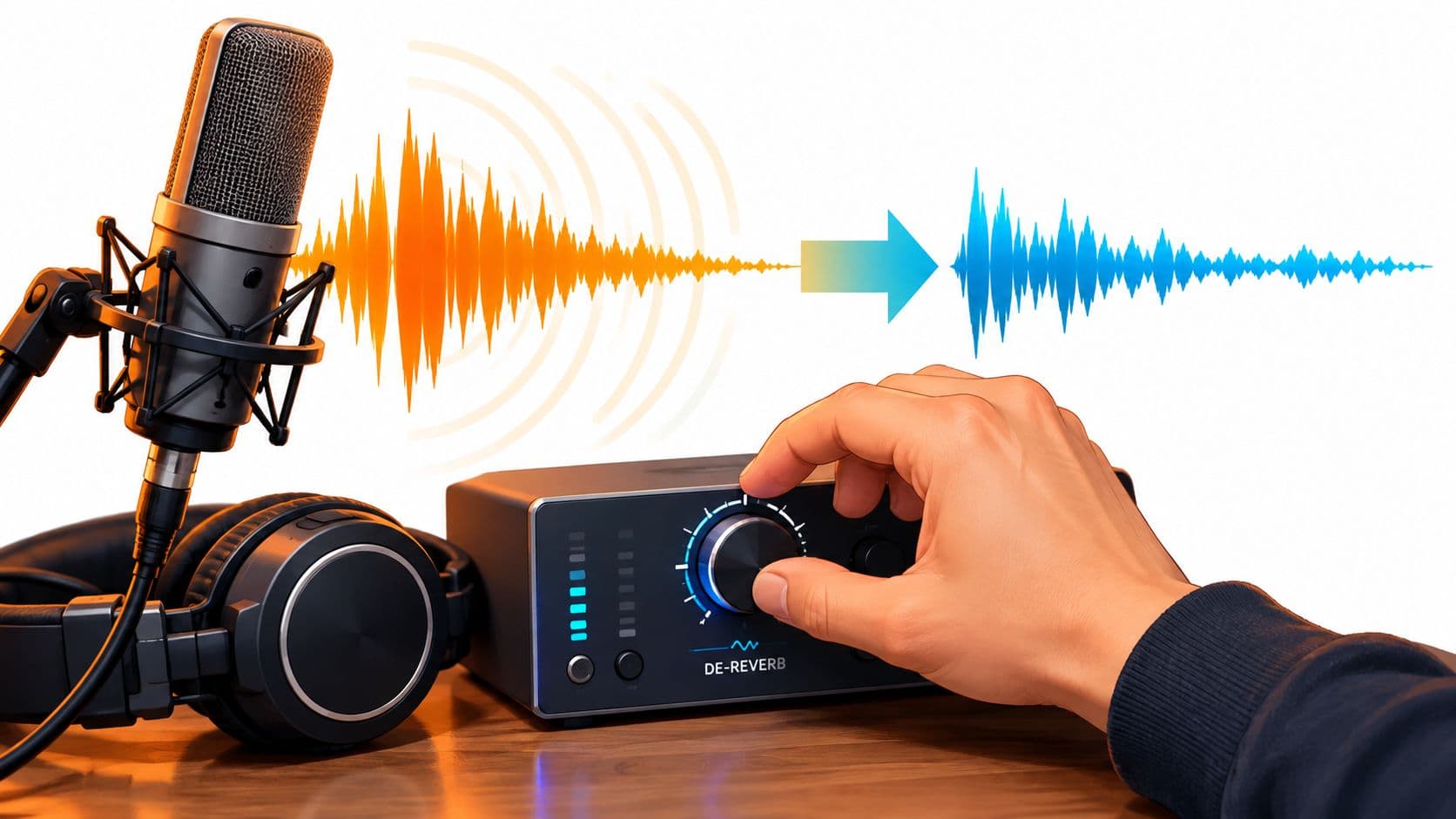
Learn removing reverb from audio with a practical workflow: text-guided isolation vs de-reverb plugins, stepwise processing, troubleshooting, and listening
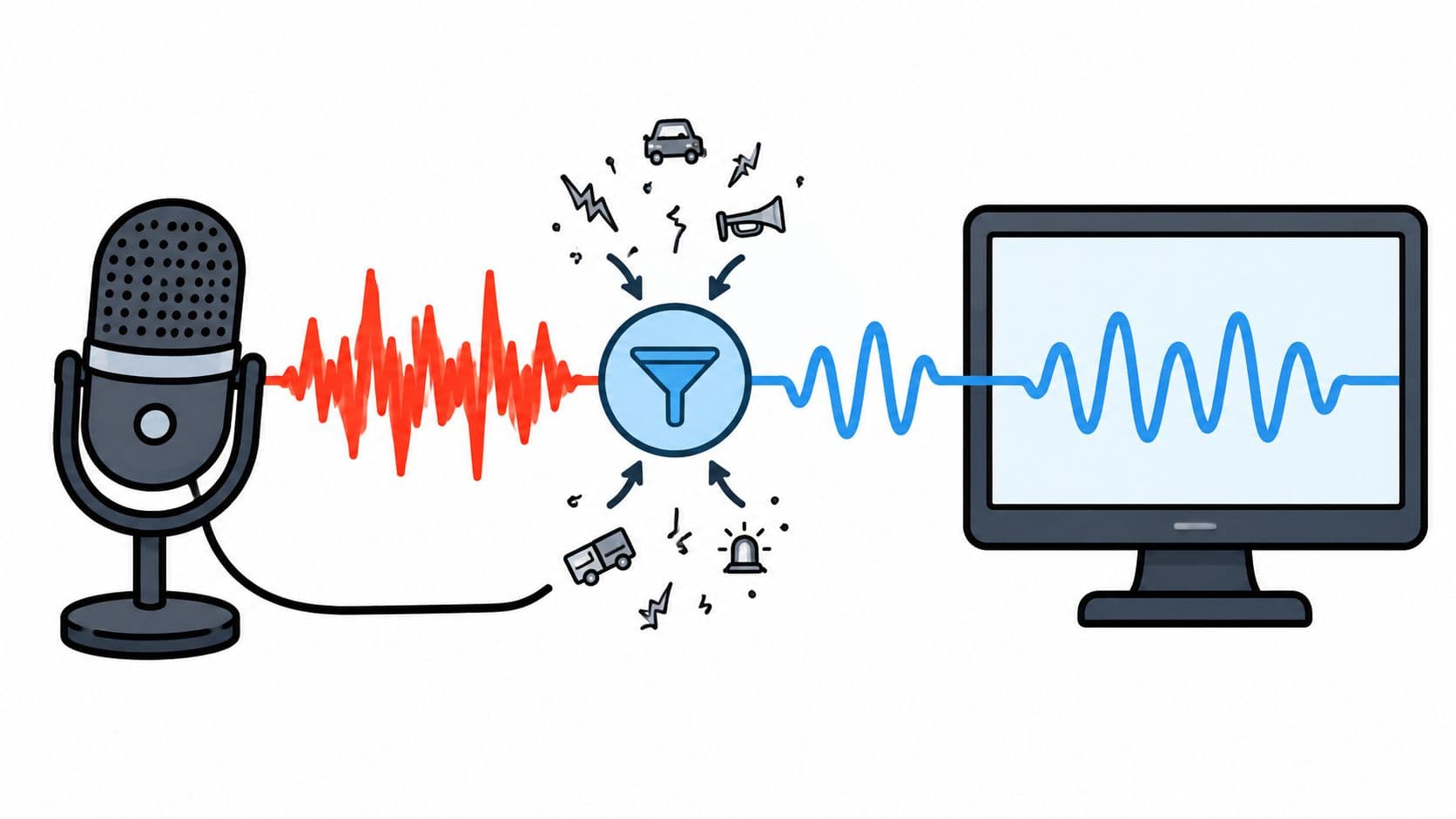
Learn how a voice cleaner online works, how to write useful prompts, compare outputs, and verify results without losing the speech you want to keep.
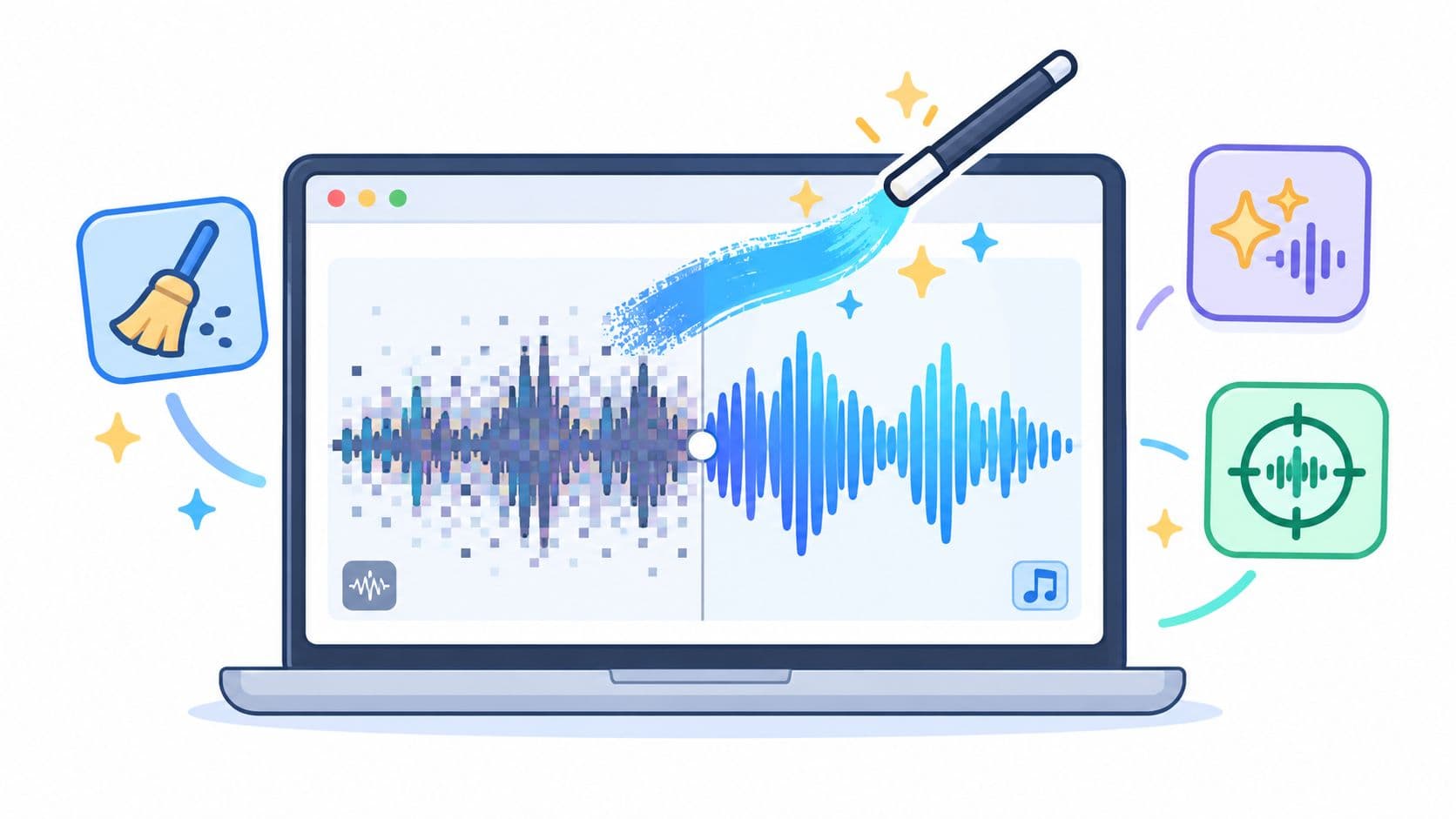
Learn audio restoration online with clear workflows for de-noising, de-clicking, and source isolation, plus honest guidance on limits and listening checks.
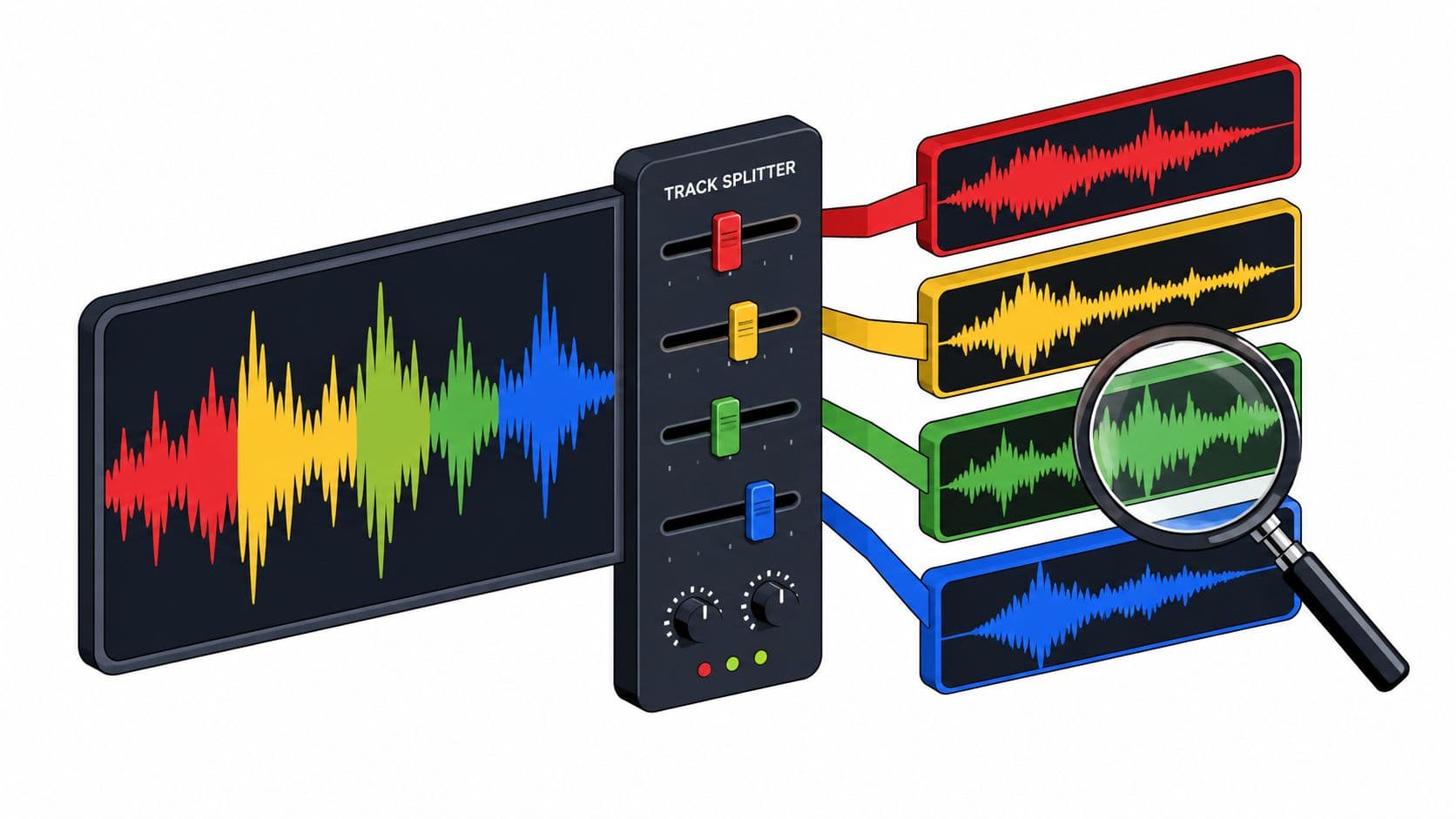
Compare text-guided and preset-stem audio isolation software. Learn what to look for, common limits, and how Saturalabs fits real creator workflows.
Compare isolation, noise reduction, gates, and local edits before deciding how to process your recording.