
In this guide
The song you already know is on your phone. The karaoke file you found online sits in the wrong key, or a keyboard sketch drops the guitar line you came to sing over. Voice cancellation karaoke starts from that original mix and tries to leave the band in place. The useful work is choosing which file to trust, which bars still carry the singer, and whether a clean-sounding result is cleared to publish.
Which Output to Audition for a Karaoke Track
For a sing-along, isolate vocals and audition Background audio. Isolated sound is the wrong deliverable for that job.
Saturalabs returns the named target as Isolated sound and the remaining mix, with that target reduced, as Background audio. The two files point in opposite directions. Keep Isolated sound when you want the source named in the prompt. Keep Background audio when you want the rest of the recording.
A sound recording, as the U.S. Copyright Office defines it for registration, is a fixation of musical, spoken, or other sounds. Name one audible source, such as "isolated lead vocals from the full mix" or "isolated spoken voice from the interview." One target keeps the result predictable. A mixed prompt makes it unclear which output to trust.
| Goal | Prompt target | Output to audition | Listen for |
|---|---|---|---|
| Karaoke backing track | Vocals | Background audio | Vocal remnants in choruses, reverb tails and open vocal phrases |
| Interview or podcast speech | Spoken voice | Isolated sound | Missing words, reverb, and music under speech |
| Remove background music from video audio | The music, described in plain language | Background audio | Clarity of the speech that remains |
Read the output column first. That column is the file to judge. The last column is what to hear for, then compare those bars with the original before any download. Reverb, backing vocals, leakage, or music under speech can survive a pass that sounds fine in a sparse verse.
Practical rule: For a sing-along track, Background audio is the only file to measure against the original.
How to Prepare a Source File for Separation
Confirm four things, then stop editing the master.
Accepted types only. Uploads are MP3, WAV, MP4, or MOV, and each file must stay at or under 50 MB. The U.S. Copyright Office file-type help treats MP3 and WAV as digital sound-recording formats, lists MP4 among accepted audio formats, and lists MOV as a video format. That list is a compatibility basis, not a promise of identical results across codecs, bit rates, channel layouts, or damaged files.
Hear the stream. MP4 and MOV are containers. The right extension can still hold a silent track, the wrong song, or an unusable encode. Play the file in a normal player before you upload it.
Keep the original untouched. Later checks only work if you can play the same bars from the file you started with.
Prefer a clean encode. WAV, or a high-bitrate MP3, is easier to judge than a file that has already been crushed. A local MP3 conversion is lossy, and it does not start an AI job or use credits.
Plan the picture separately. A video upload produces separated audio tracks, not a finished video. Those downloads are WAV, so you line the chosen file up with the picture in an editor. Further prep sits in the guide to preparing audio for isolation.
How to Run the Separation and Check Passages Before Download
Treat voice cancellation karaoke as music source separation, not a center-channel trick. Upload the original and enter one target, vocals. Do not add drums, guitars, or "backing vocals" to the same prompt.
Start the job and wait for the results screen. Processing time is not fixed, so leave room for an open-ended wait. When the screen appears, play Background audio from the top, then jump to the first chorus.
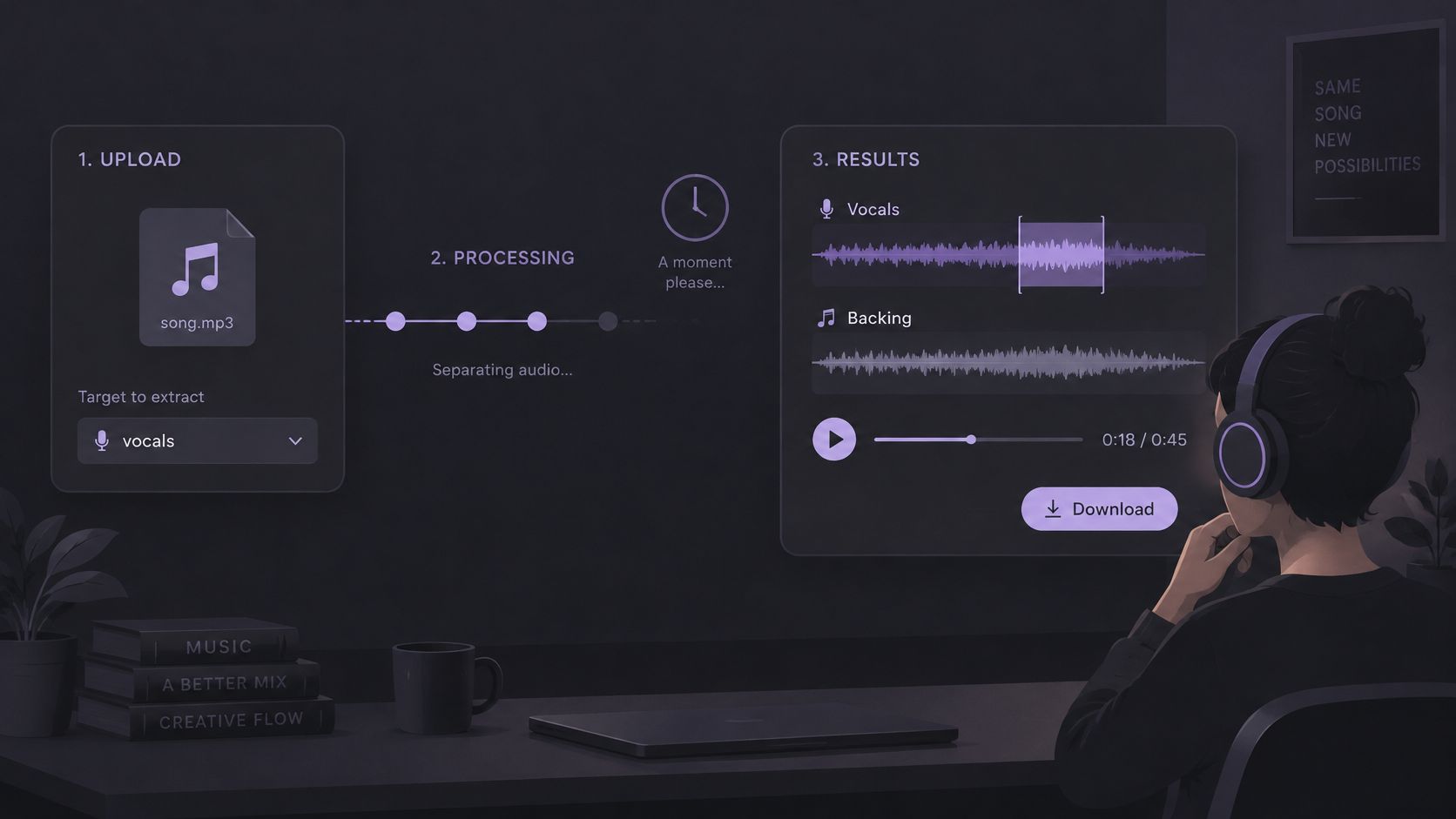
Five passages, same loudness
Match the level of Background audio to the original. Switch between them on the same four bars, on headphones and on speakers.
- Verse entrances. The vocal often starts alone. A leftover consonant here is easy to miss later in a full chorus.
- The first chorus. Stacked backing vocals are where bleed shows up after a sparse verse sounded clean.
- Sibilants. Listen to s, sh, and t. Those edges can thin out, or vanish with part of a hi-hat.
- Phrase tails. Reverb after a line can keep a ghost of the singer after the word itself is gone.
- Dense bars. Guitars and synths that share the vocal's frequencies may drop out with the voice.
Note vocal fragments, missing instrument parts, or watery textures on each pass. Play Isolated sound only to see what left the mix. It is not the karaoke file.
What a benchmark score does not promise
Published scores describe test sets, not your upload. On MUSDB18-HQ, a benchmark of 150 stereo songs at 44.1 kHz with isolated vocals, drums, bass, and other stems (86 training, 14 validation, 50 test), reported vocal SDR has sat around 5.02 dB for Demucs V2 in one study and about 7–10 dB for newer systems. SDR summarizes overall distortion, SIR reflects residual interference, and SAR reflects separation artifacts. Those figures are dataset benchmarks.
Stereo-wide vocals, chorus effects, heavy compression, clipping, doubling, and vocals that occupy the same time and frequency as guitars or synths are common failure cases. If one short passage fails, keep the original for that section in the edit. Do not add a second target to the prompt.
The results screen shows the credit cost before the chosen WAV is downloaded. Separated downloads need an account and enough credits. Read that cost, then download only after the passage checks pass.
Troubleshooting Vocal Remnants, Missing Instruments and Artifacts
The most common miss is a faint word or consonant still sitting in Background audio. Traditional center-channel cancellation, as described in work from UC San Diego, can also damage other center-panned parts, change the stereo image, and leave vocal remnants. High frequencies are especially hard, because small spatial differences change the estimate. Residual vocal harmonics can remain after a vocal object is pulled out.
| Symptom | Likely cause | Fix to try first |
|---|---|---|
| Faint words or consonants left in Background audio | Vocal remnants or reverb tails | Compare the chorus with the original, then try a cleaner source |
| Guitar or synth disappears in a dense chorus | Instrument shares frequencies with the vocal | Accept the limit or keep the original for that section |
| Metallic or watery artifacts | Aggressive separation on compressed or clipped audio | Start from a higher-quality WAV and recheck clipping |
| Backing vocals or harmonies remain audible | They were not the named target | Keep one target per prompt and treat the leftover harmonies as a limit |
| Heavy wind or reverb in the recording | Isolation limits on overlapping or reverberant sources | Use the original for those sections or re-record |
| Upload fails or result is unclear | Unsupported file, file over 50 MB, or no usable audio stream | Confirm the extension, size and audible content, then rerun |
Lead vocals, harmonies, ad-libs, and vocals buried in a dense arrangement are different problems. Isolating "vocals" and keeping Background audio is not the same as deleting every human voice. The recording and the overlap decide the outcome. More symptom patterns are in the note on vocal removal artifacts.
Separation can leave bleed, change tone, or introduce artifacts, and it does not guarantee recovery of missing words or notes. Overlapping sources, clipping, strong microphone wind, and heavy reverberation all limit what comes back.
Rights and Final Decision Before You Publish
A backing track that sounds finished can still be the wrong file to post. Split the decision into three questions.
May you process this file? Use only recordings and compositions you have rights to, or an applicable license or exception.
May you use the result this way? Uploading, monetizing, selling, performing in public, and syncing to video are separate uses. A clean backing track does not answer them.
Do the platform, the venue, or the territory add their own rules? A private rehearsal and a public stream are not the same setting.
The U.S. Copyright Office guidance for musicians treats the musical composition and the sound recording as separate works, often with different owners and licenses. Reproduction and preparation of derivative works are among the owner's exclusive rights for both. Removing vocals does not establish permission to distribute, perform, or upload the backing track. Processing is not copyright clearance. Rights in the recording and rights in the song can stay separate after the audio is processed. Remix questions that go past a private practice file belong with how to create a remix.
Before anything goes public, close this list:
- Rights are settled for each intended use.
- Passage checks passed, or failing bars are handled with the original.
- The original file is saved.
- The credit cost was read before download.
If any line is still open, do not publish yet.
Saturalabs isolates a sound you describe from an uploaded audio or video file and returns Isolated sound plus Background audio, so a karaoke pass can keep the accompaniment after you name vocals. Credit costs and plan details are on the tool page, and downloads are not unlimited. When the listening checks and the rights questions are both done, run the file at Saturalabs.