In this guide
The riff is clear until the singer comes in. Then the pick attack disappears behind the drums, and the chord voicing becomes hard to hear. Replaying the full mix isn't helping, but a perfectly clean studio stem isn't necessary just to learn the part.
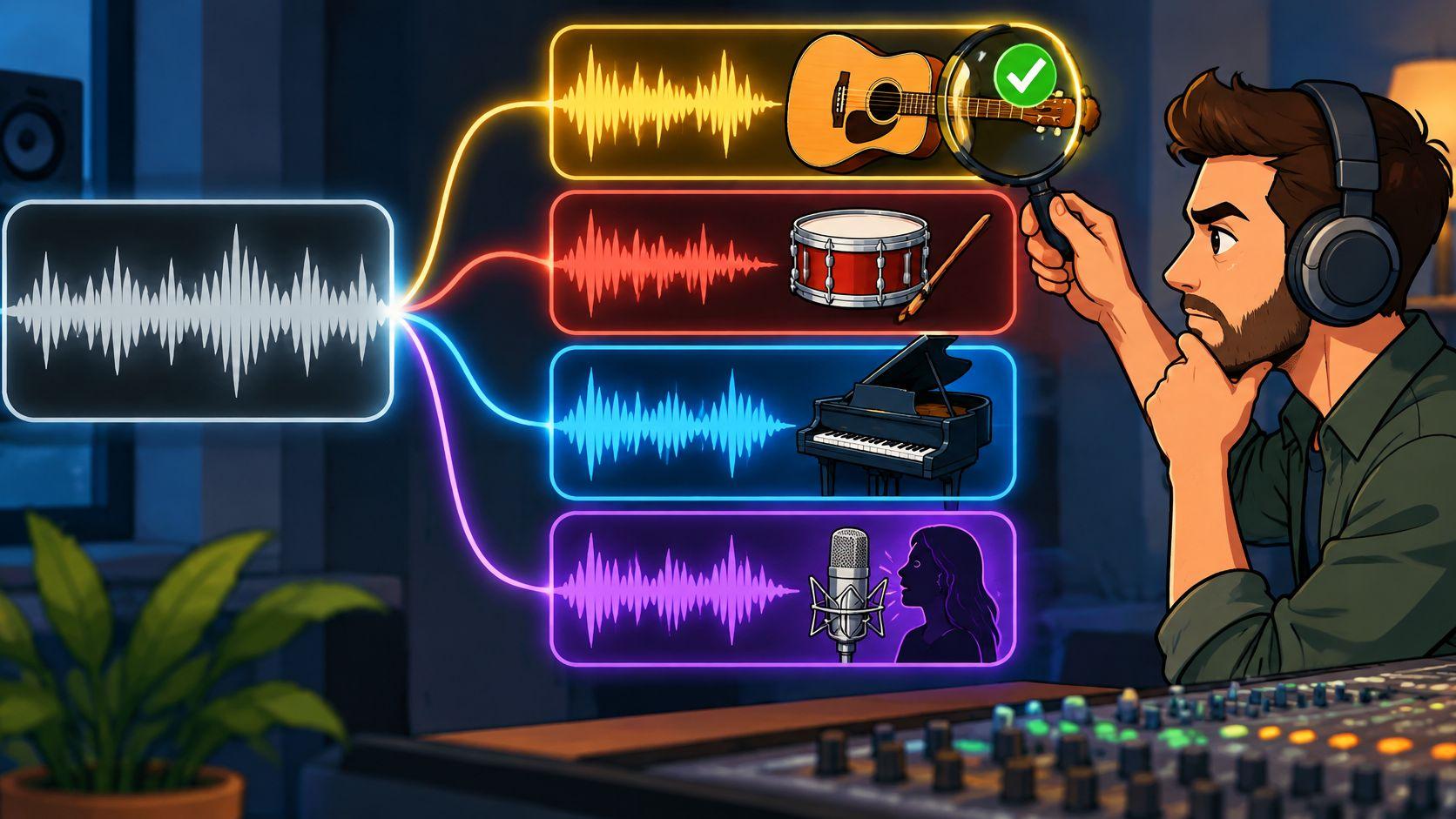
To isolate guitar from a song, use targeted source separation, describe the audible guitar, and judge the result against the original recording. The useful outcome may be an exposed guitar line for transcription or a backing track with that guitar reduced. A usable practice mix is a better target than perfect extraction.
How to Isolate a Guitar Part Step by Step
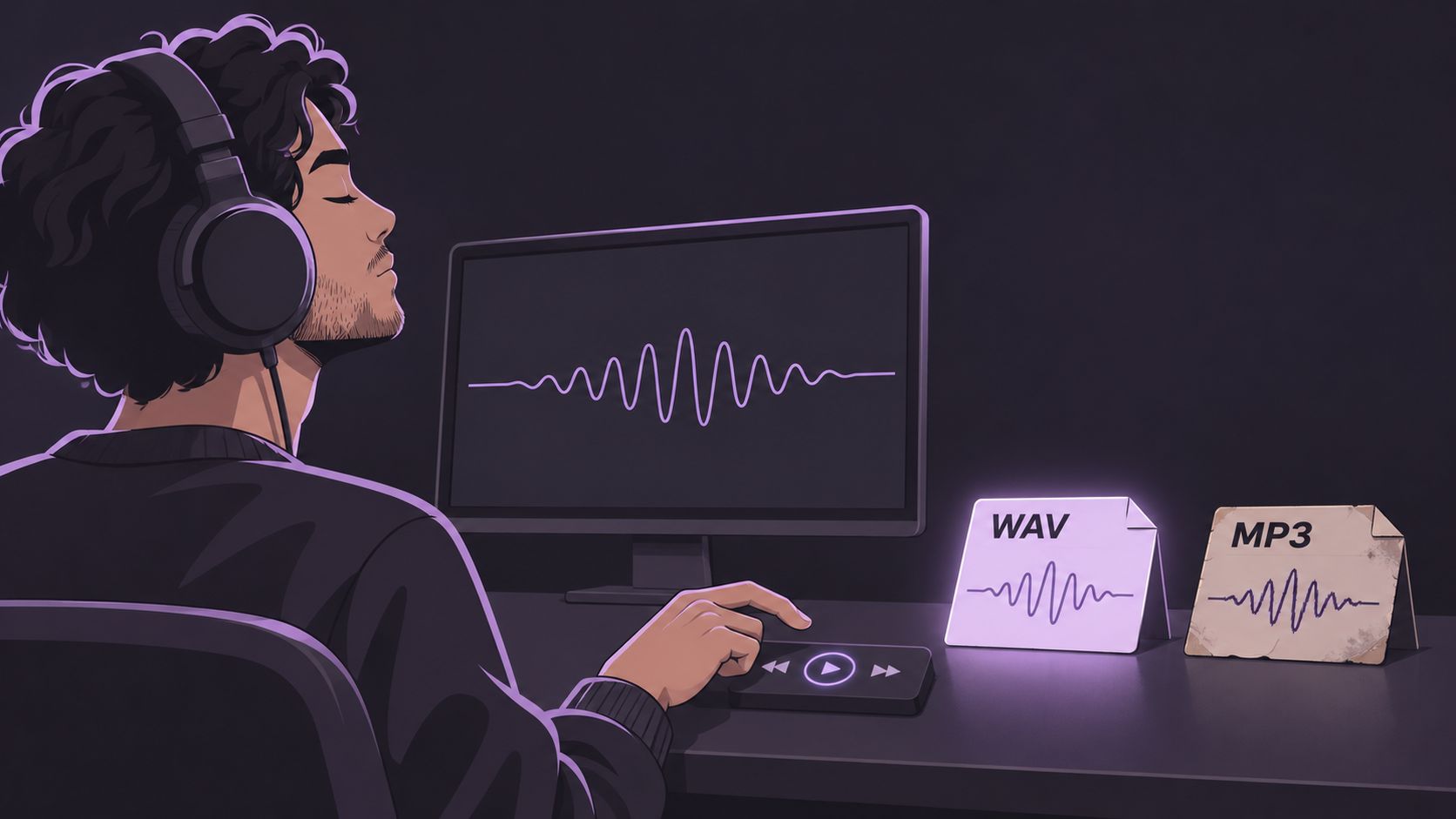
Start with the cleanest file available. A lossless WAV or original-quality export is preferable to a heavily compressed MP3 because encoding and dense mastering can obscure guitar attacks and harmonics. Converting an existing MP3 to WAV won't restore detail that was already lost.
Guitar isolation isn't just an EQ task. Cutting frequencies can also remove wanted guitar because vocals, keyboards, bass, and cymbals share parts of its spectrum. The complex-domain source-separation paper describes how magnitude-only masking can introduce phase artifacts and how complex-domain masking can improve perceptual quality. That doesn't establish which method a particular service uses, but it explains why separation needs listening checks rather than just a successful export.
Prepare, describe, and compare
Saturalabs uses a simple workflow: add audio or video, describe one sound, then compare both tracks. These practical steps add the checks needed to decide whether the result is worth keeping.
Upload the song or clip. Saturalabs accepts MP3, WAV, MP4, and MOV files up to 50 MB, so a supported video can serve as the source when the guitar is in a clip. The cleanest available recording gives the separator a better starting point than a repeatedly compressed copy.
Describe one audible source. A prompt such as electric rhythm guitar, acoustic guitar, or lead guitar identifies a musical target more clearly than all instruments. Naming one source keeps the request focused instead of asking for several unrelated sounds together.
Start processing without assuming a completion time. Processing time isn't guaranteed, so the session should allow room for auditioning rather than depend on an immediate result. A completed pass means an estimate is available, not that the extraction has passed inspection.
Audition both outputs. Isolated sound retains the named guitar, while Background audio contains the remaining recording with that target removed. Listening to both reveals whether useful strums or sustained notes were assigned to the wrong output.
Compare a representative passage with the original at matched loudness. Include strums, sustained notes, palm mutes, and overlap with vocals or drums because a sparse intro won't expose every weakness. Similar playback levels prevent a louder version from seeming more detailed merely because it's louder.
Confirm the credit cost before downloading. Keep the result only after checking attacks, chord changes, stereo width, and sustained tails against the original. A pass should produce a file suited to a defined task, not a guitar-like sound.
Make the pass or fail decision musical
A clean solo doesn't prove the chorus will work. Dense chords may lose their leading edge, while a reverberant ending may reveal accompaniment that wasn't obvious during louder playback.
Practical rule: A successful test preserves the musical information needed for the task, even if some accompaniment remains.
For learning a riff, the key details are its rhythm, note order, and articulation. For editing an exposed guitar passage, unstable decay or missing harmonics may be unacceptable. The decision should end with either a tested guitar file or a specific failure worth addressing, such as piano bleed during chord changes.
Prompts for Electric, Acoustic and Lead Guitar
Guitar prompts, use cases and checks
| Guitar part | Prompt to try | Check before using |
|---|---|---|
| Rhythm chords | electric rhythm guitar | Strum attacks and chord changes in the chorus |
| Heavy riff | distorted electric rhythm guitar | Bass and drum bleed under palm mutes |
| Melodic lead | lead electric guitar only | Vocal or keys leaking into sustained notes |
| Acoustic part | acoustic guitar | Room reverb and finger noise in quiet verses |
| Doubled guitars | electric rhythm guitar, then a narrower description | Whether one guitar disappears or both stay in the output |
These prompts describe different jobs, not guaranteed separation modes. Rhythm chords call for a check of repeated attacks; a melodic lead needs attention to bends, held notes, and the spaces between phrases. For acoustic material, quiet verses expose whether the result retains natural detail or exaggerates surrounding ambience.
A finished stereo mix contains no original track boundaries. Guitar can share harmonics, panning, and reverb with keys, synths, vocals, or another guitar. The multi-stem separation paper identifies substantial spectral overlap as a difficulty for instruments including guitar, piano, and violin. A precise description helps define the target, but it can't recreate boundaries that aren't distinguishable in the recording.
Narrow the musical description
For a difficult riff, start with electric rhythm guitar. If the result includes unrelated clean accompaniment while the intended part is heavily distorted, try distorted electric rhythm guitar. For a solo, lead electric guitar only better expresses the role being sought.
These are alternatives for different audible targets, not a sequence that must always be completed. Changing rhythm to lead makes little sense when the part consists of backing chords. Saturalabs targets one described source per separation pass; it doesn't split every instrument at once.
The prompt-engineering best practices guide offers broader wording guidance. For guitar, the most useful description usually combines the instrument with its audible role or character, rather than adding a list of instruments to exclude.
The preferred version preserves attacks with the least distracting bleed. It isn't necessarily the loudest or most aggressively stripped version.
Doubled guitars need a realistic decision. When both performances play the same riff with similar tones, the output may retain both. That's acceptable for learning the combined rhythm figure, even if it isn't suitable for examining either performance independently.
Choosing Isolated Sound or Background Audio for Your Goal
Isolated sound keeps the guitar named in the prompt. Background audio is the remaining recording with that guitar removed or reduced.
Neither output is the better file on its own. The choice follows the intended use, and the same separation can produce a useful backing track even when the solo guitar isn't clean enough for an exposed edit.
- Solo study or transcription. Keep Isolated sound when the aim is to hear picking patterns, chord voicings, or a melodic line. Notes that blur together deserve comparison with the full recording before being treated as transcription evidence.
- Playing with the band. Keep Background audio when the aim is to supply the guitar part during practice. The important check is whether the accompaniment remains steady and intelligible without a distracting remnant of the original guitar.
- Remixing or sound design. Audition both outputs in the intended arrangement. An isolated phrase may work beneath other instruments while its leakage becomes unacceptable during a solo break.
- Arrangement or editing. Check whether keys, vocals, or a doubled guitar remain in the chosen output. A file labeled as guitar shouldn't be assumed to contain only that instrument.
Choose by what the session needs
Guitar removal and vocal removal aren't interchangeable. For karaoke, the target should be vocals, followed by Background audio; targeting guitar would instead reduce the guitar accompaniment. For speech extraction, the target should be spoken voice, followed by Isolated sound.
That distinction matters when a video includes a guitarist speaking over music. A guitar-focused pass won't also function as a dialogue-focused pass, because the desired source has changed.
A practice session should prioritize a dependable musical reference over an attractive solo preview. Load Isolated sound for studying the recorded guitar, or Background audio for playing its part against the remaining band.
Artifacts and Missing Notes to Listen For
A guitar can sound convincing alone yet reveal missing pick attacks or metallic ringing during comparison with the mix. Start with the isolated phrase, then alternate it with the original at matched loudness to inspect timing, phase character, and tone. Compare stereo and mono playback because summing can expose spatially spread bleed.
Guitar output symptoms, causes and fixes
| Symptom | Likely cause | What to do |
|---|---|---|
| Watery or chirping tones | Artifacts on sustained distorted guitar | Re-run with a narrower prompt and compare a second section |
| Missing pick attack | Transient smearing or drum overlap | Check Background audio for the lost strum and test another passage |
| Cymbal or vocal bleed | Shared high-frequency or midrange content | Describe a narrower source and compare the chorus again |
| Second guitar missing | Doubled guitar treated as the same source | Decide whether a practice mix is enough, or run a lead-only prompt |
| Unnatural reverb tail | Reverberant endings | Audition the ending against the original before exporting |
Treat scores as context
An instrument-specific evaluation in Transactions of ISMIR used 30 approximately one-minute guitar excerpts at 44.1 kHz, including electric guitar, acoustic guitar, and ukulele. Such evaluation doesn't establish how clean a particular chorus will sound.
Separation can leave bleed, change tone, or introduce artifacts; it doesn't guarantee recovery of missing notes. The guide to dealing with separation artifacts supports troubleshooting, but phrase-level listening should decide whether dense choruses, distorted solos, and reverberant endings are usable.
Decide When to Stop Processing
A stop rule prevents a practice session from becoming an indefinite search for a cleaner preview. The useful question isn't whether another pass is possible. It's whether another pass is likely to fix a named problem that matters musically.
A practical listening routine can use three test passages: the intro, the densest chorus, and a sustained lead, where those passages exist. This is a recommended workflow, not a performance benchmark. Each passage exposes a different weakness: exposed detail, overlapping instruments, or unstable sustain.
Use a clear acceptance rule
- Accept for practice when attacks and chord changes remain understandable and residual vocals or keys don't obscure the part being learned.
- Re-run for a repeatable failure when the same missing attack, unwanted instrument, or tonal break appears across passages.
- Reject for an exposed edit when the result needs musical detail that the separation hasn't retained.
Some residual accompaniment is harmless in a learning file. A quiet vocal beneath an otherwise readable lead line may be less damaging than removing the vocal while also erasing the guitar's note endings.
Stop condition: Further processing isn't useful when it removes more musical information than distracting accompaniment.
Change one variable, then judge again
A rerun should test a specific hypothesis. A narrower description tests whether the target was too broad; a lead-only prompt tests whether the wrong musical role was selected; a different passage tests whether the problem is local to the arrangement. Changing all of these together makes the result harder to interpret.
If a second pass still loses the same attack or doubled guitar, a goal change may be more productive. Background audio might support playing along even when the isolated guitar isn't reliable enough for transcription.
As a practical session limit, stop after three runs without clear improvement. That isn't a technical limit or a guarantee that later attempts can't help. It prevents repeated guesses without an identifiable benefit.
Keep a short note with the prompt, test passage, and decision. An entry such as “distorted electric rhythm guitar, chorus, attacks preserved but vocal bleed remains, accepted for practice” records why the file was kept.
Source Quality and Rights Before You Export
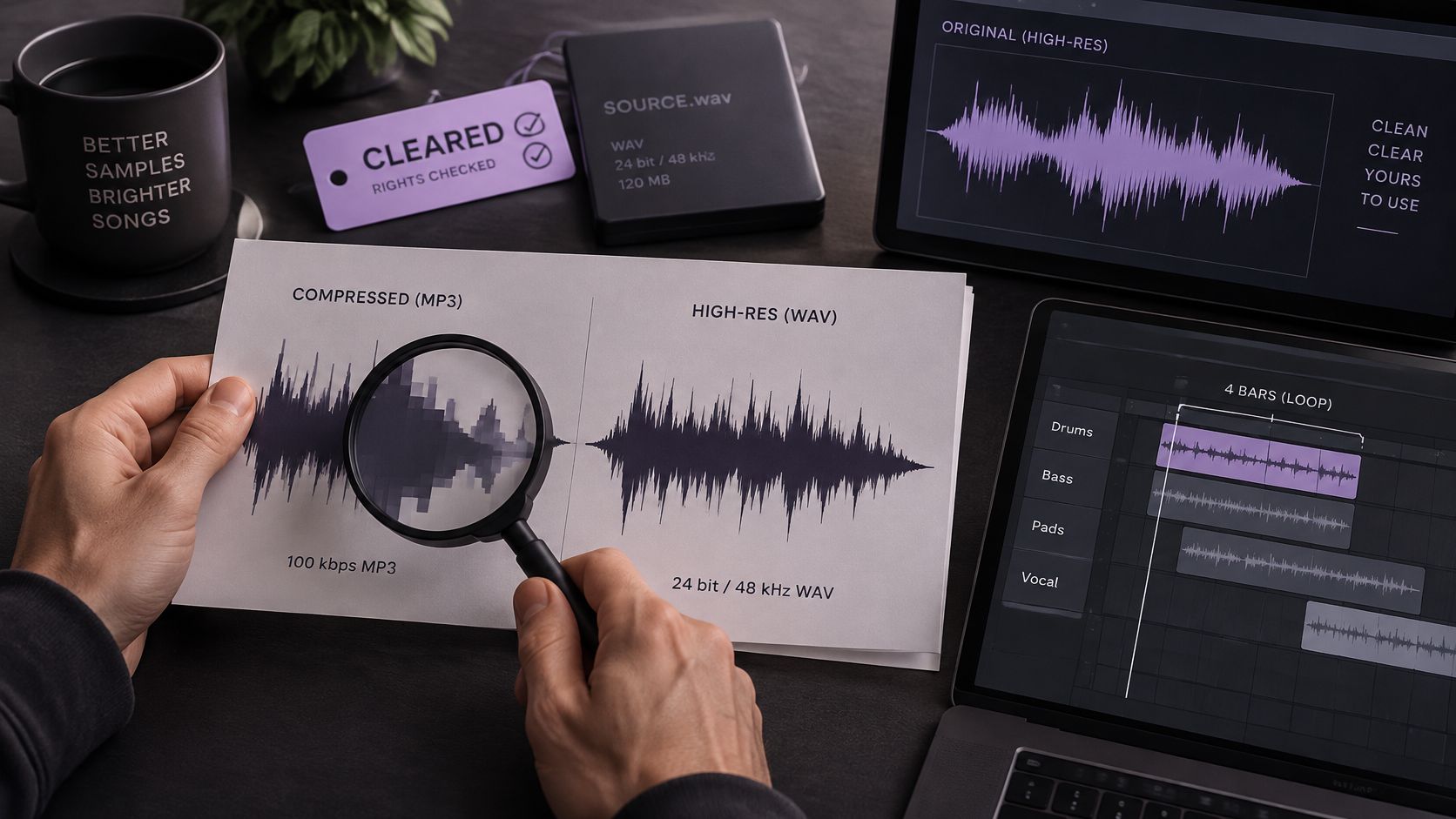
Source quality matters again when the result enters a loop, slowdown tool, or DAW. Existing compression damage and separation artifacts can become more noticeable during downstream processing, a limitation consistent with the reconstruction difficulties described in the audio source-separation paper.
Check the file and intended use
If the full recording exceeds the upload limit, trim the needed passage and export a WAV from the original project or master. Separated tracks download as WAV audio; a video upload produces separated audio tracks, not a finished video. Downloads require an account and sufficient credits, so the displayed credit cost needs checking before download.
Copyright applies separately to the recording and underlying musical work. The U.S. Copyright Office musicians' guide explains that using another artist's recording generally requires permission, an applicable license, statutory limitation, or exemption such as fair use; public-domain material is another route. Isolation doesn't remove those obligations.
The guide to getting instrumentals of songs addresses accompaniment-focused workflows. Before export, confirm:
- File quality: The source and result suit the intended processing.
- Account: Download access is ready.
- Credits: The displayed cost is acceptable.
- Intended use: Appropriate rights cover the uploaded recording and output.
Run One Guitar Test Before Committing
A representative passage gives a more useful answer than an impressive but easy preview. A suitable test includes strumming, a sustained lead, and overlap with the singer, either within the selected passage or across the chosen comparison points. The purpose is to expose the conditions under which the file will be used.
The test should follow the same workflow: the cleanest available upload, a prompt matching the audible guitar part, and comparison of both outputs against the original at matched loudness. A result that passes for practice needn't qualify for an exposed remix. Likewise, an imperfect isolated lead doesn't rule out a useful guitar-reduced accompaniment.
Match the workflow to the deliverable
- Several instrument files: The stems versus audio isolation guide explains the distinction between a multi-stem deliverable and one estimated source.
- Unclear target wording: The audio isolation prompts guide helps turn an audible sound into a focused description.
The final decision should name the use: learning the riff, practicing with the band, building a remix, or editing a passage. If the test doesn't support that use, accepting a different output or stopping is more sensible than downloading an untested estimate.
Saturalabs offers text-guided audio and video isolation for a described guitar, voice, or other audible source. Visit Saturalabs and open the Audio Isolator to run one guitar test on a representative passage, compare both outputs, and check the credit cost before downloading.