In this guide
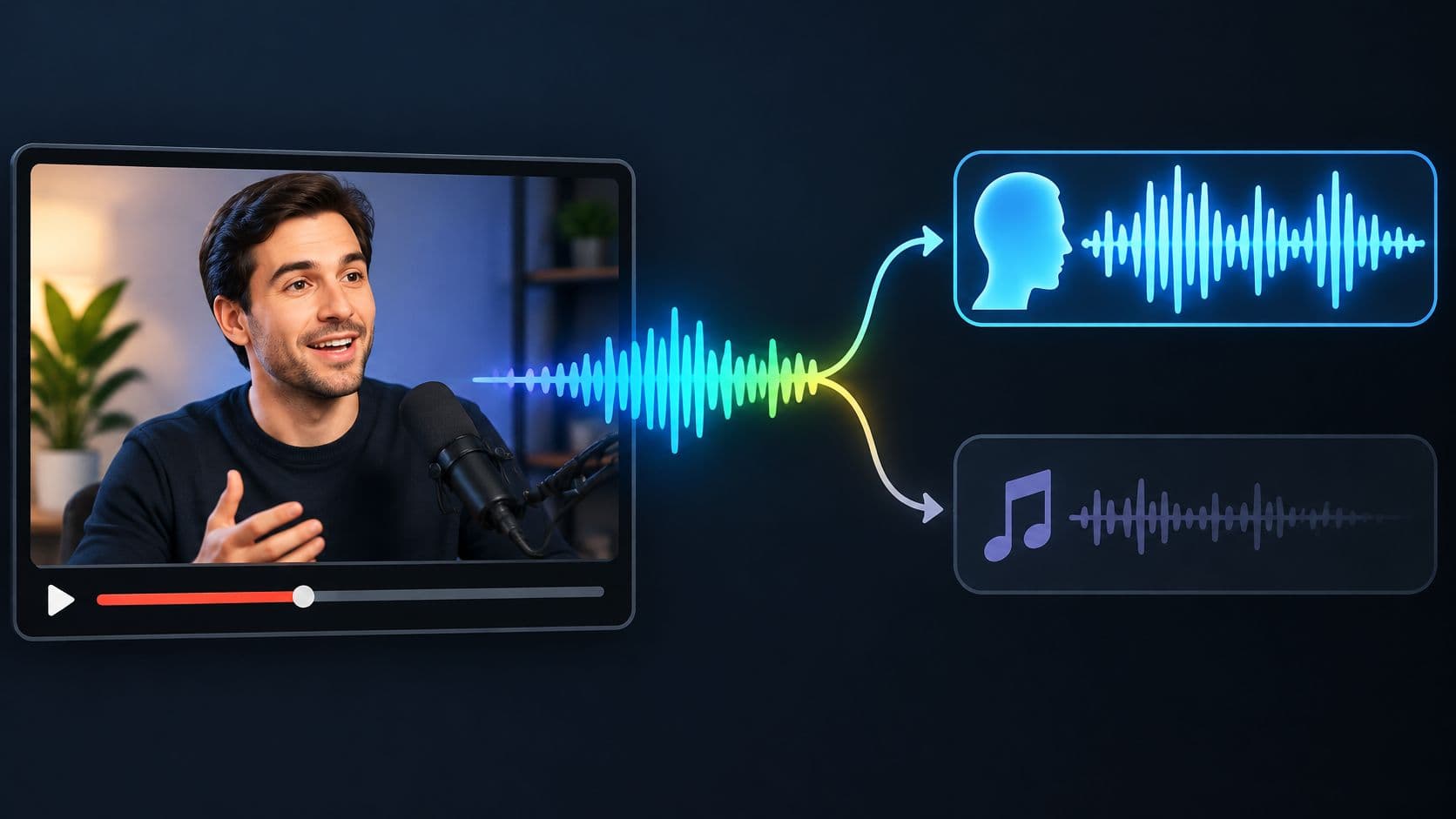
Prompt spoken voice and keep Isolated sound, then compare that track with the original before replacing any audio. For a supported video up to 50 MB, this provides an estimated speech track, not a guarantee that every word will survive.
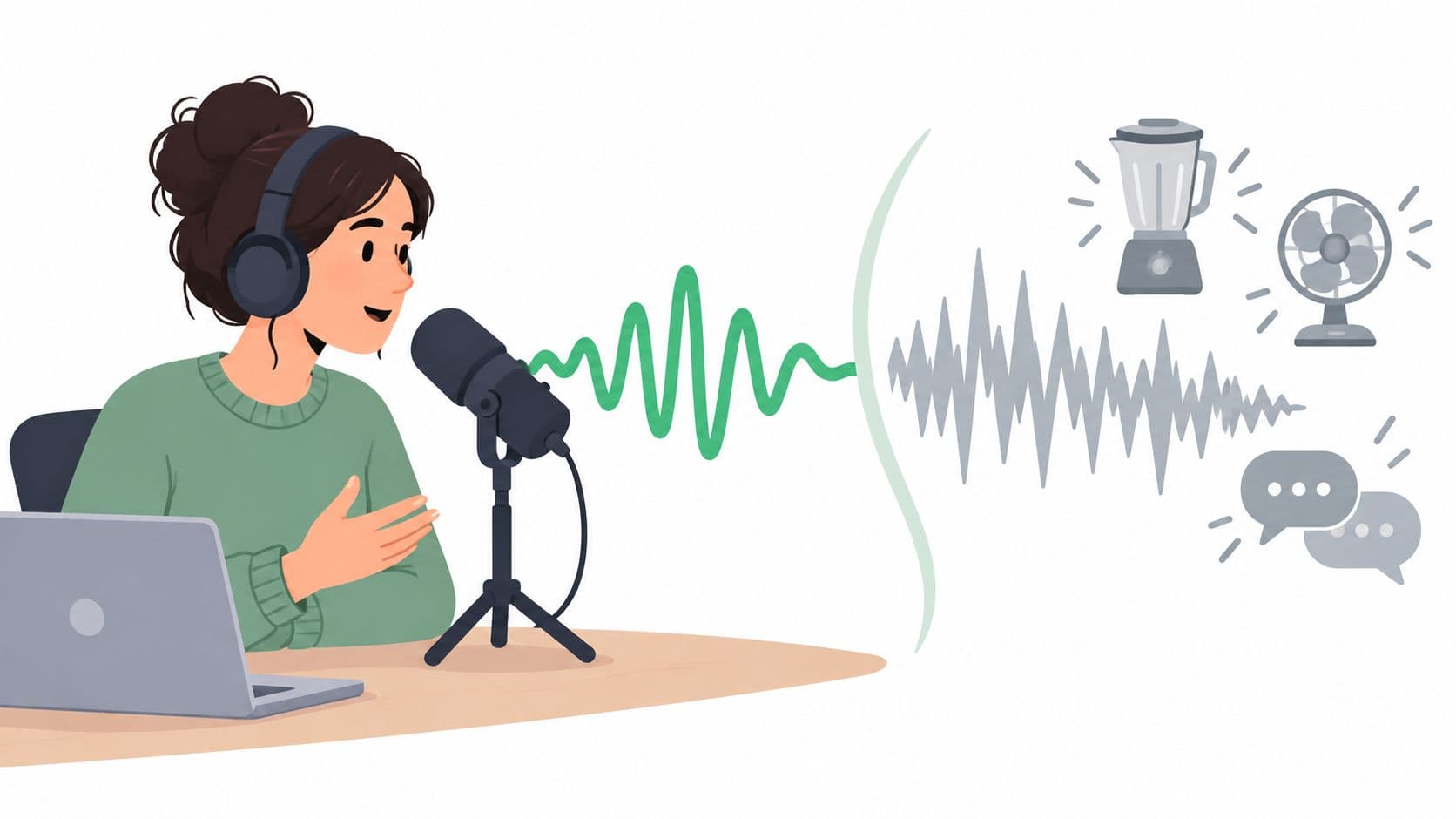
An interview answer may sound clear until the music rises under its final sentence. A classroom clip may have a useful explanation beneath an unnecessary score. To remove music from video but keep voice, the editor needs more than a quieter background. The words must still mean the same thing.
Which Track Keeps the Spoken Voice
For narration over music, the choice starts with spoken voice as the target and Isolated sound as the output to keep. The label Background audio doesn't mean background music removed. It means the remaining recording after the named source has been targeted.
Saturalabs is text-guided audio/video isolation, not a timeline editor or a music generator. It separates a described voice, instrument, or sound effect from an uploaded recording. Its Voice Isolator fits a speech-over-music job, but the prompt and output selection still determine which part the editor keeps.
Prompt and track for speech over music
| Goal | Prompt | Track to keep | What you should hear |
|---|---|---|---|
| Keep narration or interview speech and reduce the music bed | spoken voice | Isolated sound | Estimated speech with the music reduced |
| Hear the recording after the spoken voice is targeted | spoken voice | Background audio | Music and other sounds with that voice reduced |
| Remove singing for a backing track | vocals | Background audio | Accompaniment with sung vocals reduced |
| Keep singing rather than speech | vocals | Isolated sound | Estimated sung vocal, not narration |
The distinction matters during an interview with a score underneath. Selecting Background audio after targeting spoken voice keeps the wrong side of the split for a dialogue edit. That output is useful for inspecting what remains, not for preserving the answer.
A different approach is possible when the desired result includes everything except the music. The editor can describe the music and review Background audio. That task differs from isolating speech alone, which also aims to reduce other unwanted sounds around the speaker.
Track-selection rule: Isolated sound keeps the named source. Background audio keeps the remainder with that source reduced.
Spoken dialogue isn't a sung vocal
A vocals label can cause confusion because music separation and dialogue isolation aren't identical tasks. The MUSDB18 corpus covers approximately 10 hours of professionally produced music with four stems, vocals, drums, bass, and other accompaniment, rather than a dedicated spoken-narration target.
For a sung-vocal backing track, the relevant workflow is removing vocals for karaoke. For an interview, spoken voice is the more direct description. Matching the job to the correct table row before uploading prevents a technically successful split from becoming an editorial mistake.
Prompt Lines for Speech Under Music
spoken voice is the starting prompt. A longer description is useful only when it adds an obvious audible characteristic, such as close narration rather than distant room speech.
The description should identify a sound, not explain the whole editing assignment. Instructions about copyright, publication, or the desired final video don't describe anything audible in the recording.
Usable lines and shorter replacements
These prompt lines can be copied and adjusted to match the clip:
- General dialogue:
spoken voice - Close narration:
spoken voice, close narration - Interview material:
spoken voice, interview answer
Each line names the same basic target. The added detail should reflect what can be heard. A classroom explanation or quiet voice-over may deserve a different audible description, but extra adjectives aren't automatically more helpful.
Compare those lines with prompts that combine several jobs:
| Weak prompt | Better replacement | Why |
|---|---|---|
| background music and guitar and crowd | spoken voice | Targets the wanted speech instead of several competing sounds |
| remove all music perfectly | spoken voice | Names an audible source rather than demanding an impossible guarantee |
Each separation pass targets one described source. It doesn't split every instrument and speaker into separate files at once. A short speech passage is therefore a better test than a prompt that lists the entire soundtrack.
Descriptions don't identify people
A person's name isn't a reliable audio description. A voice prompt doesn't identify someone by name, and another speaker may remain in the result. An interview answer with an overlapping question needs a listening check, not an assumption that the prompt selected only the interviewee.
The shortest useful prompt names what is audible, not everything the editor hopes to change.
A sung chorus within the same video calls for a separate vocals pass. That result should be judged as singing extraction, not treated as protection for the surrounding interview.
The broader audio isolation prompt guide covers descriptions beyond this speech-under-music task. For this job, the strongest starting point remains the shortest line that accurately describes the wanted voice.
How to Isolate the Voice from Your Video
A difficult overlap makes a useful first test. A passage containing quiet speech beneath a music swell reveals more than an introduction where the speaker talks alone.
The working setup needs both the original video and a place to compare the separated audio. The separation result shouldn't replace the source file automatically.
Run a speech-over-music test
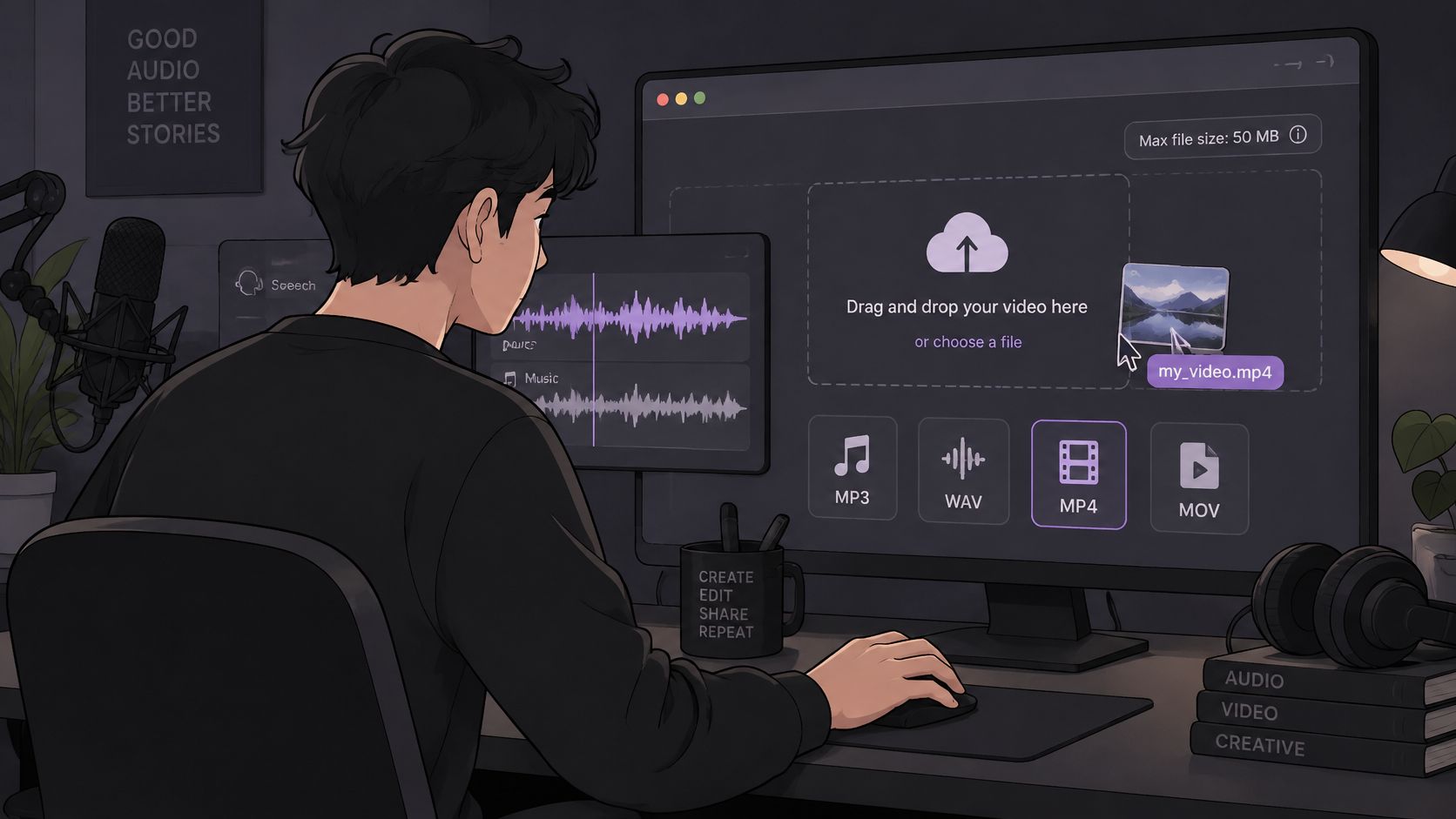
Check the file. Supported uploads are MP3, WAV, MP4, and MOV. Keeping the test file no larger than 50 MB follows the published upload guidance. A short excerpt can be prepared in a video editor before upload if the complete recording is too large.
Add the audio or video in the browser. A supported MP4 or MOV can be uploaded directly. There's no need to convert a supported video into MP3 merely to begin isolation, and an unnecessary lossy conversion won't restore detail.
Enter one audible source. Start with
spoken voice. Add an obvious detail such asclose narrationonly if it fits the recording. Guitar, crowd sound, and the score belong to different targets, not an expanded description of the speaker.Open both results. Play Isolated sound for the estimated words. Then audition Background audio to hear what remains after the voice has been targeted. Speech left clearly in the remainder is a reason to inspect the corresponding moment carefully.
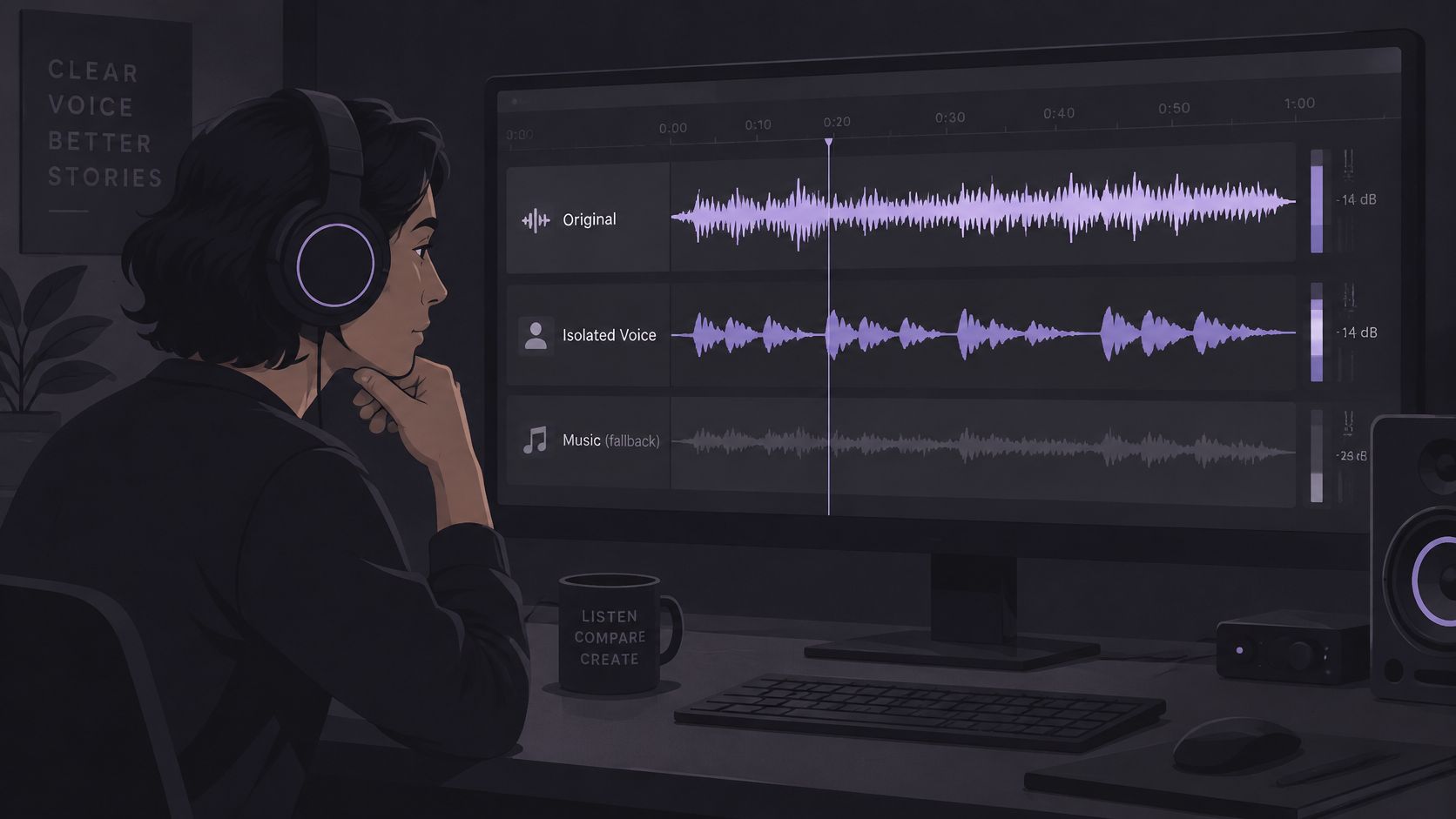
Compare the overlap at a similar level. Alternate between the original and the isolated speech without letting a louder version win by default. Note incomplete words, altered tone, and any music that still masks a syllable. A quieter bed alone isn't enough to approve the result.
Review the credit cost before saving. The results screen displays the cost before the chosen WAV is downloaded. A video upload produces separated audio, not a finished replacement video, so the next stage happens in an editor.
Place the WAV against the picture. Align the separated audio with the source recording and keep the original available. Mute the old mix only for speech that passes the intelligibility check, rather than replacing the entire soundtrack without review.
Understand what the result represents
A separator estimates sources from a mixed recording. In a real-world soundtrack separation benchmark, the best model improved scale-invariant signal-to-distortion ratio by 11.0 dB for music, 11.2 dB for speech, and 10.8 dB for sound effects. The same study found music and effects harder to separate from each other than either was from speech.
Those results aren't a forecast for an individual upload. They support a narrower working habit: name one source and inspect the estimate for bleed or missing wanted sound.
If the distraction is a fan, traffic, or room noise rather than a score, the background-noise removal workflow addresses a different cleanup problem. Music under dialogue needs its own listening decisions.
Check the Words Before You Replace Audio
A sentence can sound cleaner while losing the final consonant that distinguishes one word from another. A plural may become singular. A clipped syllable may turn a clear explanation into something ambiguous.
Intelligibility is the acceptance test. The original should remain on the timeline as a fallback, even when the isolated track initially sounds more pleasant.
Listen for meaning before tone
The editor should compare the isolated track with the original at similar loudness, first in headphones and then on a phone or small speaker. Headphones help reveal rough edges and leakage. A small speaker provides another check on whether the sentence remains understandable.
The listening order should include more than the loudest answer:
- Quiet speech: Check a softly delivered sentence, especially beneath sustained music.
- Word boundaries: Listen for consonants, word endings, and clipped opening syllables.
- Music hits: Inspect words that coincide with percussion or a musical accent.
- Human details: Check breaths, laughter, and brief reactions that belong to the exchange.
- Overlapping voices: Confirm that a second speaker's contribution hasn't disappeared or become misleading.
- Edit edges: Inspect the beginning and end of each replacement for abrupt residual music or an unnatural change in voice.
A dialogue-separation comparison found that some configurations produced negative improvement in scale-invariant signal-to-distortion ratio, meaning processing could introduce substantial damage rather than improve the estimate, according to the Interspeech dialogue-separation paper. That is a reason to audition each difficult line, not to reject isolation altogether.
Cleaner isn't the same as complete
Uneven recovery also appears within the same mixture. In a comparison of four approaches, the strongest tested system achieved mean SI-SDR of +5.17 dB for speech and +11.52 dB for music, according to the speech–music separation study. Those measurements don't mean either output was an untouched original.
Cleaner isn't the same as complete. A sentence that loses meaning hasn't passed, even if the music is much quieter.
Clear words in Background audio suggest that part of the voice wasn't fully captured in the target estimate. Conversely, an attractive Isolated sound track can still omit a meaningful detail.
A line is ready for replacement when its difficult words retain the original meaning and the remaining artifacts don't interfere with understanding. If a sentence no longer makes sense, the editor should preserve the original for that line.
Fixes When Music Still Covers the Voice
Loud music beneath quiet speech leaves little room for a clean result. When lyrics, simultaneous speakers, or strong room echo join the mix, complete removal may damage the very voice the editor wants to preserve.
The appropriate response is conservative triage, not an automatic second processing pass. A short difficult excerpt can establish whether the result is usable before a longer recording consumes more effort.
When the voice and music stay mixed
| What you hear | Likely limit | What to try |
|---|---|---|
| Music remains under the words | Loud score or shared frequencies | Test a shorter, quieter speech passage and keep some original music if needed |
| Word endings or consonants disappear | Artifact or over-separation | Restore that line from the original instead of replacing the whole track |
| Voice sounds metallic or thin | Reverb, clipping, wind, or heavy processing | Stop further cleanup on those seconds |
| Another speaker vanishes or stays | A prompt cannot name a person | Use spoken voice and expect other voices may remain |
| Lyrics are treated as dialogue | Singing and speech share the mix | Run speech and vocals as separate passes and audition both |
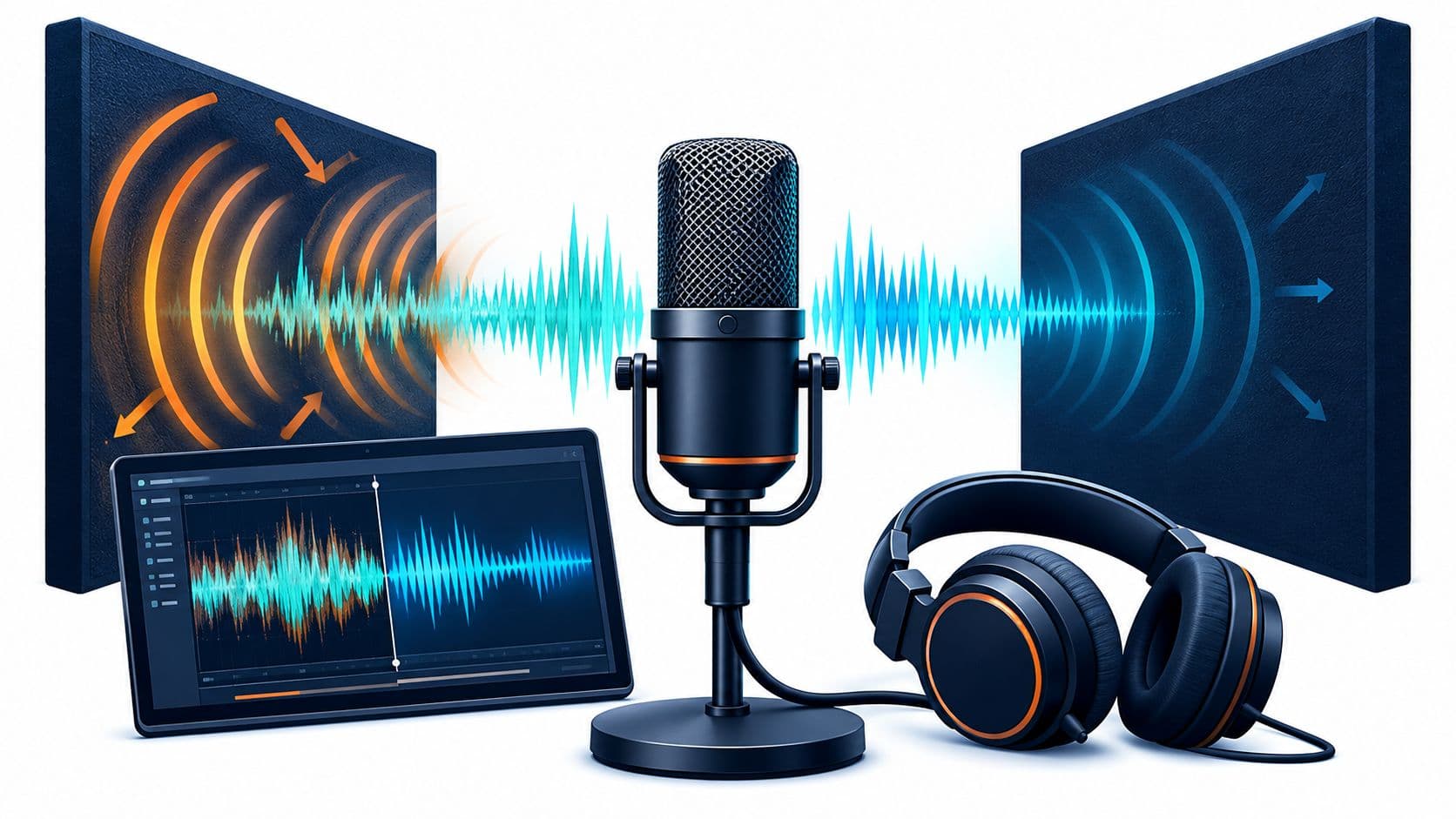
Speech and music can share frequencies, transients, and reverberation. The separator must estimate which portions belong to each source, so bleed, tonal changes, and missing wanted sound are possible. Clipping and strong microphone wind add limitations that a better-written prompt can't necessarily overcome.
Research on older single-channel film and television mixtures reported improvements of roughly 9–12 dB for the weakest source using reference-guided methods in the EUSIPCO study. Those guided results don't establish that a heavily compressed social clip will separate cleanly.
Prefer a usable compromise to damaged speech
If complete removal produces metallic dialogue, some low-level original music may be the better editorial choice. The editor can retain the original beneath a usable isolated line, then adjust the balance while checking that the combined sound stays natural. If that blend creates an odd doubled voice, restoring the original line is safer.
Only restrained cleanup belongs after a usable separation. A gentle high-pass filter can reduce rumble, and small level adjustments can even out delivery. Aggressive denoising may make the remaining artifacts more noticeable.
Missing words aren't guaranteed to return. Stopping processing on a damaged passage can preserve more meaning than repeatedly trying to make it sound cleaner.
Align the Voice and Download with Credits
The final edit needs a WAV audio file aligned with the picture, not another isolation pass. Place the chosen WAV on a new timeline track and match it to the original waveform or a clear visible speaking moment. Check synchronization near both ends of the replacement.
Mute the original mix only where the words passed inspection. Keep the source audio available for incomplete sentences, and use the audio replacement guide for the picture-editing stage.
Check export access and publishing rights separately
- Download access: Separated-audio downloads require an account and sufficient credits. Check the displayed credit cost and current pricing before saving, rather than assuming a free or unlimited export.
- Rights to the material: Process authorized files and confirm permission or an applicable limitation before publishing, distributing, or monetizing the result.
The U.S. Copyright Office's permission guidance explains that fair use has no fixed allowance based on a number of musical notes or a percentage of a work. Removing music doesn't establish copyright clearance.
The finished choice should therefore satisfy separate tests: the speech remains intelligible, the WAV stays synchronized, the credit cost is understood, and the intended use is authorized.
Saturalabs offers text-guided isolation for separating spoken voice from music in uploaded audio or video. Visit Saturalabs to test a difficult speech passage, compare both outputs with the original, and download the chosen WAV only when the words still hold their meaning.