
Audio cleanup
How to Stop Keyboard Noise in Your Microphone
Reduce typing noise at the microphone, check Zoom, Teams, Discord or OBS filters, and choose a different cleanup method for clicks already recorded over speech.
Prepare clearer dialogue for a finished video: inspect voices and noise, evaluate difficult overlaps, and return the chosen audio to its correct timeline position.
Explore the audio toolsReduce typing noise at the microphone, check Zoom, Teams, Discord or OBS filters, and choose a different cleanup method for clicks already recorded over speech.
Extract an audible bell, impact, or other effect from video. Preserve the attack and tail, compare bleed, and keep source timing with a free cue sheet.
Export a video's whole soundtrack with Audacity or FFmpeg. Choose WAV conversion or AAC stream copy, check the selected track, and preserve timing.
Separate two voices with the right workflow: check stereo channels, edit speaking turns, or test AI isolation for overlapping speech. Review words and timing.
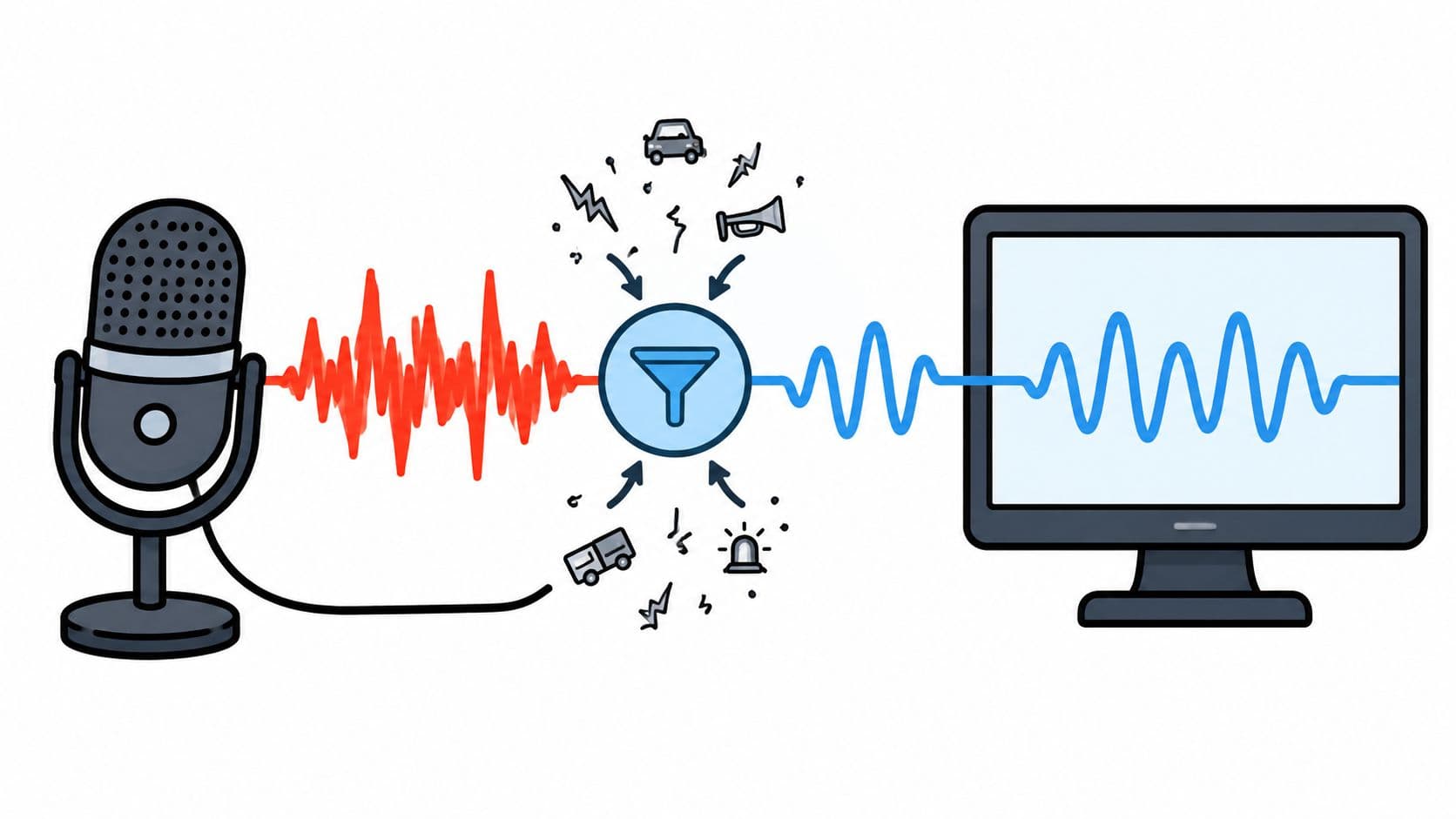
Learn how a voice cleaner online works, how to write useful prompts, compare outputs, and verify results without losing the speech you want to keep.
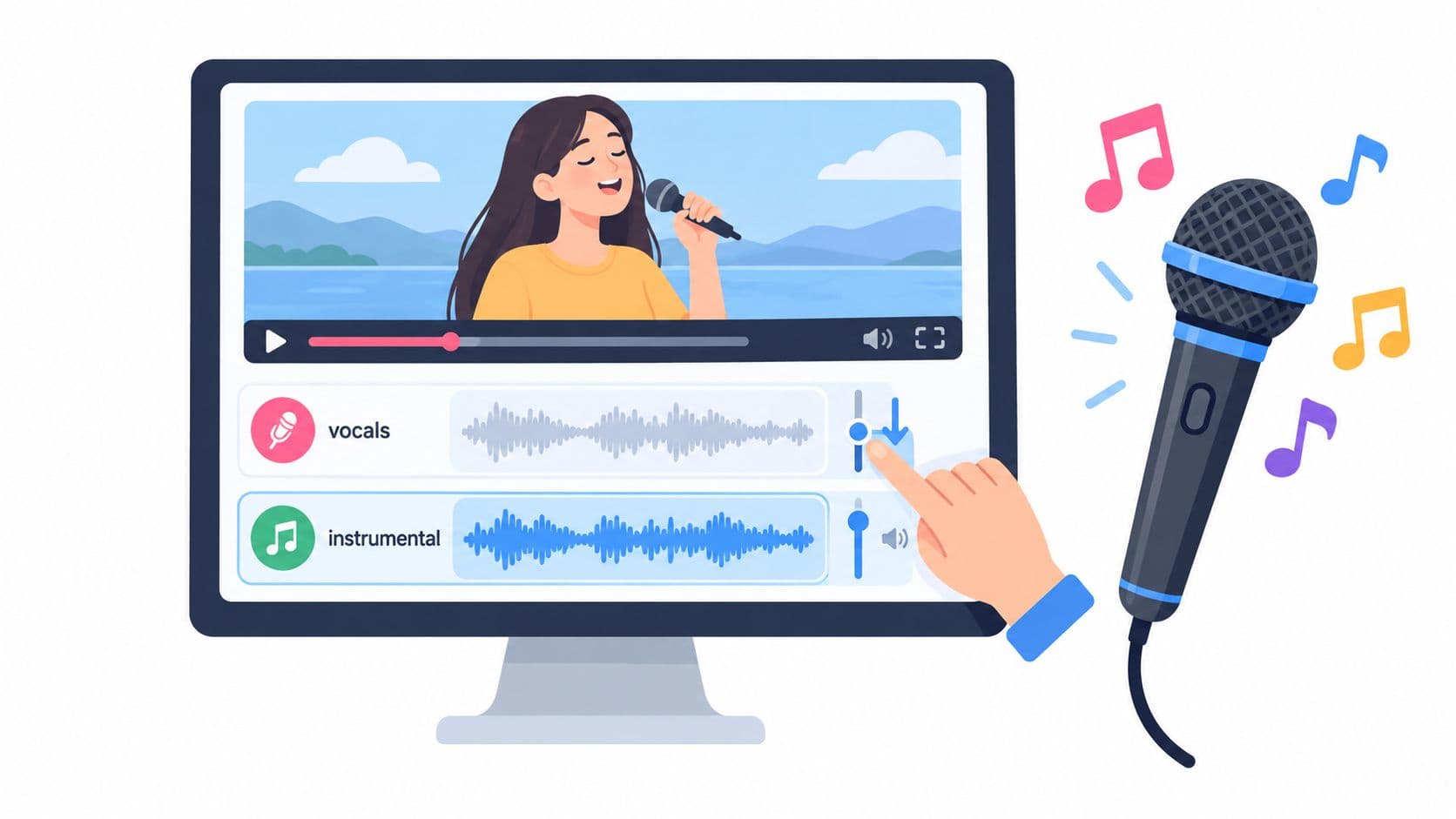
Step-by-step workflow to remove vocals from video, audition the result, and check artifacts before exporting a karaoke or backing track.
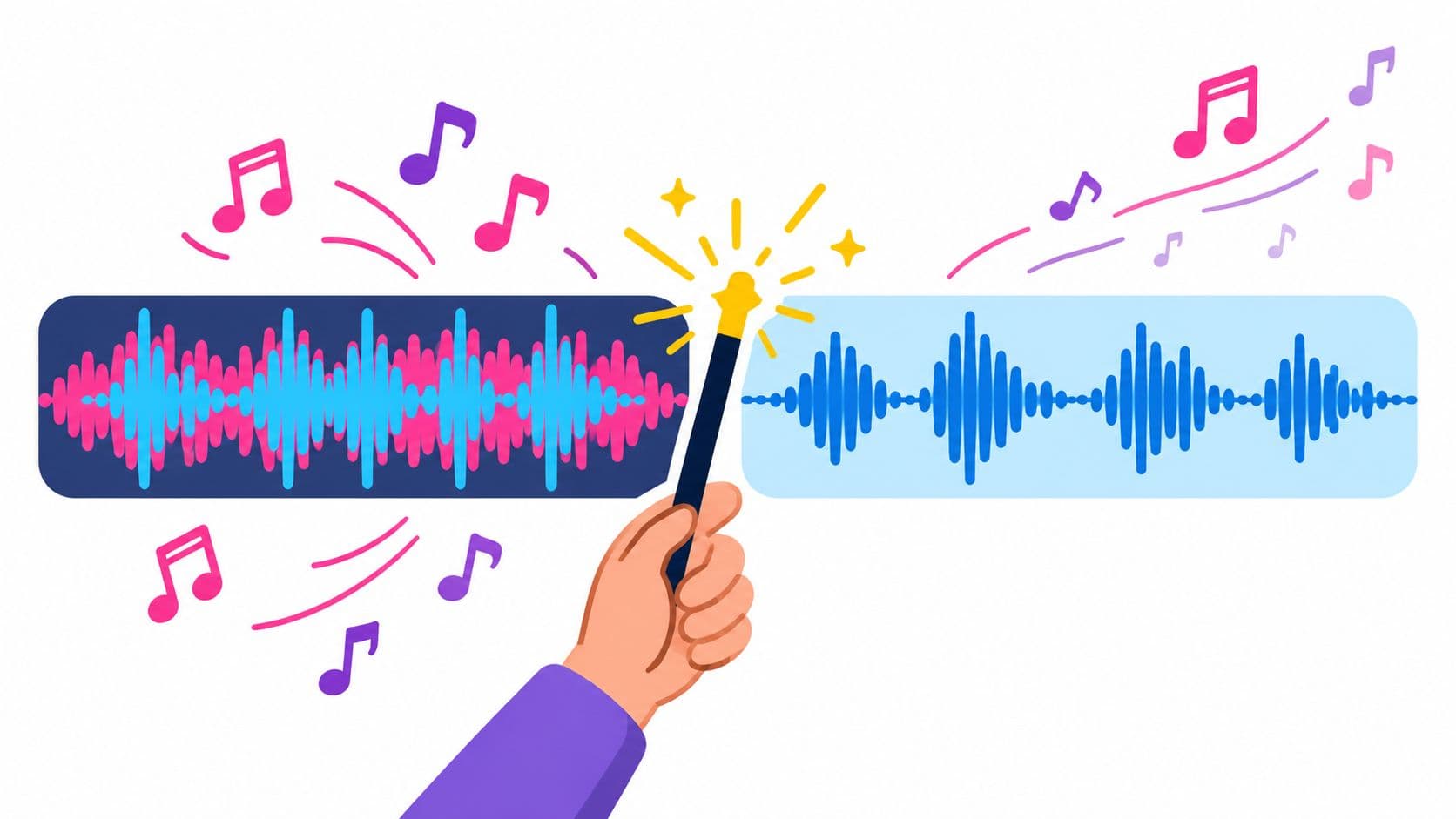
Learn how to remove background music from a video using AI audio isolation. Step-by-step guide with prompts, upload tips, and limitations for Saturalabs.
Put a cleaned WAV back into your video: choose the right track, align trimmed clips, avoid doubled dialogue, and check sync before exporting the finished edit.
A practical workflow for clearer dialogue: identify the noise, isolate the voice, compare both tracks, and bring the audio back into your video edit.
Describe the wanted speech and review quiet words and overlap. The workflow produces audio for your edit; AI downloads use credits.