

music stem splitter
Music Stem Splitter: How to Separate Audio with AI
Learn how a music stem splitter works and use text-guided separation to isolate vocals, drums, and other stems from your audio files.
Practical guides for the sounds you want to keep.
And the ones you don’t.
Learn how a music stem splitter works and use text-guided separation to isolate vocals, drums, and other stems from your audio files.
Learn how to extract vocals from a song, choose the vocal output, check for instrumental bleed, and compare an Audacity desktop alternative.
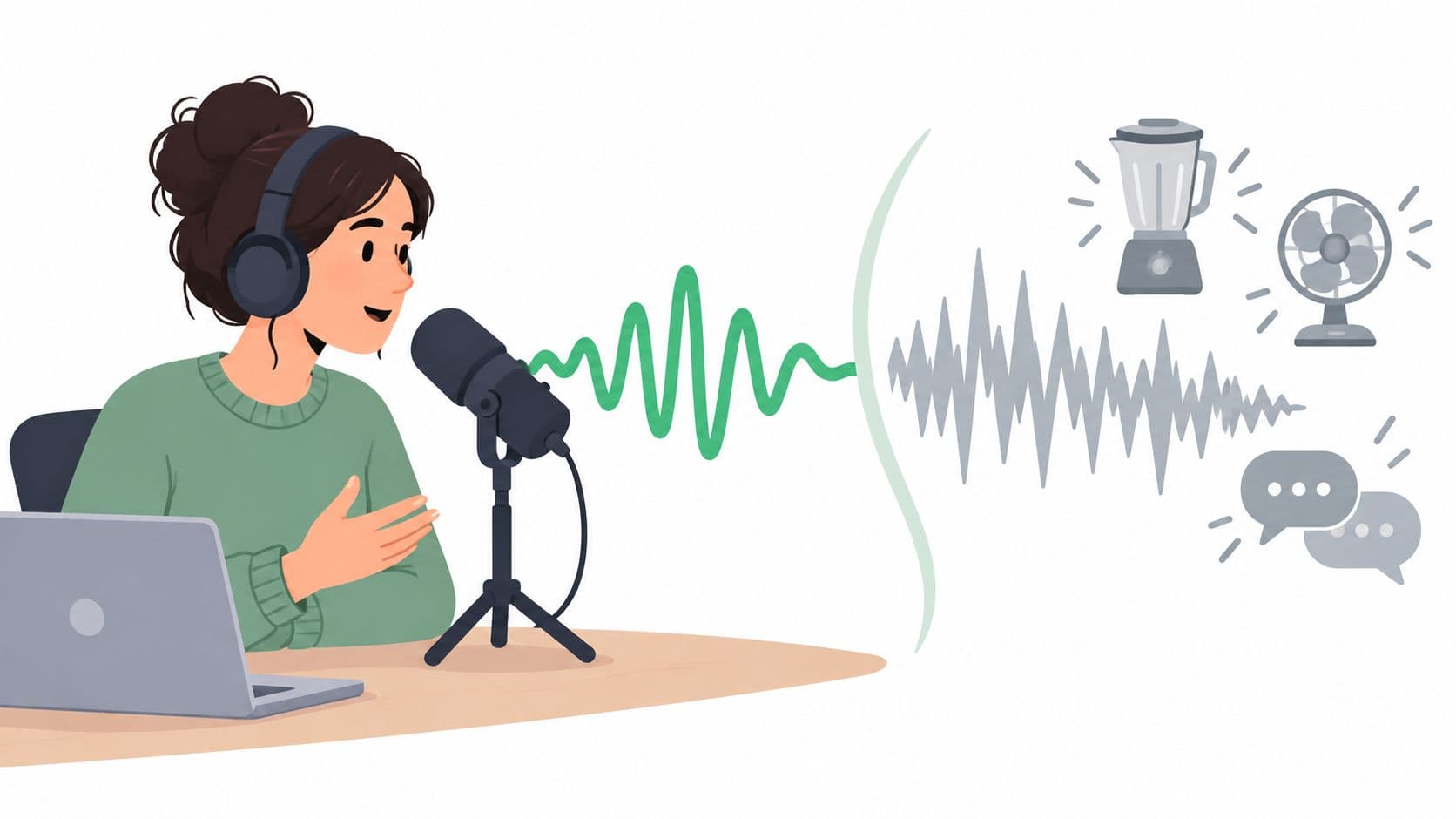
Learn how to reduce background noise using text-guided isolation, choose the right output, and compare results before downloading at Saturalabs.
Choose peak or loudness normalization for a quiet recording. Learn dBFS, LUFS, linked stereo gain, noise limits, and how to preview a normalized WAV or MP3.
Read a WAV file’s sample rate, bit depth, channels, and duration. Understand PCM, float, valid bits, and why header settings cannot prove recording quality.
Put a cleaned WAV back into your video: choose the right track, align trimmed clips, avoid doubled dialogue, and check sync before exporting the finished edit.
Understand left and right channels, mono mixes, and separated stems. Choose a channel for one-sided speech or dual microphones without losing wanted audio.
Choose between audio isolation, noise-profile reduction, gates, and local repairs. Learn which output to keep and how to check for damaged speech or music.
Diagnose distorted, noisy, one-sided, or unplayable audio before processing. Choose free checks, local edits, dedicated repair, or a source-isolation test.
Find a free preparation tool or a source-isolation workflow for the recording you have.