
prompt engineering
Prompt Engineering Best Practices for Audio Isolation
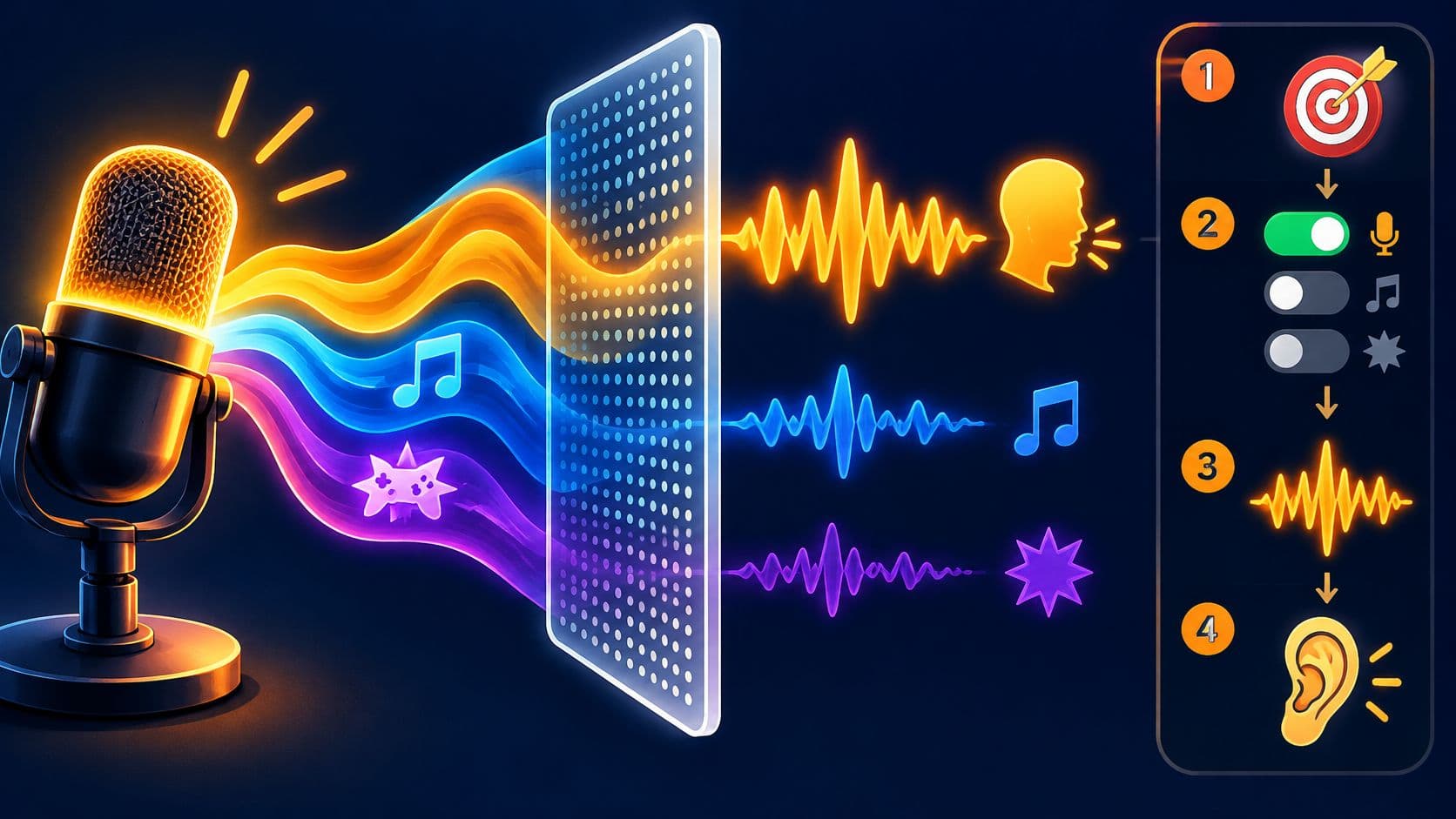
Prompt Engineering Best Practices for Audio Isolation: write one-target prompts, use a four-field template, and check results before you download.
Practical guides for the sounds you want to keep.
And the ones you don’t.
Prompt Engineering Best Practices for Audio Isolation: write one-target prompts, use a four-field template, and check results before you download.
Compare AIFF and WAV for audio quality, file size and editing, and learn how to convert supported PCM files without changing samples.
Compare common audio file types, understand codecs and containers, and choose a suitable format for recording, editing or sharing.
Compare FLAC and Apple Lossless for sound quality, file size, playback and conversion, and learn how to verify a lossless copy.
Compare FLAC and MP3 for quality, storage, compatibility and editing, with a practical guide to choosing and converting files.
Add an audio file to a video, line it up on the timeline and balance it with existing sound. Follow practical Clipchamp and iMovie steps.
Add Audio Library music to an existing YouTube video in Studio, or prepare your own music in a video editor before uploading.
Add an Instagram music track to a Reel, balance it with speech, or prepare your own audio in a video editor before uploading.
Add a sound to a YouTube Short, choose the section, balance it with voice and original audio, or prepare your own music before upload.
Find a free preparation tool or a source-isolation workflow for the recording you have.