In this guide
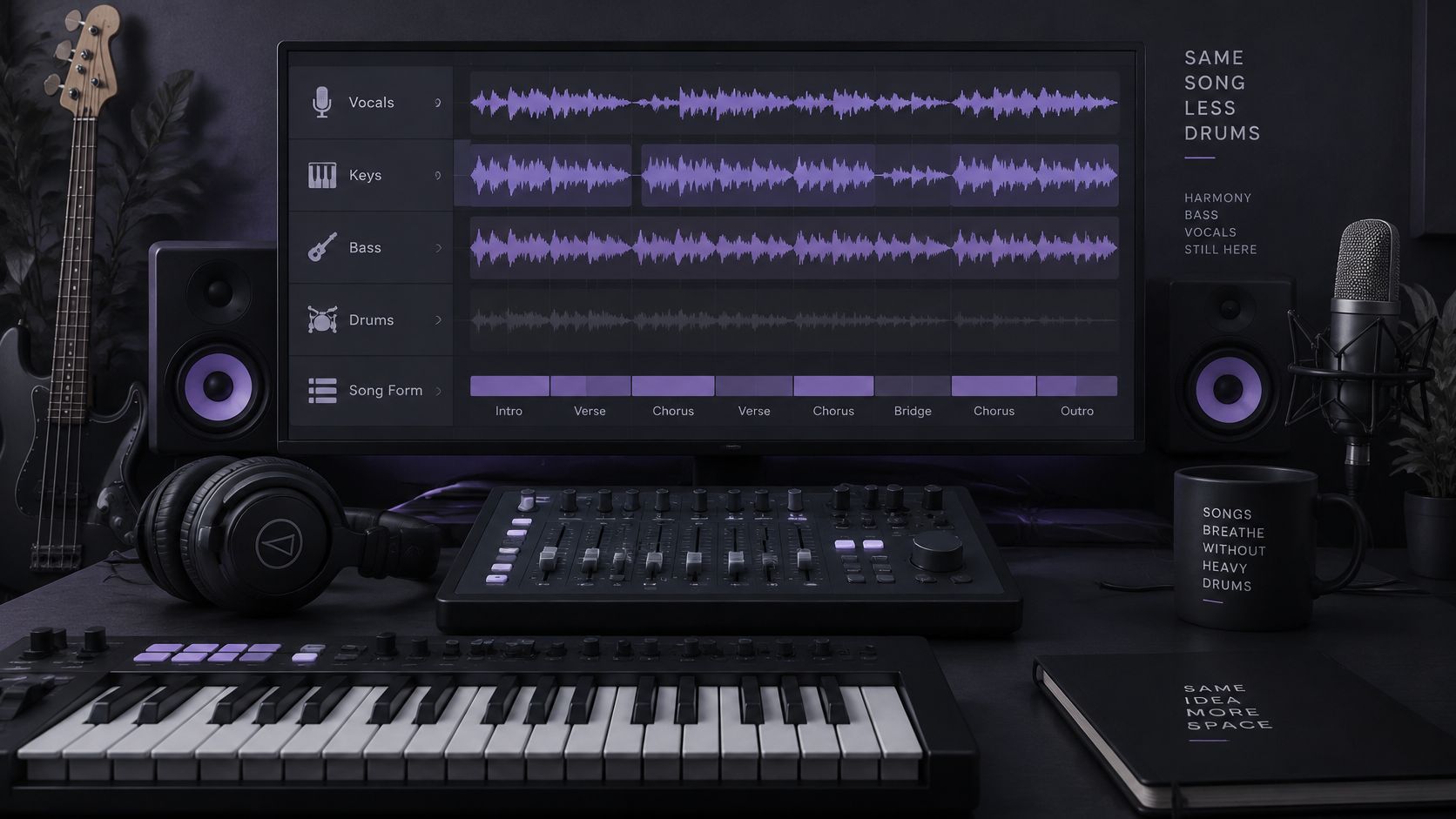
You have the song queued, the kit set up, and the original drummer still playing every fill. Drumless play along tracks solve that by keeping the harmony, bass, vocals, and song form while the drum part is reduced so you can supply time, fills, and dynamics.
The result is a practice aid, not a studio multitrack. Separation can leave residue, change tone, or punch holes in the accompaniment. You audition it the way you would any rough mix, then decide whether it is good enough to play to.
Saturalabs is text-guided isolation, not a music generator. You upload an MP3, WAV, MP4, or MOV up to 50 MB, name one audible source, and compare Isolated sound with Background audio.
Prompts and Outputs for Drumless Tracks
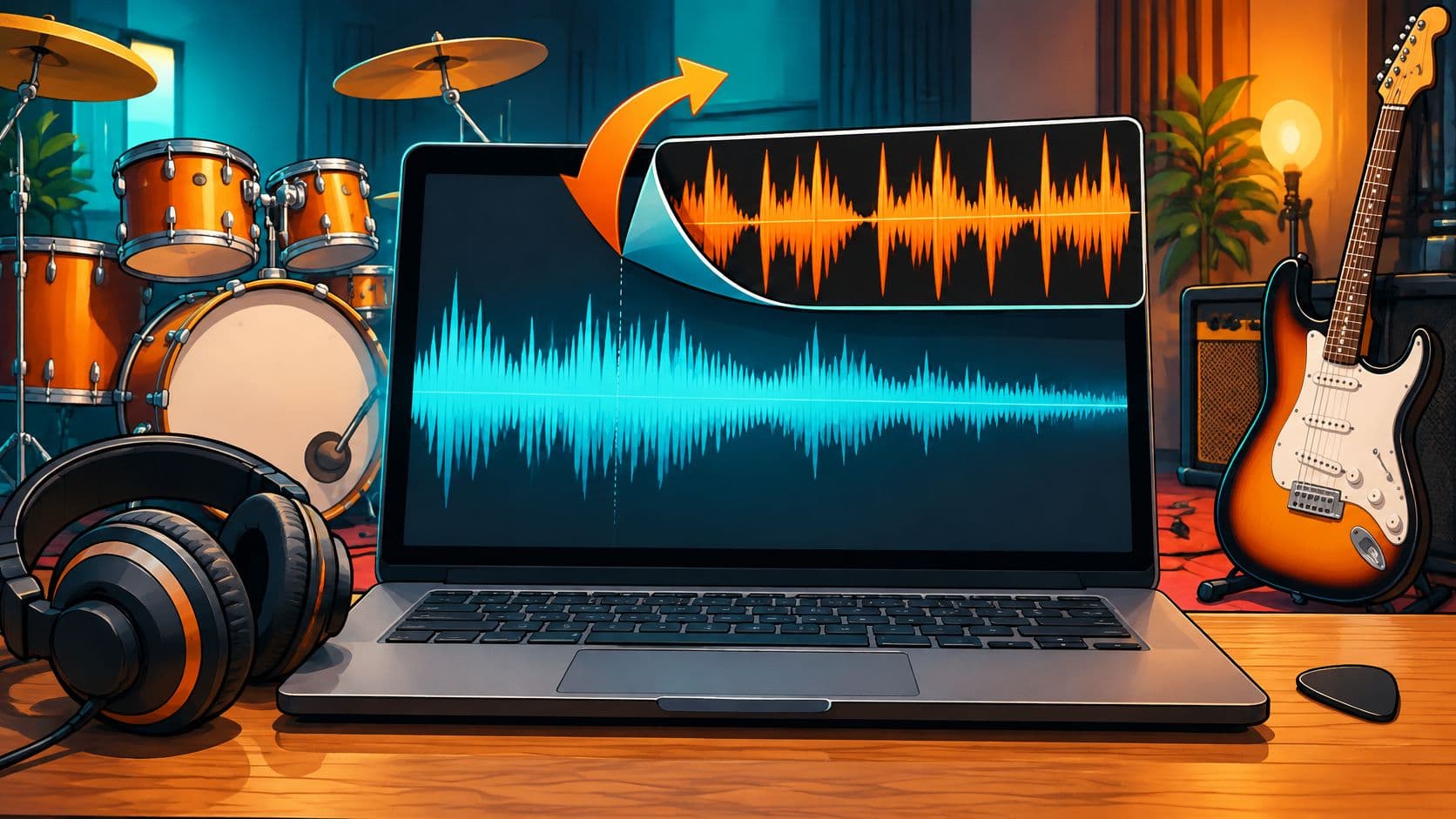
A drumless play-along track is the full recording with the drums reduced. Harmony, bass, vocals, and form stay in place. In Saturalabs the working prompt is one source, drums, and the file you keep is Background audio, the remaining recording with that source reduced. Isolated sound is the drum part itself. Use it to study patterns or as a reference. It is not the backing file.
| Goal | Prompt | Output to keep | Check first |
|---|---|---|---|
| Full drumless backing track | drums | Background audio | Count-in, fills and cymbal tails |
| Drum-only reference or sample | drums | Isolated sound | Bleed from bass or guitar |
| Kick and snare removed | kick, then snare (two passes) | Background audio after each pass | Compounded artifacts after the second pass |
| Hi-hat or ride lightened | hi-hat | Background audio | Whether the groove still feels intact |
One source per pass
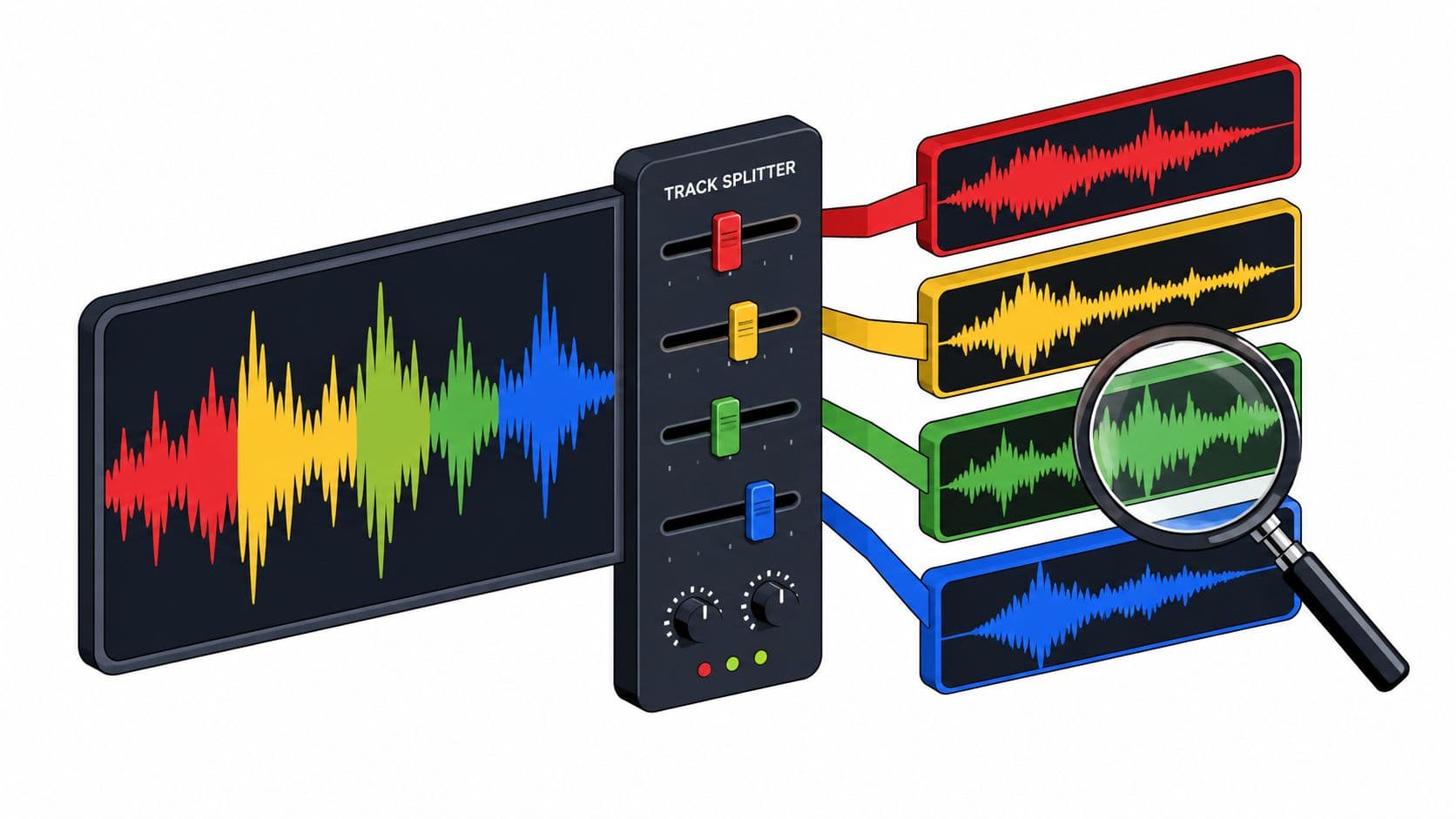
Each separation pass targets one described source. The tool doesn't split every instrument at once, and Saturalabs doesn't automatically export a four-stem pack or a separate file for every instrument. Drums are one prompt away, not a ready stem set from the original session.
Keep Isolated sound when you want the source named in the prompt. Keep Background audio when you want the rest of the recording with that source reduced. A kick-then-snare job is two passes. Each pass adds its own artifacts, so listen after the first before you run the second.
Prompt wording is covered in the prompt engineering best practices guide. A separated track still isn't an original session file. Overlap, effects, and compression in the stereo mix decide how clean the missing-part illusion can be.
Practical rule: One drum source per pass, and Background audio for the backing track.
Prepare a Source File That Separates Cleanly
Separation can only use detail that survives in the file. Start with the best copy you have, and confirm you own the recording or have permission to use it before you upload.
- Find the highest-quality export. The original recording, or the least-processed bounce you can get, gives the separator more transient detail than a copy that has already been crushed.
- Prefer WAV over MP3. The Library of Congress sound-curator guidance distinguishes uncompressed PCM/WAVE from lossy formats such as MP3, prefers linear PCM, and notes that higher data rates generally retain more fidelity than lower data rates using the same compression method and sampling rate. It also identifies 44.1 kHz/16-bit PCM WAVE as CD-quality audio, while higher-resolution files may preserve additional production detail.
- Use an MP3 as it is. Converting it to WAV doesn't restore what compression discarded. Rely on later listening checks instead.
- Match the upload limits. The file should be MP3, WAV, MP4, or MOV and no larger than 50 MB.
- Trim a usable section of a long song. A verse with a clear count-in makes each audition quick. File prep for isolation is covered in preparing audio for AI isolation.
- Prefer open drum transients. Mixes where the kit sits under heavily distorted guitars give the separator less clean edge to work with.
Checkpoint: the file plays cleanly from start to finish, the count-in is present, and the chosen section contains the fills and chorus you plan to practice. If that checkpoint fails, fix the source before you spend a pass.
How to Run the Drum Removal Pass
Treat the pass as a short loop of checks, not a single click. Don't plan around a clock. Turnaround isn't guaranteed, so use the interface as your guide.
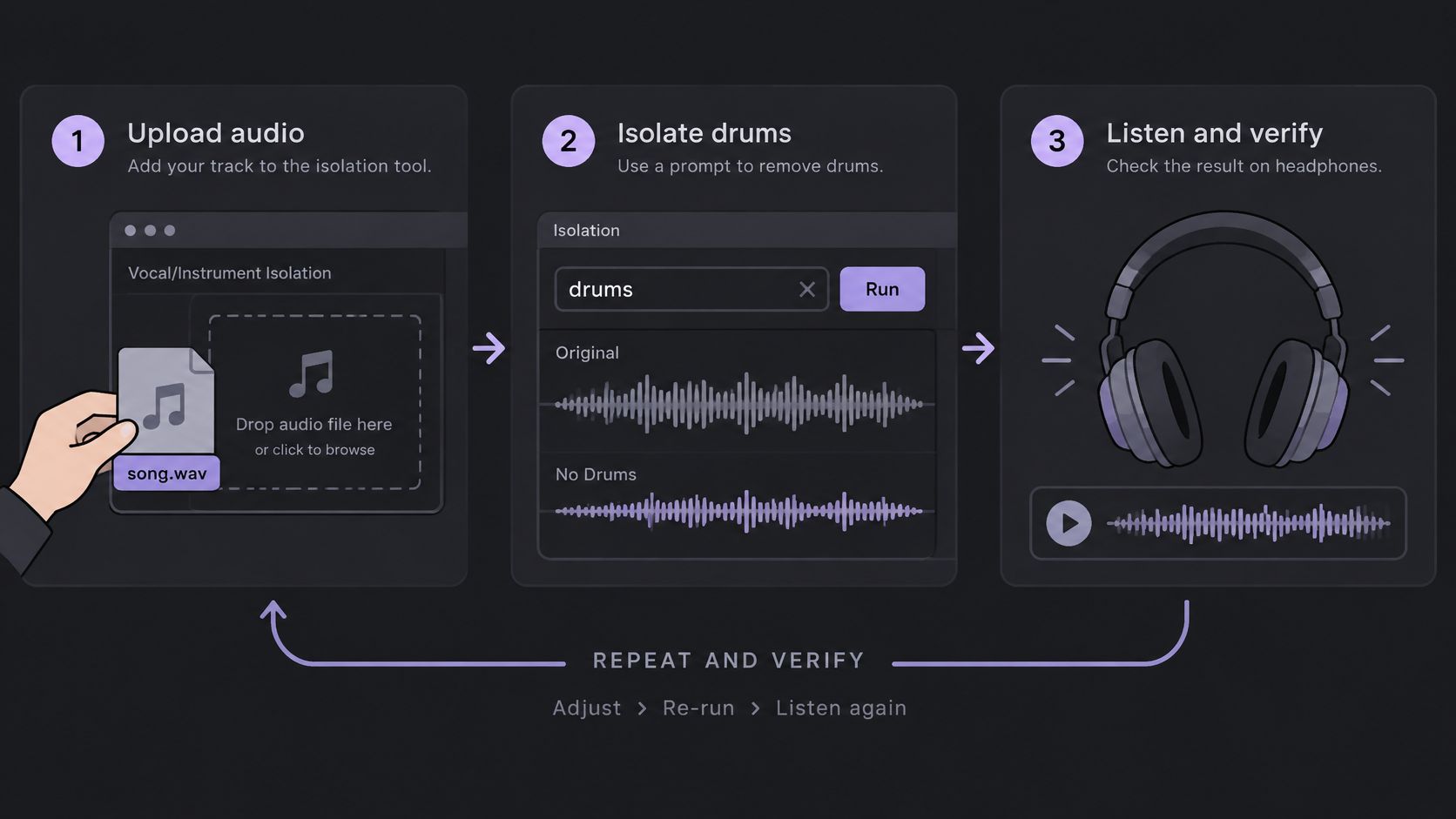
The workflow has three steps: add audio or video, describe one sound, then compare both tracks.
- Upload the prepared file. Add the trimmed section, or the full song if it already fits, to the Saturalabs audio isolation tool. A clean upload is the check. If playback stutters before processing, the file isn't ready.
- Type drums as the only prompt. One described source keeps the pass aimed at the kit rather than at bass or guitar. If you also type "vocals," you've changed the job.
- Run the separation and wait for both outputs. You should see Isolated sound and Background audio. If only one appears usable, don't download yet.
- Audition Background audio against the original at the same points. Use the count-in, one verse, a fill, the first chorus, and the last bar. Headphones make kick and snare gaps easier to hear than speakers in a noisy room.
- Read the credit cost on the results screen before you download the chosen WAV. That figure is the check. If the audition already failed, don't spend the credits.
- Download the chosen output and keep the untouched original beside it. Separated tracks download as WAV audio. A video upload produces separated audio tracks rather than a finished video, so picture stays in your editor.
- Keep Isolated sound as a control. Play it once so you can hear what left the mix. Heavy guitar in that file means the backing may have lost those attacks.
You finish with three things: a backing file with the drums reduced, a short note of sections that need another pass, and the control file.
If the count-in is gone or the chorus pumps, stop. A shorter section often separates more cleanly than the whole song.
Listening Checks and Fixes for Artifacts
The question that matters is simple. Does this file work for practice?
Separation estimates sources from overlapping sound, so parts that share frequencies can leak or get damaged. A result can leave bleed, change tone, or introduce artifacts, and it doesn't guarantee that missing notes come back.
The Library of Congress note on digital audio types lines up with how learned separation often works. Conventional approaches apply a mask to a spectrogram's magnitude while reusing the mixture's phase. That sets an upper limit on quality and can produce audible phase artifacts, especially when drums, bass, guitars, and other sustained instruments overlap.
Listening order
Work in this order, on headphones, with the original in the other hand:
- Count-in and first downbeat. Confirm the entrance is still there and on the same beat.
- Kick and snare gaps. Listen for thin hits or volume dips where the drums used to be.
- Phrase endings. Chopped cymbal decay shows up as the band holds a chord.
- Bass and guitar attacks. If the pick or the bass note vanished with the kick, the bed is damaged.
- Fills and dense choruses. Compare these with the original before you download. Residue and missing accompaniment show up here first.
A little residual percussion can be less distracting than processing that tears up the harmonic bed. Judge the whole loop, not only the soloed drums.
| Symptom | Likely cause | Fix |
|---|---|---|
| Kick and snare sound thin or pumping | Aggressive removal reduced low end or left volume dips | Compare with the original; reject the version or rerun a shorter section |
| Metallic cymbals or high-frequency hiss | Phase artifacts and residual percussion | Reject the pass; keep the residue only if it stays quiet |
| Snare clicks in dense choruses | Drum bleed from overlapping guitars or vocals | Accept small residue if it stays quiet at practice volume |
| Missing count-in or first downbeat | Start of the file shifted or removed | Trim the start and confirm the first downbeat against the original |
| Bass or guitar attacks gone | Shared frequencies removed with the drums | Use the original for that passage or try a different section |
Reject a version with pumping, transient holes, or metallic high-frequency residue. Rerun a shorter section rather than practicing to a damaged file.
Practice and Remix With Your Drumless Track
The same Background audio file can be a rehearsal track, a remix bed, or a timing reference. Add one variable at a time.
| Stage | Audio | Tempo | Purpose |
|---|---|---|---|
| 1. Click warm-up | Click or count-in, not separated | Slow and comfortable | Stable pulse |
| 2. Drumless loop | Background audio on the same loop | Same slow tempo | Groove without the drummer |
| 3. Full drumless track | Background audio, full song | Raise 2 to 5 percent per step | Form, fills and downbeats |
| 4. Recording check | Your take against the original | Target tempo | Rushing or dragging |
Why the order works
Loop the hardest two to eight bars. The click exposes rushing and dragging before the band can hide it. The drumless loop, at that same slow tempo, tests whether you can supply the groove without the original drummer. Jamzone's backing-track practice notes fit the speed rule used here: raise tempo by about 2 to 5 percent only after several clean repetitions. If timing collapses, return to the last stable setting.
Play the full drumless track only after the loop holds. Then record a take and compare it with the original at a reduced speed. A song BPM finder keeps the click and the backing on the same number so you aren't guessing the pulse.
What a fixed track can't do
A backing track can't answer you the way a live drummer or band can. Use it for groove, fills, and form, not for interactive time-feel. Removed drums can also leave a weak downbeat, especially in syncopated sections, so check the one at every tempo.
For a remix, drop Background audio under a new drum part and listen at several levels. Residue from the original kit can still sit under your snare. If it only shows up when the new part is quiet, you have a mix problem, not a new arrangement.
Pick one hard passage and run all four stages in a single session.
Confirm Rights and Take the First Step
Removing drums doesn't give you permission to share, publish, or sell the file. Those are different questions.
The U.S. Copyright Office, as summarized in Library of Congress audio guidance, states that copyright owners generally control reproduction, distribution, creation of derivative works, and public performance or display. For someone else's music, lawful options generally include a public-domain work, permission or a license from the rights holder, or a specific statutory limitation or exception. Check both the underlying composition and the sound recording.
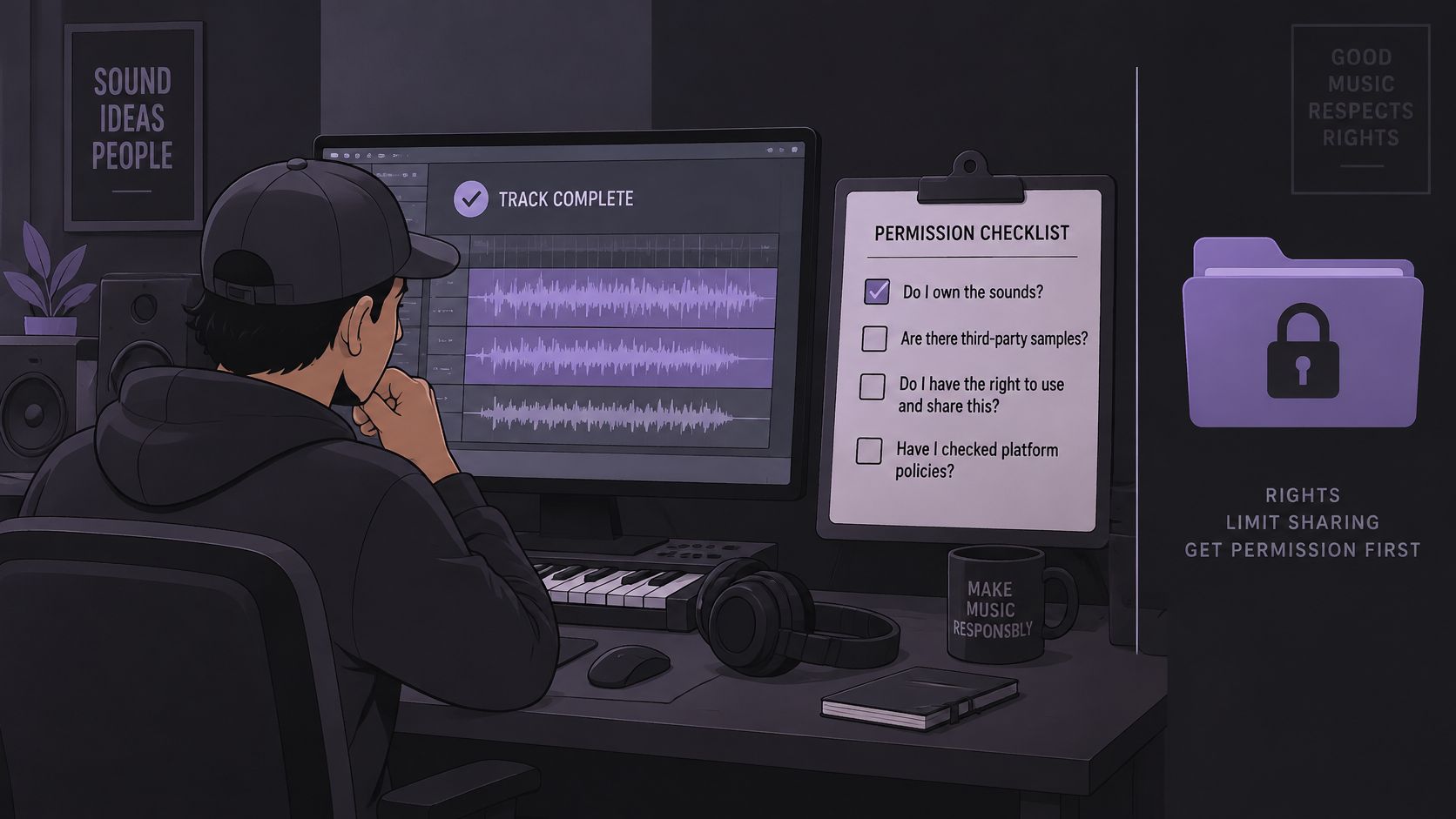
Match the use before you upload, post, or charge for anything:
- Private practice at home still needs a lawful source file, even if you never post it.
- Classroom use can fall under a specific exception or a license. Don't assume either one.
- A paid performance is a public performance question, separate from whether you edited the drums.
- A monetized video needs rights for both the composition and the master, plus the platform's rules.
- Redistributing the backing file is a copy and a derivative, not a private rehearsal.
- A commercial release needs licenses that cover that release.
A "royalty-free" label or a subscription doesn't automatically cover every one of those uses. Read the provider's terms for performance, uploads, monetization, downloads, and redistribution.
After the rights are settled
Choose one song you own or are licensed to use. Select a short section with a clear count-in, run the drum pass, compare it with the original, and read the credit cost before you download. Downloads of separated audio require an account and sufficient credits.
The Starter plan costs $7 per month and includes 150 credits per month, 15 minutes of audio isolation, all audio tools, standard processing, and AI WAV downloads. If you only need to cut a passage before that pass, the free trimmer runs in the browser with no account, no credits, and no audio upload.
Start that first pass in the Saturalabs audio isolation tool at https://www.saturalabs.com.
Saturalabs isolates one described sound from an uploaded song and returns Background audio you can audition as a drumless play-along, plus Isolated sound as a drum reference. Compare the hard passages with the original, read the credit cost, and download only the WAV that survives those checks. Visit Saturalabs when you have a file you are allowed to use and a section ready to separate.