In this guide
If a song's vocal can be heard clearly, does that mean the original vocal track can be recovered? Not necessarily. Stems for songs are grouped musical parts, such as drums, vocals, or instruments, rather than the finished recording. Extracting a part from that recording creates a different kind of file.
The useful starting point is the file already available. A session export offers different control from a downloaded song, and an imperfect separation can still serve a specific job. Sound quality and permission also need separate decisions: a usable file isn't automatically cleared for release.
What Stems for Songs Are and Why They Exist
Stems sit between individual recording tracks and the full mix. They preserve control over musical groups without requiring every channel in the original production session.
Four kinds of song audio
| File | What you hear | What you can still change | Where it comes from |
|---|---|---|---|
| Full mix | The finished stereo or mono song | Overall level and later processing of the whole song | Master or released recording |
| Raw track | One microphone or one programmed part | That part's level, tone, and timing inside the session | Multitrack session |
| Production stem | A grouped submix such as drums, vocals, bass, or instruments | The group's level and further processing, not the parts inside it | Export from the original session |
| Text-guided isolate | An estimated target plus the remaining mix | How the estimate is used, not the original mixer moves | Separation from a finished file |
From the full mix to the raw track
The full mix is the song listeners recognize. Its instruments, voices, effects, and dynamics have already been combined. Lowering the whole file lowers everything, while processing a frequency range can affect several overlapping sounds.
A raw track offers more direct control. It might contain a kick microphone, a snare microphone, a single guitar take, or a programmed keyboard part. Inside the session, an engineer can adjust that channel without necessarily changing the others.
The distinction isn't just mono versus stereo. A stereo guitar recording can still be an individual track, while a mono vocal file can contain a grouped vocal arrangement. The guide to audio channels versus stems explains why channel layout doesn't establish how much production control a file contains.
What a production stem preserves
A production stem combines related tracks into a manageable submix. A drum stem might include the kick, snare, hi-hat, overhead microphones, and room sound, with their balance already established.
Those printed decisions can include level, panning, equalization, compression, and reverb. The Deep Signal Studios audio glossary distinguishes a raw track from a grouped stem with mix decisions applied. A collaborator can lower the drum group, but can't independently lower its hi-hat against the kick without access to the underlying tracks.
The IETF's Matroska Stem Files specification describes stems as recordings of individual instruments or instrument clusters and allows processing to be printed into them. It also describes a container that can hold the final mix alongside stems. That keeps the reference recording available instead of leaving collaborators with disconnected parts.
Practical rule: A stem offers control over a group. A multitrack session offers control inside that group.
Why grouped exports became useful
The history of stems follows the development of multitrack recording rather than a single file extension. The history of stem audio) traces commercially practical multitrack recording to the mid-1950s, when Ampex developed an 8-track Sel-Sync system and sold the first machine to Les Paul.
Keeping performances separate allowed engineers to delay final balance decisions until mixing. Grouping related channels then made it possible to share drums, backing vocals, guitars, and other categories without handing over every microphone channel.
That compromise remains useful in music production, live playback, film post-production, and broadcast delivery. A collaborator may need to lower the music under dialogue, for example, without rebuilding an entire recording session.
Where an extracted part fits
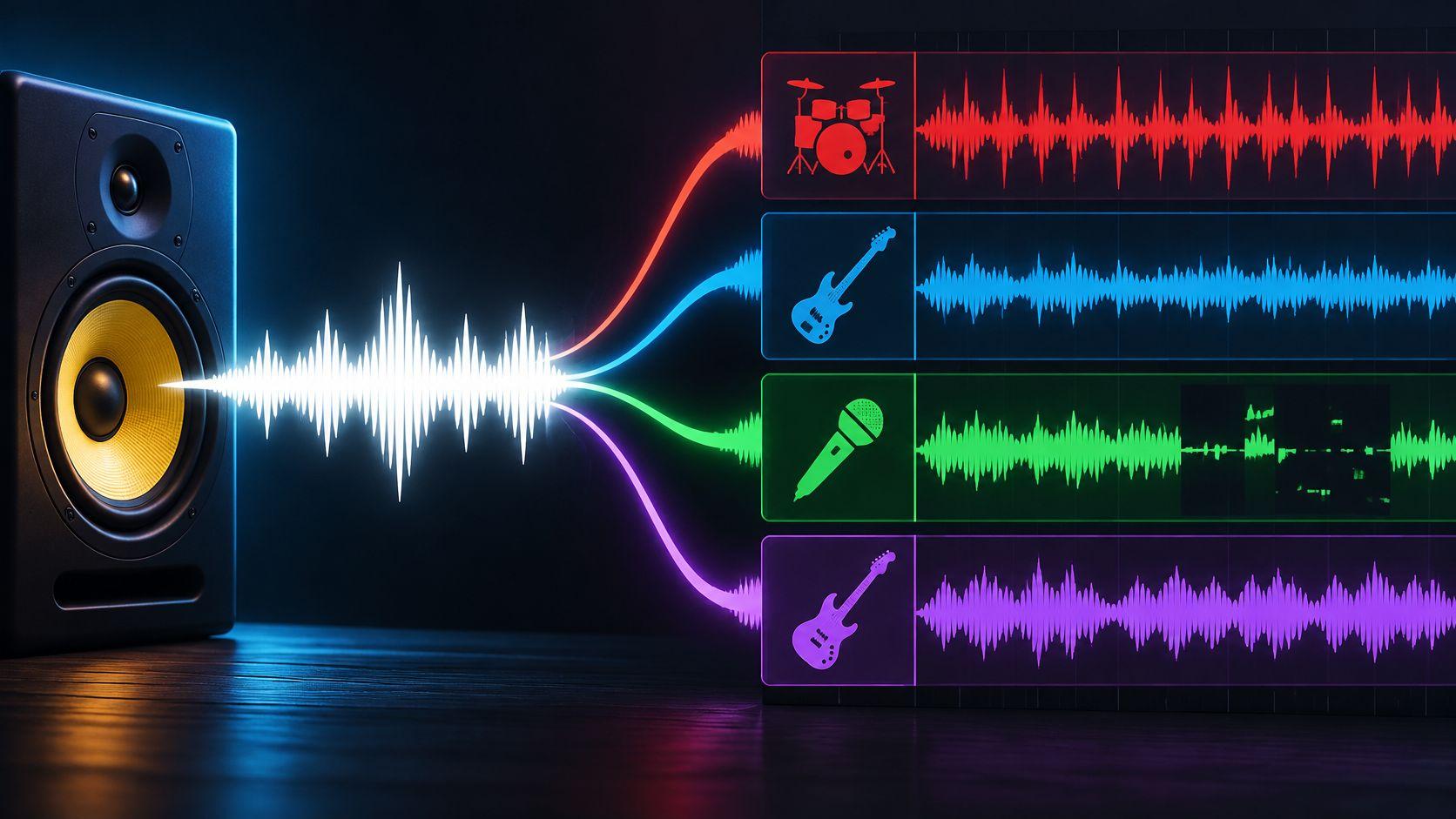
A text-guided isolate starts from the other end. Instead of combining known tracks, a separator estimates one named source from sounds already mixed together. It also leaves a remainder containing the rest of the recording.
That estimate can help with practice, editing, or arrangement study. It doesn't restore the original faders, plug-ins, microphones, or routing.
Before separating or sending files, the sender should name what's available: full mix, raw track, production stem, or extracted isolate. A WAV extension alone doesn't answer that question.
Jobs That Need Stems Rather Than a Full Mix
The job determines the useful source. Maximum separation isn't always necessary, but the file must preserve whatever the next task relies on.
Which source fits the job
| Job | Prefer this source | Audition this result | If the result is imperfect |
|---|---|---|---|
| Practice or transcription | Official instrument stem, or one isolated instrument | The isolated instrument | Useful if pitch and timing hold |
| Karaoke or backing track | Official instrumental, or vocals removed from the mix | The remainder after vocals are isolated | Check doubles, consonants, and reverb tails |
| Remix or rearrangement | Original stems from the session | The grouped stem in the DAW | Do not treat a separation as the session |
| Dialogue in video | Cleaner production audio if it exists | The isolated spoken voice | Compare words that overlap music |
| Sound-design reference | An effects stem or one isolated effect | The isolated effect | Usable as a reference if tails smear |
Practice and editing require different judgments
Say a guitar student needs to loop a chorus and identify its phrasing. An isolated guitar can help even if faint cymbals remain, provided the notes and rhythmic placement stay clear. The same extraction might sound too metallic for an exposed production part.
An editor dealing with a buried line has a stricter intelligibility requirement. If isolation preserves every word, the result may help with an edit. If a consonant disappears beneath music, stronger processing won't establish what the speaker originally said.
A sound designer may need only to understand an effect's movement or timing. A smeared tail might be acceptable for reference, but not for a clean effect placed alone in a quiet scene. These are different acceptance standards, not contradictory judgments about quality.
When requesting files is the better move
A remixer who needs to rebalance lead and backing vocals independently should request those exports rather than force a finished stereo master into that role. If separate drum elements are necessary, a grouped drum stem may also be insufficient. The request should name the needed control, not just ask for stems.
Official files may come directly from a producer or label. Licensed sample packs and remix contests may also supply them, with terms that determine the permitted uses.
- For arrangement changes: Request the relevant session exports and a reference mix.
- For singing practice: Prefer an official backing track when available.
- For a private sketch: Keep an isolate only if its musical information survives.
A separated part can be good enough for study and still be a poor master. Readers focused solely on a backing track can follow the dedicated vocal-removal workflow for karaoke, rather than treating every task as a full stem-delivery project.
How to Separate One Part From a Finished Song
When session files aren't available, separation can provide a working estimate. A survey of audio source separation describes the process as reconstructing source signals from mixtures, not retrieving untouched recording tracks. Sounds that overlap in time, frequency, reverberation, or distortion can remain partly entangled.
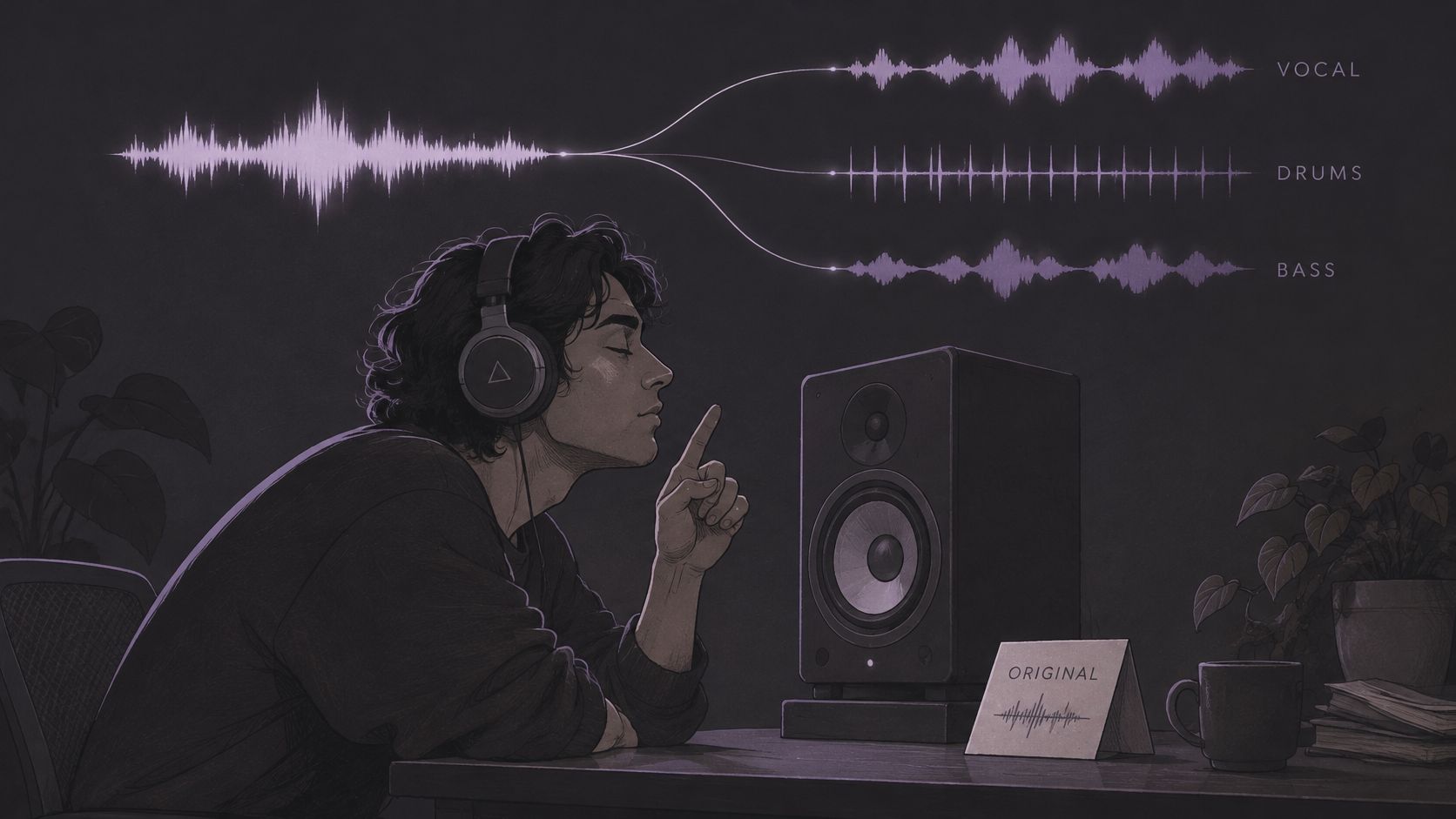
The core Saturalabs process is straightforward: add audio or video, describe one sound, then compare both tracks. It's text-guided isolation, not music generation or a general video-editing workflow.
Prepare the source and describe the target
Start with the original file. Use the available MP3, WAV, MP4, or MOV, and retain an unchanged copy for comparison. A previously processed extraction shouldn't replace the original reference.
Open Audio Isolator or Stem Splitter on the Saturalabs site. The task is to estimate a source from the existing recording. Only audio with appropriate rights for processing and the intended use should enter the workflow.
Describe one audible source. Concrete prompts include lead vocals, electric guitar, drums, and spoken voice. A prompt should name the sound, not list an arrangement or request a perfect result.
A useful target must be present. A request for electric guitar makes sense when the recording contains an audible guitar part; it doesn't instruct the system to compose one. Several instruments listed together also make the desired boundary less clear.
Run the pass and choose the correct result
Run one pass for that source. Each pass targets one described sound. The process doesn't split every instrument at once or automatically deliver a complete stem pack.
Choose the output that serves the job. Isolated sound keeps the named source. Background audio contains the remaining recording with that source removed or reduced.
For a backing track, the target is vocals and the result to audition is Background audio. For dialogue, the target is spoken voice and the result to audition is Isolated sound. The prompt describes what gets separated, not necessarily the file ultimately retained.
- Compare both outputs before downloading. Check a dense chorus, a quieter verse, and a cymbal hit against the original. For speech, include words that overlap music and the starts and ends of phrases.
The remainder deserves the same attention as the isolated target. Removing a source can also expose damage to sounds that need to stay.
More detailed wording belongs in the separate audio-isolation prompt guide. For an initial attempt, a short, concrete source description is easier to evaluate than a request combining vocals, instruments, cleanup, and mastering.
If the result loses a wanted note or retains vocal reverb, the likely issue isn't a missing adjective in the prompt. The separator is estimating boundaries inside a combined recording. A more specific target can clarify the request, but it can't guarantee recovery of the original performance.
How to Tell a Usable Stem From a Rough One
Start with a matched-loudness comparison. A louder extraction can seem clearer without preserving more useful detail. The original and separated file should play at comparable listening levels before either is judged.
Audible isn't the same as usable. The listening decision should follow the intended task, especially when the output will be exposed rather than hidden beneath other sounds.
Passages that reveal a weak stem
| Passage | Listen for | Keep it when |
|---|---|---|
| Dense chorus | Bleed from other parts or missing notes | The lyric or melody is still identifiable |
| Consonants and sibilants | Dropped words or harsh edges | Speech or singing stays intelligible |
| Cymbal hits | Smeared attacks or splash in the vocal | The hit is usable for the intended job |
| Bass under the kick | Hollow low end or pumping | The note and groove remain |
| Silence between phrases | Leftover vocal, noise, or long reverb | The gap is quiet enough for the use |
| Mono playback | Hollow or unstable ambience | The part still reads on one speaker |
Turn listening observations into a decision
A chorus with faint bleed may still support transcription if the melody remains clear. Missing notes make it a weaker guide. For speech and singing, intelligibility matters more than a smooth background: dropped consonants can change a word.
Cymbal attacks and bass notes reveal different problems. A softened hit may be acceptable for studying an arrangement but unsuitable for rebuilding its groove. A bass extraction that preserves pitch while pumping unevenly may help identify notes without providing a dependable production part.
Gaps and mono playback expose problems that continuous headphone listening can hide. Leftover vocal tails may interrupt a backing track, while unstable ambience can make an apparently wide part sound hollow on a single speaker.
Keep a result for the job it passes, not the job originally hoped for.
When the melody survives but the tone turns watery, metallic, or incomplete, label the file rough reference. Separation can leave bleed, change tone, or introduce artifacts, and it doesn't guarantee recovery of missing words or notes. The guide to dealing with separation problems offers a focused troubleshooting path.
Check meters and delivery separately
After gain changes or limiting, inspect integrated loudness and true peak, not only sample peaks. ITU-R BS.1770 defines a programme-loudness and true-peak measurement framework; a meter based on it provides a more useful check than a single transient reading.
Leave headroom for downstream processing and encoding. Where export settings allow, retain the source sample rate and bit depth, and avoid repeated lossy encoding that can compound artifacts.
Separated Saturalabs tracks download as WAV audio. A video upload produces separated audio tracks, not a finished video, so an editor must place the accepted audio back into the video-editing project.
When a Separated Part Still Needs Permission
Having a file doesn't establish a right to use it. An extracted vocal or guitar remains material from the original sound recording. Lyrics and melody can also involve separate rights in the underlying musical work.
The U.S. Copyright Office's musician guidance states that no fixed minimum amount, note count, or percentage automatically avoids permission when permission is required. It also explains that failing to reach a rights holder isn't a substitute for permission.
Match clearance to the intended use
The intended destination should be settled before production work begins:
- Personal practice or analysis: Confirm that the source file may be accessed and used for that purpose. Private study isn't a universal exemption.
- Private demo: Establish who will receive the demo and whether the source's license permits that sharing.
- Public performance: Check the permissions and licensing arrangements relevant to the recording, work, venue, and territory.
- Monetized video: Identify any required sound-recording and synchronization permissions. An upload platform's acceptance isn't itself clearance.
- Streaming release: Resolve the relevant recording and composition permissions before distribution.
- Commercial remix: Document authorization for the proposed adaptation, release, and commercial use.
Official stems from a sample library or remix contest follow their licenses. Availability doesn't mean unrestricted use, and a license permitting a contest entry may not permit an independent commercial release.
Keep the permission record with the audio
The project folder should identify whether a part is an official licensed stem or an extracted copy. License documents, written permissions, attribution requirements, and territorial restrictions belong beside the working files.
Artifacts introduced during separation don't make the copyrighted source original. Browser-based isolation doesn't clear master, composition, or synchronization rights, and a US fair-use argument shouldn't be assumed to apply worldwide.
For track-focused projects, the guide to getting instrumentals of songs can help identify a suitable source route. The release decision still depends on its permissions. Settling that use first prevents hours spent mixing a part that can't be distributed as intended.
Choose the Next File Before You Separate
The strongest next move may be a file request rather than an upload. If the original session or authorized production stems exist, those files provide a clearer basis for collaboration. The full mix should remain alongside them as the reference for musical balance and context.
A useful request states the intended change. A collaborator who needs only a lower vocal can work differently from one who needs separate lead vocals, harmonies, and effects. Requesting every available channel isn't necessary when a focused export will solve the problem.
Make the deliverable explicit
Before processing, the project owner should identify the next file needed:
- A rehearsal aid: Preserve the melody, rhythm, or backing arrangement well enough for practice.
- A private arrangement sketch: Retain only material reliable enough to support decisions about structure.
- An editing source: Require the words, attacks, and transitions needed for the actual cut.
- A release component: Demand both an appropriate quality standard and documented permission.
If only the finished song exists, one named source is a manageable starting point. Both outputs should be auditioned against the original before committing to further edits. A file that fails its intended purpose should remain a reference or be rejected, rather than receive an optimistic production-stem label.
Readers still deciding which source category fits can consult stems versus audio isolation. That decision should happen before paying for an output that offers the wrong kind of control.
Check limits and cost before committing
Supported uploads are MP3, WAV, MP4, and MOV files up to 50 MiB (52.43 MB). Downloads require an account and sufficient credits. The displayed credit cost and current plan details should be checked before downloading, without assuming free or unlimited access.
Processing time isn't guaranteed, and separation shouldn't be treated as certified perfection. The acceptance criteria remain practical: the part must survive the listening check and its intended use must pass the rights check.
The original should stay untouched throughout the project. Clear filenames can distinguish an accepted practice isolate from a rough reference, reducing the chance that an exploratory extraction later gets mistaken for an approved release asset.
Saturalabs offers text-guided audio and video isolation for extracting one described voice, instrument, or sound effect from a finished recording. Visit Saturalabs to try Audio Isolator or Stem Splitter with one audible source, retain the original, and audition both outputs before downloading. If the part fails the listening check or the rights check, stop before building a release around it.