
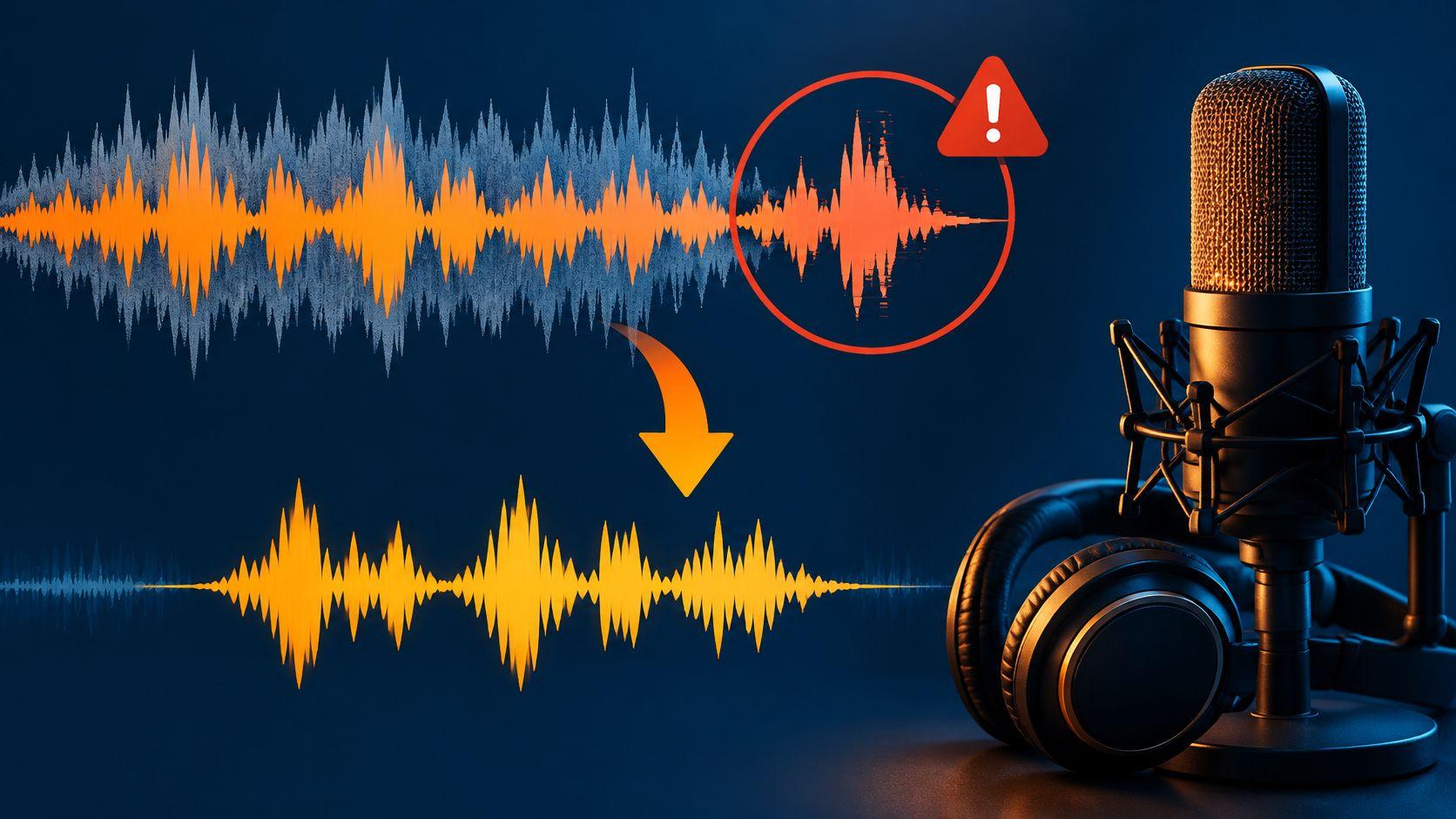
remove crowd noise
Remove Crowd Noise from Audio: Steps, Checks and Fixes
Remove crowd noise from audio by naming one sound, comparing Isolated sound and Background audio, and checking the result before you download.
Practical guides for the sounds you want to keep.
And the ones you don’t.
Remove crowd noise from audio by naming one sound, comparing Isolated sound and Background audio, and checking the result before you download.
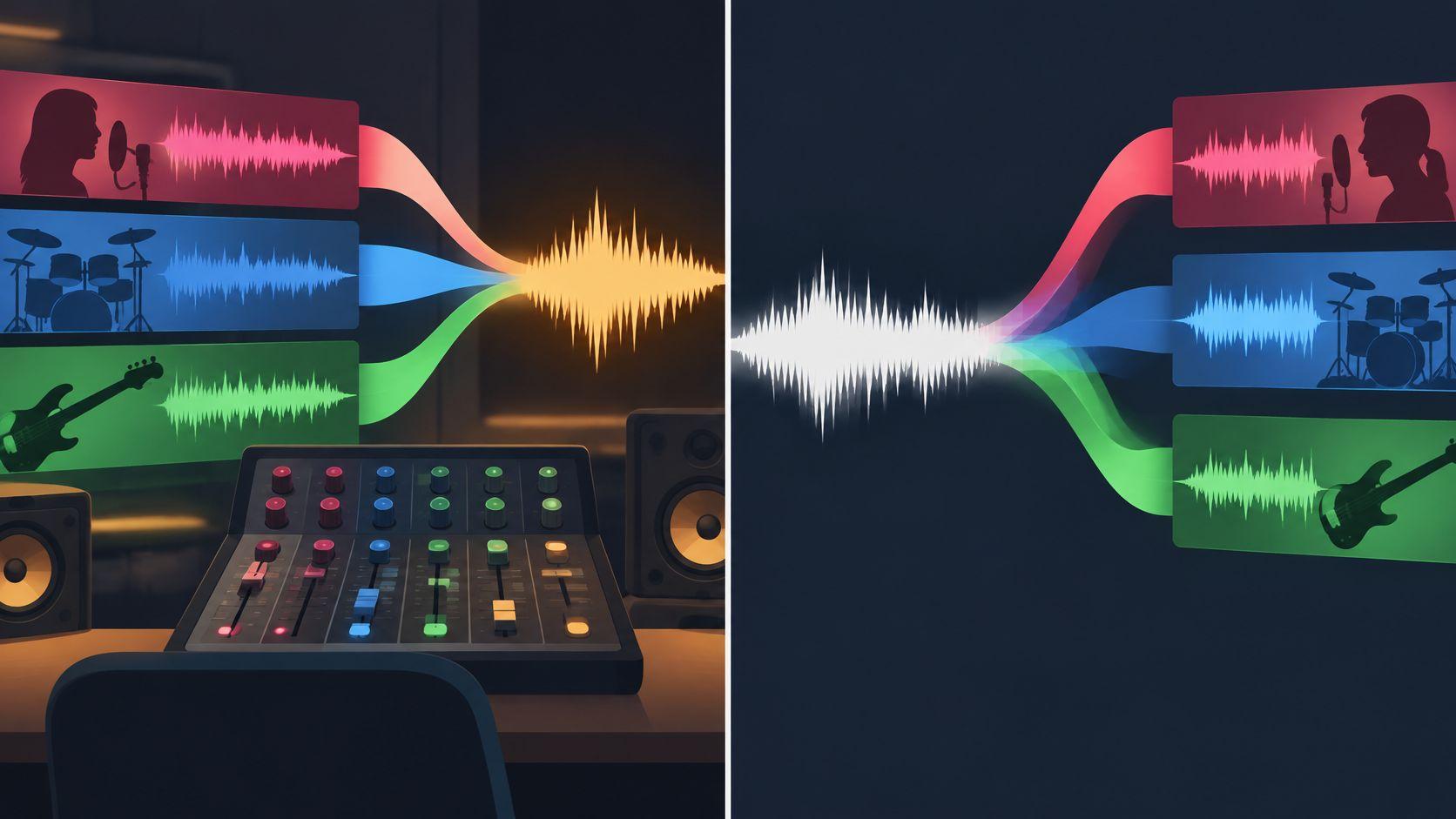
What Is an Audio Stem? Learn how it differs from multitracks, how to isolate one from a finished mix, and how to check the result.
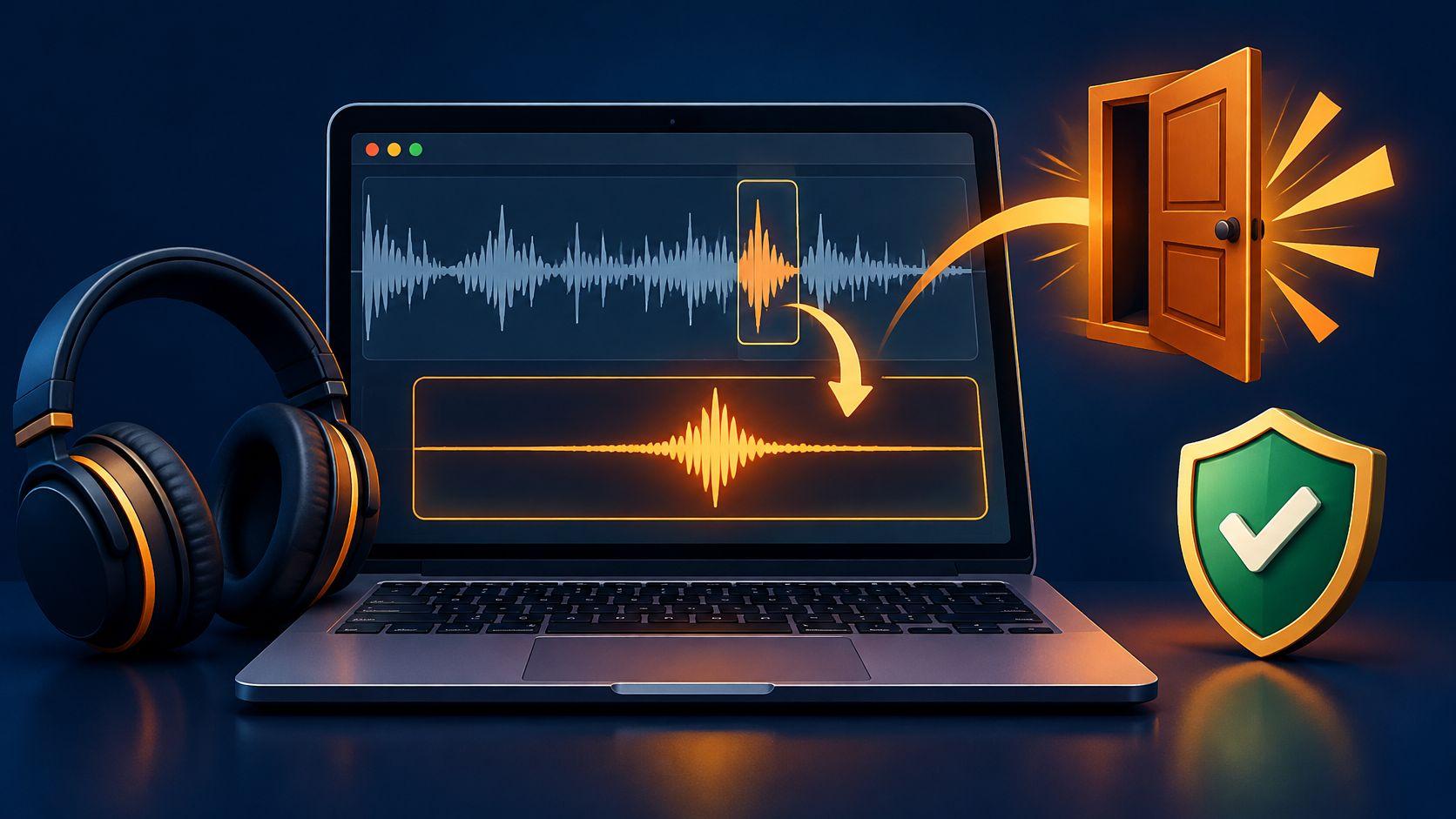
Learn how to get sound effects from your own recordings or mixed clips, describe one target at a time, and check rights and credit costs before download.
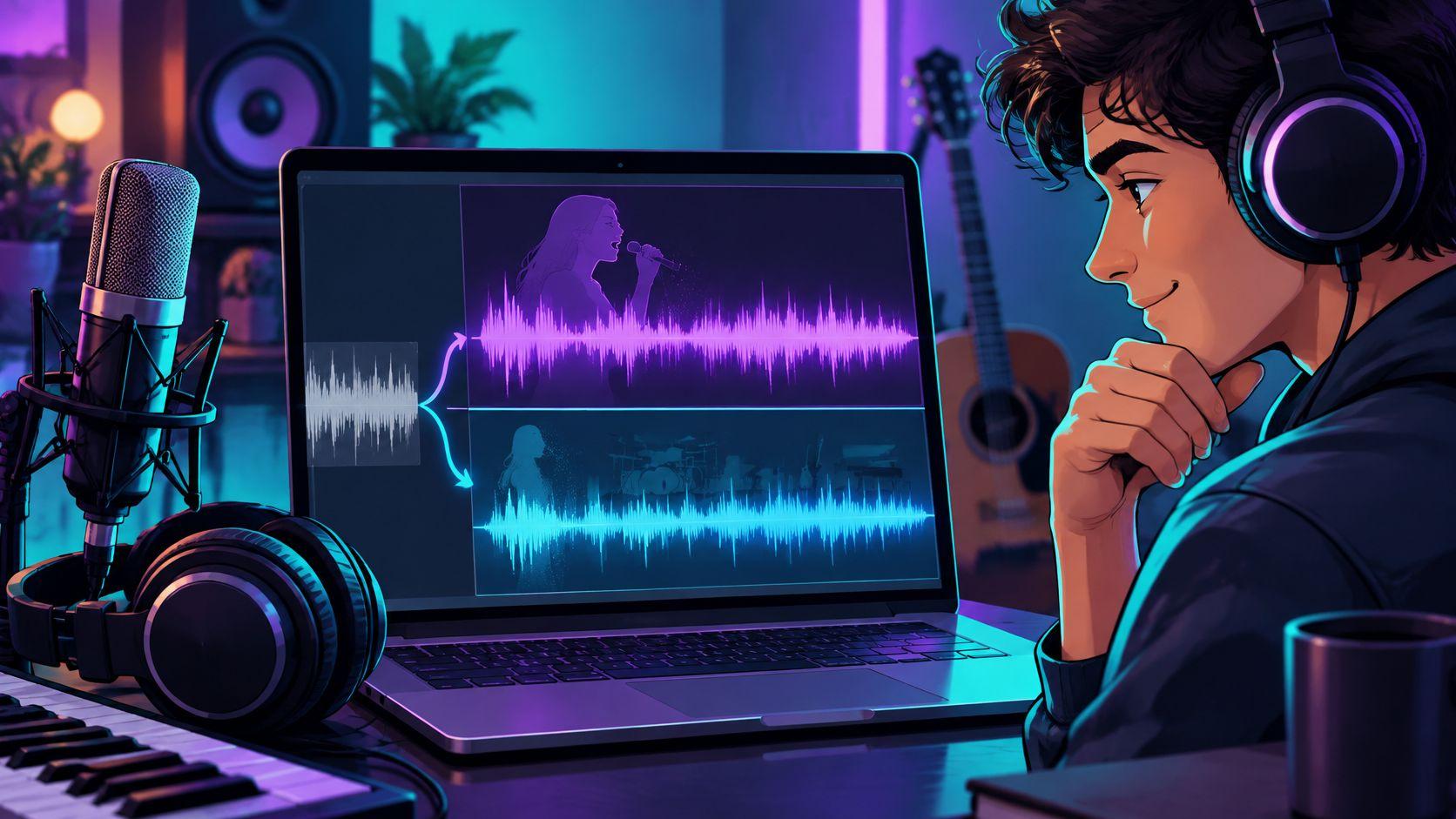
Learn how to make karaoke tracks with Saturalabs: upload a file, isolate vocals, audition Background audio, and check it before you download.
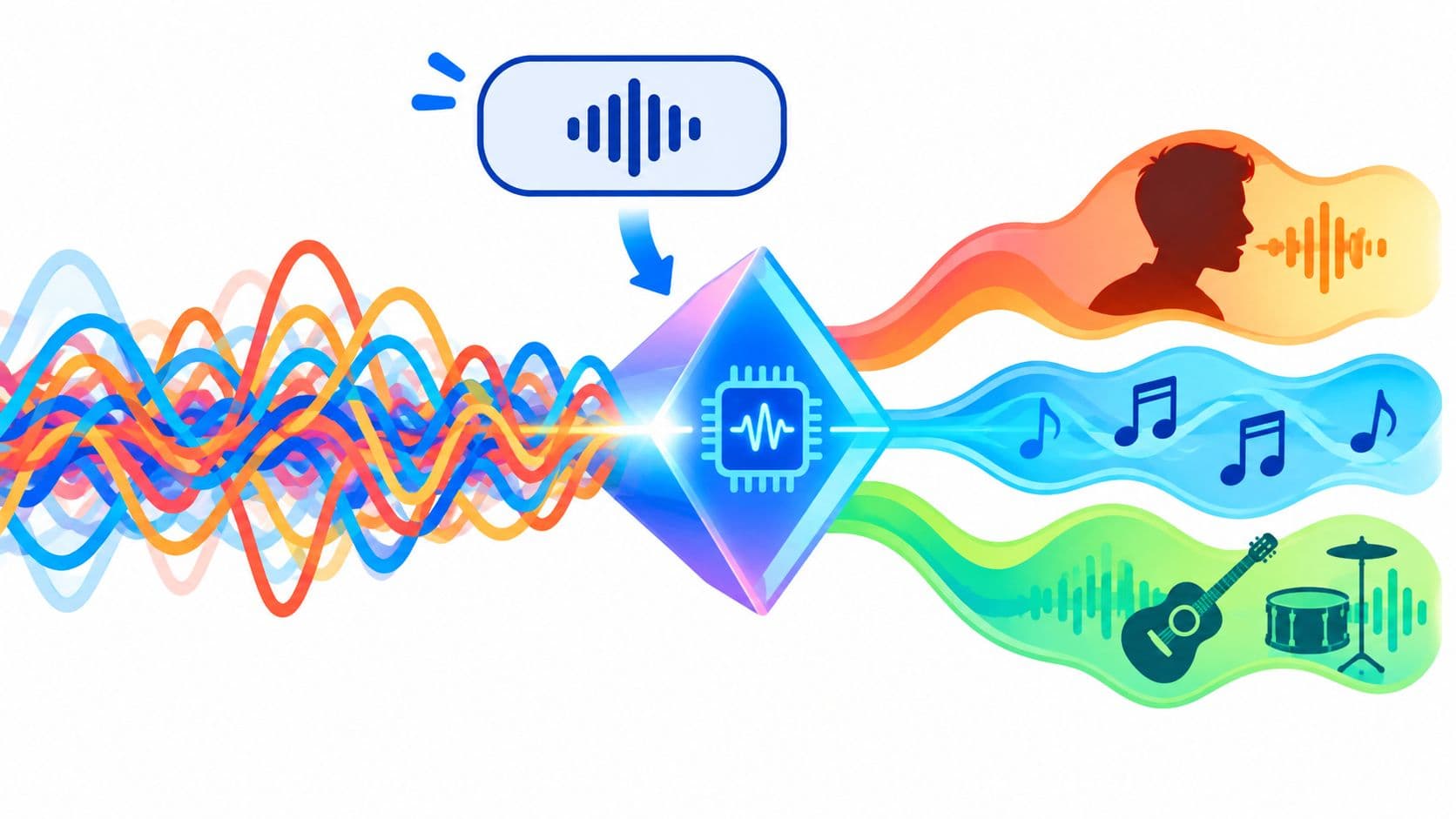
Learn how an AI audio splitter estimates one source, which output to keep, and how to check bleed, artifacts, and rights before you download.
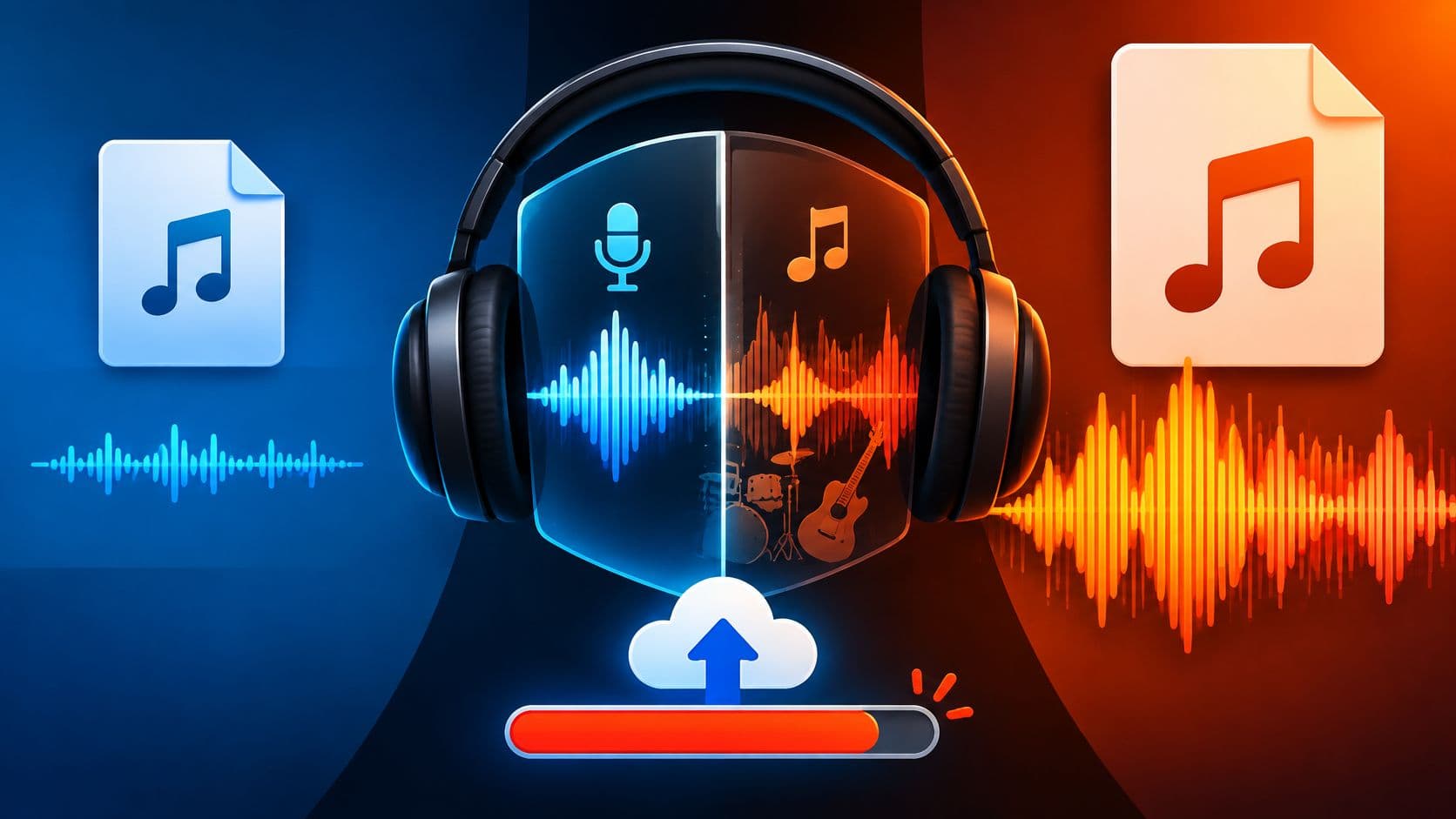
Is MP3 better than WAV? Compare quality, file size, editing and AI audio separation, plus Saturalabs' 50 MB upload limit.
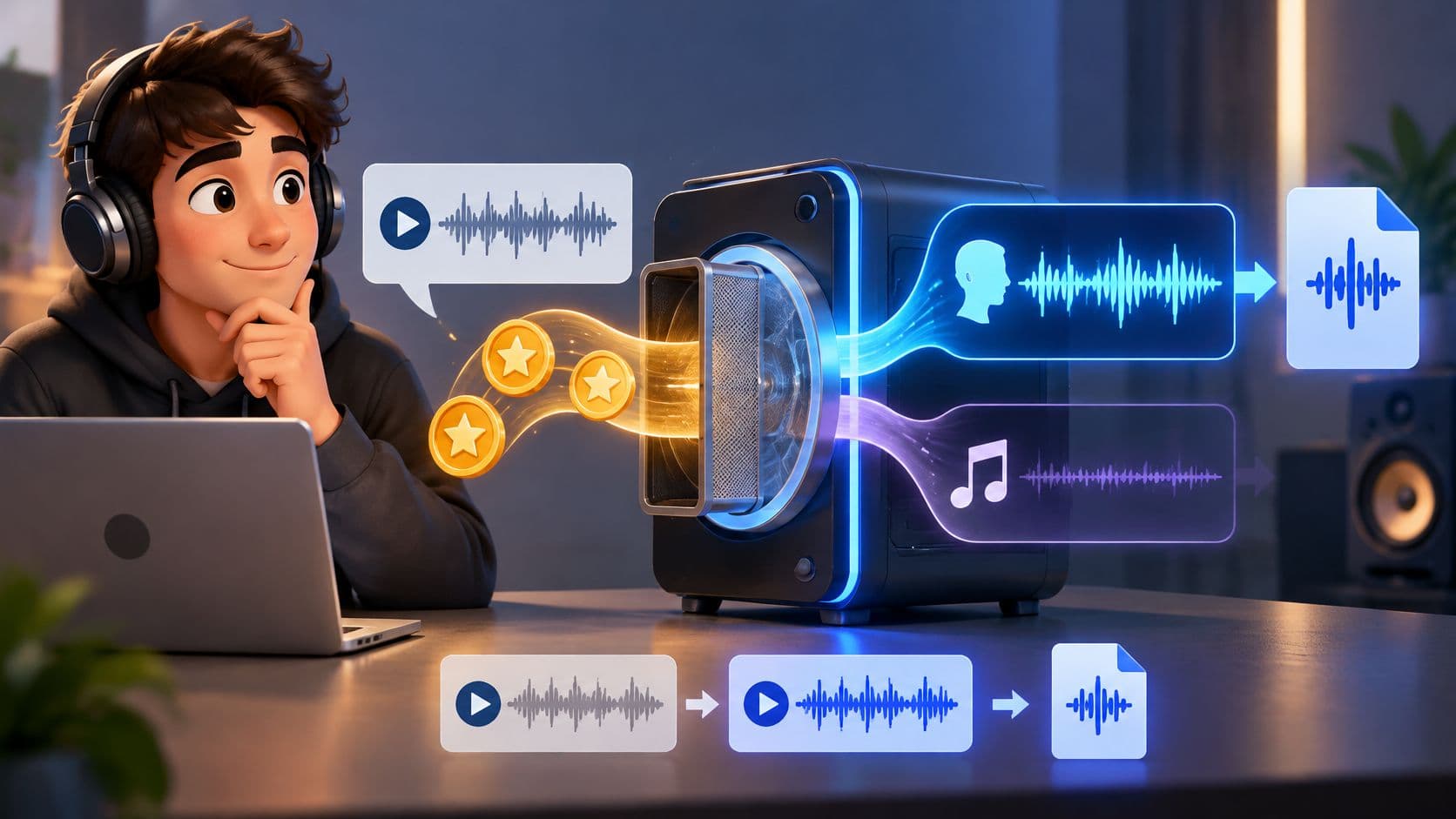
Why credit matters on Saturalabs: most isolation runs use about 10 credits per minute, and the results screen shows the WAV cost before you download.

Learn how to remove lyrics from a track: pick the vocal layer, prompt one source, audition Background audio, and check for leftover words.

Use an AI karaoke maker to remove vocals and build backing tracks. Learn prompts, listening checks, artifact fixes, and credit notes for Saturalabs.
Find a free preparation tool or a source-isolation workflow for the recording you have.