
Audio preparation
WAV vs MP3: Sound Quality, File Size and Editing
Compare WAV and MP3 for sound quality, file size and editing. Learn when to use PCM WAV or MP3 and why converting an MP3 cannot restore lost detail.
Prepare a useful working copy: choose a source format, inspect channels and file size, and keep excerpt timing before an edit or isolation test.
Explore the audio toolsCompare WAV and MP3 for sound quality, file size and editing. Learn when to use PCM WAV or MP3 and why converting an MP3 cannot restore lost detail.

Learn how to record a guitar on a computer with a clear workflow for interfaces, levels, monitoring, and clean takes ready for remixing or isolation.
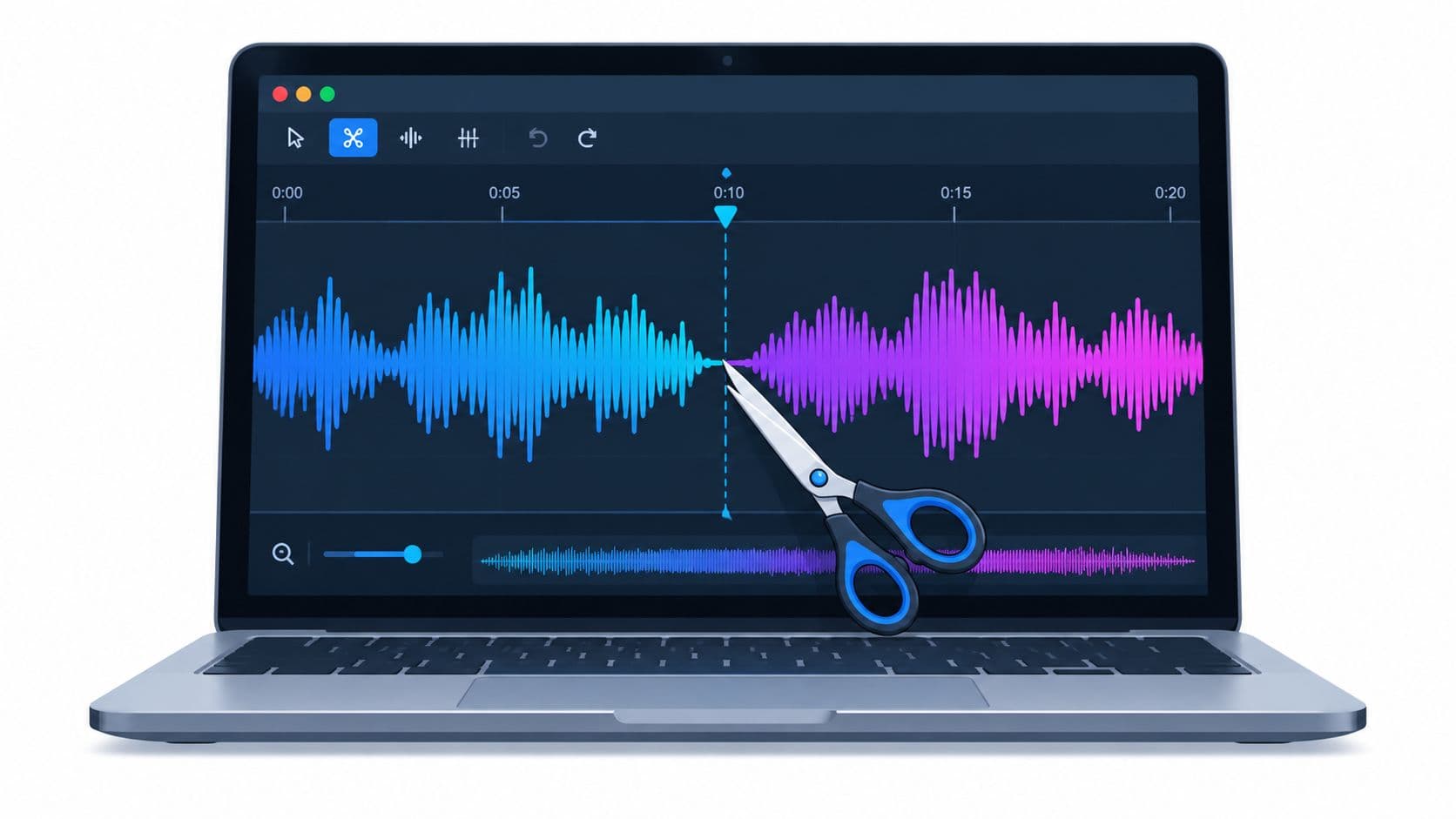
How to cut audio file. Learn how to cut an audio file without losing quality. Practical steps for WAV and MP3, exports, listening checks, and integrating
Choose peak or loudness normalization for a quiet recording. Learn dBFS, LUFS, linked stereo gain, noise limits, and how to preview a normalized WAV or MP3.
Read a WAV file’s sample rate, bit depth, channels, and duration. Understand PCM, float, valid bits, and why header settings cannot prove recording quality.
Understand left and right channels, mono mixes, and separated stems. Choose a channel for one-sided speech or dual microphones without losing wanted audio.
Choose a useful test section, trim without losing context, check your audio file size, and keep separated tracks aligned with the original recording.
Trim, join, inspect, or adjust a supported short recording locally. These utilities require no account or credits.