
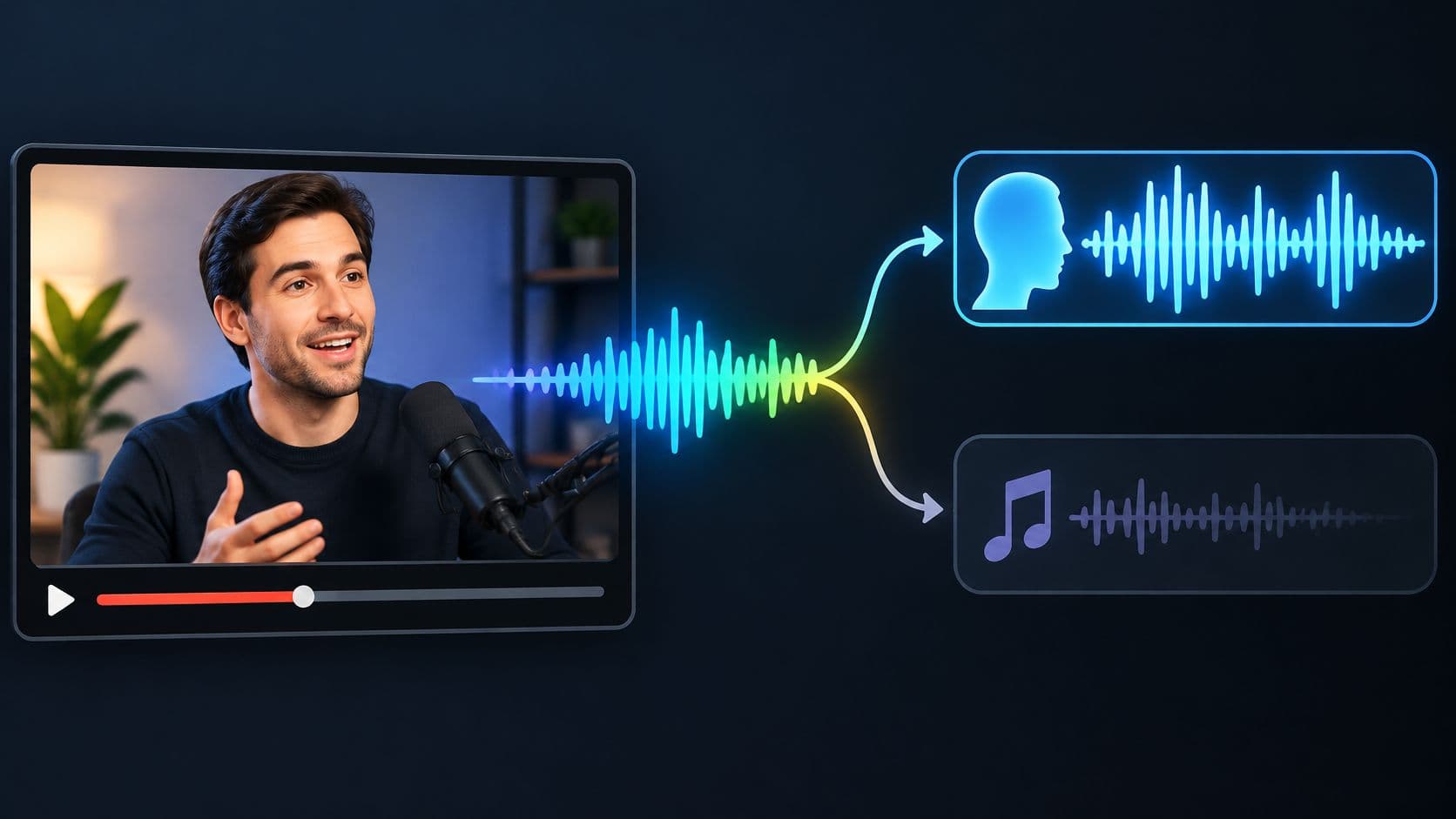
remove music from video but keep voice
How to Remove Music from Video but Keep Voice
Learn how to remove music from video but keep voice: isolate spoken voice, compare both tracks, and check credits before you download.
Practical guides for the sounds you want to keep.
And the ones you don’t.
Learn how to remove music from video but keep voice: isolate spoken voice, compare both tracks, and check credits before you download.
Use VLC's Convert/Save workflow to export audio from a video, choose an audio-only profile, and troubleshoot silent or incomplete exports.
Diagnose static in a recording and choose noise reduction, a gate, click repair or a better source. Learn what each method can and cannot fix.
Record permitted YouTube playback on Windows or Mac, or extract audio from your own downloaded video. Compare steps, formats and limitations.
Unlink audio and video in Premiere Pro, extract a source audio clip, or export an audio-only file. Keep sync and avoid doubled playback.
Save the soundtrack from a short video on Android, find the downloaded WAV, or detach audio in a mobile editor. Understand format and sound-separation limits.
Save audio from an iPhone video with Shortcuts, detach a soundtrack in iMovie, or make an MP3 or WAV from a supported short video in your browser.
Detach audio from video in CapCut on desktop, mobile or web. Learn how to export audio, avoid doubled playback, and separate a voice from a mixed soundtrack.
Use Audacity Noise Reduction to reduce steady hiss or fan noise. Capture a noise profile, adjust the controls, and compare the result with your original.
Find a free preparation tool or a source-isolation workflow for the recording you have.