
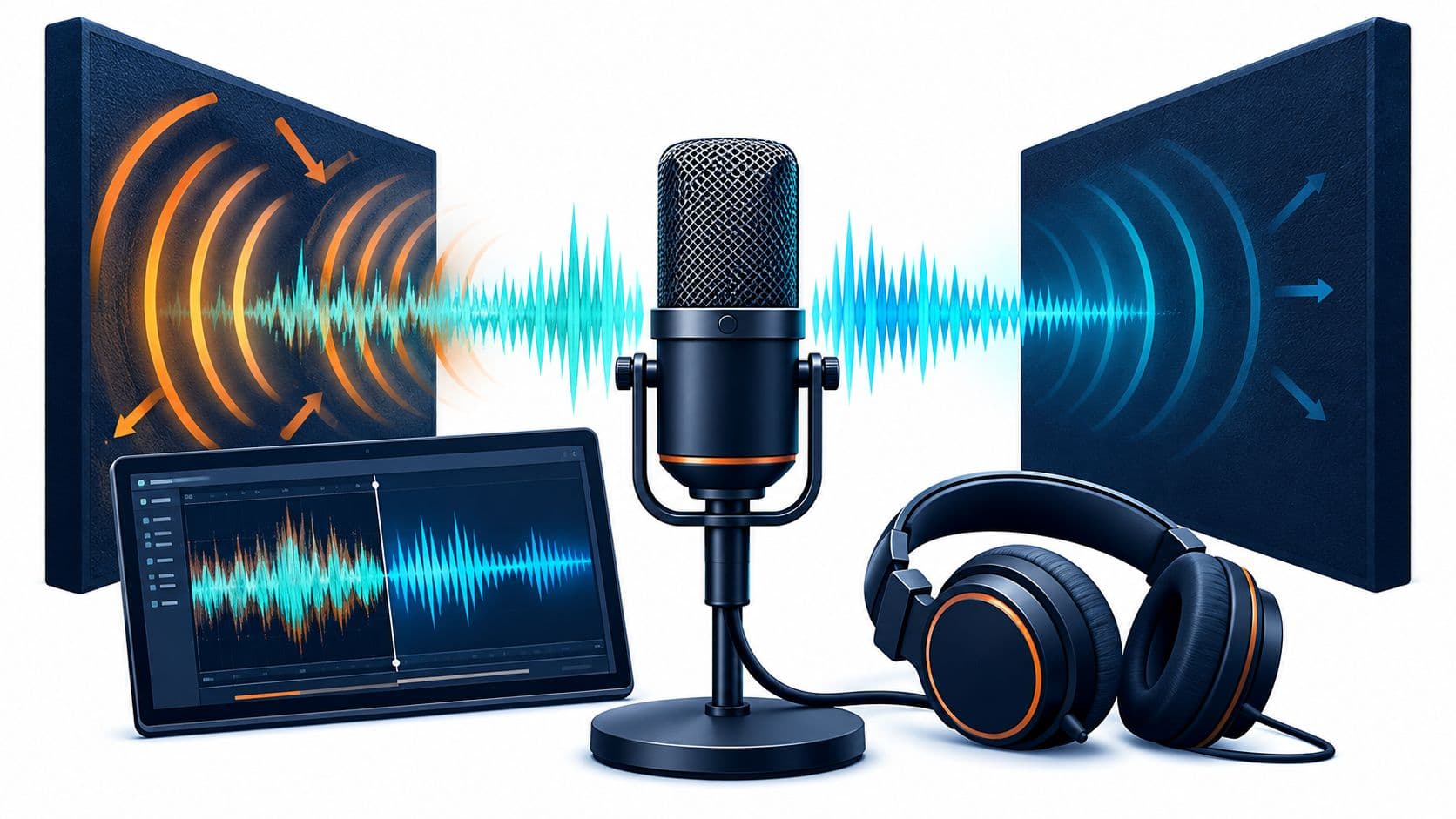
audio echo removal
Removing Echo from Audio: Diagnose, Isolate, and Verify
Learn how removing echo from audio works in practice: diagnose reverb, isolate speech or vocals, compare results, and spot limits before you download.
Practical guides for the sounds you want to keep.
And the ones you don’t.
Learn how removing echo from audio works in practice: diagnose reverb, isolate speech or vocals, compare results, and spot limits before you download.
Remove or isolate vocals in Audacity, check OpenVINO compatibility, and export the instrumental or vocal track without mixing the original back in.
Reduce typing noise at the microphone, check Zoom, Teams, Discord or OBS filters, and choose a different cleanup method for clicks already recorded over speech.
Convert M4A to WAV in your browser or with Apple Music, Audacity and a tested FFmpeg recipe. Choose export settings and inspect the actual output before editing.
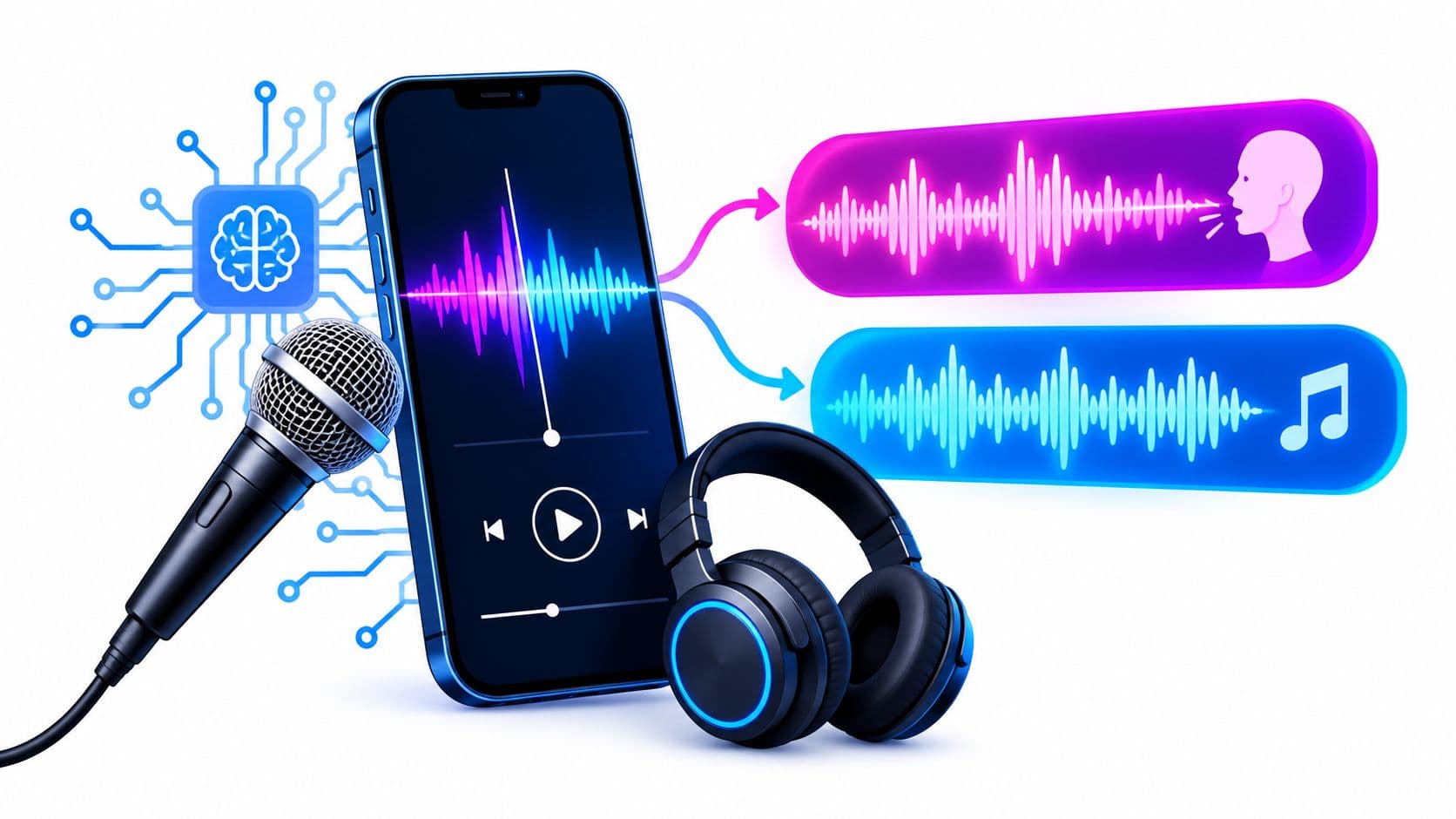
Use an AI karaoke maker to remove vocals and build backing tracks. Learn prompts, listening checks, artifact fixes, and credit notes for Saturalabs.
Convert a video to an audio file in MP3 or WAV, or copy compatible original audio. Compare browser, Audacity and FFmpeg methods.
Extract an audible bell, impact, or other effect from video. Preserve the attack and tail, compare bleed, and keep source timing with a free cue sheet.
Check whether one-sided audio comes from your recording or playback setup. Extract the recorded channel as mono without averaging it with an empty side.
Find out whether a click comes from an abrupt cut, an internal join, or the original recording. Choose a short fade, a crossfade, or a different edit.
Find a free preparation tool or a source-isolation workflow for the recording you have.